
TL;DR
- Java Edition excels with extensive mod support and customization but limits cross-play to Java users only
- Bedrock Edition offers universal cross-platform play and family-friendly features across multiple devices
- Performance varies significantly between versions with Java requiring more system resources
- Both editions support Realms servers but differ in server customization options
- Your device platform and gaming preferences should dictate which version you choose
Choosing between Minecraft Java and Bedrock Edition represents one of the most significant decisions for new players entering Mojang’s legendary sandbox universe. While your available gaming hardware often dictates the accessible version, understanding the nuanced differences can dramatically impact your long-term gaming satisfaction and community engagement opportunities.
Minecraft
Platform availability serves as the primary determining factor, with Java Edition exclusively available on Windows, Mac, and Linux systems, while Bedrock spans consoles, mobile devices, and Windows 10/11. However, the decision extends beyond mere compatibility to encompass gameplay philosophy, community access, and long-term content potential that many beginners overlook during their initial selection process.
Minecraft Java Edition delivers the quintessential PC gaming experience, offering unparalleled customization depth for dedicated enthusiasts. Its cross-play functionality operates exclusively within the Java ecosystem, enabling seamless multiplayer sessions between Windows, macOS, and Linux users running the same edition. This creates a tightly-knit community of modders and technical players who appreciate the version’s raw flexibility.
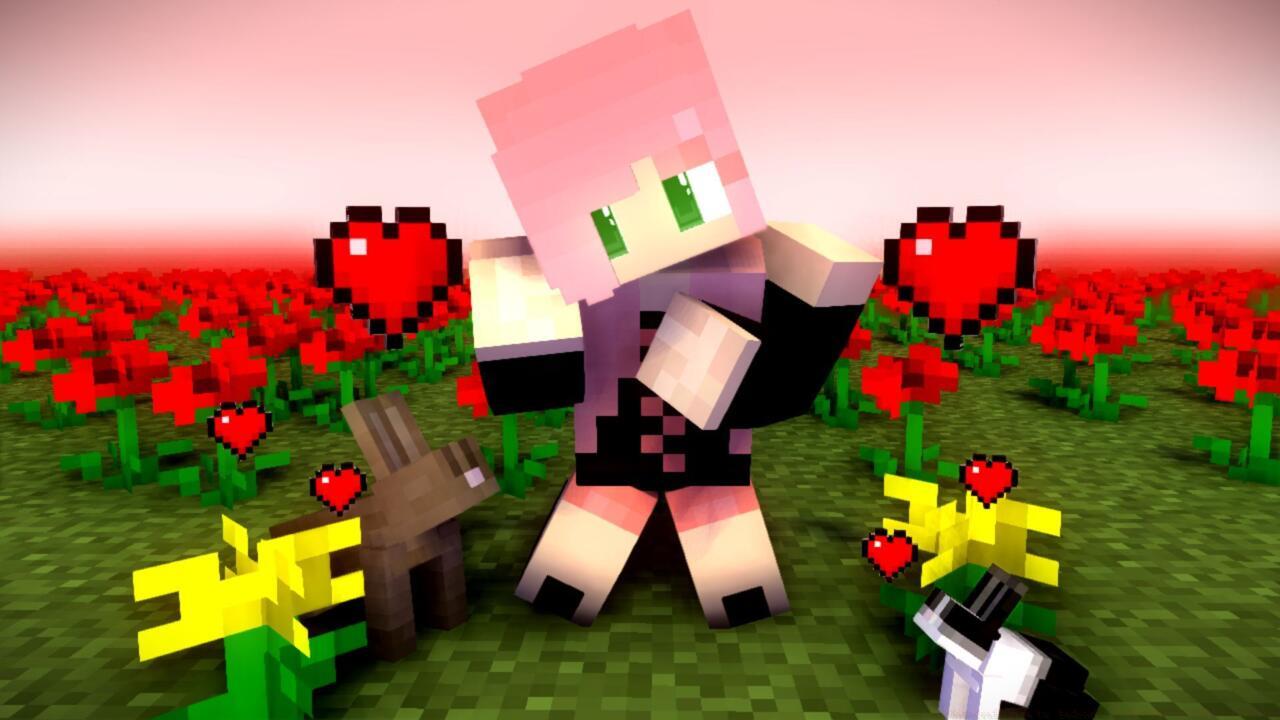
The skin customization system provides complete creative freedom, allowing players to design, upload, and implement personalized character appearances without marketplace restrictions. Advanced users can craft intricate designs using external editing tools, then implement them directly through the game’s accessible interface—a feature particularly valued by content creators and streamers building recognizable personal brands.
Java’s modding ecosystem represents its crown jewel, with community-developed modifications ranging from subtle quality-of-life improvements to complete gameplay overhauls. Popular modpacks like Feed the Beast and Tekkit introduce complex technology trees, magical systems, and adventure content that can multiply playtime by hundreds of hours. Technical players often leverage mods to automate resource gathering, redesign inventory management, or introduce entirely new creature behaviors and environmental mechanics.
.jpg)
Petting a dog in Minecraft
Performance considerations reveal Java Edition’s primary trade-off: while offering superior customization, it typically demands more system resources and optimization tweaks compared to Bedrock. Savvy players often install performance mods like OptiFine to enhance frame rates and visual fidelity, especially when running extensive mod configurations or high-resolution texture packs.
Minecraft Bedrock Edition serves as the unified version for cross-platform play, encompassing Xbox, PlayStation, Nintendo Switch, mobile devices, and Windows 10/11. This universal compatibility enables unprecedented multiplayer access, allowing friends on different hardware platforms to collaborate in shared worlds without version restrictions.
The integrated controller and touch control support make Bedrock exceptionally accessible for console gamers and mobile users. The intuitive interface adapts seamlessly to each platform’s control scheme, reducing the learning curve for players transitioning from other gaming ecosystems or those preferring traditional gamepad input over keyboard and mouse configurations.
Bedrock’s Minecraft Marketplace provides curated content through officially sanctioned add-ons, texture packs, and world templates. Recent collaborations including the Hello Kitty integration and Star Wars expansion demonstrate the platform’s commitment to licensed content, though these come at premium prices compared to Java’s free community mods. Marketplace content undergoes quality verification, ensuring stability but limiting the sheer volume available to Java users.
Family-oriented features position Bedrock as the preferred choice for younger audiences and parental oversight. The integrated Xbox Family Settings and Family Share applications enable granular control over playtime limits, communication permissions, and content accessibility—addressing common concerns about online safety and appropriate gaming exposure for children.
While each edition maintains exclusive characteristics, both Java and Bedrock support Minecraft Realms—the official subscription service providing persistent private servers for up to ten simultaneous players. This shared feature ensures that regardless of version selection, players can maintain persistent worlds accessible to their designated friend groups.
Performance disparities represent a crucial differentiator: Bedrock generally delivers superior optimization and frame rates, especially on lower-end hardware and consoles, while Java offers deeper technical capabilities at the cost of increased system demands. Players should consider their hardware capabilities when selecting between versions, as performance can significantly impact the gaming experience, particularly during intensive activities like redstone engineering or large-scale building projects.
Server compatibility reveals another significant distinction: while both editions support multiplayer servers, Java enables completely customizable private server hosting with mod support, while Bedrock restricts server modifications to approved marketplace content. This limitation affects the creative potential available to Bedrock communities compared to their Java counterparts.
Now that you understand the core differences between Minecraft editions, explore our Complete Guide for comprehensive gaming insights. Technical players should also review our Weapons Unlock strategies, while team-oriented gamers will benefit from our Class Guide for optimal role selection.
Action Checklist
- Assess your primary gaming devices and determine which edition they support
- Evaluate your interest in mods versus official marketplace content
- Consider multiplayer needs: Java for PC-only groups, Bedrock for cross-platform play
- Test performance on your hardware if choosing between Java and Bedrock on PC
- Review family safety requirements if purchasing for younger players
No reproduction without permission:SeeYouSoon Game Club » Minecraft Java Vs. Bedrock – Differences And Which To Play Comprehensive comparison of Minecraft Java vs Bedrock with practical tips for choosing your ideal version