
TL;DR
- Compasses point to world spawn by default but can be redirected using Lodestones for custom waypoints
- Locator Maps created at Cartography Tables reveal player positions and support four zoom levels
- Early mapping prevents losing valuable locations like villages, temples, and rare biomes
- Clocks are essential for underground miners and multiplayer server timing management
- Advanced navigation combines multiple tools for maximum exploration efficiency
Never experience the frustration of being lost again by mastering Minecraft’s essential navigation toolkit.
Note: This guide focuses on the Bedrock version of Minecraft, available on Windows 10, Xbox, PlayStation, Switch, and mobile.
Getting disoriented in Minecraft’s vast worlds remains a common challenge despite significant improvements in terrain generation. Many players mistakenly believe their base lies just beyond the next hill, only to find themselves stranded in unfamiliar biomes as darkness falls. Fortunately, the game provides several specialized tools designed specifically for orientation and location tracking. This comprehensive guide covers all major navigation instruments and their strategic applications.
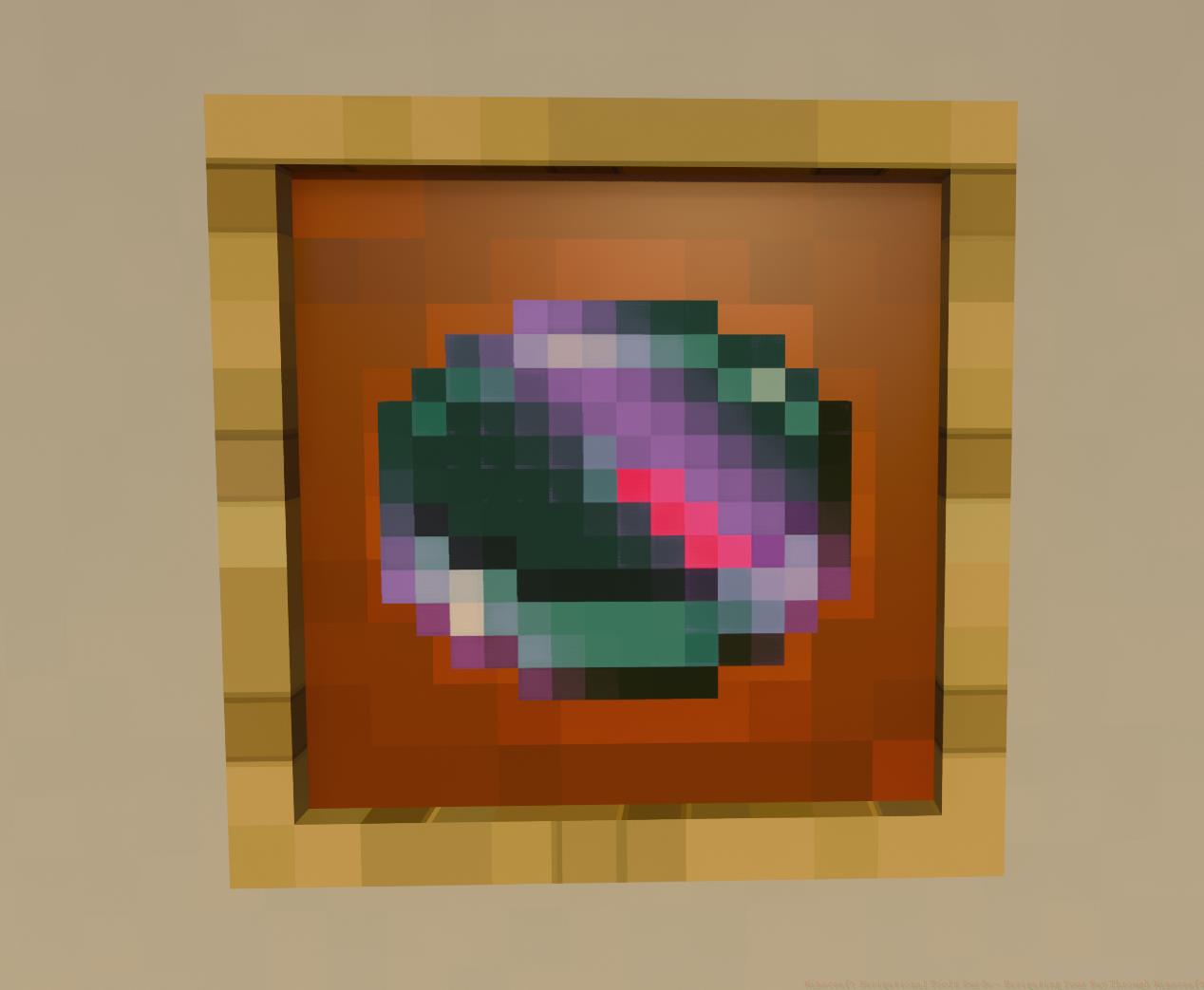
Crafting a compass becomes straightforward once you acquire either a stone or iron pickaxe. This instrument proves absolutely vital for returning to your world’s original spawn location, especially during early gameplay when establishing your initial base. For enhanced functionality, advanced players can construct Lodestones and pair them with compasses to create customized navigation points.
A common mistake involves assuming compasses point toward beds or current spawn points—they consistently direct you to the world’s original spawn coordinates. Strategic placement of Lodestones near important locations like nether portals, village trading halls, or ocean monuments transforms the compass into a versatile wayfinding tool. The Lodestone compass combination requires one compass and one Lodestone at an anvil, creating a permanently magnetized navigation aid.
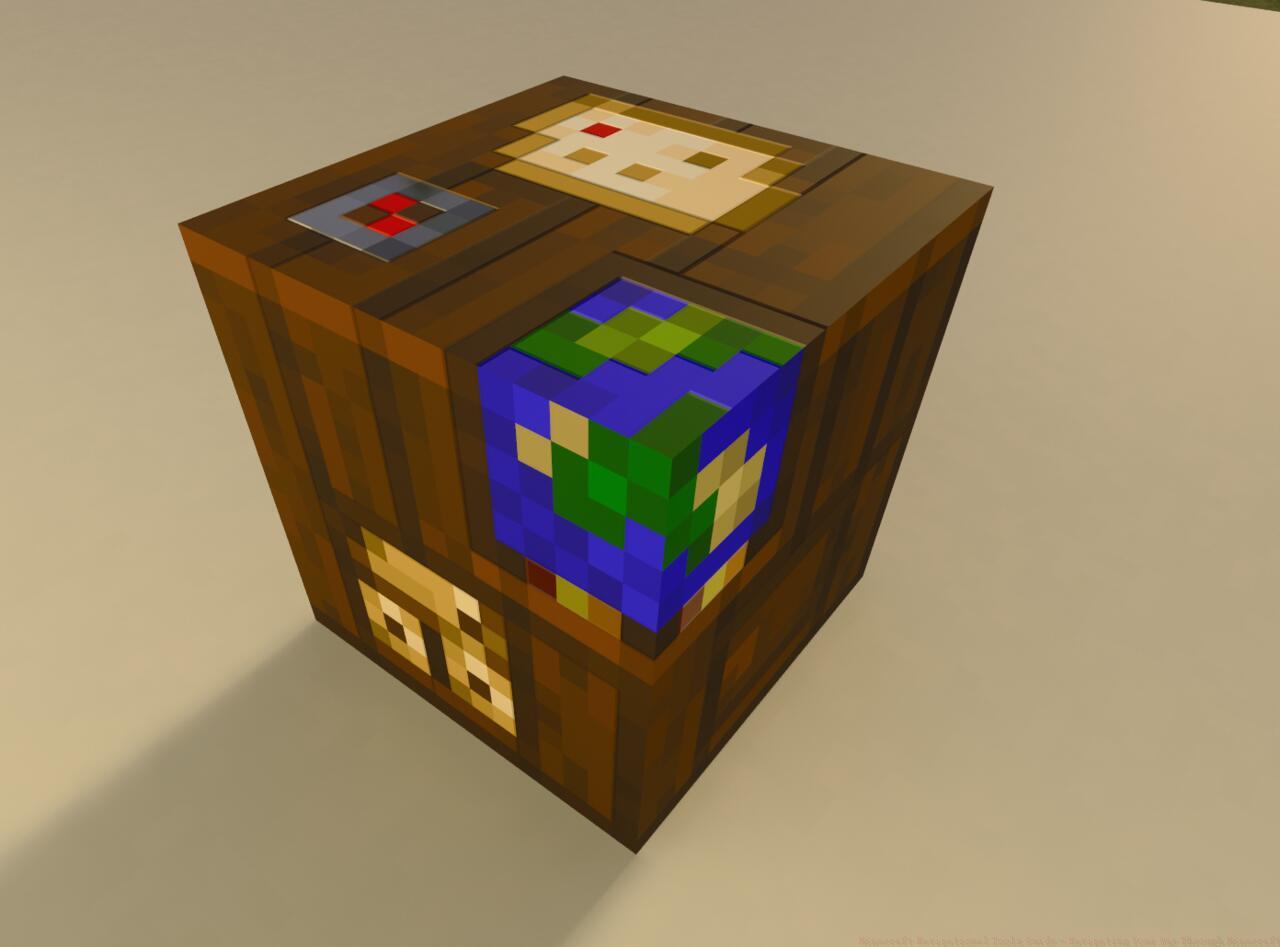
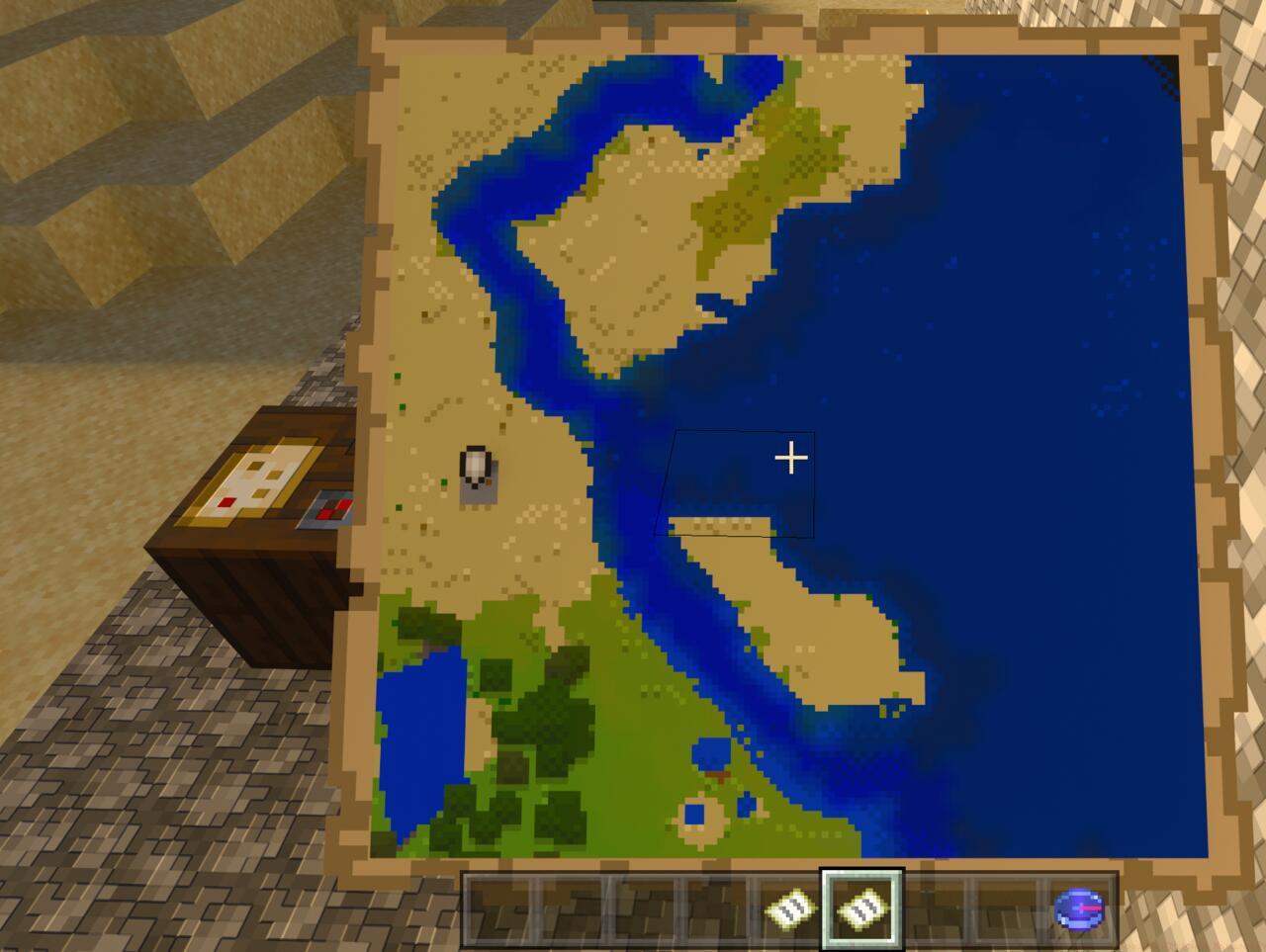
Begin your cartography efforts early rather than delaying. Minecraft’s expansive worlds contain breathtaking landscapes, villages brimming with valuable resources, fortresses housing rare artifacts, and numerous other discoveries worth revisiting. Initiating map creation during initial exploration ensures you can reliably return to that magnificent mesa biome or dense jungle you discovered after extensive searching.
While standard maps provide basic functionality, combining paper with a compass at a cartography table produces a Locator Map that displays your real-time position. Each combination with blank paper increases the zoom level—four distinct magnification settings are available. These maps can be transformed into decorative art pieces by mounting them in item frames, providing an aerial perspective of your architectural achievements.
Advanced mapping strategy involves creating a network of connected maps at different zoom levels. Start with a maximum zoom map for detailed local navigation, then produce progressively zoomed-out versions for regional orientation. This layered approach prevents the common frustration of filled maps that can’t be expanded, a typical beginner error. For maximum efficiency, always carry empty maps when exploring new territories and activate them upon discovering significant locations.
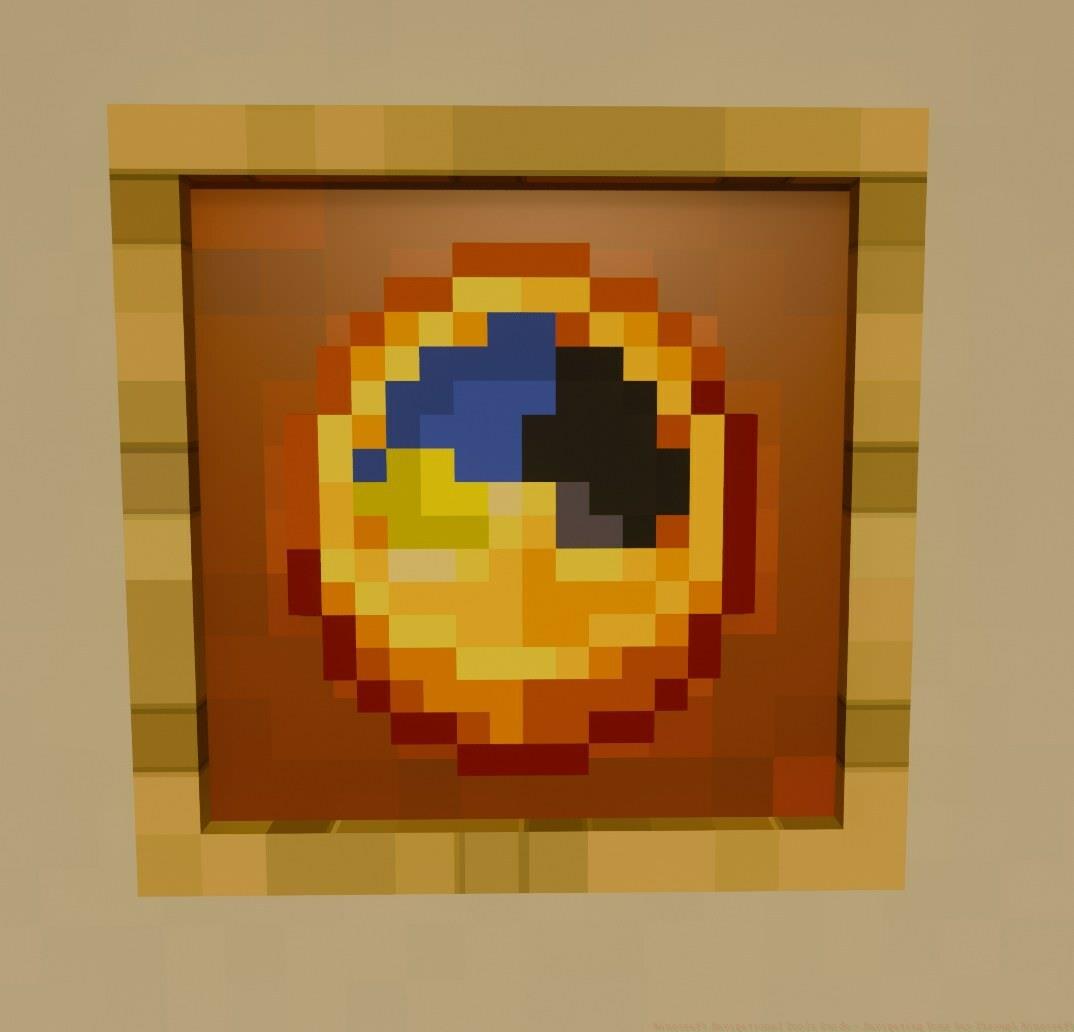
Although frequently overlooked, the clock serves specific strategic purposes within Minecraft. During extended mining sessions, particularly on multiplayer realms or survival servers, monitoring daylight cycles informs optimal timing for deploying portable bedding and restoring health through sleep.
Advanced timing applications include coordinating village raids to commence at dawn, ensuring maximum visibility during combat. Underground explorers benefit significantly from clocks by anticipating nighttime mob spawns and planning surface returns accordingly. The clock’s redstone component requirement (four gold ingots and one redstone dust) makes it a mid-game item worth planning for during resource gathering expeditions.
A pro tip for efficient clock usage: combine it with a compass in your hotbar for comprehensive orientation. This dual-tool approach provides both temporal and spatial awareness, crucial for complex navigation challenges. In multiplayer scenarios, clocks help coordinate group activities across different time zones by providing a standardized reference point.
Action Checklist
- Craft basic compass using 4 iron ingots and 1 redstone dust
- Establish Cartography Table for advanced map creation (2 paper + 4 wood planks)
- Create Locator Map by combining compass with paper at cartography table
- Develop multi-zoom mapping system with four zoom levels
- Construct Lodestone for custom waypoints (chiseled stone bricks + netherite ingot)
- Craft clock for underground and multiplayer timing (4 gold ingots + 1 redstone)
No reproduction without permission:SeeYouSoon Game Club » Minecraft Navigational Tools Guide – Navigating Your Way Through Minecraft Master Minecraft navigation with essential tools, advanced mapping strategies, and expert survival techniques