
TL;DR
- Minecraft offers five distinct game modes: Survival, Creative, Hardcore, Adventure, and Spectator
- Survival mode teaches core mechanics through resource gathering and combat
- Hardcore mode provides permanent death with increased difficulty and restrictions
- Creative mode enables unlimited building with no survival mechanics
- Difficulty settings work differently across modes, with Hardcore locking your choice
Minecraft’s gameplay diversity extends far beyond what many players initially discover in Mojang’s survival sandbox. While most recognize the classic Survival and Creative modes, the vanilla game actually includes five distinct gameplay experiences, each designed for different player objectives and skill levels.
When considering Minecraft’s available modes, your mind likely jumps to the resource-intensive Survival experience or the unlimited building potential of Creative. However, the complete roster encompasses modes that barely resemble traditional survival gameplay, with countless additional variations made possible through Minecraft’s extensive modding community. Understanding each mode’s unique mechanics helps you select the perfect experience for your playstyle.
Minecraft’s foundational gameplay resides in Survival mode, where you must gather materials, craft essential items, and construct shelters while managing health and hunger. This mode presents significant challenges for newcomers but serves as the most effective way to master core game mechanics through necessity-driven learning.
Your journey begins at a randomly selected spawn location during daylight hours, providing approximately 10-15 minutes of safe exploration time before hostile mobs emerge. Use this critical window to gather wood, stone, and food while scouting for an optimal base location. Many beginners underestimate the importance of establishing a sustainable food source early, leading to preventable starvation deaths.
Progression follows a natural technological tree: start with basic tools, advance to iron equipment within the first few gameplay hours, then construct a Nether portal to acquire Blaze Rods from fortress structures. These items become essential for accessing The End dimension, where confronting the Ender Dragon represents the game’s primary narrative conclusion. However, with numerous biomes to discover and endless building possibilities, Survival mode offers virtually limitless replay value beyond the main storyline.
.jpg)
Death remains a constant threat in Survival mode, requiring strategic planning and risk management
Advanced Survival Tips: Experienced players recommend establishing multiple smaller bases rather than one central location, creating emergency stashes of essential supplies, and utilizing villagers for renewable resource trading. Common mistakes include exploring caves without adequate torches, mining directly downward, and neglecting to create backup armor sets.
Hardcore mode intensifies Survival’s core mechanics with permanent death consequences and elevated difficulty. When your character dies in this mode, the world becomes inaccessible unless you’re playing multiplayer with surviving friends, allowing spectator mode observation only. Crucially, all participants in a Hardcore world must operate under identical restrictions—mixed mode configurations between Survival and Hardcore remain impossible.
Once activated, Hardcore mode locks your difficulty setting permanently while disabling cheat commands and bonus chest options automatically. Enemy mobs inflict significantly increased damage compared to standard Survival, requiring meticulous combat planning and avoidance strategies. The implementation timeline differs substantially between Minecraft versions: Java edition included Hardcore during its beta phase, while Bedrock players waited until September 2024 for official support.
.jpg)
Hostile creatures present extreme danger in Hardcore mode, often eliminating unprepared players within minutes
Hardcore Survival Strategies: Successful Hardcore players prioritize enchantment tables for gear protection, establish secure farming operations before risky expeditions, and utilize shields as primary defensive tools. The most frequent causes of permanent world loss include fall damage, lava encounters, and creeper explosions near unprotected bases.
Creative mode represents the polar opposite of Hardcore’s punishing gameplay, removing survival mechanics entirely while providing infinite resources and flight capability. Without hunger management, health deterioration, or environmental damage concerns, this mode excels for ambitious construction projects and architectural experimentation.
.jpg)
Enemy creatures remain visually present but pose no threat in Creative mode, allowing uninterrupted focus on building mechanics
The Creative inventory includes every block and item available in Minecraft, organized into categorized tabs for efficient access. While ideal for constructing elaborate castles, complex redstone contraptions, or detailed replicas of real-world structures, Creative mode does impose certain limitations: achievements remain disabled, and the game’s progression systems become irrelevant.
Creative Building Techniques: Professional builders recommend utilizing structure blocks for saving and loading templates, experimenting with lesser-used blocks for unique textures, and planning large-scale projects using grid paper or digital design tools beforehand. Understanding block physics and property interactions becomes crucial when designing complex structures that would be impossible in Survival mode.
Adventure mode restricts block interaction to tool-appropriate contexts, making it ideal for custom maps, puzzle experiences, and narrative-driven adventures created by the community. This mode prevents players from breaking blocks with empty hands or inappropriate tools, preserving carefully designed environments.
.jpg)
Spectator mode completely removes physical interaction capabilities while granting unrestricted movement through blocks
Spectator mode enables players to observe worlds without collision detection, pass through solid materials, and assume the perspectives of other entities. This proves invaluable for content creators documenting gameplay, administrators monitoring multiplayer servers, or players analyzing complex redstone mechanisms from interior viewpoints.
Practical Applications: Map creators utilize Adventure mode to craft guided experiences with specific progression requirements, while Spectator mode serves educational purposes for understanding game mechanics and architectural design principles.
Minecraft’s difficulty settings—Peaceful, Easy, Normal, and Hard—interact uniquely with each game mode, significantly altering gameplay intensity. While Survival mode allows difficulty adjustment at any time, Hardcore permanently locks your selection, adding strategic importance to this initial decision.
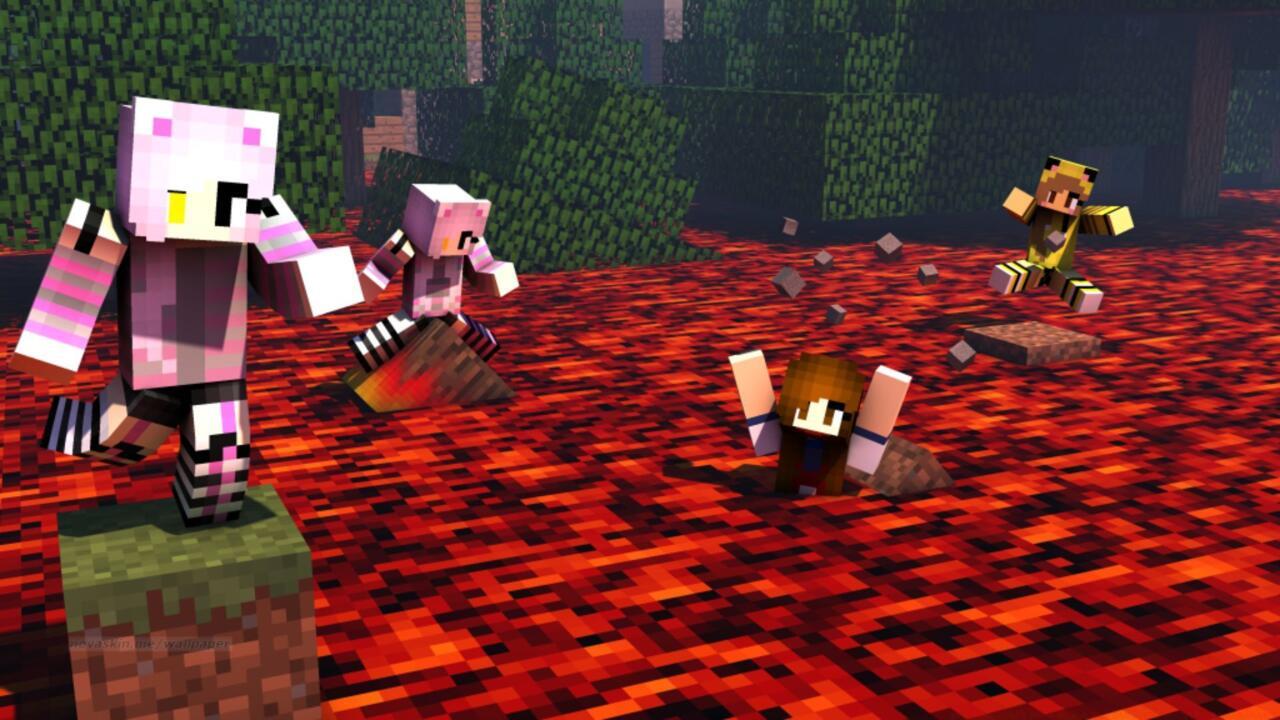
Different game modes enable customized gameplay experiences tailored to specific player preferences
Peaceful difficulty eliminates hostile mob spawns entirely while providing automatic health regeneration, effectively creating a stress-free environment for learning basic mechanics or focusing exclusively on construction projects.
Difficulty Strategy Guide: New players should begin on Easy difficulty to acclimate to core systems, while experienced Survival mode enthusiasts typically prefer Normal for balanced challenge. Hard difficulty introduces additional mechanics like villagers turning to zombies and spiders inflicting status effects, while Hardcore mode’s inherent difficulty amplification makes even Normal setting significantly more dangerous than standard Survival.
Action Checklist
- Start with Survival mode on Easy difficulty to learn core mechanics
- Establish secure base with bed, crafting table, and chest within first day
- Practice Creative mode building techniques for future Survival projects
- Attempt Hardcore mode only after mastering Survival on Hard difficulty
- Use Spectator mode to analyze complex builds and redstone mechanisms
No reproduction without permission:SeeYouSoon Game Club » All Minecraft Game Modes And Difficulty Settings Explained Master Minecraft's 5 game modes with expert strategies, common pitfalls, and optimization tips for all skill levels