
TL;DR
- RAM allocation significantly boosts Minecraft Java performance for modded gameplay and large worlds
- Optimal allocation ranges from 3-5GB for vanilla to 5-7GB+ for heavily modded installations
- Use F3 overlay to monitor current memory usage and identify optimization opportunities
- Proper configuration prevents system slowdown while maximizing gaming experience
- Regular monitoring and adjustment ensures ongoing optimal performance
Resolve performance bottlenecks and stuttering with strategic memory management techniques.
For dedicated Minecraft Java Edition players who have constructed extensive bases, implemented numerous modifications, or participate in crowded multiplayer servers, RAM allocation becomes critical. These scenarios frequently cause performance degradation, particularly during world exploration when new terrain generation demands substantial system resources. Understanding how to properly allocate additional RAM to Minecraft Java Edition provides the solution to these frustrating slowdown issues.
It’s essential to recognize that due to fundamental architectural differences between Minecraft editions, this optimization exclusively applies to the Java version. The Bedrock Edition operates on a completely different memory management system where manual RAM allocation isn’t possible or necessary.
- Enhanced gaming performance through strategic RAM allocation
- Monitoring techniques for current memory utilization
- Step-by-step configuration process for optimal performance
Strategic RAM allocation dramatically enhances Minecraft’s operational efficiency, particularly when utilizing modpacks or engaging in large-scale multiplayer sessions. As your virtual world expands in complexity and scale, your computer requires increased memory resources to maintain smooth rendering and responsive gameplay. However, improper allocation can negatively impact overall system performance, as your operating system must retain sufficient memory reserves to simultaneously operate background applications and system processes.
The ideal memory allocation for seamless Minecraft operation depends heavily on your specific playstyle and total system RAM capacity. For players enjoying the standard vanilla experience without modifications, the performance sweet spot typically ranges between 3GB and 5GB. When incorporating mods, the requirements increase substantially to approximately 5GB-7GB, with the exact amount varying based on the quantity and complexity of installed modifications. Each additional mod consumes incremental memory resources, necessitating careful calculation of your total needs.
Advanced Consideration: Beyond basic allocation, experienced players should consider memory timing and garbage collection optimization. The Java Virtual Machine’s garbage collection process can cause noticeable stuttering when allocated RAM approaches maximum capacity. For systems with 16GB total RAM, allocating 8GB to Minecraft represents the practical maximum, while 32GB systems can safely dedicate 10-12GB for extremely mod-intensive setups.
Common allocation mistakes include assigning excessive RAM (which can degrade performance due to extended garbage collection cycles) or insufficient allocation (causing frequent lag spikes during chunk loading). Monitoring tools like VisualVM or JVisualizer provide deeper insights into memory usage patterns for advanced optimization.
Your gaming experience can achieve significantly smoother performance through appropriate RAM allocation strategies.
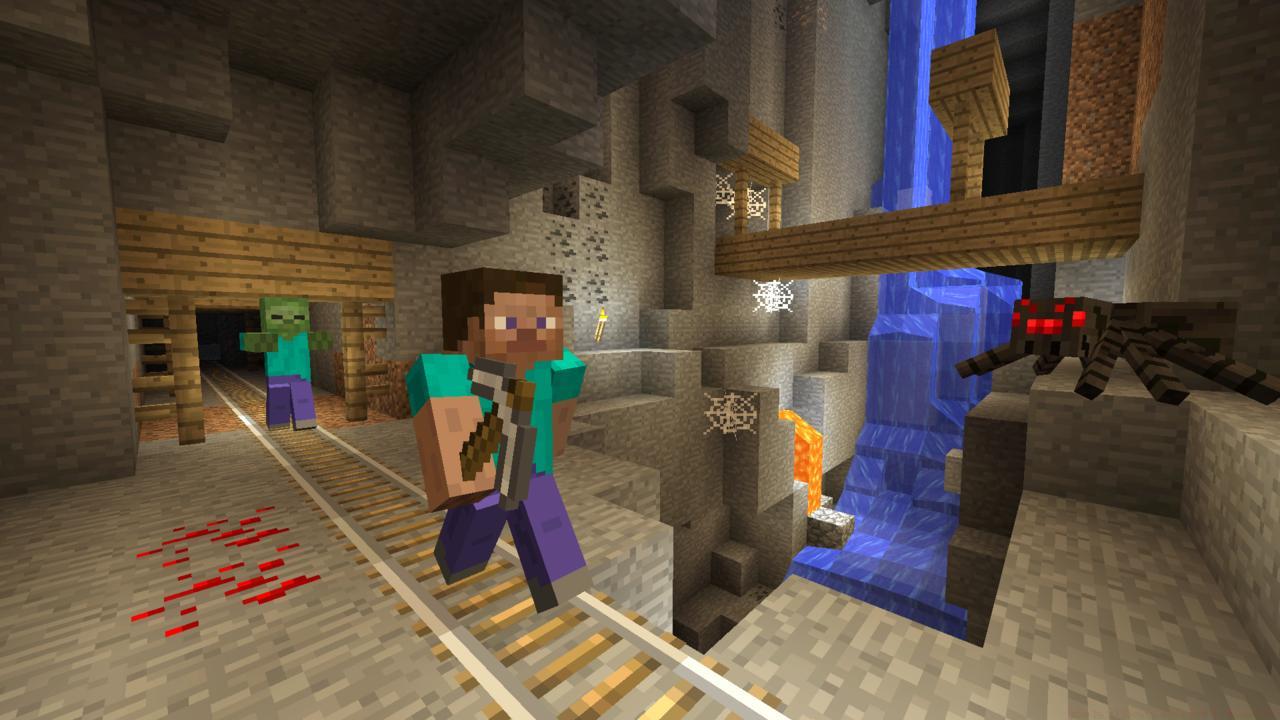
Strategic RAM allocation enables smoother terrain generation and reduced stuttering during exploration.
During active gameplay, press the F3 function key to activate the diagnostic overlay, which displays comprehensive system information including your precise Minecraft coordinates. In the upper right corner, locate the “Mem:” section displaying current memory statistics. For optimal performance, the percentage value following this label should consistently vary between 20% and 40% utilization. The numerical value adjacent to the percentage indicates the total RAM currently allocated to Minecraft.
Pro Tip: If memory usage consistently exceeds 90%, you need additional allocation. Conversely, if usage remains below 20%, you may be wasting system resources that could benefit other applications. Regular monitoring helps identify memory leaks in problematic mods.
Begin by launching the Minecraft Launcher and navigating to “Installations.” Select your preferred game version profile and click “More Options.” Locate the “JVM Arguments” field where you’ll modify the -Xmx parameter. This parameter controls maximum heap size allocation. Replace the existing value with your desired allocation, ensuring you maintain the correct format (e.g., -Xmx4G for 4GB allocation).
Configuration Example: For a modded gameplay session requiring 6GB RAM, modify the argument to: -Xmx6G
After implementing changes, launch the game and immediately verify your new allocation using the F3 overlay. If performance issues persist despite adequate allocation, investigate potential mod conflicts or consider implementing performance-enhancing mods like OptiFine. For comprehensive gaming optimization strategies, consult our Complete Guide to system configuration.
Troubleshooting Common Issues: If Minecraft fails to launch after RAM adjustment, verify the syntax of your JVM arguments. Common errors include missing the “G” suffix for gigabyte specification or incorrect dash placement. Always test incremental increases rather than dramatic jumps in allocation.
Remember that proper RAM management extends beyond Minecraft configuration. Ensure your system has adequate virtual memory allocation and consider closing memory-intensive applications before gaming sessions. For weapon-specific performance considerations in other games, explore our Weapons Unlock guide for complementary optimization techniques.
Action Checklist
- Check current RAM allocation using F3 overlay during gameplay
- Determine optimal allocation based on gameplay style (vanilla vs modded)
- Modify JVM arguments in Minecraft Launcher with correct -Xmx syntax
- Verify new allocation and monitor performance metrics
- Adjust allocation based on ongoing performance observation and mod additions
No reproduction without permission:SeeYouSoon Game Club » How To Allocate More RAM To Minecraft Optimize Minecraft Java performance with proper RAM allocation techniques and troubleshooting strategies