
Master RoadCraft mod installation with PROS account setup, troubleshooting tips, and advanced content management strategies
Understanding RoadCraft’s Modding Ecosystem
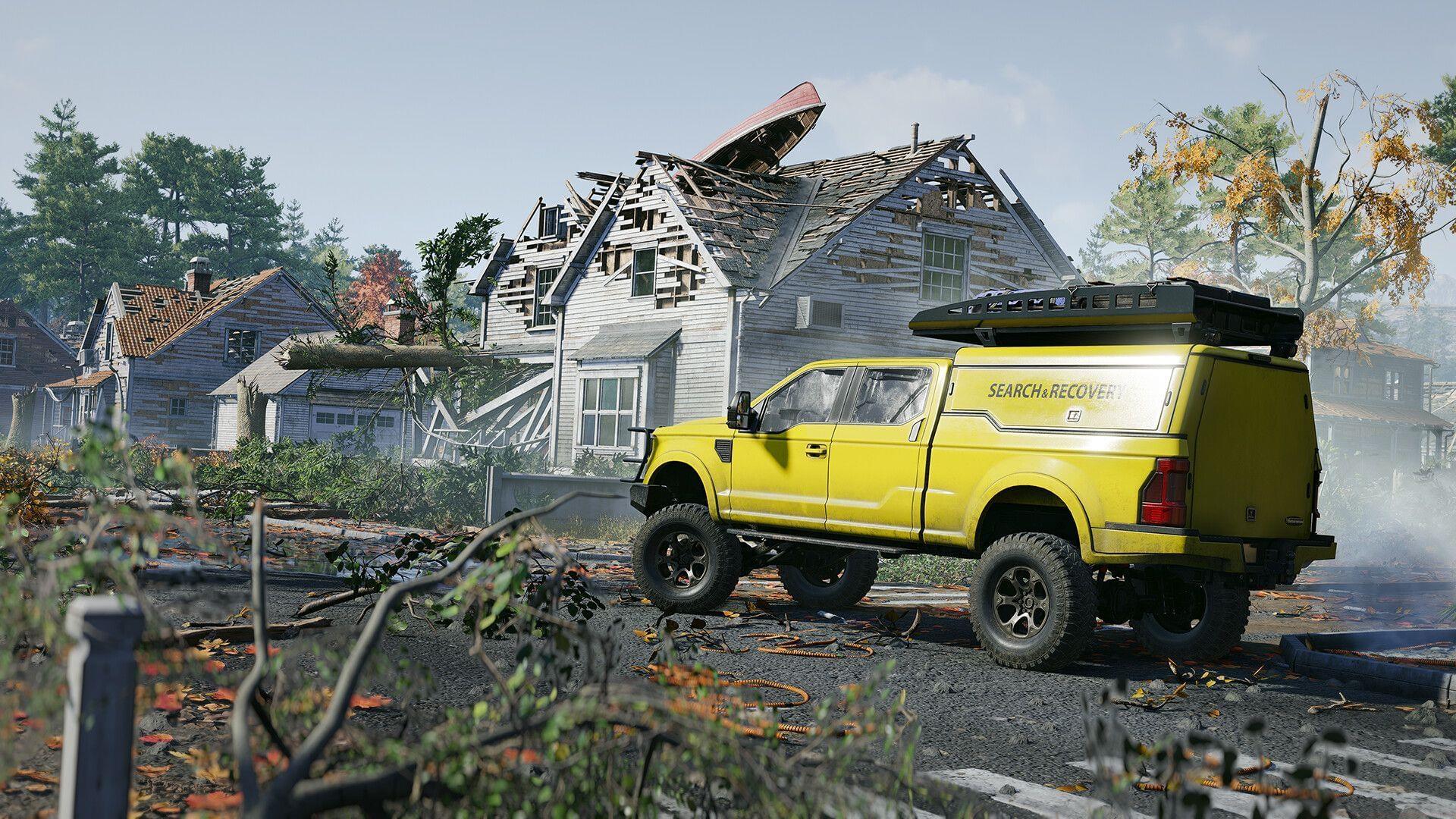
Community-created modifications serve as the essential lifeblood for sandbox gaming experiences, with RoadCraft embracing this tradition wholeheartedly. Saber Interactive’s innovative driving and construction simulation title has rapidly cultivated an enthusiastic player community seeking to expand their gameplay possibilities. When you’ve exhausted the built-in content offerings, the integrated mod support system provides endless opportunities to revitalize your gaming sessions with fresh mechanics and content.
The PROS platform forms the foundation of RoadCraft’s modification infrastructure, requiring user registration before accessing any community creations. This centralized system ensures mod quality control and simplifies the installation process across all supported platforms.
PROS Account Creation Process
Gaining access to RoadCraft’s modification library necessitates establishing a PROS account through these straightforward steps:
- Launch the Mod Browser interface directly from RoadCraft’s main menu or navigate to the official PROS web portal through your preferred browser
- Select the Sign In option positioned in the upper-right corner of the interface
- If you lack existing credentials, transition to the Sign Up section to initiate registration
- Choose your preferred authentication method from Email registration, Google Account integration, or Discord connectivity
Following successful account creation, you must establish the connection between your PROS profile and RoadCraft through the in-game Mod Browser interface. This linkage enables seamless mod synchronization and management directly within your gaming environment.
Pro Tip: When selecting registration methods, consider using platform accounts (Google/Discord) for simplified future access across multiple devices and gaming sessions.
Mod Installation Step-by-Step
After successfully linking your PROS account with RoadCraft, proceed with these mod acquisition steps:
- Return to the game interface and access the Mod Browser feature from the main navigation
- Explore the available modification catalog using category filters, popularity sorting, or search functionality to identify content matching your interests
- Activate the Subscribe button associated with your chosen modification to initiate automatic download and installation
- Manage your installed modifications through the Mod Browser’s management panel, where you can enable, disable, or remove content as needed
The current modification library encompasses diverse content types including custom vehicle designs, expanded map environments, additional mission scenarios, and gameplay mechanic adjustments. As RoadCraft remains in its early post-launch phase, the available modification selection continues to expand daily through community contributions.
Common Pitfall: Avoid subscribing to multiple large mods simultaneously, as this may impact game performance until you determine your system’s capacity limits.
Advanced Mod Management Strategies
Mastering modification management extends beyond basic installation to ensure optimal gameplay experience. Implement these professional strategies for enhanced mod utilization:
Performance Optimization: Monitor frame rate impacts when activating multiple modifications simultaneously. Begin with 2-3 mods and gradually introduce additional content while testing stability. Vehicle and texture mods typically consume more resources than gameplay adjustment mods.
Content Compatibility: Some modifications may conflict when used together, particularly those affecting similar game systems. When experiencing crashes or unusual behavior, disable recently added mods individually to identify compatibility issues.
Update Management: Regularly check the Mod Browser for modification updates, as creators frequently release patches and improvements. Updated mods often resolve bugs and enhance performance.
Community Engagement: Participate in RoadCraft modding communities to discover highly-rated content and receive installation assistance. Early adoption positions you to influence developing mod trends and request specific content types from creators.
The modification implementation process becomes remarkably straightforward once your PROS account configuration is complete. While the initial modification library may appear limited at launch, community content expands exponentially as more players contribute creations. If you seek to extend your RoadCraft experience with innovative content and mechanics, diving into the modding ecosystem delivers exceptional value and replayability.
No reproduction without permission:SeeYouSoon Game Club » RoadCraft: How to download mods Master RoadCraft mod installation with PROS account setup, troubleshooting tips, and advanced content management strategies