
Complete guide to resetting your PvE account in Escape From Tarkov 1.0 with strategic insights
Understanding the Tarkov 1.0 Account Reset System
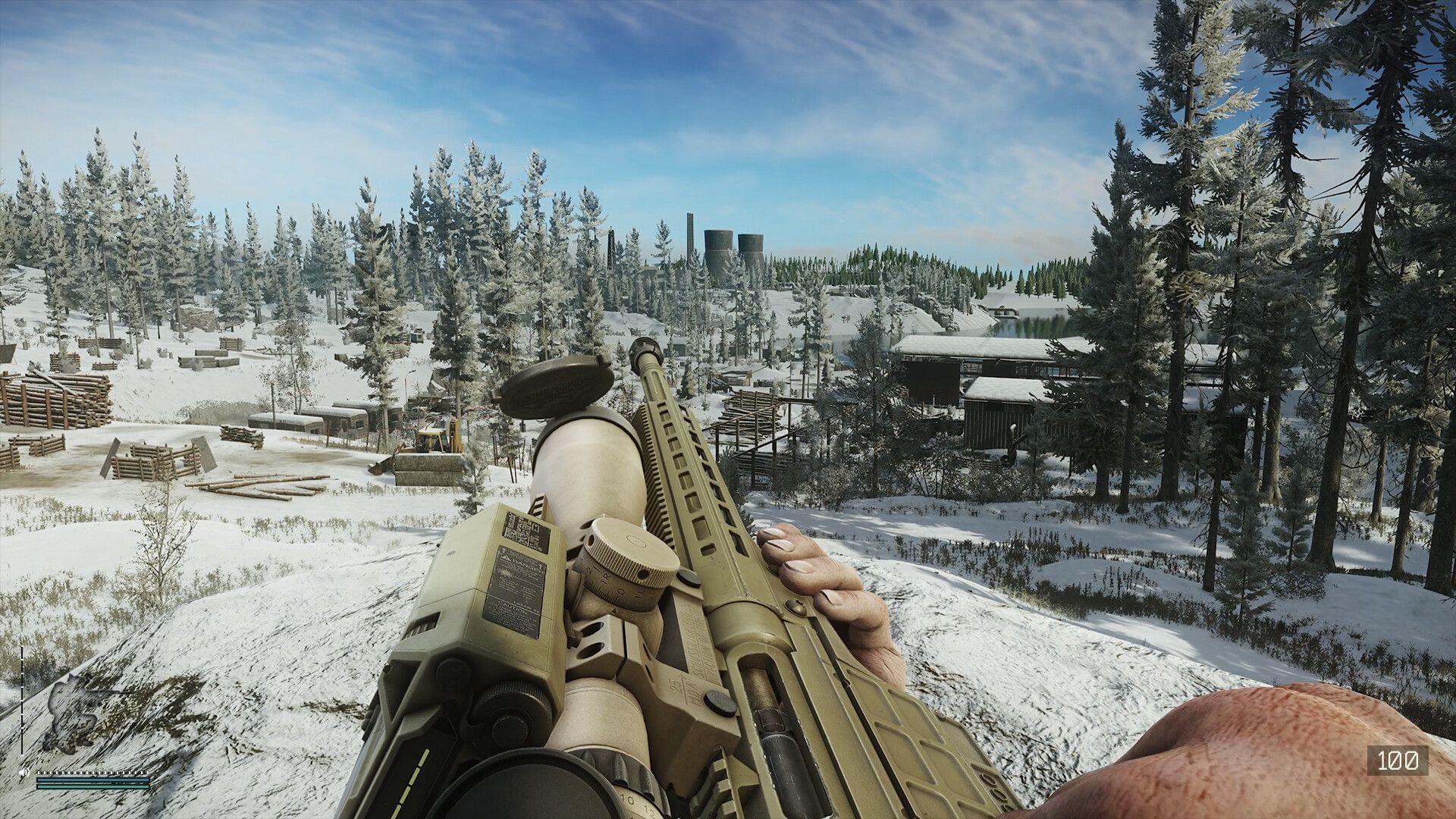
Escape From Tarkov’s landmark 1.0 release introduces transformative gameplay mechanics that require careful account management decisions. Unlike the mandatory PvP account wipe that occurs automatically with the update, your PvE progression reset remains entirely optional. This design choice reflects the developers’ understanding that players invest significant time into their single-player experiences.
The introduction of non-linear story campaign content represents one of Tarkov’s most substantial updates, fundamentally changing how narrative progression works. This new mode requires a clean slate to properly implement its branching storylines and persistent world changes. Without resetting, you’ll be locked out of experiencing these narrative innovations while your friends explore the fresh content.
Master the basics – 5 essential survival strategies for Tarkov beginners
Strategic Considerations Before Wiping Your Account
Making an informed reset decision requires understanding exactly what changes and what remains untouched. The game preserves your BattlePass advancement, Armory development progress, and Customs Tactical Map completion regardless of character reset. These systems represent long-term investments that Battlestate Games rightly protects from wipes.
Your social infrastructure also remains intact – friends lists persist, chat histories save, and Weapon Task milestones lock in. Achievements earned through significant effort stay permanently recorded to your profile. However, prepare to sacrifice these progression elements completely:
- Hard-earned character competencies and specialized weapon handling skills
- Entire stash contents including currency, rare coins, and achievement medals
- Trader relationship levels and accumulated reputation bonuses
- Active daily and weekly mission progress at reset time
- Partially completed achievement tracking percentages
- Comprehensive profile performance statistics and metrics
- Purchased cosmetic tactical outfit collections
- Outstanding PvE tasks accepted from the Ref character
- Equipment storage containers (excluding special Ref’s Drop crates)
Expand your knowledge – Complete guide to Belka and Strelka Tarkov missions and rewards
Step-by-Step Reset Process Explained
Executing a PvE account reset follows a straightforward but irreversible in-game procedure. Navigate to your character management screen where you’ll find the reset option clearly marked. The system provides multiple confirmation prompts to prevent accidental wipes – pay close attention to these warnings as the action cannot be undone once completed.
Post-reset recovery strategies should begin immediately. Focus first on rebuilding your trader relationships through quick, profitable tasks. The initial hours after resetting represent your most vulnerable period – prioritize securing reliable weapons and basic medical supplies. Many experienced players prepare “starter kits” on alternate accounts or coordinate with friends to quickly re-equip.
Your first sessions should concentrate on re-establishing your financial foundation. Focus on high-profit, low-risk loot runs to rebuild your ruble reserves. The early game economy differs significantly from late-game play – adapt your strategies accordingly rather than attempting your previous high-end loadouts immediately.
Advanced Tactics for Experienced Players
Veteran Tarkov operators can optimize their reset timing around specific gameplay cycles. Schedule your wipe for immediately after completing weekly tasks to maximize preserved progress. Consider your current gear and resource status – burning through high-value items before resetting converts them into temporary advantage rather than total loss.
Avoid these common reset mistakes: wiping during active trader tasks, forgetting to use stored high-value items, and neglecting to coordinate with your regular squad. Many players unnecessarily delay resets fearing progression loss, missing crucial early access to new content and mechanics.
Advanced preparation separates successful resets from frustrating ones. Create gear caches with trusted friends, pre-research the new meta builds, and study the updated map changes beforehand. The most skilled players treat resets as opportunities to correct previous build mistakes and optimize their early-game progression paths.
That covers the comprehensive strategic approach to managing your PvE account in Tarkov’s 1.0 era.
Additional expert resources:
- Comprehensive troubleshooting for Escape from Tarkov Error 213 scenarios
- Optimized Escape from Tarkov graphics configuration for competitive performance
- Tarkov mastery: Advanced strategies for max level and trader reputation
No reproduction without permission:SeeYouSoon Game Club » How to wipe PvE account in Escape From Tarkov Complete guide to resetting your PvE account in Escape From Tarkov 1.0 with strategic insights