
Comprehensive troubleshooting guide to fix Escape from Tarkov 103003 error with advanced network optimization strategies
Understanding Error 103003: Server-Side vs Client-Side Issues
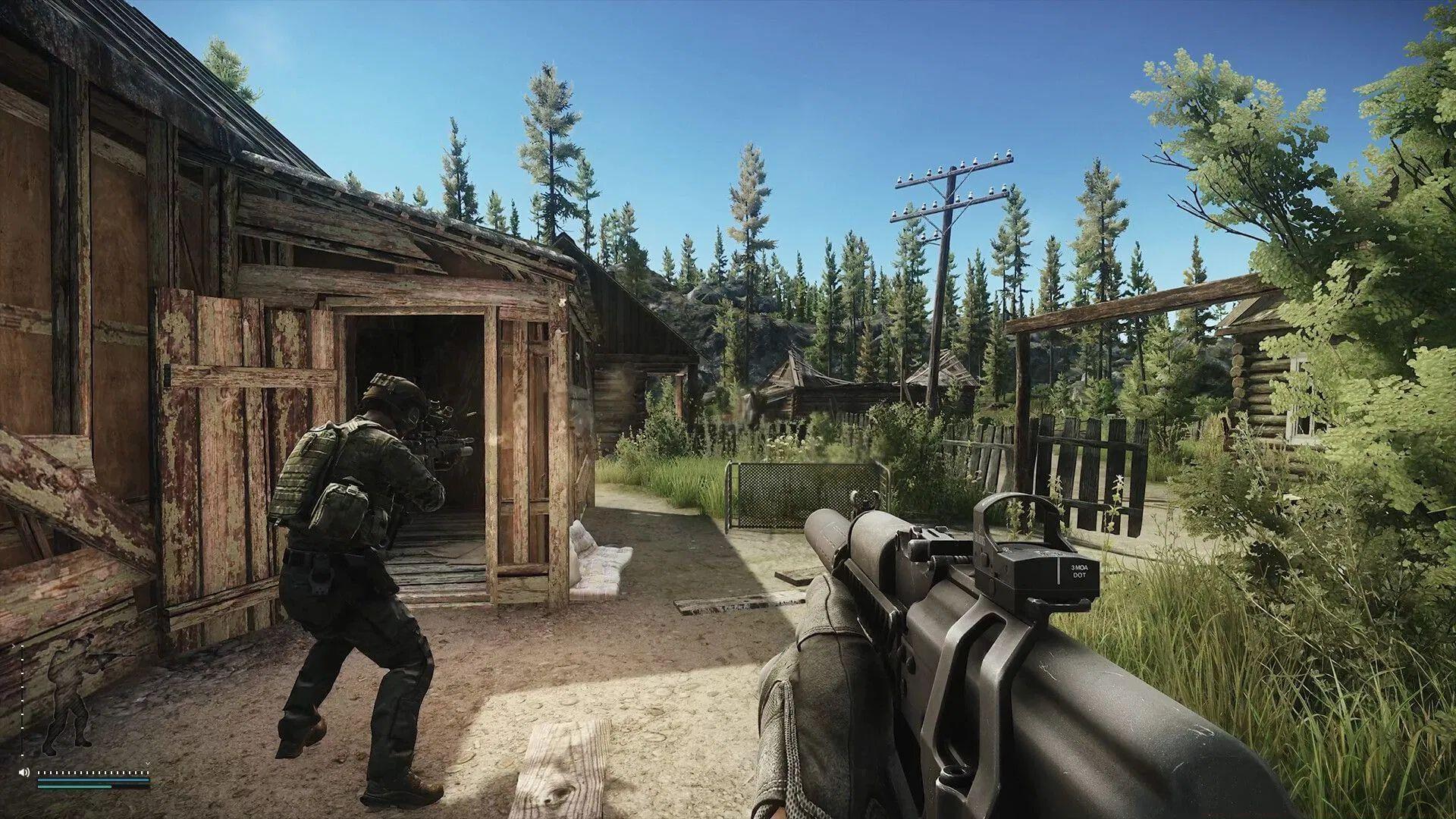
The Escape from Tarkov 103003 error represents a critical “bad gateway” connectivity failure that typically originates from server infrastructure limitations. This network disruption has become increasingly prevalent following EFT’s Steam platform debut, where massive influxes of new players have overwhelmed authentication servers and matchmaking systems.
When server-side infrastructure experiences capacity constraints, your only recourse involves waiting for developer-deployed hotfixes. However, numerous client-side network configurations can mimic these symptoms, requiring systematic diagnostic approaches to isolate the actual failure point before implementing appropriate corrective measures.
Technical analysis – Escape from Tarkov crashing on PC error: Comprehensive diagnostic methodology
Network Infrastructure Solutions
Implement these network optimization techniques to resolve Escape from Tarkov 103003 connectivity problems:
1) Comprehensive Connection Quality Assessment
Since error code 103003 fundamentally represents network communication breakdowns, begin with exhaustive connection diagnostics. Evaluate critical metrics including sustained bandwidth (minimum 5 Mbps upload/download), latency thresholds (under 100ms), packet loss rates (below 2%), and jitter measurements. Utilize specialized gaming network analyzers like PingPlotter to identify intermittent connectivity drops that standard speed tests might miss. If metrics indicate suboptimal performance, immediately escalate to your internet service provider with detailed traceroute data.
Advanced diagnostics – Escape from Tarkov Error 213: Network infrastructure failure patterns
2) Strategic VPN Service Management
Virtual Private Networks frequently introduce routing complications that disrupt game server handshakes. Beyond simple VPN deactivation, consider implementing split-tunneling configurations that exclude Escape from Tarkov executable files from VPN routing. For privacy-conscious players, evaluate gaming-optimized VPN services featuring dedicated gaming servers with proven EFT compatibility, though native connections typically deliver superior reliability for competitive gameplay sessions.
3) Wired Connection Superiority Over Wireless
Competitive multiplayer engagements demand connection stability that wireless technologies cannot consistently provide. WiFi introduces variable latency spikes, signal interference, and random packet discards that devastate real-time gaming performance. Hardwired Ethernet connections eliminate these variables, providing deterministic latency profiles and near-zero packet loss. For temporary setups, consider Powerline Ethernet adapters as superior alternatives to wireless connectivity.
Connection optimization – EFT Error 418: Hardware compatibility and network configuration
Advanced Troubleshooting Methods
When fundamental network adjustments prove insufficient, escalate to these advanced technical solutions:
Game File Integrity Verification
Corrupted or modified game files frequently manifest as network errors despite appearing unrelated. Execute comprehensive verification through Steam (right-click game > Properties > Installed Files > Verify Integrity) or the Battlestate Games launcher. This process identifies and replaces damaged resources that might disrupt authentication sequences or game-server communication protocols.
DNS Configuration Optimization
Suboptimal Domain Name System resolution can introduce critical delays during server connection establishment. Replace default ISP DNS servers with gaming-optimized alternatives like Cloudflare (1.1.1.1) or Google DNS (8.8.8.8). Flush existing DNS caches using administrator command prompt execution of “ipconfig /flushdns” to eliminate corrupted resolution entries.
Firewall and Security Exceptions
p>Overly restrictive security software often misidentifies legitimate game traffic as threats. Create explicit exceptions for Escape from Tarkov executables (both game client and launcher) within Windows Defender and third-party antivirus solutions. For router-level security, temporarily disable SPI firewall functionality to test if deep packet inspection interferes with game protocols.
Proactive Prevention Strategies
Implement these ongoing practices to minimize future 103003 error occurrences:
Connection Quality Monitoring
Continuously track network performance during gameplay using background monitoring tools. Establish baseline performance metrics during stable periods to quickly identify degradation patterns. Regular speed tests and latency checks help anticipate problems before they disrupt gaming sessions.
Update Management Protocol
Maintain current game versions and graphics drivers, as updates frequently include network stack improvements and server compatibility enhancements. Enable automatic updates where possible, but verify patch stability through community feedback before installation during critical gaming periods.
If this technical guide resolved your connectivity issues, explore these additional optimization resources:
No reproduction without permission:SeeYouSoon Game Club » Escape from Tarkov 103003 error: Possible reasons and fixes Comprehensive troubleshooting guide to fix Escape from Tarkov 103003 error with advanced network optimization strategies