
TL;DR
- Downgrade affected furniture one level to resolve duplication issues
- Systematically test alchemy buildings first, then other forge upgrades
- Save before changes and restart game after applying fixes
- Cannot revert to initial ruined state but previous upgrades work
- All acquired upgrades remain permanently available for free reversion
Games and Esports Articles
The Legacy of the Forge DLC expansion for Kingdom Come: Deliverance 2 contains a persistent technical issue affecting numerous players’ gameplay experience. This duplication glitch manifests when forge upgrades unexpectedly replicate themselves, creating visual duplicates that block normal interaction with affected objects and disrupt settlement management mechanics.
While the alchemy laboratory and its crafting table represent the most frequently reported duplication targets, players have documented similar problems occurring with various other settlement improvements. These include personal quarters enhancements and storage facility upgrades that develop identical visual copies, preventing proper functionality.
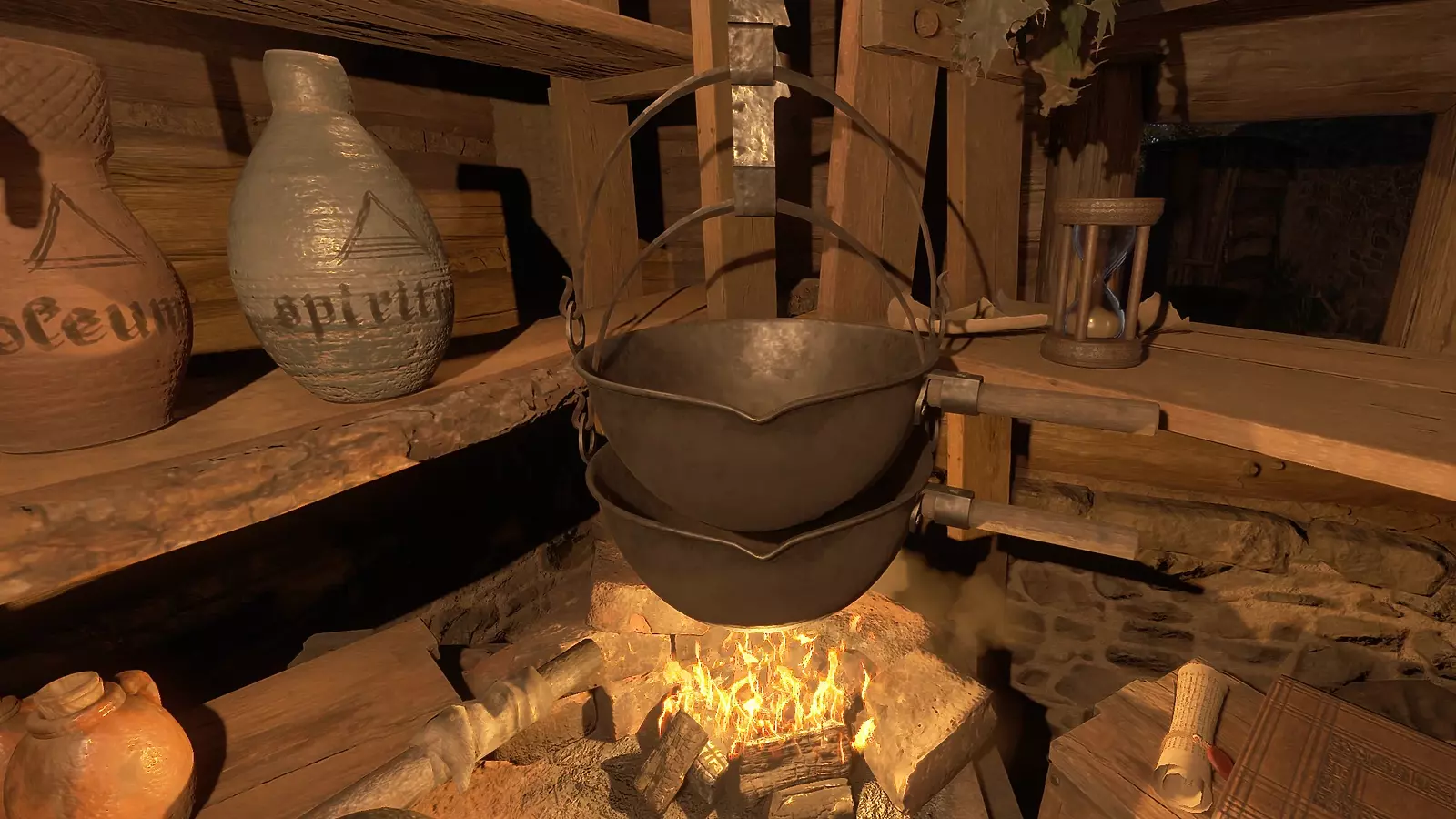
Currently, developers haven’t released an official patch addressing this specific technical problem. The community-tested resolution involves strategically downgrading problematic furniture pieces by one improvement tier. This approach leverages the game’s permanent upgrade retention system, allowing players to restore previous configurations without resource cost penalties.
Although you cannot completely reset buildings to their original ruined condition, selecting the immediately preceding upgrade level frequently resolves the visual duplication according to extensive player testing documentation. This temporary adjustment maintains functionality while eliminating the problematic duplicate rendering.
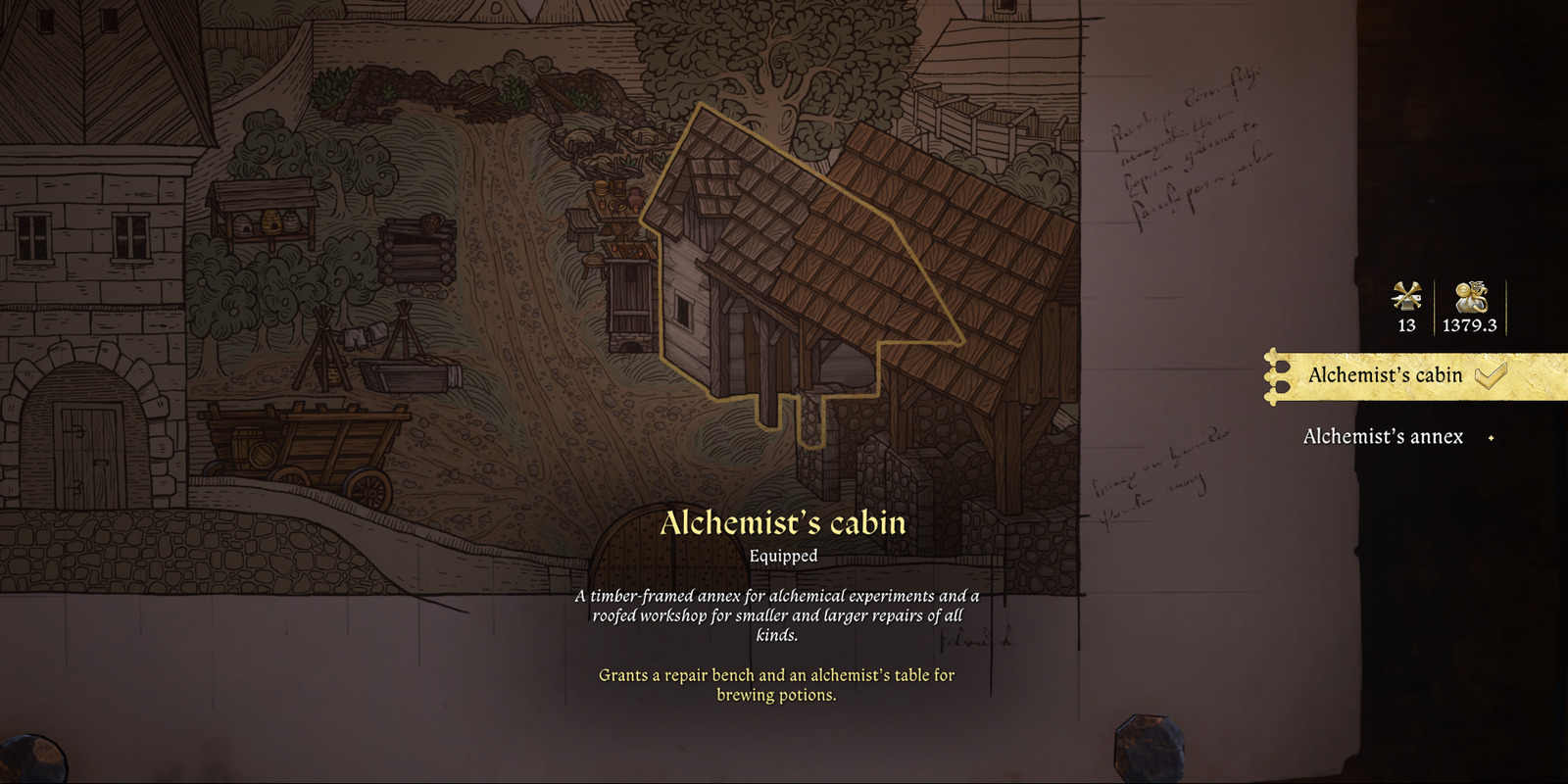
Implement a systematic testing methodology by creating a save point before initiating any modifications. Begin troubleshooting with the alchemy facility structures, then progressively address other potential problem areas within your forge complex. After completing adjustment procedures, completely restart your game session to ensure changes properly initialize in the game engine.
When managing multiple upgraded structures, prioritize addressing the alchemy laboratory first since it demonstrates the highest incidence rate for duplication errors. Document which specific downgrades resolve your particular instance for future reference and community reporting purposes.
Always maintain recent backup saves before implementing settlement modifications, particularly when working with the forge expansion content. This precaution ensures you can recover if unexpected complications arise during the bug resolution process.
While awaiting an official developer patch, this downgrade methodology provides reliable temporary relief from the duplication glitch. The permanent nature of upgrade acquisitions guarantees you can freely restore preferred configurations once the underlying technical issue receives proper addressing in future game updates.
All reminiscence map locations in patch 1.4 in KCD2. Guide to secret memory yellow flag points
Comprehensive exploration feature documentation
Action Checklist
- Create manual save before attempting any modifications
- Identify all duplicated structures starting with alchemy buildings
- Downgrade each affected item by one improvement level
- Restart game completely to initialize changes properly
- Verify duplication resolution and restore preferred upgrades if desired
No reproduction without permission:SeeYouSoon Game Club » Duplicate bug fix in Legacy of the Forge DLC for KCD2. How to solve Alchemist lab and furniture doubling in forge Complete guide to fixing duplicate item bugs in KCD2's Legacy of the Forge DLC with proven solutions and prevention strategies