
TL;DR
- Only top 10% of players qualify for free Arcana rewards based on Fantasy points
- Server overload during peak hours causes most claiming button failures
- Simple restart and timing adjustments resolve 90% of technical issues
- Two specific Arcanas may have temporary market trading capabilities
- Strategic claiming timing can maximize success rates and minimize frustration
Games and Esports Articles Dota 2
Valve Corporation has officially launched the highly anticipated reward structure for The International 2025 Compendium, marking a significant milestone in Dota 2’s competitive season. However, numerous community members are experiencing technical difficulties when attempting to redeem their selected Arcana cosmetics through the specialized token mechanism. This comprehensive guide will systematically address these problems while providing actionable solutions.
The Arcana distribution system operates on an exclusive eligibility framework where approximately 10% of participants who accumulated sufficient Fantasy points during the tournament qualify for these premium cosmetic items. Understanding this tiered reward structure is crucial for determining your qualification status before attempting the claiming process.
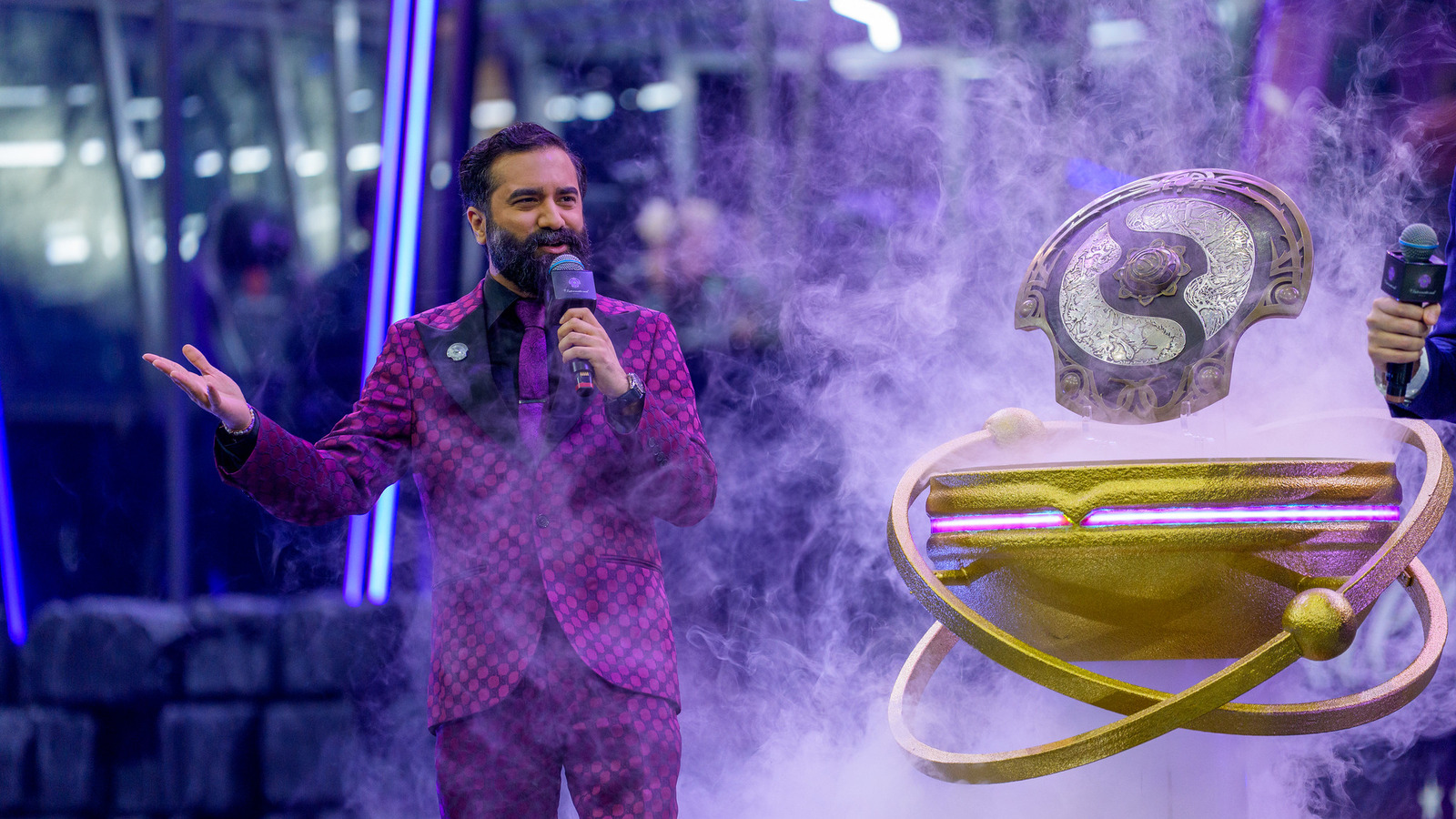
For qualified players meeting the Fantasy point threshold, the Arcana selection interface becomes accessible directly through Dota 2’s primary menu system. The claiming procedure initiates by interacting with the distinctive golden “Claim Rewards” button prominently displayed on the main screen. This action triggers the reward portal where you must specifically identify and select the Arcana token option before proceeding with the “Claim Now” confirmation.
The system subsequently presents a comprehensive catalog of available non-exclusive Arcana cosmetics, automatically filtering out any items already present in your inventory collection. Finalizing your selection requires clicking the “Choose” button adjacent to your preferred Arcana variant. It’s essential to note that this selection is permanent and cannot be reversed once confirmed.
When encountering unresponsive Arcana selection buttons, the most effective initial troubleshooting step involves completely restarting the Dota 2 client application. This connectivity problem predominantly stems from excessive server load on the Dota coordinator infrastructure during high-traffic periods immediately following reward releases.
The technical instability typically resolves spontaneously as player distribution of rewards progresses and server congestion decreases. For persistent issues, attempting the claiming process during off-peak hours (typically 2-6 AM local time) significantly improves success rates. Additionally, verifying your internet connection stability and ensuring game file integrity through Steam’s validation tools can address underlying technical complications.
Advanced troubleshooting involves monitoring the Dota 2 server status page for real-time coordinator health indicators. Players experiencing repeated failures should wait 24-48 hours before reattempting, as this allows Valve’s engineering team to implement backend optimizations and load-balancing improvements.
A specialized technical anomaly currently affects two specific Arcana items, temporarily enabling their transfer and sale capabilities through the Steam Community Market ecosystem. This presents unique economic opportunities for qualified recipients, though the situation remains highly volatile due to potential developer interventions.
For detailed analysis of market-exploitable Arcanas and current tradeability status, consult our dedicated market analysis article. However, maintain awareness that Valve may deploy patches at any moment to rectify this unintended functionality, potentially rendering previously tradeable items permanently locked to accounts.
TI14 Compendium Arcana reward can be sold on market. What TI14 Fantasy Arcanas are tradeable
Action Checklist
- Verify Fantasy point qualification status in player profile
- Restart Dota 2 client if buttons remain unresponsive
- Check Steam server status and wait 24 hours if issues persist
- Research market-tradeable Arcana options before final selection
No reproduction without permission:SeeYouSoon Game Club » Unable to claim TI14 free Arcana. How to fix bug with Arcana Token choose button not working Complete guide to fixing TI14 Arcana token claiming issues and maximizing your Dota 2 rewards