
TL;DR
- Complete Project K requirements including campsite, villagers, and 3-star island rating to unlock Island Designer
- Invest 13,300 Nook Miles for all path types plus waterscaping and cliff construction permits
- Master path rounding, custom designs with transparency, and multi-tier cliff construction
- Avoid common mistakes like blocking fossil spawns and creating inaccessible areas for villagers
- Use fruit-powered tree/rock relocation for efficient terraforming workflow
Transforming your island paradise in Animal Crossing: New Horizons requires mastering the Island Designer app, a powerful tool that becomes available after significant progression. This comprehensive guide covers every step from initial requirements to advanced techniques that will help you create the island of your dreams.
Project K Requirements
Island Designer represents an endgame feature that demands completing Tom Nook’s ambitious Project K initiative. This multi-stage process typically spans two to three weeks of dedicated gameplay and involves several critical milestones:
- Establish and fully upgrade Resident Services from tent to building
- Construct the campsite facility and welcome your first visitor
- Prepare three residential plots with all required furnishings
- Welcome three new villagers to your community (one arriving daily)
- Achieve and maintain a three-star island evaluation from Isabelle
Many players underestimate the time investment for Project K, particularly the island rating component. Strategic placement of furniture, abundant flower planting, and proper tree management significantly accelerate your progress toward the coveted three-star status.
Path Unlocking Strategy
Upon receiving the Island Designer app after reaching three stars, you’ll initially access only basic path options. The full creative potential requires strategic Nook Miles investment:
- Grass (included automatically)
- Dirt path (available at no cost)
- Stone path (2,000 Nook Miles)
- Brick path (2,000 Nook Miles)
- Dark dirt path (2,000 Nook Miles)
- Arched tile path (2,000 Nook Miles)
- Sand path (2,000 Nook Miles)
- Terra-cotta tiles (2,000 Nook Miles)
- Wooden path (2,000 Nook Miles)
- Custom Design path (2,300 Nook Miles – premium option)
Smart unlocking prioritization suggests obtaining the Custom Design path early if you plan extensive custom pathways, as it offers the most design flexibility.
Advanced Permit Acquisition
Beyond path customization, two specialized permits dramatically expand your terraforming capabilities. Each requires 6,000 Nook Miles and becomes available immediately after receiving Island Designer:
The Waterscaping Permit unlocks river and pond creation tools, while the Cliff Construction Permit enables sophisticated elevation changes. Consider your island vision before purchasing – water-focused designs benefit from waterscaping, while dramatic landscapes need cliff construction.
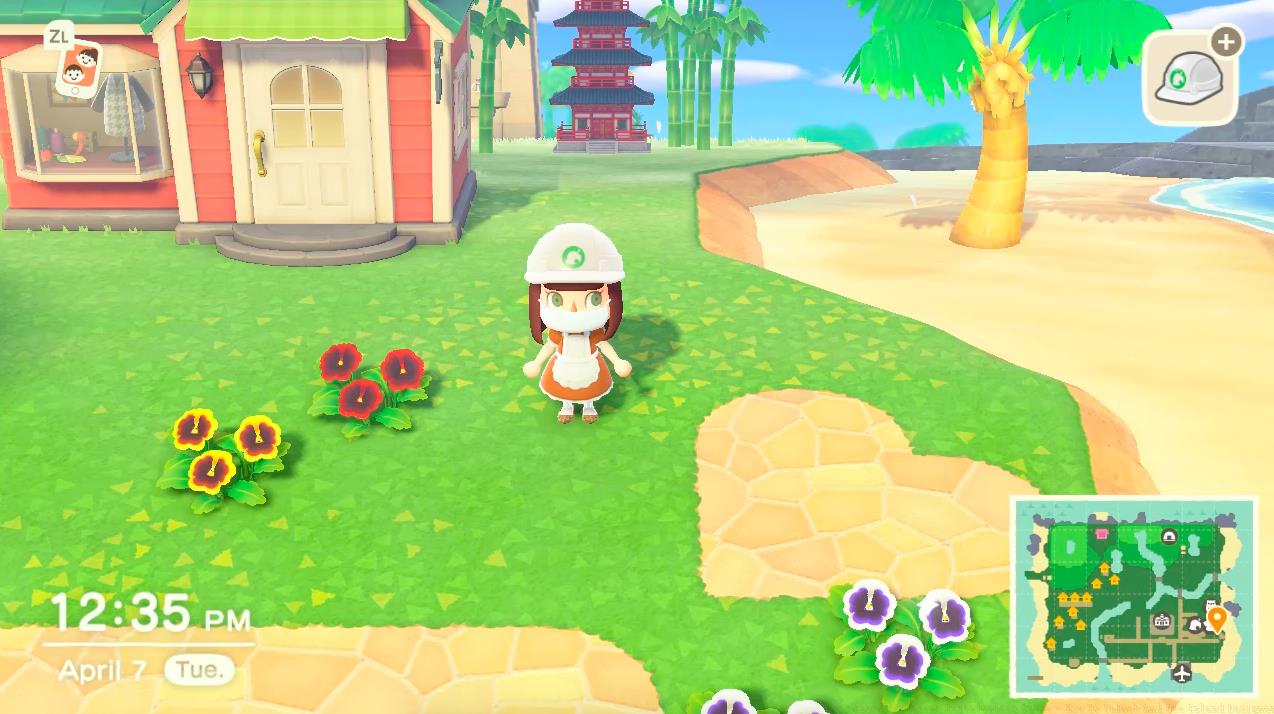
Before undertaking major island renovations, thoroughly familiarize yourself with each tool’s capabilities and limitations. The Island Designer includes comprehensive tutorials, but practical experience reveals nuances the manual misses.
Pathmaking Mastery
Path creation operates intuitively: press A on grass to lay paths, press A again to remove them. The grass tool provides alternative removal method. While different path types can neighbor each other, they maintain visual separation with deliberate gaps between styles.
The true artistry emerges through path rounding mechanics. When identical path tiles connect, pressing A transforms sharp corners into smooth curves. Advanced shapes require strategic placement:
For perfect circles, arrange four path tiles in a square formation, then round each corner. Heart shapes demand a 3×3 square missing one corner, with rounding applied strategically.
Special Cases
Path functionality varies significantly by material. Only dirt, dark dirt, and sand paths permit digging and support flower/tree planting. Other path types function as solid surfaces but still accommodate item placement. Crucially, fossils exclusively spawn on grass terrain, making complete path coverage counterproductive for fossil hunters.
Using Custom Designs
The Custom Design path revolutionizes ground aesthetics, allowing any design as pathways. This system vastly improves efficiency compared to manual design placement in earlier series entries.
Custom Designs behave uniquely: they remove instantly with Y (often accidentally), connect seamlessly even when different, and enable complex multi-piece pathways. The transparency feature proves particularly powerful – designs with transparent pixels layer over standard paths, inheriting their rounding capabilities when applied to pre-shaped bases.
A crucial consideration: modifying a Custom Design automatically updates all corresponding paths island-wide. This facilitates easy redesigns but risks unintended changes if you’re not careful.
Waterscaping Techniques
Water manipulation represents the most technically challenging aspect of terraforming. The basic mechanic mirrors paths: press A on land to excavate water channels, press A again to refill. Connected water tiles similarly permit edge rounding before complete removal.
Success with waterscaping demands patience and precise positioning. Sharp corner rounding requires character placement slightly away from edges. River construction necessitates planning – bridges require four water tiles with three to four even-edged tiles for proper placement.
Navigation considerations: players vault across one or two-tile water features, enabling creative land bridges within rivers. However, villagers cannot cross any water without bridges, affecting their movement patterns significantly.
Warning: Fishing
Extensive waterscaping impacts fishing mechanics. Preserve cliff-level rivers for exclusive fish species, and maintain standard river widths (3-4 tiles) for optimal casting positions.
Cliff Construction Strategies
Cliff manipulation occurs exclusively from lower levels. The rounding principle applies here too – adjacent cliff pieces enable curved edges. Important constraints: maximum three cliff tiers, with the third tier inaccessible without modding. Additionally, you cannot build new tiers directly against previous tier edges, preventing sheer cliff faces.
Villager accessibility remains paramount – they cannot ascend cliffs without inclines. Plan residential cliff placements accordingly.
Waterfalls
Waterfall creation requires elevation positioning: stand on the cliff where water should descend, then use waterscaping at the edge. Removal requires filling the waterfall before dismantling its supporting cliff structure.
Advanced Design Concepts
Combining tools unlocks sophisticated landscapes. Layer custom transparent paths over shaped standard paths for detailed borders. Create multi-tier waterfall systems by constructing successive cliffs. Design river networks with strategic land bridges for player access while maintaining water continuity.
Seasoned island architects develop systematic approaches to terraforming that maximize efficiency while minimizing frustration. These professional techniques separate amateur attempts from master-level designs.
Efficiency Tips
Strategic fruit consumption dramatically improves workflow efficiency. Consuming any fruit (preferably native for cost-effectiveness) grants temporary super-strength, enabling whole tree transplantation and rock destruction.
This capability proves invaluable: relocate mature trees instantly rather than replanting and waiting days for growth. Destroy inconveniently placed rocks knowing they’ll respawn elsewhere tomorrow. Systematic rock elimination eventually positions them optimally.
Mistake Prevention
Common terraforming errors include: over-pathing eliminating fossil spawn areas, creating villager-inaccessible zones without inclines, and designing fishing-incompatible water features.
Pre-planning prevents most issues: map desired fossil hunting zones as grass preserves, ensure all elevated villager homes have incline access, and maintain fishable river sections throughout renovations.
Long-term Planning
Consider your island’s functional requirements alongside aesthetics. Preserve river mouth areas for pier fish, maintain beach access points, and consider visitor navigation patterns when designing pathways.
For comprehensive gameplay assistance, consult our Complete Guide to master all aspects of island life. Weapon enthusiasts should explore our Weapons Unlock strategies, while tactical players benefit from the Class Guide for optimal character builds.
Action Checklist
- Complete Project K requirements: campsite, villagers, 3-star rating
- Purchase Custom Design path permit (2,300 Nook Miles) for maximum design flexibility
- Acquire waterscaping and cliff construction permits (6,000 Nook Miles each)
- Practice path rounding and custom design layering techniques
- Plan island layout considering fossil zones, villager access, and fishing areas
- Use fruit power to relocate trees and reposition rocks before detailed terraforming
No reproduction without permission:SeeYouSoon Game Club » Animal Crossing Terraforming Guide – How To Unlock And Use Island Designer Master terraforming in Animal Crossing: New Horizons with expert tips for unlocking and using Island Designer effectively