
TL;DR
- Create a secure Roblox account with strong password protection and proper platform verification
- Master the app interface for efficient game discovery and social feature navigation
- Understand Robux functionality for smart virtual currency management and purchases
- Learn control schemes across different game types for optimal gameplay experience
- Explore diverse game genres from obstacle courses to immersive roleplaying worlds
Embarking on your Roblox adventure requires establishing your digital identity through a properly configured account. This foundation ensures both security and access to the platform’s extensive features.
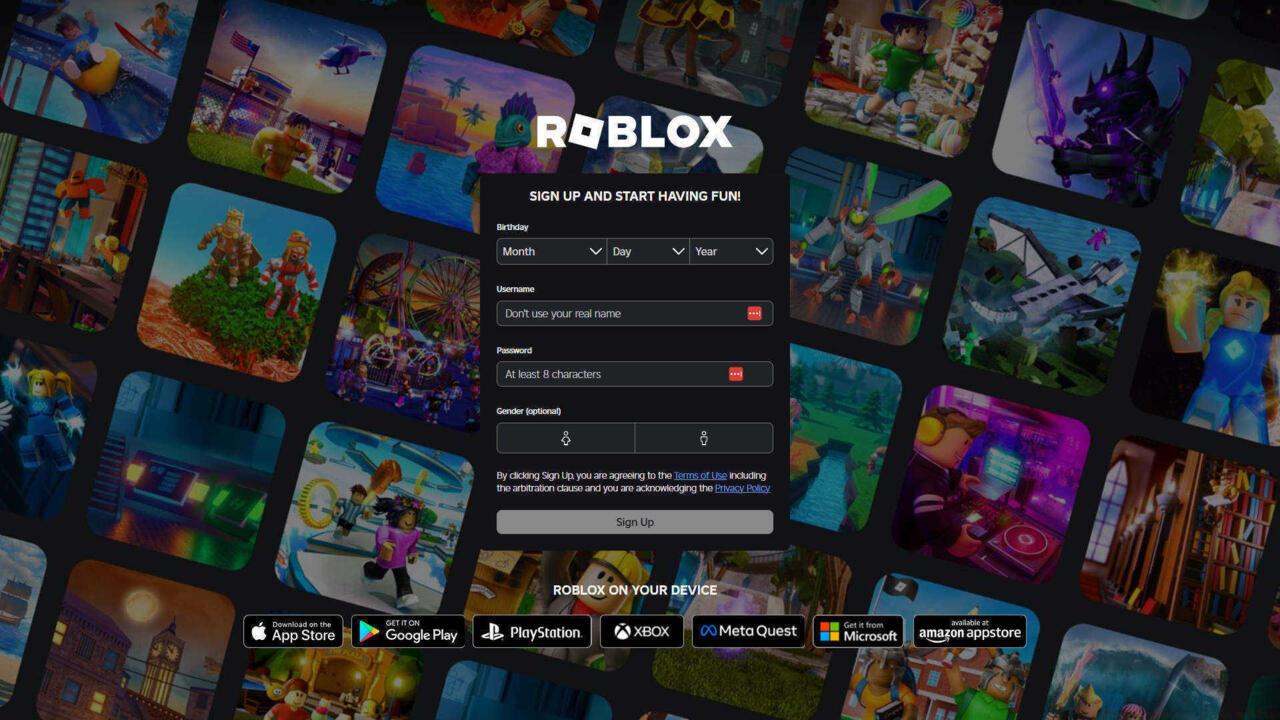
This is how the Roblox website looks when you visit it on your PC for the first time.
Initiate your Roblox experience by accessing the official website or downloading the mobile application from verified sources like the Apple App Store or Google Play Store. Critical verification step: confirm Roblox Corporation appears as the developer name beneath the app listing to avoid counterfeit applications. Existing users can authenticate through the top-right corner login button on desktop browsers or the dedicated Sign In option at the bottom of mobile interfaces. Newcomers should select the ‘Create Account’ prompt to commence registration.
Account establishment involves providing your date of birth, selecting an appropriate username devoid of personal identifiers or offensive content, and establishing a secure password. Gender specification remains optional during this process. Password construction demands particular attention – Roblox mandates an eight-character minimum, but enhanced security involves strategic character substitution. For instance, transform “PlayObbyGames” into “P1@y0bbyG@m35” by replacing letters with visually similar numerals and symbols, significantly strengthening account protection.
Once authenticated, the Roblox environment presents a dynamic interface designed for intuitive exploration and content discovery. Understanding this digital landscape accelerates your ability to locate preferred experiences and connect with fellow players.
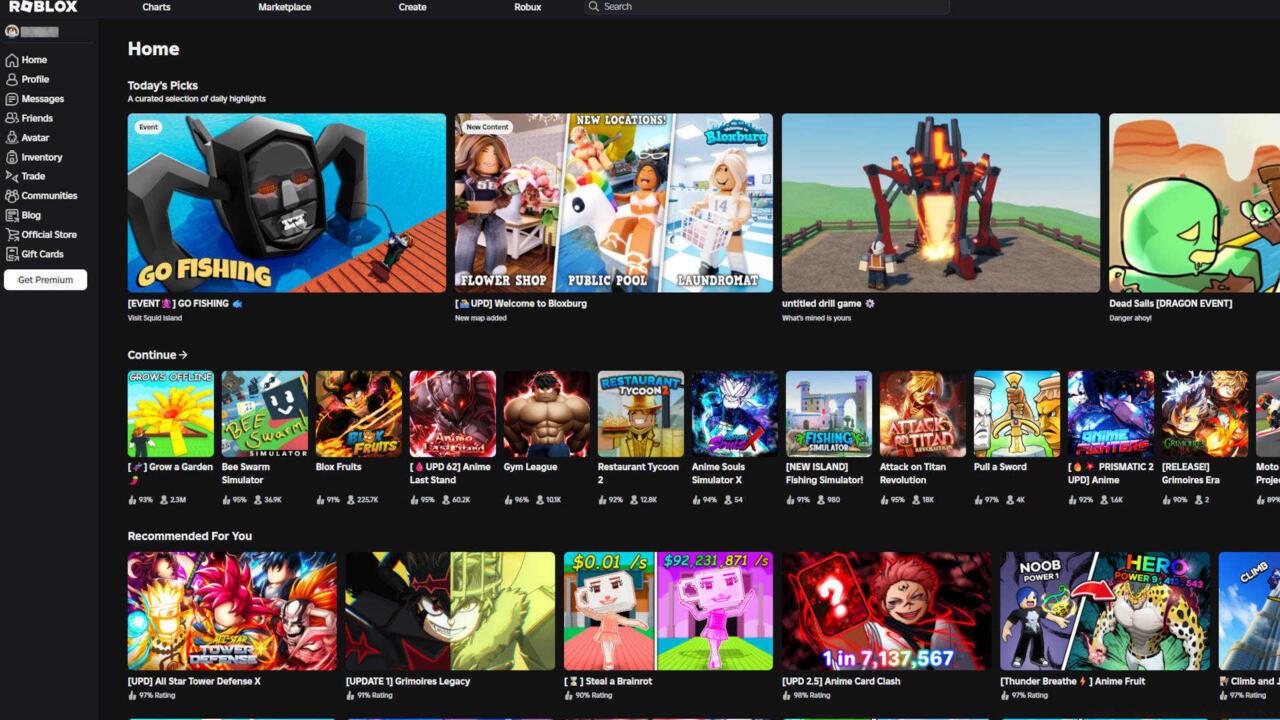
Once you’ve signed up and logged in, you are greeted with a screen full of games to play.
The primary dashboard serves as your gateway to Roblox’s extensive library, featuring curated recommendations, trending titles, and personalized suggestions based on your play history. Navigation menus provide access to avatar customization, friend management, inventory review, and group participation features. Common beginner mistake: overlooking the search functionality’s advanced filters, which can dramatically refine game discovery by genre, popularity, or update date.
Optimization strategy: Bookmark frequently visited games and utilize the ‘Favorites’ system for rapid access. The social panel enables connection with friends, message exchange, and participation in group activities. For enhanced navigation efficiency, familiarize yourself with keyboard shortcuts on desktop and gesture controls on mobile devices.
Robux functions as Roblox’s exclusive economic medium, enabling transactions for cosmetic enhancements, game passes, and developer products. Mastering this virtual economy enhances both your avatar’s appearance and gameplay capabilities.

Every currency worth its salt must have a distinctive icon, and Robux is no exception.
This digital currency facilitates acquisition of avatar accessories, special abilities in specific games, and exclusive virtual items. Acquisition methods include direct purchase, participation in the Roblox Premium subscription service, or engagement with the Developer Exchange program for content creators. Strategic spending approach: prioritize permanent upgrades over temporary cosmetics and research game-specific passes that provide lasting value.
Common pitfall: impulsive purchases without evaluating long-term utility. Recommended practice: allocate a monthly Robux budget and track expenditures through the transaction history feature. Premium subscribers receive monthly stipends and additional benefits, making the service worthwhile for regular players seeking enhanced economic efficiency.
Control proficiency forms the cornerstone of successful Roblox gameplay, with schemes varying significantly across different experience types. Developing fundamental mastery accelerates your adaptation to new games and enhances overall performance.
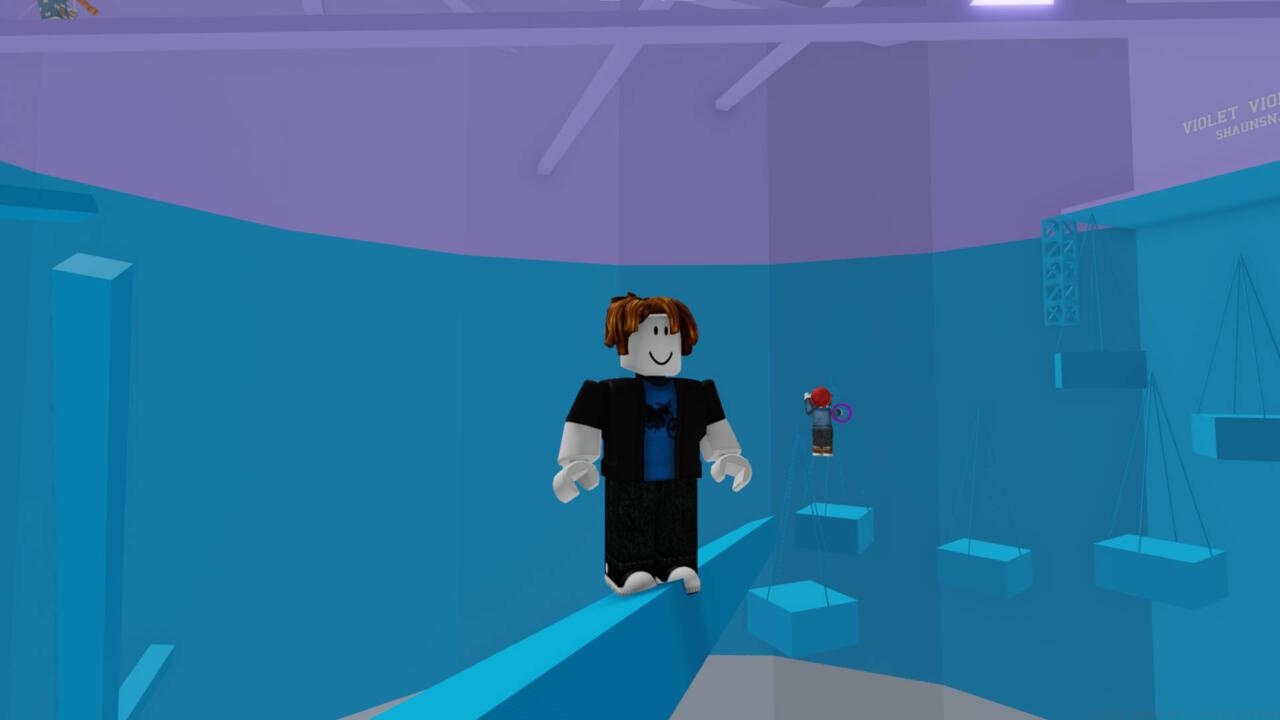
Games like Tower of Hell will test your skills to the limit when it comes to mastering the Roblox controls.
Standard control configurations include keyboard and mouse for desktop users and touchscreen gestures for mobile participants. Basic movement typically employs WASD keys for directional control, spacebar for jumping, and mouse movement for camera adjustment. Advanced techniques involve key rebinding for optimized efficiency and utilizing shift-lock for stabilized third-person perspectives in specific games.
Pro tip: Practice control schemes in beginner-friendly obstacle courses before advancing to complex challenges. Many experiences offer control customization options – explore these settings during your initial sessions to establish comfortable configurations. Control mastery directly impacts gameplay success, particularly in precision-based games where movement accuracy determines progression.
Roblox hosts an extraordinarily diverse ecosystem of player-created experiences spanning numerous genres and play styles. Understanding these categories helps identify content matching your preferences and skill level.
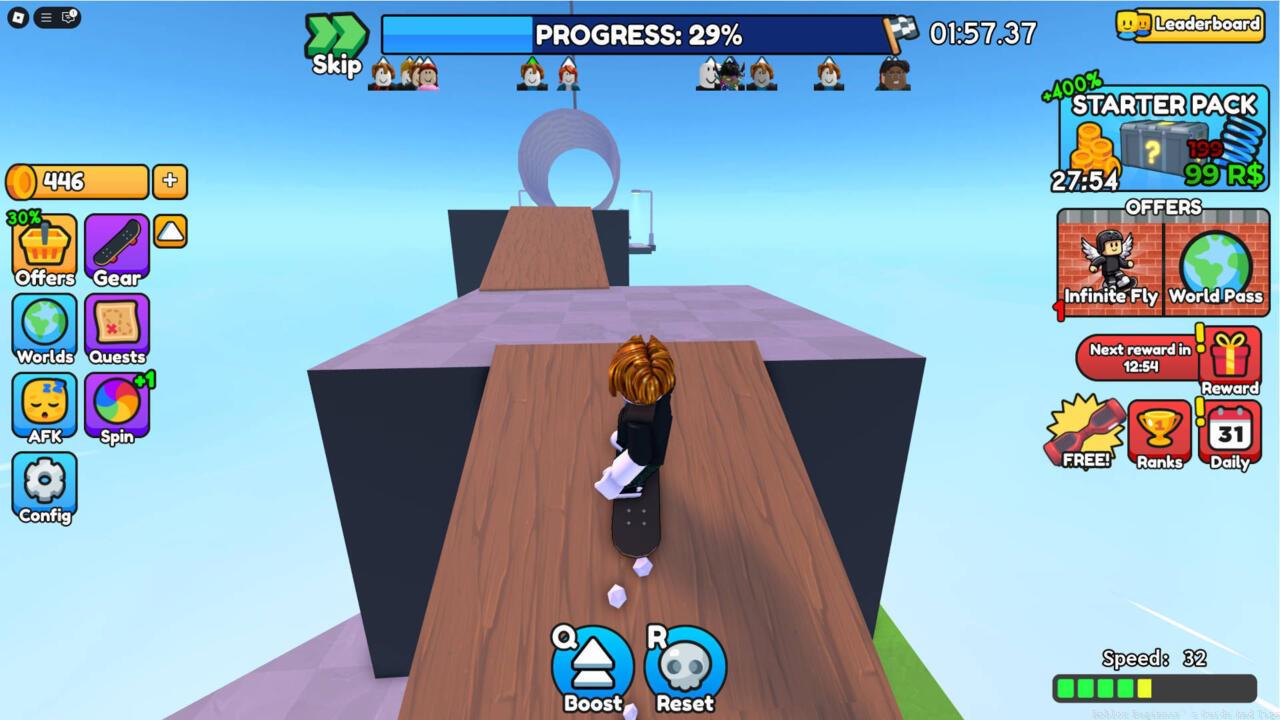
This skateboarding game is an example of what an Obby is: carefully crafted obstacle courses to test your abilities.
Obby games (obstacle courses) challenge players with progressively difficult platforming sequences requiring precise timing and movement. Roleplaying experiences enable character immersion in various scenarios from medical dramas to fantasy adventures. Simulation games often focus on economic management or incremental progression systems.
Strategic discovery approach: Begin with highly-rated games in your preferred genre to establish baseline enjoyment before exploring niche categories. Many successful titles blend multiple genres, creating hybrid experiences that offer varied gameplay within single environments. For comprehensive genre exploration, consult our Complete Guide to gaming fundamentals that applies across platforms.
Genre selection tip: Consider your available time commitment – some roleplaying games demand extended sessions while obstacle courses accommodate shorter play periods.
Action Checklist
- Download official Roblox app from verified stores or access via website
- Create account with secure password using character substitution techniques
- Explore dashboard features and customize navigation preferences
- Practice basic controls in beginner-friendly obstacle courses
- Research Robux purchase strategies before making initial transactions
No reproduction without permission:SeeYouSoon Game Club » Roblox Beginner’s Guide And Tips Master Roblox fundamentals with expert account setup, navigation tips, and game selection strategies for beginners