
A complete guide to PC system requirements for Raidou Remastered with optimization tips and hardware recommendations
Introduction to Raidou Remastered
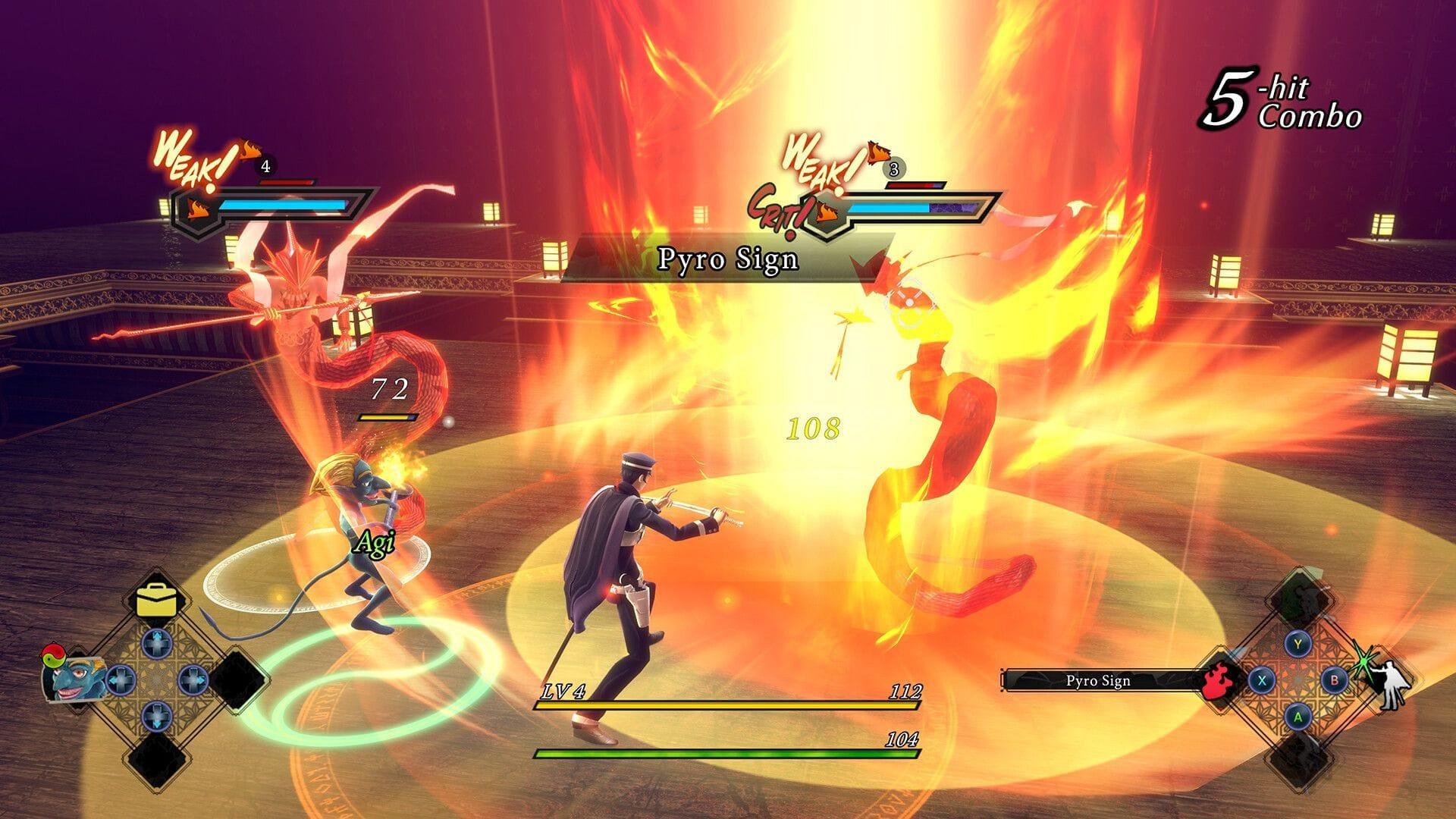
Raidou Remastered – The Mystery of the Soulless Army represents a significant revitalization of the 2006 third-person action-adventure PlayStation 2 title, arriving globally on June 19, 2025. This comprehensive remaster enhances the original experience with updated visuals, refined mechanics, and modern platform compatibility. Players can currently secure their copy through pre-order channels, with availability spanning multiple platforms including current-generation consoles, legacy systems, and PC configurations.
Before diving into hardware specifications, ensure you’re prepared for gaming sessions with our comprehensive puzzle solutions section.
Understanding your system’s capabilities is crucial for optimal gaming experiences. This guide provides detailed hardware analysis alongside practical optimization techniques.
Minimum System Requirements
To ensure Raidou Remastered runs adequately on your PC, these minimum specifications target 720p resolution at 60 frames per second with reduced graphical settings. These requirements accommodate older or budget-oriented hardware while maintaining playable performance.
- Requires a 64-bit processor and operating system (Windows 10 or newer recommended)
- Processor: Intel Core i5-2550K or AMD FX-4350 (quad-core processors with adequate single-thread performance)
- Graphics: NVIDIA GeForce GTS 450, 1GB or AMD Radeon R7 250, 1GB (DirectX 11 compatible cards with 1GB VRAM minimum)
- Memory: 6GB RAM minimum (8GB strongly recommended for smoother performance)
- Storage: 20 GB available space (SSD recommended for faster loading times)
- Additional Notes: Low 720p @ 60 FPS (expect reduced texture quality and shadow details)
These baseline specifications ensure the game launches and remains playable, though visual fidelity will be noticeably compromised compared to higher settings. Players should consider these the absolute minimum for functional gameplay.
Recommended System Requirements
For the optimal Raidou Remastered experience with enhanced visual fidelity and consistent performance, these recommended specifications target 1080p resolution at 60 frames per second with high graphical settings enabled.
- Requires a 64-bit processor and operating system (Windows 10/11 64-bit)
- Processor: Intel Core i5-6600 or AMD Ryzen 3 2300X (modern quad-core processors with improved IPC)
- Graphics: NVIDIA GeForce GTX 760, 4 GB or AMD Radeon RX 560, 4 GB or Intel Arc A310, 4GB (mid-range cards with 4GB VRAM for texture caching)
- Memory: 8GB RAM minimum (16GB ideal for multitasking and future updates)
- Storage: 20 GB available space (NVMe SSD recommended for optimal asset streaming)
- Additional Notes: High 1080p @ 60 FPS (enables higher texture resolution, improved shadows, and enhanced effects)
Meeting these specifications guarantees smooth gameplay with visual enhancements that showcase the remaster’s graphical improvements. The additional VRAM capacity proves particularly valuable for texture-heavy scenes and environmental details.
Hardware Optimization Strategies
Beyond meeting basic specifications, several optimization techniques can significantly enhance your Raidou Remastered experience. These practical strategies address common performance bottlenecks and system configuration issues.
RAM Configuration: While 6GB represents the absolute minimum, configuring 8GB in dual-channel mode (2x4GB) can provide 15-20% memory bandwidth improvements over single-channel arrangements. Ensure your RAM operates at its rated speed through BIOS/XMP profiles, as memory frequency directly impacts texture streaming efficiency.
Storage Solutions: Installing Raidou Remastered on an SSD reduces loading times by 60-70% compared to traditional hard drives. NVMe drives offer additional benefits for open-world streaming. Maintain at least 10% free space on your game drive for proper Windows paging file operation and temporary file management.
Driver Management: Update to the latest GPU drivers before launching the game, as day-one optimizations often provide performance improvements. For NVIDIA cards, use the GeForce Experience optimization tool. AMD users should enable Radeon Anti-Lag in the driver control panel for reduced input latency.
Background Application Control: Close unnecessary background applications, particularly web browsers with multiple tabs, streaming software, and resource-intensive utilities. Windows Game Mode provides automatic background process management when properly configured.
Common Performance Issues & Solutions
Even with adequate hardware, players may encounter performance challenges. These troubleshooting approaches address the most frequent issues reported during remastered game launches.
Frame Rate Inconsistency: If experiencing fluctuating frame rates despite meeting requirements, first adjust shadow quality settings—this graphical feature disproportionately impacts performance. Consider reducing shadow resolution or disabling dynamic shadows entirely. Verify your monitor’s refresh rate matches in-game settings through Windows display properties.
Graphics Settings Optimization: Begin with the ‘High’ preset, then individually adjust these performance-heavy settings: volumetric fog, ambient occlusion, and screen-space reflections. Monitor performance impact after each change using the in-game FPS counter. Many players achieve optimal balance by maintaining texture quality at maximum while reducing post-processing effects.
System Compatibility Checks: Ensure your operating system has all current updates installed, particularly DirectX runtime libraries and Visual C++ redistributables. Verify game file integrity through Steam’s validation feature if experiencing crashes or graphical artifacts. Disable any overlay software (Discord, Steam overlay alternative applications) that might conflict with the game’s rendering pipeline.
Thermal Considerations: Monitor your GPU and CPU temperatures during extended sessions using utilities like HWMonitor or MSI Afterburner. Thermal throttling can significantly reduce performance. Ensure adequate case ventilation and consider undervolting your GPU for improved thermal efficiency without sacrificing performance.
Also Read — Raidou Remastered gameplay details explored: Characters, Demons, and more
For additional gaming insights and comprehensive guides, continue visiting our regularly updated gaming section.
No reproduction without permission:SeeYouSoon Game Club » Raidou Remastered: Release date, platforms, and system requirements A complete guide to PC system requirements for Raidou Remastered with optimization tips and hardware recommendations