
TL;DR
- Pokemon Home requires premium subscription for Bank transfers and offers cross-platform compatibility
- Bank to Home transfers use time-sensitive Moving Keys and require latest 3DS app updates
- Direct transfers from Switch games are instant but have regional form restrictions
- Pokemon Go integration uses transfer energy system with daily limitations
- Always backup saves and verify compatibility before initiating any transfers
The revolutionary Pokemon cloud storage service has launched across Nintendo Switch, iOS, and Android platforms, enabling seamless migration of your collected creatures from legacy systems. This unified ecosystem bridges generations, allowing trainers to consolidate their Pokemon collections from multiple games into a single cloud repository.
Similar to its predecessor Pokemon Bank, this service provides secure cloud storage for your captured Pokemon across various game titles throughout the years. The platform enables integration with the latest series entries Pokemon Sword and Shield, while also rewarding users with complimentary Pokemon simply for utilizing the service.
For veteran trainers, the most significant advancement is the capability to migrate Pokemon stored in the 3DS Pokemon Bank application to modern Switch titles. This breakthrough makes previously unavailable non-Galar regional Pokemon accessible in Sword and Shield, along with various alternate forms. However, the migration procedure involves multiple steps that can confuse newcomers, necessitating this comprehensive transfer tutorial.
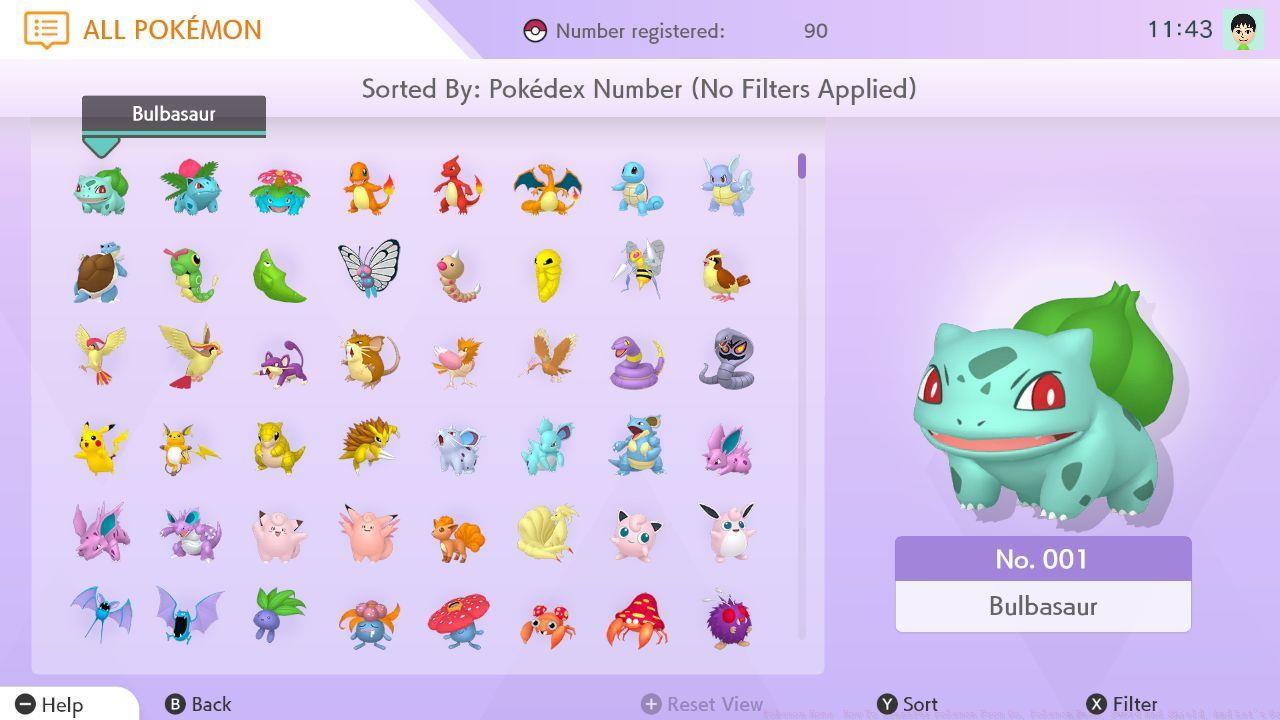
Before initiating any Pokemon transfers, we strongly recommend downloading the Pokemon Home application on your mobile device and linking it to your Nintendo Account prior to repeating the process on Switch. To import creatures from Bank, a premium Pokemon Home subscription is mandatory, as this functionality is exclusive to paid plans. Detailed pricing information is available in our dedicated Pokemon Home cost analysis.
With an active premium Pokemon Home plan, you can utilize either the Switch or mobile application versions to import Pokemon stored in Pokemon Bank. Existing Bank subscribers must download the most recent application update from the 3DS eShop before commencing. New users benefit from a 30-day complimentary Bank trial period, permitting Pokemon transfers even without an ongoing subscription.
Following installation of the Pokemon Bank update, a new Move Pokemon to Pokemon Home option will appear in the main menu interface. Selecting this function displays your complete collection of Pokemon Bank storage boxes. You can then designate specific boxes for migration to Home. Important: This process transfers complete boxes collectively; selective individual Pokemon transfers within boxes are not supported.
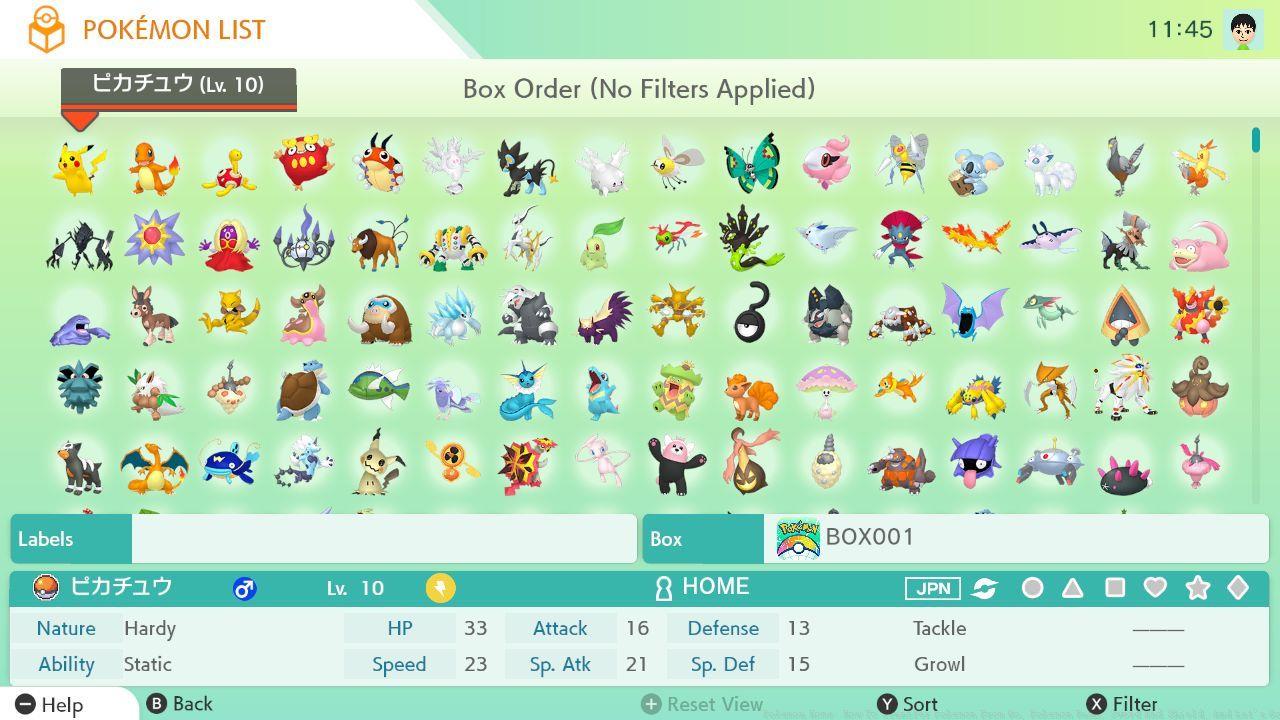
After selecting your desired boxes for transfer, activate the Done command on your 3DS system. Subsequently, access Pokemon Home to generate a Moving Key and execute the actual transfer procedure. Within the mobile application, create a key by choosing Move Pokemon from the Options menu; on Switch, select the 3DS icon located at the bottom of the primary interface. Initiate Begin Move and the service will produce a Moving Key requiring immediate entry on your 3DS device. Critical: Moving Keys maintain validity for only three minutes, providing limited utilization time.
Expert Tip: Prepare both devices side-by-side before generating your Moving Key to ensure timely entry. Common errors include network latency issues and incorrect character input under time pressure. For optimal results, ensure both systems maintain stable internet connections throughout the transfer sequence.
Transferring Pokemon between Pokemon Sword, Shield, Let’s Go Pikachu, and Let’s Go Eevee to Pokemon Home follows a more streamlined approach compared to Bank migrations. These transfers occur directly within the Switch ecosystem, eliminating the need for cross-platform authentication keys.
To execute transfers from these titles, launch Pokemon Home on your Switch and select the corresponding game from the main menu interface. The application will display your Pokemon boxes from the selected game, allowing individual creature selection rather than complete box transfers. This granular control enables strategic curation of your transferred collection.
Critical Consideration: Regional form Pokemon may encounter compatibility restrictions when moving between games. Galar-native Pokemon transfer seamlessly, while certain non-native regional forms require specific game compatibility checks. Always verify a Pokemon’s transfer eligibility before initiating the migration process.
Advanced trainers should note that Pokemon transferred from Let’s Go titles into Sword/Shield cannot return to their original games. This irreversible transition requires careful planning, especially for competitive battlers maintaining separate teams across game versions. Consider creating duplicate saves for critical Pokemon to maintain flexibility across your gaming ecosystem.
The integration between Pokemon Go and Pokemon Home introduces a unique transfer mechanism distinct from other platform migrations. This connection requires linking your Pokemon Go account to Nintendo Account services, establishing the foundation for cross-platform Pokemon mobility.
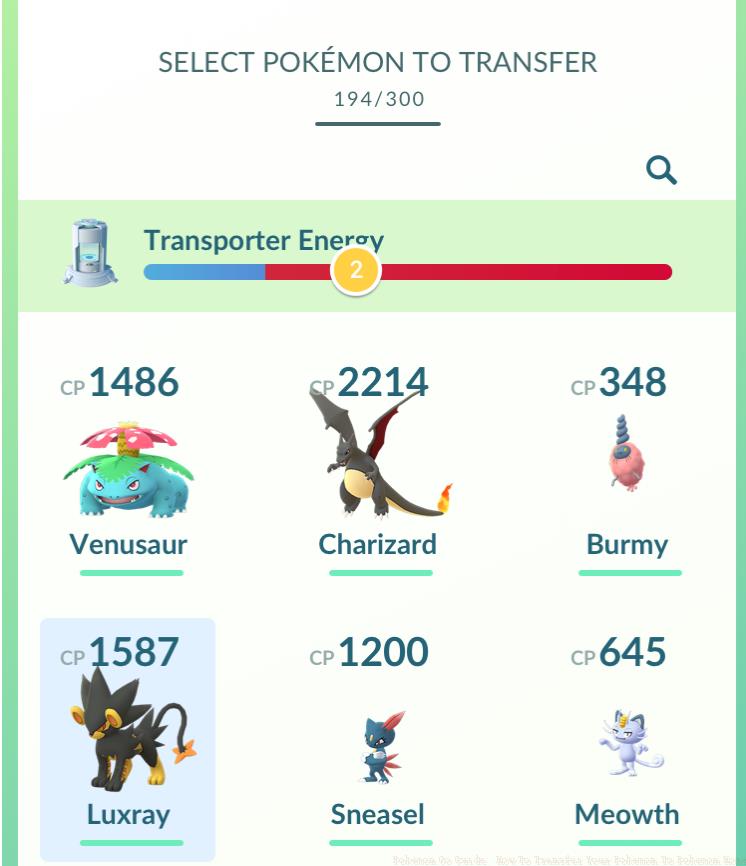
Unlike direct game transfers, Pokemon Go utilizes a transfer energy system that regenerates over time. Each transfer consumes energy based on the Pokemon’s characteristics, with legendary and mythical creatures requiring significantly more resources. Monitor your energy levels carefully to optimize transfer scheduling.
Strategic Insight: Plan your transfers during events that reduce energy costs or increase regeneration rates. Common mistakes include transferring low-value Pokemon that waste energy reserves and failing to coordinate with event schedules for optimal efficiency.
Transferring Pokemon from Go to Home can yield special rewards, including the opportunity to obtain rare Pokemon like Meltan through the Mystery Box mechanic. This symbiotic relationship enhances both gameplay experiences while expanding your collection possibilities across the Pokemon universe.
Action Checklist
- Download and link Pokemon Home on mobile and Switch devices
- Verify Pokemon Bank subscription status and update 3DS application
- Generate Moving Key and complete Bank to Home transfer within 3-minute window
- Execute direct transfers from Sword/Shield and Let’s Go titles
- Manage Pokemon Go transfer energy and coordinate with event schedules
No reproduction without permission:SeeYouSoon Game Club » Pokemon Home: How To Transfer Pokemon From Go, Pokemon Bank, Sword And Shield, And Let’s Go Complete guide to transferring Pokemon between generations with expert tips and troubleshooting