
TL;DR
- Access Mission Creator via Pause Menu > Online > Rockstar Creator > Create Mission
- This revolutionary tool offers insights into GTA 6’s potential mission design systems
- Always test missions thoroughly before publishing to avoid common design mistakes
- Use example missions as learning templates to understand advanced creation techniques
- The creator provides extensive customization options for objectives, enemies, and rewards
The Mission Creator represents a groundbreaking addition to GTA Online’s toolkit, fundamentally changing how players engage with the game’s content ecosystem. This feature isn’t just another update—it’s a paradigm shift that empowers players to become content creators themselves.
The Safehouse in the Hills update introduces several major features that have captured player attention. While many gravitate toward purchasing luxury mansions or tackling the fresh mission lineup featuring Michael’s return, the Mission Creator stands out as the most transformative element. It provides unprecedented creative freedom that extends the game’s longevity significantly.
This innovative tool serves as a potential preview of mission design systems we might see in Grand Theft Auto 6. Rockstar Games appears to be testing community-driven content creation mechanics that could define future titles. Understanding how to leverage this feature effectively can dramatically enhance your GTA Online experience.
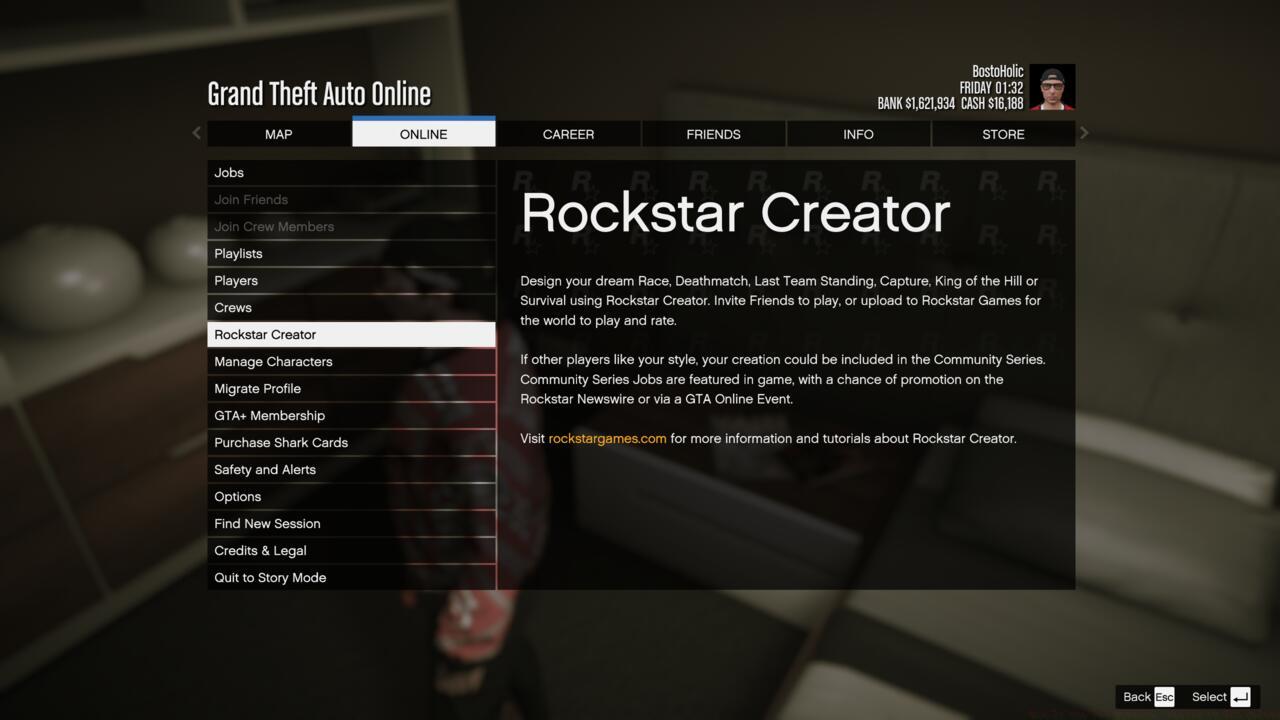
Accessing the Mission Creator in GTA Online
Gaining entry to the Mission Creator requires precise navigation through GTA Online’s interface. Immediately after installing the Safehouse in the Hills update, follow this comprehensive access procedure to unlock your creative potential.
- While playing GTA Online, press the “Escape” key on PC or the “Options” button on consoles to activate the Pause Menu interface
- Navigate to the “Online” section, choose “Rockstar Creator,” then initiate session termination to transition environments
- This transports you into Creator Mode, where multiple creation options become available including mission development
- For focused mission creation, specifically select the “Create A Mission” designation from the available choices
- You must then acknowledge and accept Rockstar’s comprehensive terms of service, which explicitly prohibit rule violations during creator usage
- Upon completion, you gain full access to the Mission Creator’s extensive toolkit with numerous customization possibilities
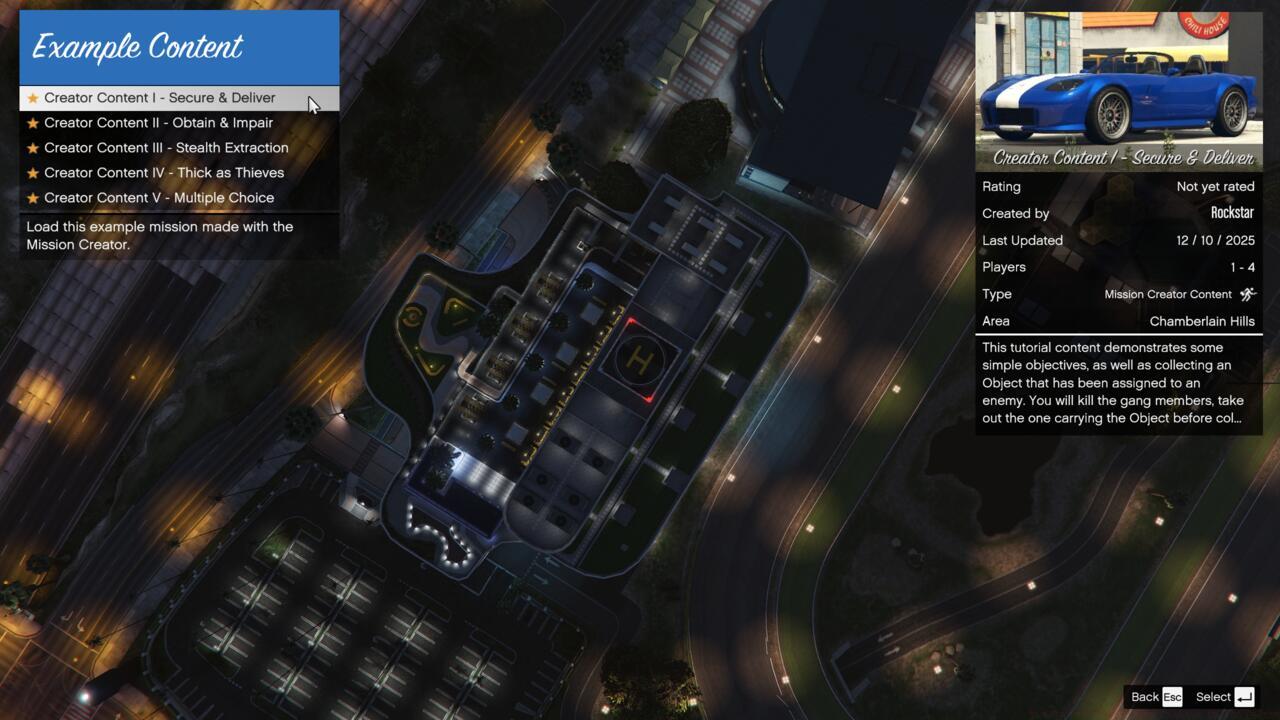
Viewing the example missions in the Mission Creator
Pro Tip: Before diving into creation, spend time exploring the example missions provided. These serve as excellent learning tools that demonstrate advanced techniques and best practices for mission design. Many creators overlook this step and miss valuable insights into effective mission structuring.
Mastering the Mission Creator requires understanding both its capabilities and common design pitfalls. Many creators jump straight into complex missions without understanding fundamental design principles.
Strategic Planning: Begin with clear objectives—are you creating a stealth mission, a high-speed chase, or a tactical assault? Each requires different setup approaches. For comprehensive mission design fundamentals, consult our Complete Guide to structured gameplay experiences.
Common Mistakes to Avoid:
– Overcomplicating objectives early in development
– Ignoring difficulty balancing for different player skill levels
– Failing to test missions from multiple approach angles
– Creating missions that are either too short or excessively long
– Not considering weapon and vehicle balance carefully
Advanced Techniques: Layer multiple objective types to create dynamic missions that adapt to player choices. Use the checkpoint system strategically to guide players without being overly restrictive. Consider how your Class Guide principles can inform enemy placement and combat scenarios.
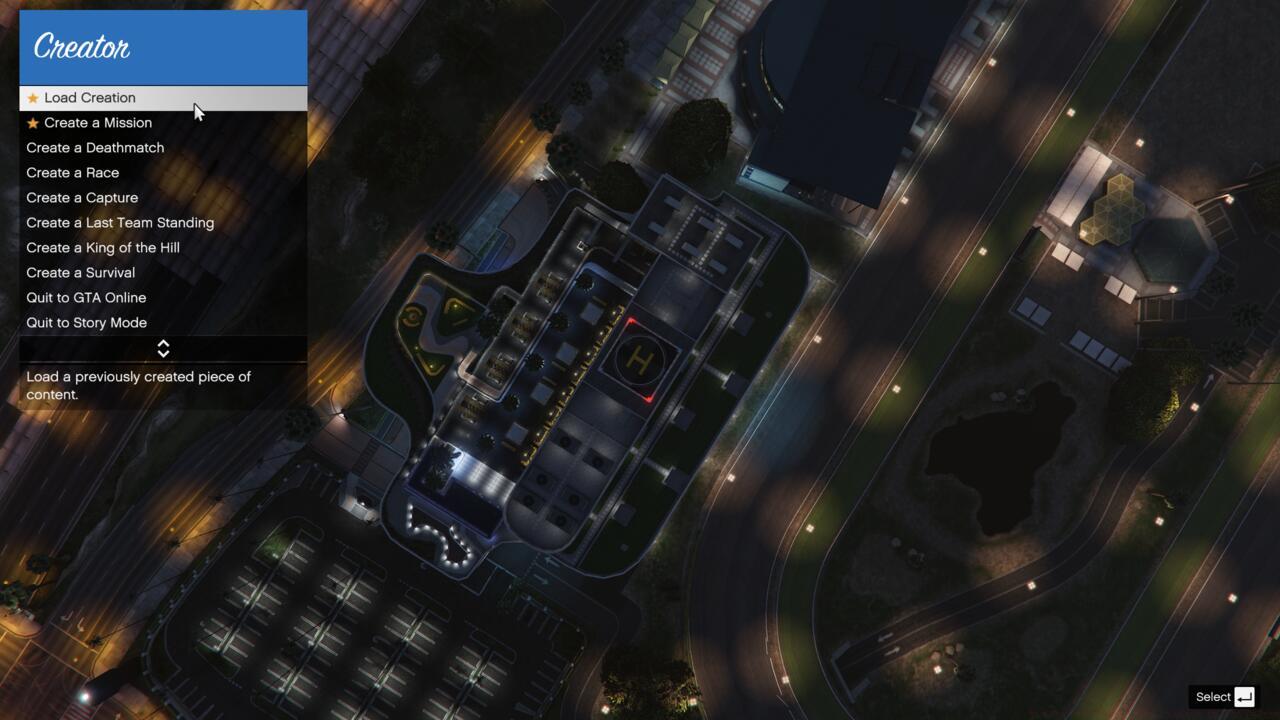
Choosing to create a mission in the Mission Creator
Testing Protocol: Always playtest your missions multiple times with different approaches. Check for spawn issues, objective triggering problems, and difficulty spikes. Like optimizing your Weapons Unlock strategy, mission creation benefits from systematic refinement.
Reward structuring is equally crucial—ensure payouts match mission difficulty and duration. Well-balanced missions receive more plays and higher ratings from the community.
Action Checklist
- Access Mission Creator via Pause Menu > Online > Rockstar Creator
- Study example missions to understand design principles
- Plan mission objectives and structure before building
- Build mission using layered objectives and strategic checkpoints
- Test mission thoroughly from multiple approach angles
- Balance difficulty and rewards based on testing feedback
No reproduction without permission:SeeYouSoon Game Club » How To Use The Mission Creator In GTA Online Master the revolutionary GTA Online Mission Creator with expert strategies and step-by-step guidance