
TL;DR
- Access photo mode instantly by pressing down on the D-pad during gameplay
- Remove HUD elements with A button for clean, focused composition shots
- Use ZL/ZR for zoom control and L/R buttons for creative Dutch angles
- Position and resize game logos with X button for branded screenshots
- Photos save automatically to Switch 2 screenshot album for easy sharing
Donkey Kong has reached new heights of visual appeal in his latest adventure
Modern AAA gaming experiences frequently incorporate photo mode functionality either at launch or through subsequent updates. Donkey Kong Bananza continues this trend with an impressive suite of virtual photography tools engineered to highlight the game’s vibrant aesthetics and detailed environments. While exploring the lush jungles and ancient temples, players can activate photo mode to immortalize breathtaking moments throughout their journey.
This comprehensive tutorial demonstrates how to effectively utilize photo mode in Donkey Kong Bananza while exploring the nuanced mechanics that transform ordinary screenshots into professional-grade captures.
Activate Donkey Kong Bananza’s photography system by pressing down on the D-pad during any controllable gameplay sequence.
This immediate input freezes the action completely, providing unlimited time to perfect your camera positioning, focal points, and compositional elements. Capture your finalized image using the screenshot button located directly below the D-pad, with all photos automatically stored in your Switch 2’s screenshot gallery accessible from the console’s main interface. The photo mode remains available whenever you have direct control over Donkey Kong’s movements and actions.
Unlike the complex photography systems found in titles like Cyberpunk 2077 or Baldur’s Gate 3, Donkey Kong Bananza’s implementation prioritizes accessibility while still offering creative flexibility for capturing that ideal moment.
- Pressing the A button eliminates all on-screen interface elements from photo mode. This clears distracting components like alignment grids and control references, enabling pure visual focus on your subject matter.
- The ZL and ZR shoulder buttons manage zoom functionality outward and inward respectively, providing precise framing control for both wide landscape shots and tight character close-ups.
- Utilize the L and R buttons to create dramatic tilted perspectives by rotating the image left and right, perfect for achieving cinematic Dutch angle compositions that add dynamic tension to your captures.
- The X button incorporates the game’s official branding into your photographs. Repeated presses reposition the logo around the frame and can scale it to become the central focal point of your composition when desired.
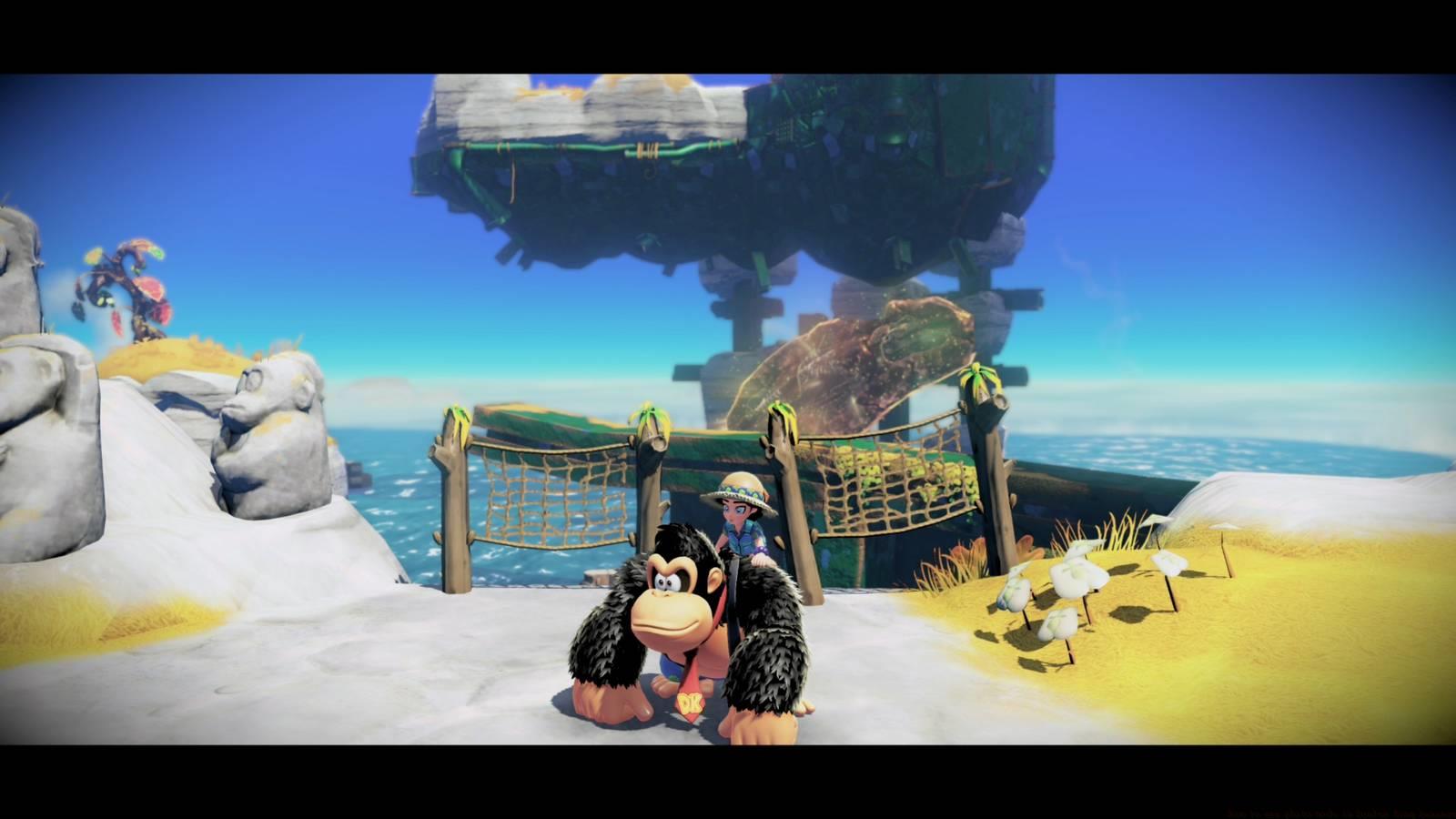
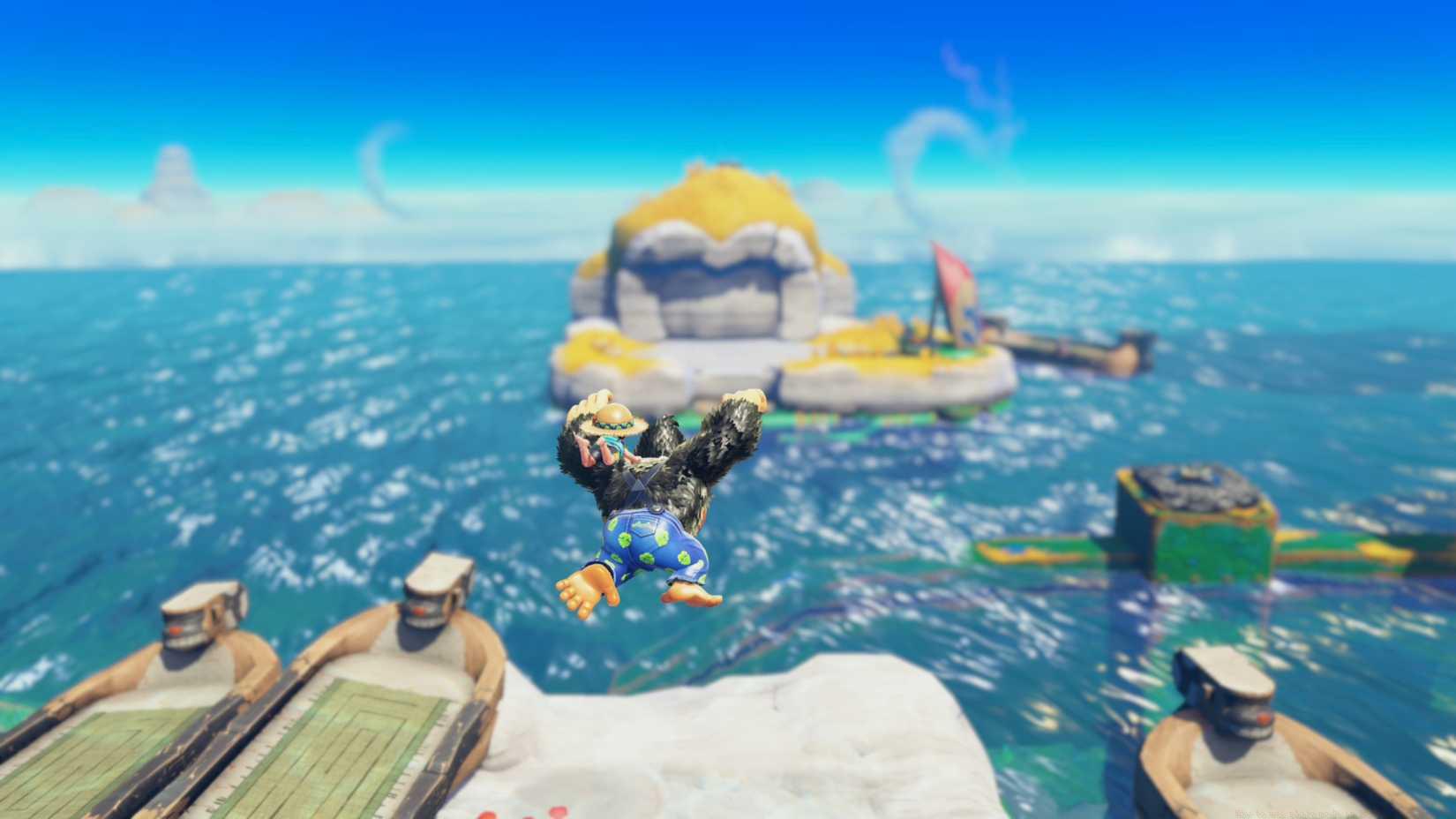
Image: Nintendo EPD/Nintendo via Polygon
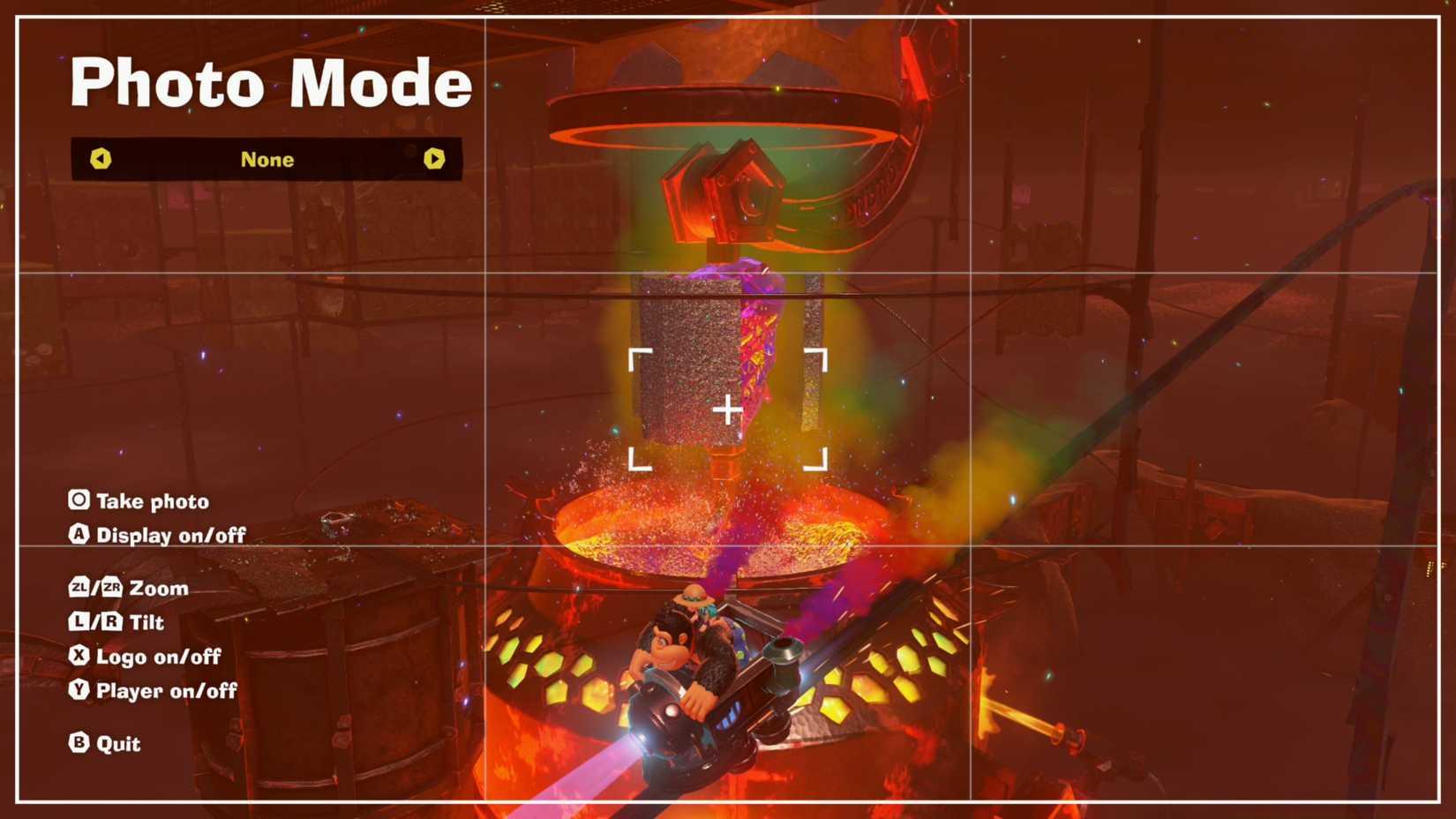
Image: Nintendo EPD/Nintendo via Polygon
Beyond basic controls, mastering several advanced techniques will elevate your virtual photography significantly. Time your photo mode activation during dramatic action sequences like barrel jumps or enemy encounters to capture dynamic motion. Experiment with different times of day in-game for varying lighting conditions that dramatically alter mood and atmosphere.
For professional results, utilize the rule of thirds by positioning key elements at the intersection points of an imaginary grid. The Dutch angle feature works exceptionally well during intense battle scenes, adding urgency and chaos to your compositions. When using the logo placement function, consider positioning it in corners with lower visual weight to maintain focus on your primary subject while still incorporating branding elements.
Remember that photo mode freezes all action, allowing you to perfectly position camera angles that would be impossible during real-time gameplay. This makes it ideal for capturing precise moments that highlight the game’s detailed animation work and environmental design.
Action Checklist
- Practice accessing photo mode during different gameplay scenarios
- Experiment with HUD removal and zoom functions in varied environments
- Master Dutch angles and logo placement for professional compositions
- Create a portfolio of shots using different in-game times and weather conditions
No reproduction without permission:SeeYouSoon Game Club » How to use photo mode in Donkey Kong Bananza Master Donkey Kong Bananza's photo mode with expert techniques for capturing stunning in-game moments