
Complete guide to finding and playing Nuketown in Splitgate 2 with map codes and expert tips
Understanding Splitgate 2’s Custom Map System
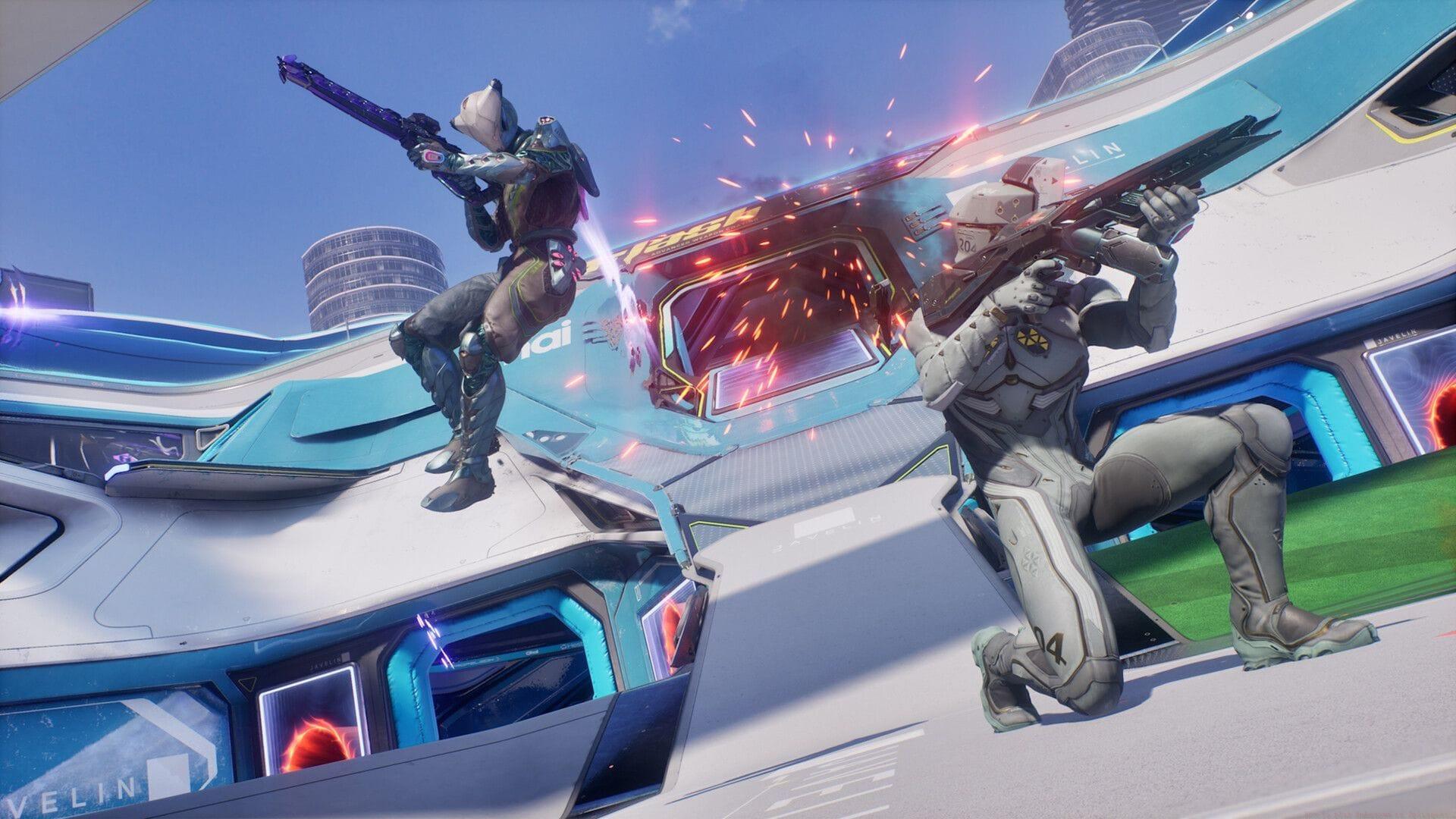
Splitgate 2 represents a significant evolution in arena shooter design, featuring an advanced map creation system called The Lab. This innovative toolset enables players to construct elaborate battlefields, including faithful recreations of legendary locations such as Nuketown from Call of Duty. While these community-made interpretations may not perfectly mirror every architectural detail of the original maps, they capture the essential flow and strategic layout while introducing Splitgate’s signature portal mechanics. This fusion creates entirely new tactical possibilities that transform familiar combat scenarios.
Step-by-Step Guide to Finding Nuketown
Navigating Splitgate 2’s interface to locate community content requires specific steps. Begin by launching the game and selecting the “Play” option from the main menu interface. Scroll downward through the available playlists until you reach the custom content section, then activate the “Map Browser” feature. This action opens a dedicated window displaying player-generated maps, complete with filtering tools on the right-hand panel.
For direct access to Nuketown variations, utilize the search functionality by entering “Nuketown” as your query term. The system will present multiple versions created by different community members. After selecting your preferred map, establish a custom lobby where you can specify desired game mode parameters before commencing gameplay. Pro tip: Use the sorting filters to prioritize maps with highest ratings and most downloads for better quality assurance.
Using Map Codes Effectively
For immediate access to specific Nuketown implementations, employ these verified map codes within the search interface:
Important consideration: Map codes represent specific versions and may become inactive if creators update or remove their content. When codes fail, revert to searching by map name to discover alternative Nuketown interpretations. Community creators frequently iterate on popular maps, so checking for updated versions weekly ensures access to the most polished experiences. Bookmark favorite creator profiles to easily find their latest releases.
Advanced Tips and Strategies
Mastering custom Nuketown requires adapting traditional strategies to Splitgate’s portal mechanics. Position portals in the bus and house corridors to create unexpected flanking routes. Avoid the common mistake of treating this as a direct Nuketown replica—portal placement fundamentally changes choke points and sightlines. Advanced players should experiment with vertical portal combinations on the second-story areas to gain positional advantages.
When hosting lobbies, consider game modes that emphasize the map’s layout strengths. Team Deathmatch and King of the Hill work exceptionally well on Nuketown variations. Monitor your frame rate in custom maps; some elaborate creations may impact performance on lower-end systems. Adjust graphical settings accordingly for optimal gameplay experience while maintaining competitive visibility.
No reproduction without permission:SeeYouSoon Game Club » How to play Nuketown in Splitgate 2 Complete guide to finding and playing Nuketown in Splitgate 2 with map codes and expert tips