
Complete guide to claiming Marvel Rivals Season 3 Twitch Drops with expert strategies and troubleshooting tips
Season 3 Overview and Twitch Drops Introduction
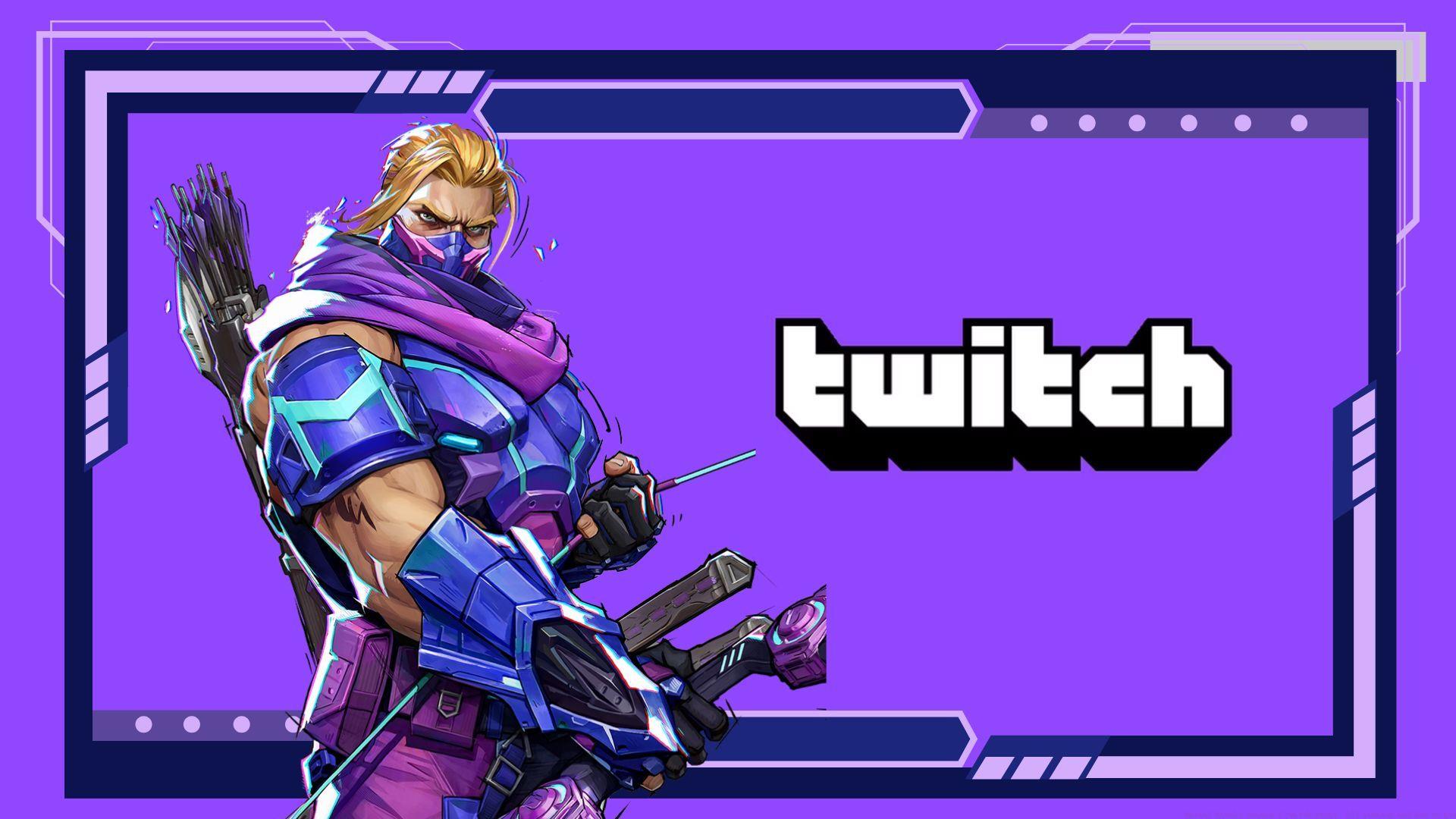
Marvel Rivals Season 3 has officially launched, delivering an extensive content expansion alongside the latest Twitch Drops campaign. Players can acquire premium cosmetic items completely free by tuning into designated Marvel Rivals streams. The seasonal update introduces two fan-requested characters—Phoenix and Blade—alongside a completely new battleground and an extensive Symbiote-inspired cosmetic collection that transforms the visual experience.
For gaming enthusiasts seeking additional challenges, various crossword puzzle solutions are available through NYT Mini Crossword Answers, LA Times Crossword Answers, and Atlantic Crossword Answers platforms.
Account Linking: Step-by-Step Setup Guide
Before accessing any Twitch Drops benefits, establishing a secure connection between your Twitch and Marvel Rivals accounts is essential. Follow this comprehensive setup process to ensure proper integration:
Pro Tip: Ensure you’re logged into the correct Twitch account before beginning the linking process. Many users accidentally connect wrong accounts, resulting in unredeemable rewards. Verify both accounts actively before proceeding with authorization.
Reward Structure and Watch Time Requirements
After successfully connecting your accounts, simply watch any authorized Marvel Rivals Season 3 stream to accumulate progress toward exclusive rewards. The campaign features a tiered reward system based on cumulative viewing duration:
Strategic Insight: The watch timer only counts when viewing streams that have Twitch Drops enabled. Look for the “Drops Enabled” tag on stream titles. Background tab viewing works, but ensure stream volume is audible (not muted) as some platforms detect muted streams as inactive.
Advanced Claiming Strategies and Troubleshooting
Every reward automatically appears in your Twitch Drops inventory upon reaching the designated watch time thresholds. Critical reminder: you must manually claim each item from your Twitch inventory interface—unclaimed rewards won’t transfer to your in-game mailbox system.
Common Issues and Solutions:
Problem: Watch time not progressing despite active viewing.
Solution: Refresh the stream, ensure you’ve claimed previous rewards, and verify the stream has Drops enabled.
Problem: Linked accounts but rewards not appearing in-game.
Solution: Allow 24-48 hours for system propagation. If issues persist, unlink and relink accounts during low-traffic periods.
Efficiency Strategy: Use multiple devices to accumulate watch time faster. Mobile and desktop streams simultaneously count toward progress, effectively halving the required active watching time.
Deadline Management and Future Availability
The entire Twitch Drops campaign concludes definitively on August 8, 2025. All watch time must be completed and rewards claimed by this date. These cosmetic items are exclusively available through this limited-time promotion and historical data indicates they will not reappear in future battle passes, store rotations, or special events.
That covers the complete operational knowledge required for maximizing Marvel Rivals Season 3 Twitch Drops benefits. Remember these are time-exclusive items with extremely high collectible value due to their limited availability nature.
Extended Reading Recommendations:
No reproduction without permission:SeeYouSoon Game Club » Marvel Rivals Season 3 Twitch Drops: All rewards and how to get Complete guide to claiming Marvel Rivals Season 3 Twitch Drops with expert strategies and troubleshooting tips