
Maximize your Marvel Rivals rewards by connecting to Twitch – complete guide with strategies and pitfalls
The Benefits of Account Linking
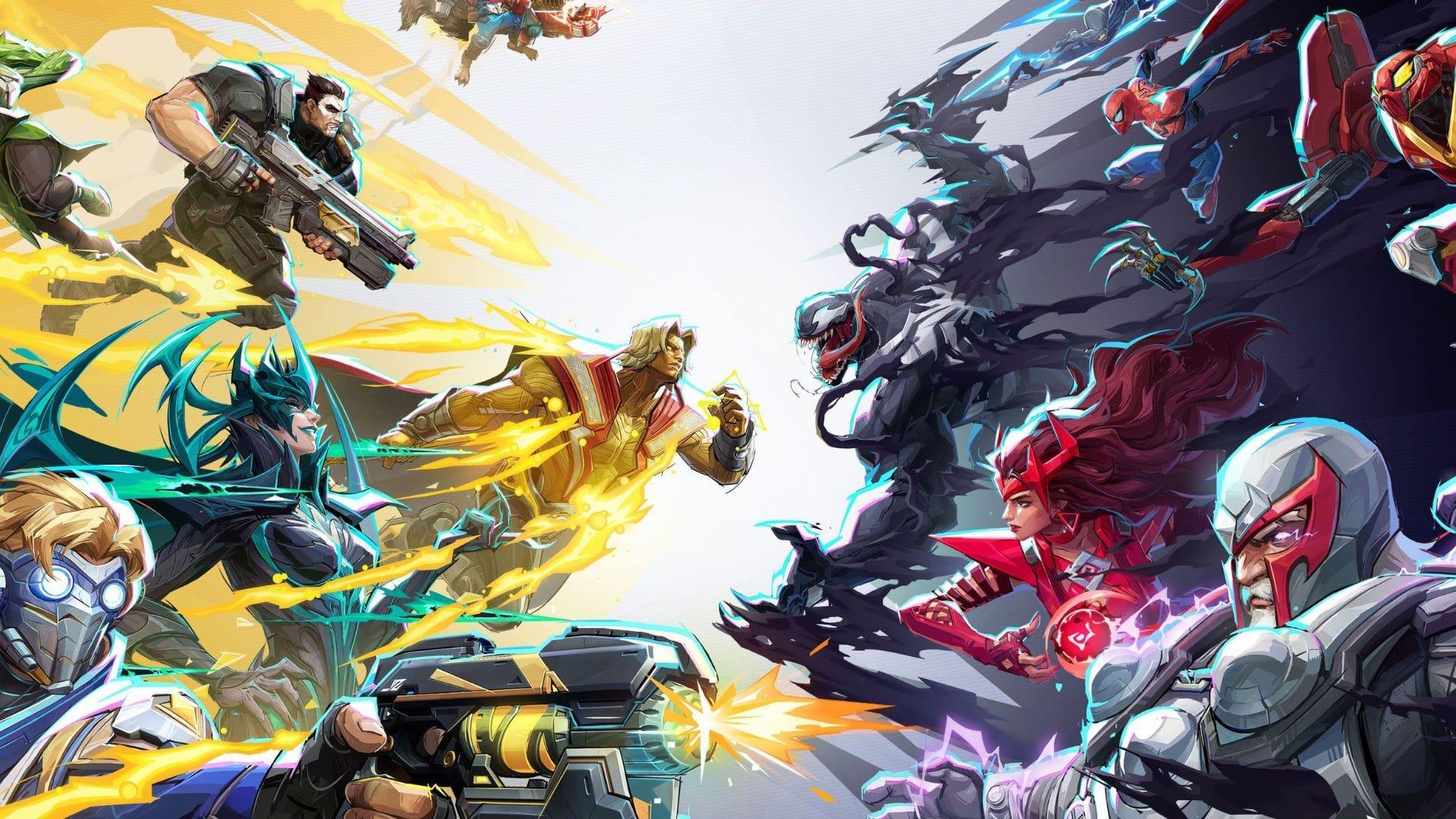
For dedicated Marvel Rivals enthusiasts who haven’t yet established the connection between their gaming profile and Twitch, you’re overlooking substantial cosmetic opportunities. Most competitive players value premium customization options, particularly when they enhance visual appeal during matches. This encompasses character sprays, hero skins, and additional aesthetic enhancements exclusively available through this integration.
Beyond immediate rewards, establishing this connection creates a permanent pathway for future content. When subsequent Twitch Drops campaigns launch for Marvel Rivals, simply tune into any authorized broadcast. Provided you maintain an active Twitch session, all qualified cosmetic items will seamlessly transfer to your in-game collection without manual intervention.
Also read: Marvel Rivals error code 270
How Twitch Drops Actually Work
The Marvel Rivals development team frequently releases limited-edition in-game items exclusively through Twitch that remain unavailable via conventional gameplay methods. These include time-sensitive cosmetics like thematic sprays and unique character skins that significantly differentiate your hero appearance. Remarkably, these premium items require neither financial investment nor extensive gameplay grinding. Simply engage with content during regular viewing sessions to accumulate rewards.
Establishing account connectivity now eliminates last-minute rushing when future drop events activate, even for occasional stream viewers. This sophisticated system guarantees reward access whenever new promotional content debuts. The strategic advantage lies in preemptive setup – once connected, you’re permanently eligible for all subsequent campaigns without repetitive configuration.
Twitch Drops campaigns typically operate through progressive unlocking systems. Most require accumulating watch time across specific streams, with reward tiers unlocking at predetermined intervals. Campaign durations vary from 24-hour marathons to week-long events, making strategic viewing essential for completion.
Advanced Strategies for Maximum Rewards
Absolutely, if you’re regularly engaged with Marvel Rivals, integrating your account with the leading streaming platform represents an obvious strategic move. Premium cosmetics, minimal effort requirement.
Strategic Stream Selection: Prioritize streams with higher viewer counts during campaign periods, as these often feature guaranteed drop eligibility. Official developer streams typically offer enhanced drop rates or exclusive items unavailable elsewhere.
Timing Optimization: Schedule viewing during peak campaign hours when developer engagement is highest. Early-campaign viewing often provides bonus incentives, while late-campaign watching can help complete partially finished progress tracks.
Account Verification Protocol: Always confirm successful account linkage before campaign commencement. Verify both Marvel Rivals and Twitch accounts show proper connection status, and ensure you’re logged into the correct Twitch account during viewing sessions.
Also read: All 616 Day Vault bundles in Marvel Rivals
Common Mistakes and How to Avoid Them
Check out our other articles related to the game:
Connection Verification Failure: Many users assume linking accounts once is sufficient, but platform updates can sometimes disrupt connections. Always re-verify linkage before major campaigns and check both Marvel Rivals and Twitch connection settings.
Reward Eligibility Misunderstanding: Not all streams participate in drop campaigns. Look for the “Drops Enabled” tag on Twitch streams and confirm campaign-specific requirements through official Marvel Rivals social channels.
Platform Synchronization Issues: Rewards may take up to 24 hours to appear in-game after fulfillment. Avoid disconnecting accounts during this period and contact support only after allowing reasonable processing time.
Browser vs Application Confusion: Twitch Drops function across both web browsers and desktop applications, but maintaining consistent login sessions is crucial. Switching between platforms mid-campaign can sometimes reset progress tracking.
No reproduction without permission:SeeYouSoon Game Club » How to link Marvel Rivals to Twitch Maximize your Marvel Rivals rewards by connecting to Twitch - complete guide with strategies and pitfalls