
Comprehensive troubleshooting guide for Marvel Rivals Igniting the Timestream error with practical solutions and prevention strategies
Understanding the Igniting the Timestream Error
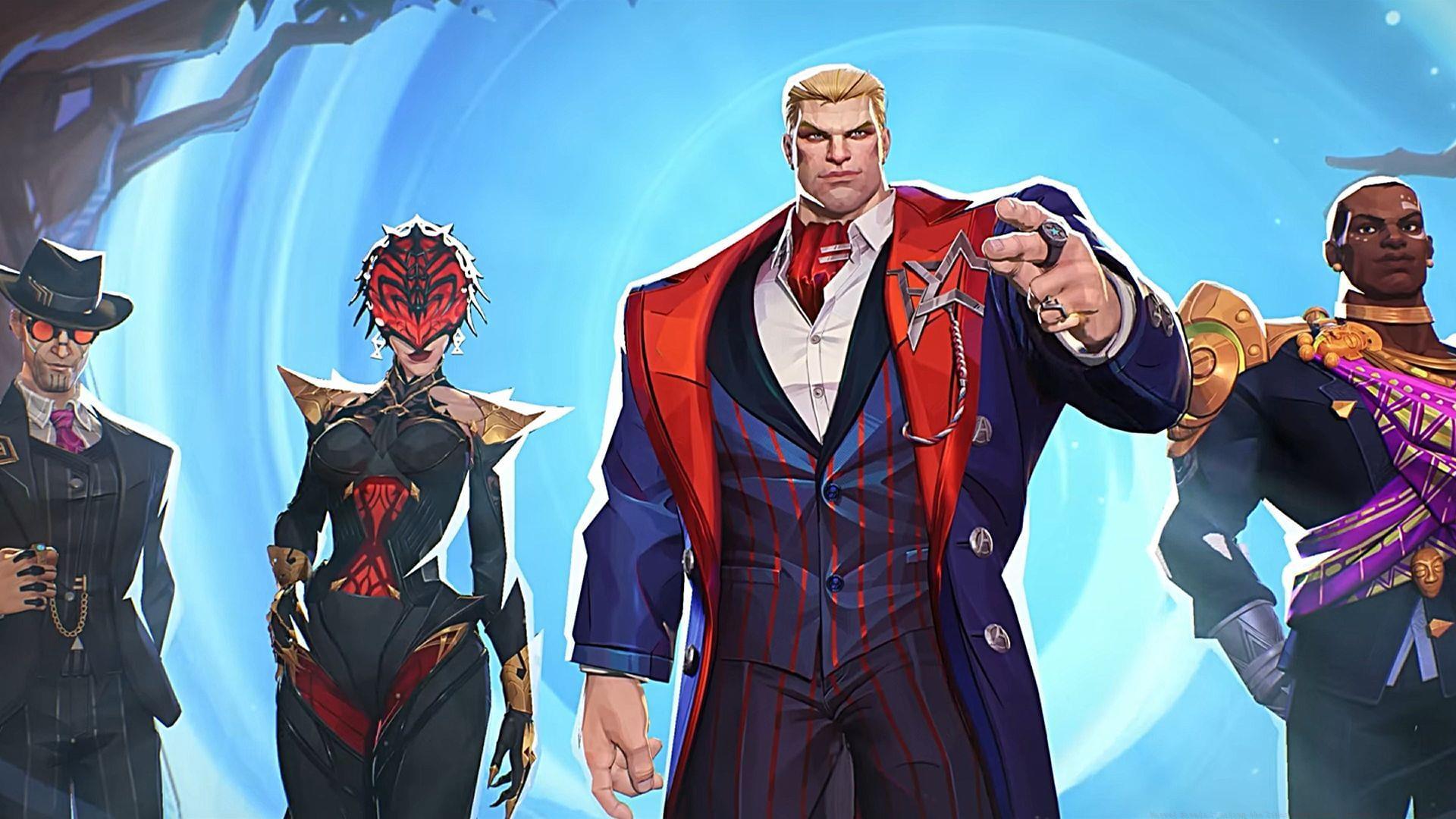
Marvel Rivals Igniting the Timestream error represents a significant connectivity disruption that frequently occurs during match loading sequences. While the error message typically vanishes automatically, redirecting gamers to character selection, extended loading periods can create substantial matchmaking delays. These technical hiccups frequently result in competitive disadvantages, transforming balanced team encounters into lopsided engagements due to absent squad members. The timing of this error often coincides with peak gaming hours or following major game updates, making awareness of troubleshooting methods essential for uninterrupted gameplay.
Many players mistakenly attribute prolonged loading screens to normal game processes, but the Igniting the Timestream error specifically indicates failed synchronization with match servers. Understanding this distinction helps gamers implement targeted solutions rather than waiting indefinitely for automatic resolution.
Immediate Fixes for All Platforms
The official Marvel Rivals X communication channel remains highly active, providing real-time notifications regarding server availability and maintenance schedules. Regularly monitoring this platform before attempting complex troubleshooting can save considerable time, as developers promptly announce both planned and emergency server maintenance periods. When scheduled maintenance occurs, the development team typically specifies anticipated server restoration timings, allowing players to plan their gaming sessions accordingly.
Also read: How to unlock Mantis Flora Maiden costume for free in Marvel Rivals
PC gamers should implement a comprehensive game restart procedure rather than a simple application close. Utilize Windows Task Manager to terminate all Marvel Rivals processes and background services, ensuring complete cessation of game-related activities. Following thorough process termination, relaunch the game client to establish a fresh connection session, which frequently resolves temporary synchronization issues causing the Igniting the Timestream error.
Console enthusiasts experiencing this connectivity problem should perform a full system power cycle rather than standby mode activation. Completely shutdown your PlayStation or Xbox system for approximately five minutes before rebooting, then initiate Marvel Rivals to verify error resolution. This method clears system cache and resets network protocols that may contribute to matchmaking failures.
Competitive multiplayer titles like Marvel Rivals demand consistent internet connectivity for optimal performance. Routinely examine your networking equipment for required restarts, as modem rejuvenation often resolves underlying connectivity problems. Power cycling your router establishes fresh connections to internet service providers, potentially eliminating network-related causes of the Igniting the Timestream error.
Read more: All ranked changes in Marvel Rivals Season 2
Advanced Technical Solutions
PC gamers can perform comprehensive game file verification through digital distribution platforms like Steam to identify and rectify corrupted game data. The integrity check feature scans local installation files against official versions, automatically downloading missing or damaged components to restore optimal game functionality. This process proves particularly valuable following game updates or system modifications that might compromise file stability.
For persistent Igniting the Timestream errors, consider advanced network configuration adjustments. Port forwarding specific to Marvel Rivals can enhance connectivity, while DNS server changes to reliable alternatives like Google DNS or Cloudflare may improve routing efficiency. Gamers should also examine firewall and antivirus settings to ensure they’re not inadvertently blocking game connections, a common oversight that causes matchmaking failures.
System optimization represents another crucial troubleshooting avenue. Ensure your graphics drivers are current, as outdated drivers sometimes interfere with game connectivity. Additionally, temporary file clearance and disk cleanup operations can resolve underlying system issues contributing to the error. For PC users, running the game as administrator occasionally resolves permission-related connectivity problems.
Root Causes and Prevention
The Marvel Rivals Igniting the Timestream error frequently originates from server-side maintenance operations or unexpected downtime episodes. Development teams routinely take servers offline to implement crucial updates, such as seasonal content introductions or balance adjustments. These maintenance windows sometimes extend beyond anticipated timeframes, particularly when addressing critical issues discovered during deployment. Regular server health checks represent standard practice for live service games, occasionally resulting in temporary matchmaking disruptions.
Alternatively, the Marvel Rivals Igniting the Timestream error can manifest due to player-side complications, including unstable internet connectivity. Irregular network performance often prevents game clients from establishing stable communication with matchmaking servers. Local game installation corruption represents another common culprit, where damaged game files impair multiplayer functionality. Hardware limitations, particularly insufficient RAM or outdated network adapters, can also contribute to this error occurring during intensive match loading sequences.
It’s essential to recognize that these solutions represent community-tested troubleshooting methods rather than officially sanctioned fixes for the Marvel Rivals Igniting the Timestream error. Implementing preventive measures like regular system maintenance, network monitoring, and game file verification can significantly reduce error occurrence frequency. Establishing stable internet connections through wired rather than wireless setups provides additional reliability for competitive gaming sessions.
Remain connected with Sportskeeda for continuing updates, comprehensive guides, and breaking news coverage.
No reproduction without permission:SeeYouSoon Game Club » Marvel Rivals Igniting the Timestream error: Possible reasons and fixes Comprehensive troubleshooting guide for Marvel Rivals Igniting the Timestream error with practical solutions and prevention strategies