
Complete installation guide for Elden Ring Nightreign duo expeditions mod with expert troubleshooting tips
Understanding the Duo Expeditions Mod
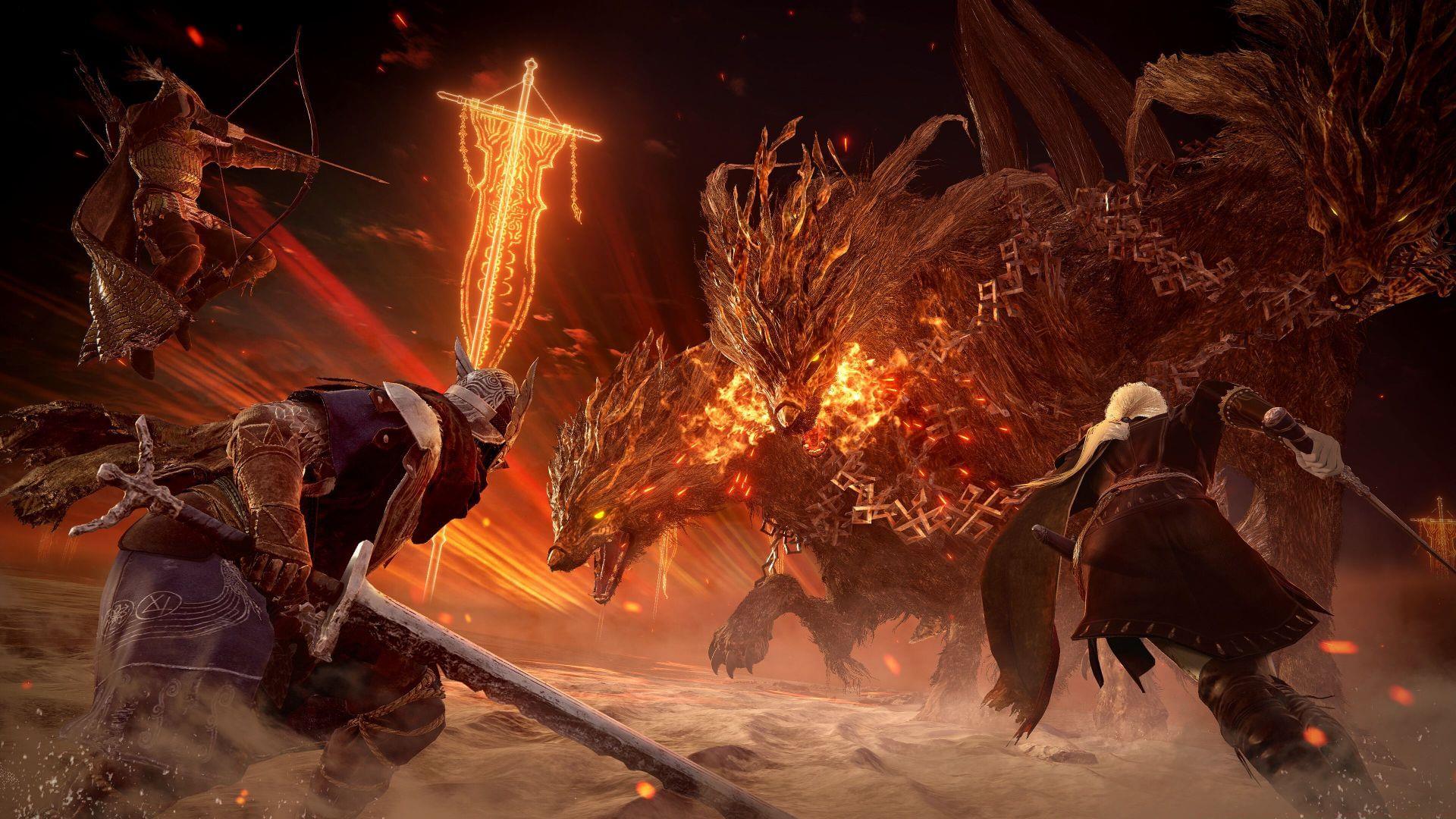
Within the first day of Elden Ring Nightreign’s release, community modifications like the Seamless Co-op mod have already transformed multiplayer dynamics. This innovative fan creation specifically addresses a fundamental limitation in the base game’s cooperative structure. Rather than being forced into three-player squads with random matchmaking, the mod enables true duo expeditions where you and one friend can adventure together exclusively.
The primary advantage lies in eliminating the unpredictable third teammate who often disrupts strategic gameplay. Many players report that random allies frequently trigger unnecessary enemy encounters, consume limited resources, or fail to coordinate during critical boss fights. The Nightreign duo expeditions mod creates a controlled cooperative environment where both players maintain full agency over their gaming experience.
From a technical perspective, this modification establishes a separate multiplayer instance that bypasses FromSoftware’s standard matchmaking protocols. It creates what experienced modders call a ‘sandboxed multiplayer environment’ where your gameplay remains isolated from the official servers unless deliberately configured otherwise. This architectural approach provides both flexibility and security for players wanting customized cooperative sessions.
Prerequisites and Preparation
Before beginning installation, ensure you have two essential components ready: a functioning PC installation of Elden Ring Nightreign and the modification files themselves. The game must be properly installed through Steam, as this platform currently holds exclusive PC distribution rights. Verify your game launches normally before proceeding with mod installation to avoid troubleshooting compounded issues.
Download the Nightreign Seamless Co-op files directly from the official Nexus Mods page. This reputable modding platform requires account creation, but the process takes under two minutes. When creating your account, use a valid email address as verification may be required. Nexus Mods maintains version history and user reviews, allowing you to confirm you’re downloading the latest stable release.
Pro Tip: Create a dedicated ‘Mods’ folder on your desktop to organize all downloaded modification files. This practice prevents clutter and makes future updates or troubleshooting significantly easier. Additionally, temporarily disable any antivirus software during download and extraction, as some security programs falsely flag mod files as potentially unwanted applications.
Step-by-Step Installation Process
Locating your game installation directory is the most critical step in this process. Through Steam, you can access this folder using multiple methods:
- Navigate to your Library’s Home section and locate Elden Ring Nightreign in the left menu panel
- Either click the gear icon beside the install button or right-click the game name
- Select ‘Browse Local Files’ from the context menu that appears
- This action opens the main ELDEN RING NIGHTREIGN directory where you should enter the ‘game’ folder
With your game directory accessible, extract the downloaded ZIP archive (typically named ‘Nightreign Seamless Co-op v0.0.1-3-0-0-1-1748685610’) to your desktop. Modern Windows versions include built-in extraction tools, but applications like 7-Zip or WinRAR provide additional functionality if needed. Ensure the extraction completes fully before proceeding.
Transfer the extracted ‘SeamlessCoop’ folder into the game directory you previously opened. This placement is crucial—incorrect file location represents the most common installation failure. Additionally, move the ‘nrsc_launcher.exe’ file to your desktop for easy access. This executable serves as your modified game launcher and should be used instead of the standard Steam shortcut when playing with the mod enabled.
Advanced Technique: Create a backup of your vanilla ‘game’ folder before adding mod files. This simple precaution allows instant restoration if anything goes wrong during installation or if you wish to return to unmodified gameplay temporarily.
Launching and Playing with Friends
Critical Note: You must maintain an active Steam connection and avoid Offline mode to utilize the mod’s multiplayer functionality. Additionally, all participants in your expedition must run identical versions of both Elden Ring Nightreign and the Seamless Co-op modification. Version mismatches represent the primary cause of connection failures.
Initiating multiplayer sessions follows standard Steam protocols despite the modified gameplay. Create a party through Steam’s friend interface exactly as you would for any other game. The mod seamlessly integrates with Steam’s infrastructure while redirecting the actual gameplay to its custom servers. For duo expeditions, your session will display only two player characters, though the game may show three hawks flying overhead—a visual artifact from the original three-player design.
Connection Optimization: Ensure all players have stable internet connections and consider using Steam’s built-in voice chat for coordination. The mod maintains the game’s original netcode, so geographical proximity between players typically results in smoother gameplay. If experiencing lag, try switching who hosts the session, as this can sometimes improve connection stability.
Advanced Configuration and Troubleshooting
The Seamless Co-op mod operates independently from FromSoftware’s official servers and utilizes separate save files. This segregation provides significant ban protection since your modified gameplay never interacts with the vanilla game’s player base. The only scenario where banning becomes possible is if you manually reconfigure the mod to connect to official servers—an option most players should avoid.
Regarding modification compatibility, the development team hasn’t conducted extensive testing with other game alterations. However, most visual enhancements, texture packs, and UI modifications should function without issues. Problems typically arise only when other mods attempt to alter multiplayer mechanics or conflict with the Seamless Co-op’s core files. When using multiple modifications, install them sequentially and test functionality after each addition.
Currently, the mod supports a maximum of three players per session, mirroring the vanilla game’s cooperative limits. The development team has indicated they may explore expanded player counts in future updates, but technical limitations related to game stability and performance present significant challenges.
Performance Tuning: If experiencing frame rate drops or stuttering during modded gameplay, try lowering shadow quality and disabling ambient occlusion. These graphical settings disproportionately impact performance in modified Elden Ring sessions. Additionally, closing background applications like web browsers can free up system resources for smoother multiplayer performance.
FAQ and Common Issues
How do I return to vanilla gameplay? Simply launch Elden Ring Nightreign using the original desktop shortcut or Steam library entry. The mod only activates when using the nrsc_launcher.exe. For complete uninstallation, delete the SeamlessCoop folder from your game directory and remove the nrsc_launcher.exe from your desktop.
Why can’t I connect with friends? The most common connectivity issues stem from version mismatches. Confirm all players have the same game patch version and mod release. Additionally, check that Windows Firewall isn’t blocking the mod’s executable, and ensure all players are logged into Steam (not in offline mode).
Are my save files safe? Yes, the mod uses completely separate save files that don’t interfere with your vanilla progress. However, regular backups are still recommended, as modded gameplay carries inherent stability risks that could potentially corrupt save data.
Where can I get support? The Nexus Mods page features an active comments section where users share solutions and the mod developers occasionally respond. For technical issues, include your game version, mod version, and specific error messages when seeking assistance.
Explore more Elden Ring Nightreign content:
- Is Elden Ring Nightreign a DLC?
- How many expeditions does Elden Ring Nightreign have?
- Elden Ring Nightreign trophy list: All achievements and how to unlock
- How to emote in Elden Ring Nightreign
No reproduction without permission:SeeYouSoon Game Club » How to install the Elden Ring Nightreign duo expeditions mod Complete installation guide for Elden Ring Nightreign duo expeditions mod with expert troubleshooting tips