
Complete guide to claim the Splitgate 2 Portal Pulse Avatar through Discord with bonus tips and troubleshooting
Understanding the Splitgate 2 Portal Pulse Avatar
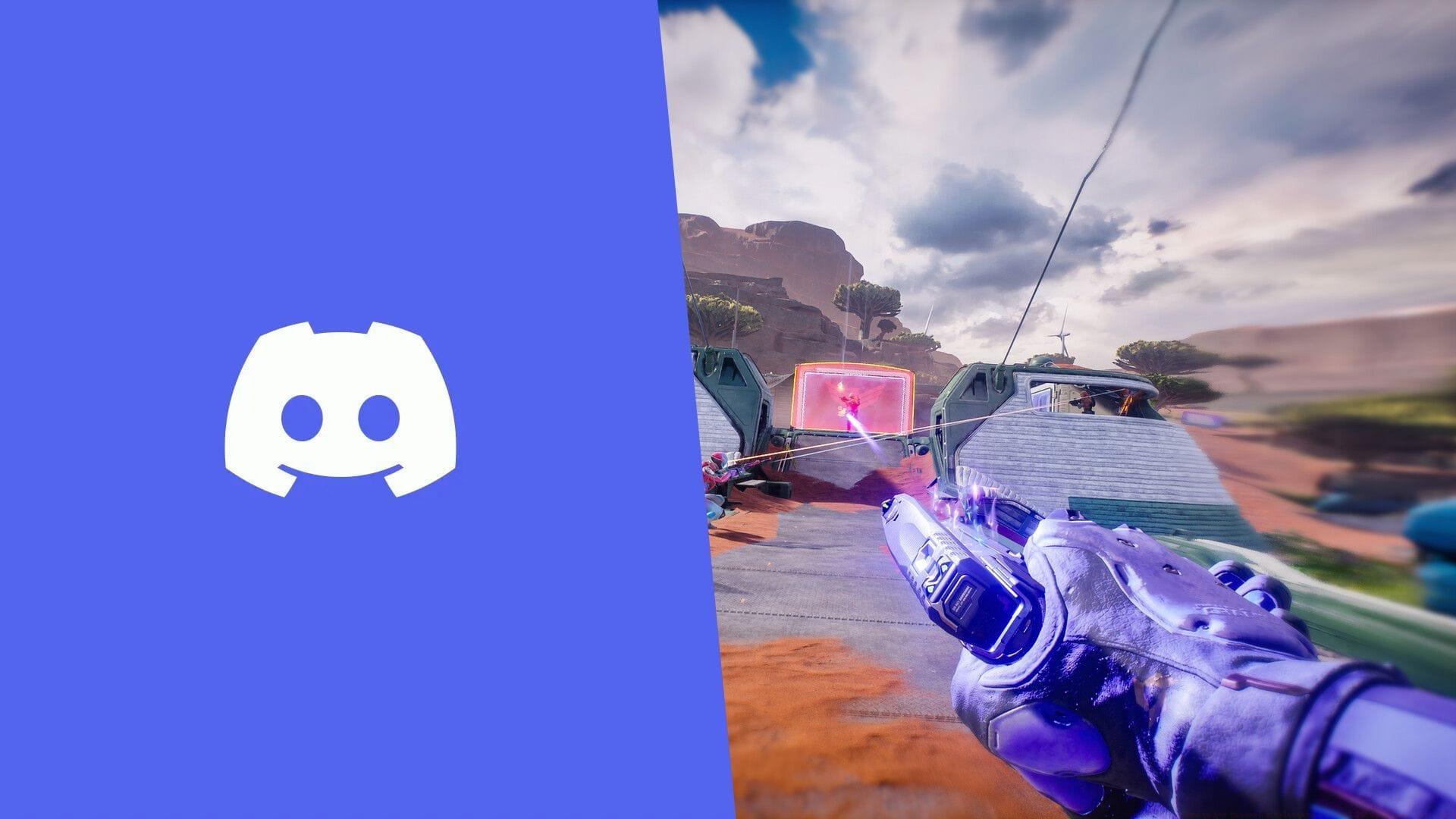
The Splitgate 2 Portal Pulse Avatar represents an exclusive animated cosmetic item created specifically to commemorate the Open Beta launch of this highly anticipated sequel. As the successor to the innovative 2019 original, Splitgate 2 builds upon the foundation of portal-based combat mechanics while introducing enhanced gameplay systems, expanded character customization, and completely redesigned multiplayer maps.
This particular avatar features unique animation effects that pulse with energy, making it stand out significantly from standard profile pictures. The collaboration between Discord and 1047 Games follows a pattern of limited-time promotional events that reward community engagement with exclusive digital items.
Step-by-Step Claiming Process
To successfully obtain this exclusive cosmetic reward, follow this detailed procedure within the Discord platform:
Once you’ve activated the quest, the system requires you to view the official Splitgate 2 Open Beta announcement trailer directly within Discord’s interface. This promotional video runs approximately two minutes in duration, but critical attention to viewing conditions is essential for successful completion.
The platform employs strict validation that demands uninterrupted viewing from beginning to end. This means you cannot minimize the Discord window, switch to different browser tabs, or multitask during playback. Even operating a secondary monitor while the video plays on another screen will invalidate your viewing session and prevent reward acquisition.
Common Mistakes and Troubleshooting
Many users encounter preventable issues during the claiming process that can delay or prevent reward acquisition. Understanding these common pitfalls will significantly improve your success rate:
Viewing Interruption Errors: The most frequent failure occurs when users accidentally click outside the video player or switch applications. Discord’s tracking system is extremely sensitive to context switching, so ensure all notifications are disabled and close unnecessary programs beforehand.
Browser Compatibility Issues: Some users report incomplete quest validation when using certain browsers. For optimal results, utilize the desktop Discord application rather than browser versions, and ensure your software is fully updated to the latest release.
Verification Delays: Occasionally, the system may take several minutes to register completed views. If your avatar doesn’t appear immediately, refrain from re-watching the trailer multiple times as this may trigger anti-abuse mechanisms. Instead, wait 5-10 minutes and check your Claimed Quests section again.
Advanced Tips and Strategies
Optimize your claiming experience with these professional strategies developed through community testing:
Full-Screen Advantage: Engage full-screen mode before starting the trailer to eliminate accidental clicks outside the video frame. This simple precaution dramatically increases successful completion rates.
Audio Verification: Keep your volume at audible levels since some users speculate the system may use audio cues to validate active viewing. While unconfirmed, this precaution costs nothing and may improve reliability.
Network Preparation: Ensure stable internet connectivity throughout the process. Brief connectivity drops can interrupt the validation sequence, requiring complete restart of the viewing process.
Inventory Management: Periodically check your Gift Inventory capacity. If nearing maximum capacity, consider removing expired items to ensure smooth addition of new rewards.
Reward Details and Expiration
Following successful trailer viewing, the animated Splitgate 2 Portal Pulse Avatar automatically transfers to your Claimed Quests inventory section. This limited-time collaboration remains accessible only until May 30, 2025, providing a narrow window for acquisition.
Once successfully claimed, your exclusive Discord Avatar persists in inventory for exactly 60 days before automatic expiration and removal. This temporary duration aligns with Discord’s standard practice for promotional collaborations, making timely usage essential.
Historical patterns indicate that Discord exclusive quests rarely repeat, so missing this opportunity likely means permanent exclusion from obtaining this particular animated avatar. The collaborative nature between gaming studios and Discord typically produces unique, one-time offerings rather than recurring events.
For additional Splitgate 2 coverage, explore our comprehensive guides:
No reproduction without permission:SeeYouSoon Game Club » How to get Discord x Splitgate 2 Portal Pulse Avatar for free Complete guide to claim the Splitgate 2 Portal Pulse Avatar through Discord with bonus tips and troubleshooting