
Mastering controller gameplay in Arena Breakout: Infinite with expert setup tips and optimization strategies
Current Controller Support Status
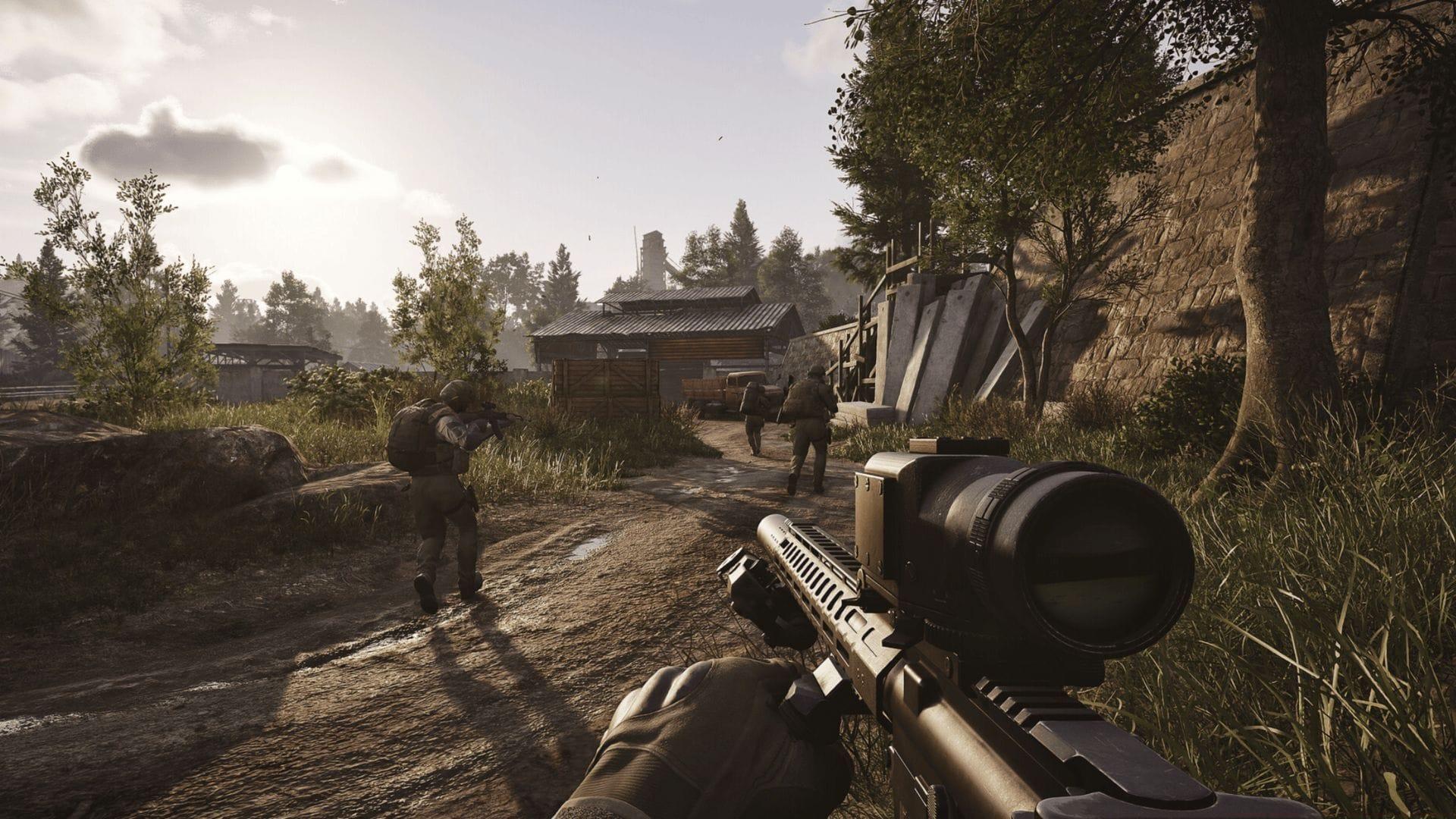
No, Arena Breakout: Infinite currently does not have native controller support. The developers have designed the entire control scheme around traditional PC peripherals, meaning connecting any gaming controller via USB or Bluetooth will not provide immediate functionality. As the game progresses through its early access phase exclusively on PC platforms, with mobile development underway separately, Arena Breakout: Infinite continues to attract a growing community of tactical shooter enthusiasts.
Despite the absence of built-in controller compatibility, determined players have engineered creative solutions using input translation software. These applications essentially intercept controller signals and convert them into keyboard and mouse commands that the game recognizes. While these methods introduce some complexity and potential performance trade-offs, they demonstrate the community’s dedication to customizing their gameplay experience according to personal preferences.
Third-Party Controller Setup Process
For players committed to using controllers despite the technical hurdles, a systematic approach ensures the best possible experience. The process involves multiple software layers and careful configuration to minimize input lag and maximize responsiveness.
The configuration phase demands considerable patience and iterative testing. Start with basic movement and aiming functions before progressing to complex actions like inventory management, leaning, and quick item usage. Successful implementations typically require 2-3 hours of fine-tuning to achieve comfortable responsiveness.
Performance Optimization Strategies
Advanced controller users can significantly enhance their gameplay through deliberate optimization techniques. These strategies bridge the performance gap between native mouse input and translated controller commands.
Controller Layout Configuration: Map essential combat functions to shoulder buttons and triggers for quick access during firefights. Reserve the face buttons for less time-sensitive actions like inventory management or communication wheels. Consider creating separate layouts for close-quarters combat versus long-range engagements.
Input Latency Reduction: Disable unnecessary background processes that might interfere with input translation software. Set reWASD or alternative programs to high-priority mode within Windows task manager. Use wired connections whenever possible to eliminate Bluetooth latency fluctuations that can impact aiming precision.
Advanced Dead Zone Settings: Most remapping software allows precise adjustment of joystick dead zones and sensitivity curves. Reduce dead zones to minimum tolerable levels for quicker response times while implementing gradual sensitivity curves to maintain aiming stability during precise shots.
Common Challenges & Solutions
Controller users face several predictable obstacles that can diminish the gaming experience if not properly addressed through preparation and adaptive strategies.
Inventory Management Limitations: The intricate inventory system in Arena Breakout: Infinite presents the most significant hurdle for controller users. Cursor-based item manipulation feels inherently clunky compared to direct mouse control. Mitigate this by creating dedicated button combinations for frequent inventory actions and practicing efficient organizational habits to minimize time spent in menus during critical moments.
Combat Performance Discrepancies: High-pressure engagements consistently favor mouse users due to superior aiming precision and quicker reaction times. Controller players must compensate through superior positioning, tactical awareness, and pre-aiming techniques. Focus on ambush tactics and team coordination rather than direct aim duels against skilled mouse users.
Software Reliability Concerns: Third-party applications introduce potential stability issues and compatibility problems during game updates. Maintain backup configurations and stay informed about software updates that might affect functionality. Some competitive players avoid these solutions entirely in tournament settings where consistency is paramount.
Mouse vs Controller Performance Analysis
Understanding the inherent advantages and disadvantages of each input method helps players make informed decisions about their preferred control scheme based on gameplay priorities and personal skill sets.
Precision Shooting Comparison: Mouse aiming provides undeniable superiority in target acquisition and tracking, especially during rapid engagements. The direct 1:1 input relationship and unlimited range of motion enable flick shots and micro-adjustments that controllers cannot replicate through thumbstick limitations. Controller users typically achieve 20-30% lower accuracy rates in testing scenarios.
Movement & Ergonomics: Controllers offer superior analog movement control with gradual walking speeds and smooth directional transitions. The ergonomic design reduces hand fatigue during extended sessions, though this comfort comes at the cost of reaction speed. Many players find controllers more intuitive for casual gameplay despite competitive disadvantages.
Future Development Possibilities: The development team has not announced concrete plans for official controller implementation. Since console versions aren’t currently in development, native support remains a lower priority. However, the ongoing early access period leaves room for community-driven feature requests to potentially influence future development roadmaps.
No reproduction without permission:SeeYouSoon Game Club » Does Arena Breakout: Infinite have controller support? Mastering controller gameplay in Arena Breakout: Infinite with expert setup tips and optimization strategies