
Complete guide to transferring Deltarune demo saves with platform-specific instructions and troubleshooting tips
Understanding Deltarune’s Save System
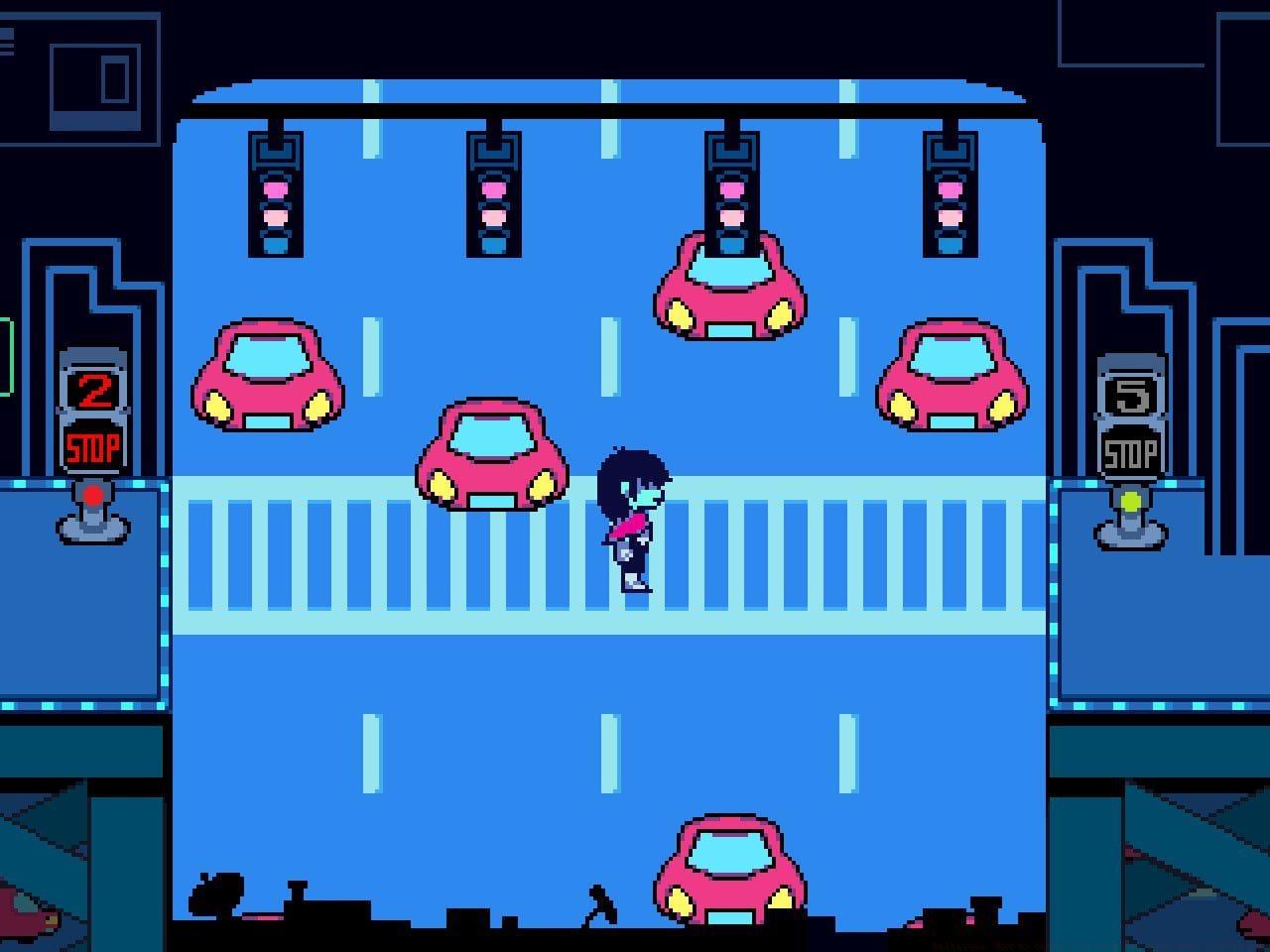
Toby Fox’s acclaimed RPG Deltarune presents a parallel universe narrative connected to Undertale, offering a unique blend of charm and strategic combat. The initial Chapters 1 and 2 serve as a free demo experience, while purchasing the complete version unlocks Chapters 3 and 4 with expanded content. Many players investing significant time in the demo naturally question whether their progression carries forward – fortunately, the development team implemented seamless save data continuity.
PC and Mac Save Transfer Process
Desktop platform users benefit from the most streamlined save migration process. When launching the purchased full version on Windows or macOS systems, the game automatically scans for existing demo save files without requiring user intervention. This plug-and-play functionality ensures your character progression, item collection, and narrative choices transition seamlessly. The system checks default save locations in your user directory, typically found in AppData on Windows or Application Support folders on Mac.
Pro Tip: Before installing the full version, manually back up your demo saves by locating the Deltarune folder in your system’s application data directory. This precaution protects against rare corruption issues during the transfer process. Common mistake: Some players accidentally delete demo saves thinking they’re no longer needed after purchasing – always wait until the full version confirms successful import before removing original files.
Console Save Import Guide
Console platforms require slightly more attention during the save migration process but remain user-friendly. Upon first launching the complete Deltarune edition on PlayStation, Xbox, or Nintendo systems, the game performs an automatic scan for demo save data stored on your device. If compatible files are detected, you’ll receive a clear prompt asking to import your previous progress.
Critical requirements for successful console transfer:
- You must be signed into the same user account used during demo gameplay
- The demo save data must remain physically stored on your console’s storage
- Cloud saves may automatically sync, but local data takes precedence
- Cross-generation upgrades are supported: Switch 2 imports from original Switch, PS5 from PS4
Troubleshooting Note: If the import prompt doesn’t appear, first verify your demo completion status by relaunching the demo version. Ensure you’ve saved properly at a save point rather than relying on autosaves. Console-specific issue: PlayStation Network and Nintendo Account synchronization sometimes delays cloud save updates – wait 24 hours or manually sync saves if problems occur.
Advanced Save Management
Should you accidentally bypass the import option or encounter transfer failures, recovery remains straightforward. The only method to retrigger the import prompt involves deleting your full game save data from the system storage. This reset forces the game to recheck for demo data upon next launch, providing a second opportunity for migration.
Even without successful save transfer, Deltarune’s chapter selection feature prevents content lockout. You can manually start from any completed chapter point, though narrative continuity suffers when skipping earlier segments. For optimal story immersion and character relationship development, playing chapters sequentially is strongly recommended.
Optimization Strategy: Advanced players should complete all side quests and collectibles in the demo before transferring, as some optional content affects later chapter availability. The game tracks hidden achievement progress and relationship values that influence multiple narrative branches in Chapters 3-4.
Importing your demo progression into Deltarune’s full version maintains consistency when using identical devices and accounts throughout your gameplay journey.
No reproduction without permission:SeeYouSoon Game Club » Deltarune: How to carry over progress from demo to full game Complete guide to transferring Deltarune demo saves with platform-specific instructions and troubleshooting tips