
Master the incinerator mechanics in Cash Cleaner Simulator with advanced tips and optimization strategies
Understanding the Incinerator Unlock Process
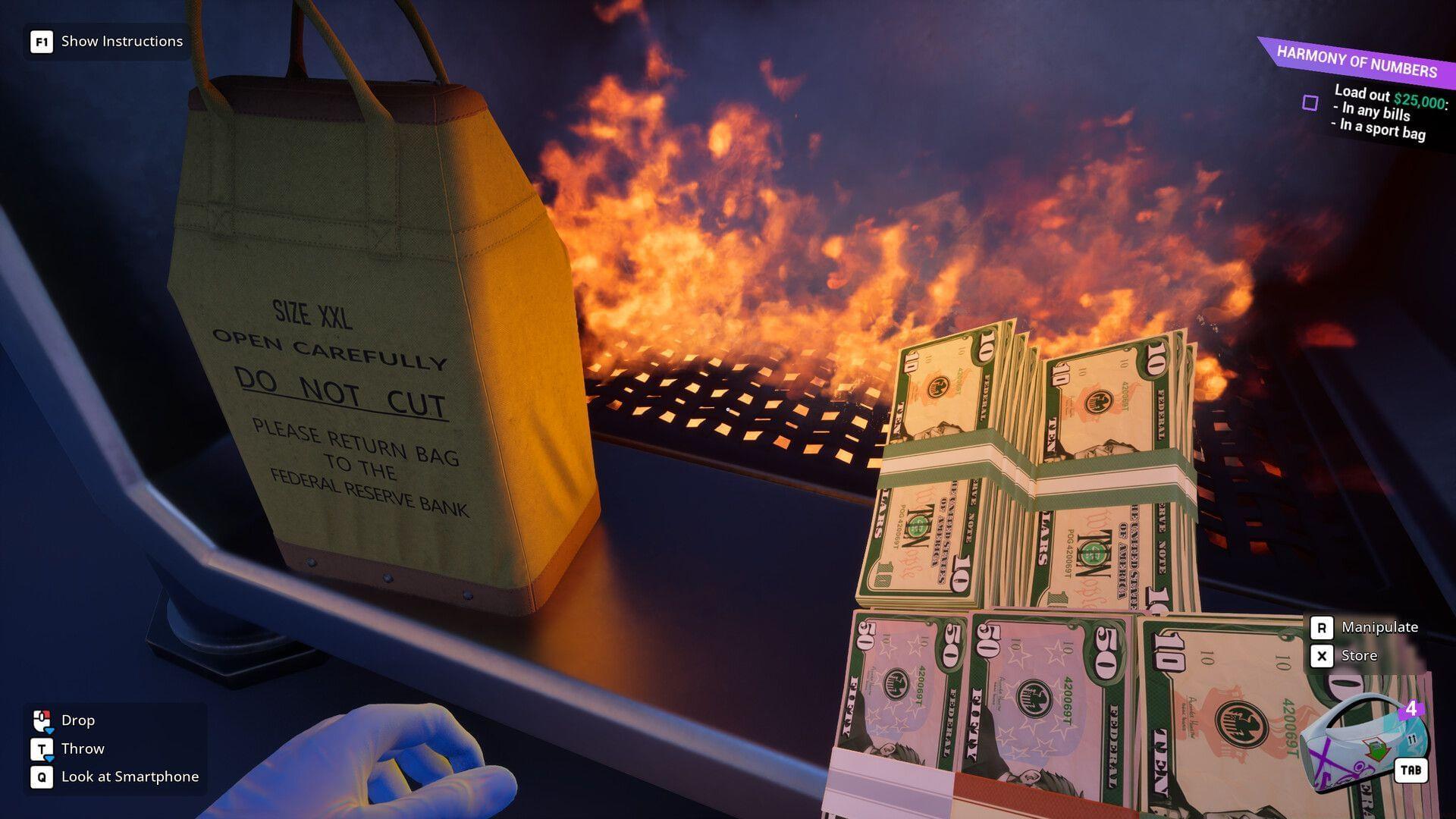
In Cash Cleaner Simulator, the Burn Trash functionality represents a late-game feature that becomes accessible through natural story progression rather than direct purchase or construction. Players must advance through the main narrative until they receive the critical “A Wet Case” assignment from the Dark Web interface, which serves as the gateway to incinerator access.
This particular mission introduces several unique mechanics regarding currency processing:
- Currency bundles arrive meticulously organized within suitcases
- Bills undergo plastic encapsulation in standardized blocks
- Monetary notes may exhibit varying moisture conditions
- All currency requires secure strapping into consolidated packs
A significant gameplay revelation occurs during this questline – players quickly discover that manual bill drying becomes completely unnecessary. A scripted explosive event triggers during mission progression, with flames spreading to wooden barriers obstructing the rear section of your operational area. This conflagration serendipitously dehydrates all damp currency through environmental interaction.
Read on: 7 beginner tips to get started with Cash Cleaner Simulator
Mastering Incinerator Mechanics
Following the explosive sequence, environmental inspection reveals newly accessible zones behind the charred barrier remnants. This expanded area contains the fully operational Incinerator unit – conspicuously present without concealment or additional locking mechanisms. The equipment requires no interface navigation or supplementary unlocking procedures, standing ready for immediate utilization.
Operating this waste disposal system follows an elegantly simple three-step methodology:
- Acquire unwanted items through standard collection procedures
- Deposit discarded materials directly into the incinerator chamber
- Activate the adjacent control lever to initiate combustion sequence
Upon completing the primary “A Wet Case” objective, players often encounter secondary tasks requesting incineration of trash bags containing minimum three waste pieces. Interestingly, no physical trash bags exist within the game’s inventory system. The objective completes successfully simply by burning three individual trash items, suggesting either placeholder terminology or clever gameplay abstraction.
Additional optional objectives frequently appear, such as “Burn listed objects: Backpack x3” specifications. These side missions integrate seamlessly with the incinerator mechanics – depositing the required quantity of designated items and activating the lever automatically registers completion, regardless of whether players consciously track their burning progress.
Advanced Strategies and Common Pitfalls
Seasoned players should recognize several optimization opportunities within the incineration system. The automated progression tracking for burning quests enables efficient multi-tasking – you can work on multiple objectives simultaneously without manual tallying. This becomes particularly valuable when dealing with rare or valuable items that might accidentally be destroyed if players aren’t monitoring their inventory carefully.
Common misunderstandings often arise regarding the trash bag mechanics. New players frequently waste time searching for non-existent bags or attempting crafting combinations. The reality remains that any three trash items satisfy the requirement, making this one of the game’s more forgiving mechanics despite its ambiguous description.
Inventory management represents another critical consideration. Since the incinerator permanently destroys items, establish a systematic approach to sorting valuables from genuine trash. Consider creating designated storage areas for questionable items until you’re certain they serve no future purpose. This prevents accidental destruction of quest items or valuable commodities that might be needed later.
The current implementation likely contains placeholder elements that may evolve through future updates. Players should remain adaptable to potential mechanic changes while enjoying the current straightforward implementation.
Check out: Cash Cleaner Simulator: How to open the Vault
No reproduction without permission:SeeYouSoon Game Club » Cash Cleaner Simulator: How to Burn Trash Master the incinerator mechanics in Cash Cleaner Simulator with advanced tips and optimization strategies