
Master ARC Raiders inventory management with the new Split Stack feature for optimal resource control and loadout efficiency
Understanding the Split Stack Revolution
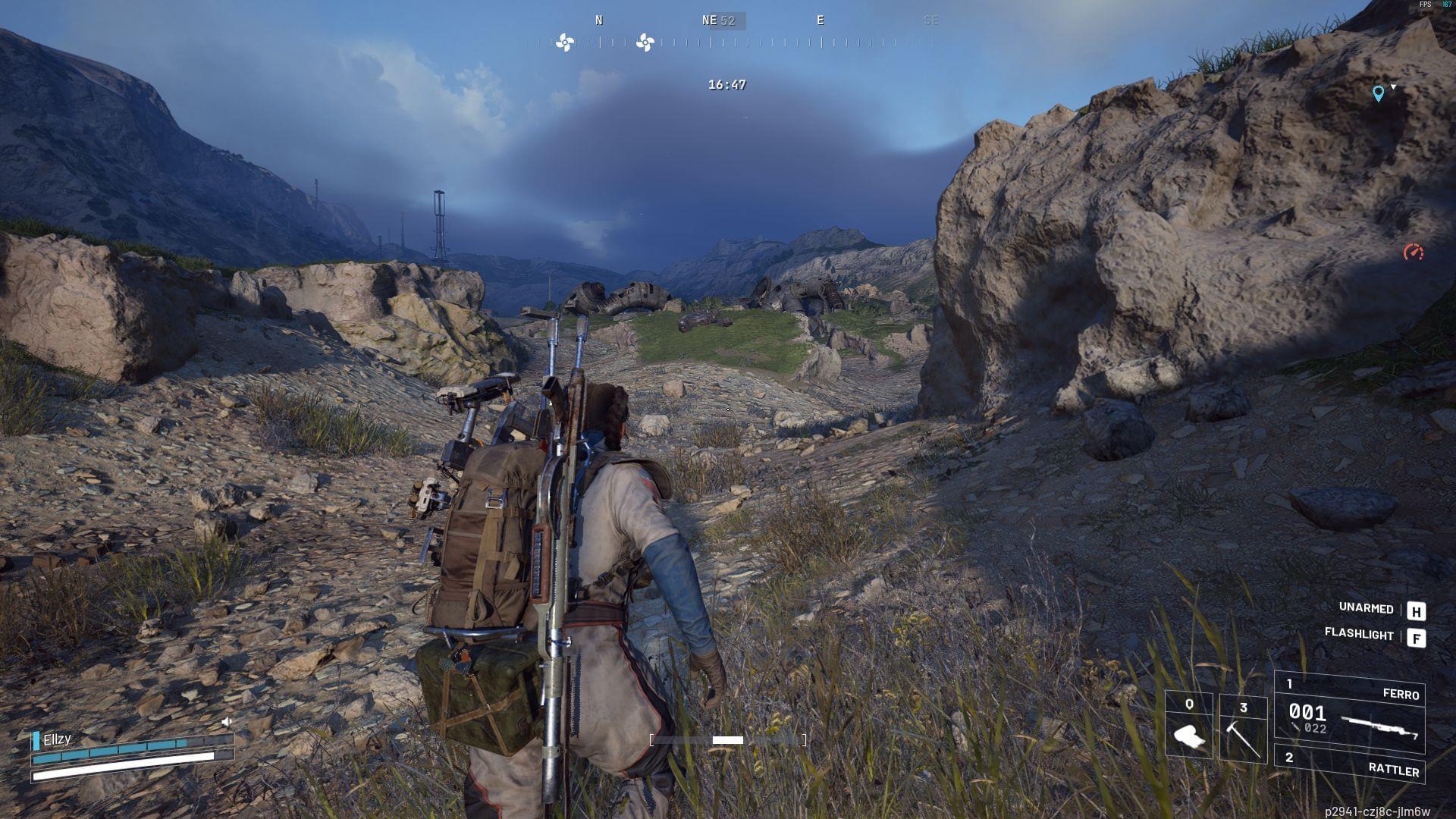
The recent North Line update fundamentally transforms inventory management in ARC Raiders by introducing the Split Stack capability. This game-changing feature enables players to precisely distribute ammunition and resources rather than being limited to combining entire stacks. Previously, Raiders struggled with inflexible inventory systems that forced them to carry full stacks or engage in tedious item management workarounds.
This quality-of-life enhancement addresses one of the most requested features from the community, allowing for granular control over resource allocation. Unlike the previous system where you could only merge stacks, the split function provides tactical flexibility for mission preparation and resource conservation. The implementation reflects Embark Studios’ commitment to responsive game development based on player feedback.
Step-by-Step Split Stack Execution
To leverage the new splitting functionality, begin by traveling to Speranza – your central hub in ARC Raiders. Once safely in the base area, activate your inventory using the designated keybind (typically ‘I’ by default) to access the Stash interface. This is where all your accumulated resources and equipment are stored between missions.
When preparing for your next deployment, locate the ammunition type you wish to manage and position your cursor over the stack. Perform a right-click action to reveal the context menu, where you’ll notice the new Split Stack option positioned strategically above the Send to Stash command. This placement ensures intuitive access while preventing accidental stash transfers.
Selecting the split function opens a numerical interface where you can specify exact quantities using keyboard input or incremental arrows. After entering your desired amount – whether for a light reconnaissance mission or extended combat operation – finalize the action by clicking confirm. The system instantly generates a new stack containing your specified count while reducing the original stack accordingly.
Advanced Inventory Optimization Techniques
Beyond basic functionality, strategic players can leverage split stacking for significant resource optimization. Create specialized loadouts by splitting ammunition into mission-specific quantities rather than carrying full stacks that waste inventory space. For example, splitting a 200-round stack into 50-round portions allows you to equip precisely what you need for anticipated engagement durations.
Avoid common pitfalls like oversplitting, which creates excessive micro-stacks that clutter your inventory. Establish a minimum practical stack size based on your playstyle – typically 25-30% of maximum stack capacity works well for most ammunition types. Another frequent mistake involves forgetting to recombine partially used stacks after missions, leading to inefficient storage utilization.
Advanced tactics include creating emergency backup stacks that remain in your stash while taking primary ammunition into the field. This ensures you have reserves available if missions extend beyond anticipated duration. Team-oriented players can also use split stacks to distribute resources among squad members efficiently, ensuring balanced loadouts without excessive duplication.
For more news and guides, follow Sportskeeda:
- How to complete ARC Raiders Greasing Her Palms quest
- How to complete Industrial Espionage quest in Arc Raiders
- How to complete Hatch Repairs quest in ARC Raiders
- How to complete The Right Tool quest in Arc Raiders
- How to complete the Eyes on the Prize quest in Arc Raiders
- How to complete Down To Earth quest in ARC Raiders
No reproduction without permission:SeeYouSoon Game Club » ARC Raiders: How to Split Stacks in ARC Raiders Master ARC Raiders inventory management with the new Split Stack feature for optimal resource control and loadout efficiency