
Complete guide to cross-save, crossplay, and multiplayer modes in Inazuma Eleven Victory Road across platforms
Crossplay Functionality Explained
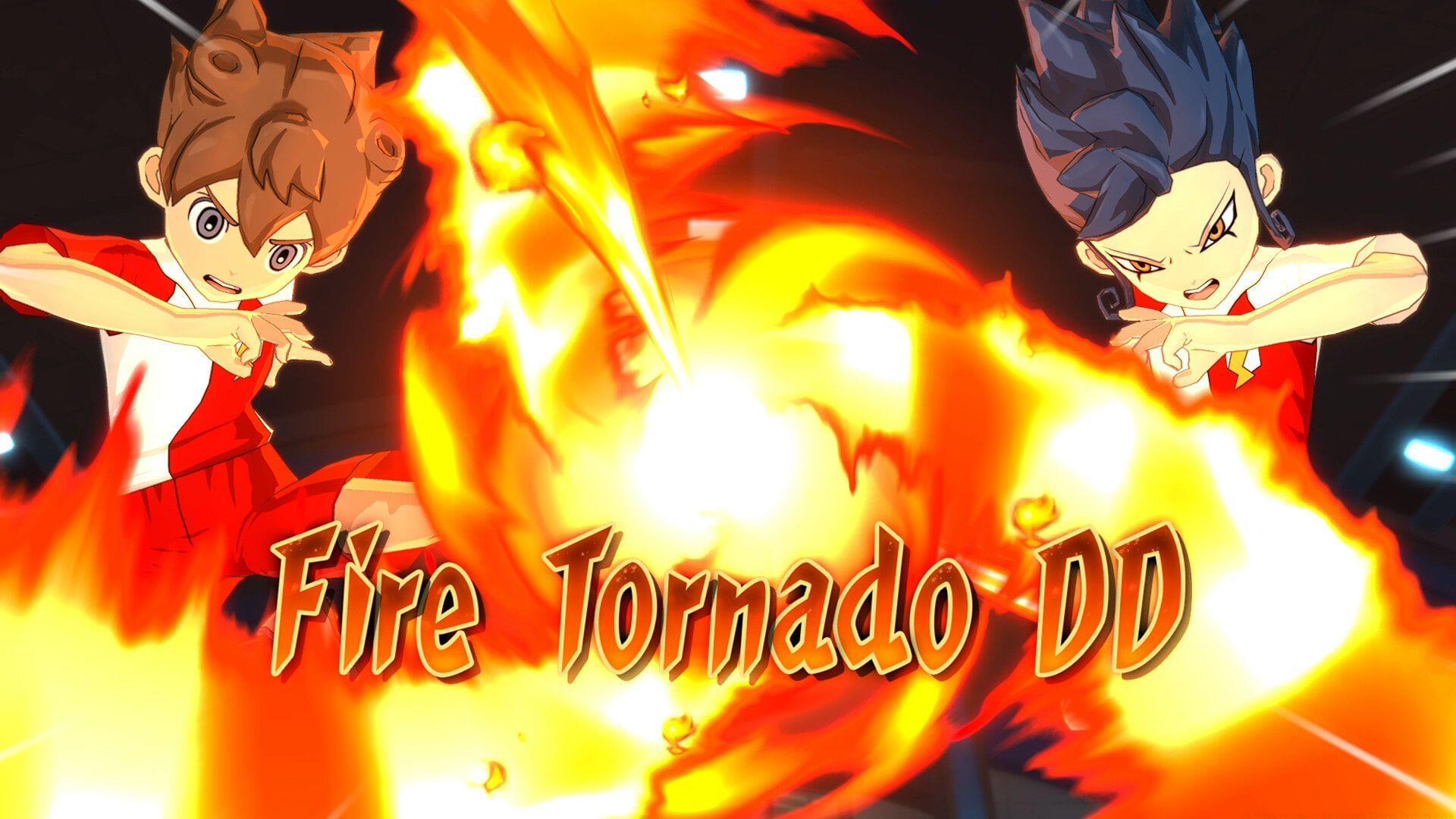
Inazuma Eleven Victory Road delivers comprehensive crossplay support, enabling seamless multiplayer interactions across all major gaming ecosystems. The game’s multi-platform release strategy covers Nintendo Switch, Nintendo Switch 2, PlayStation 4, PlayStation 5, Xbox Series X/S, and Microsoft Windows, ensuring that platform boundaries don’t separate gaming communities. This interconnected approach allows you to challenge friends regardless of their preferred gaming device, significantly expanding your potential opponent pool and enhancing matchmaking efficiency.
For optimal crossplay performance, ensure your network connection maintains stable latency below 100ms. Unstable connections can disrupt real-time soccer matches, particularly during critical skill activation moments. Consider using wired connections when possible, as wireless setups may introduce unpredictable latency spikes that negatively impact gameplay precision.
Essential requirement: Active online subscriptions remain mandatory for console-based multiplayer engagement. Nintendo Switch Online, PlayStation Plus, or Xbox Game Pass Core subscriptions provide the necessary infrastructure for cross-platform matchmaking and online functionality. Without these active subscriptions, you’ll be limited to single-player experiences and local gameplay options.
Also read: All characters in Inazuma Eleven Victory Road
Cross-Save System Deep Dive
The cross-save functionality in Inazuma Eleven Victory Road represents a significant quality-of-life feature for multi-platform enthusiasts. This robust system facilitates seamless progression transfer between different gaming environments using Epic Games account synchronization. The implementation ensures that your team development, character progression, and collected items remain consistent regardless of which platform you’re currently using.
Here’s the comprehensive setup process for cross-save functionality:
- Account Linking Phase: Begin by establishing your Epic Games account connection across every targeted platform. This foundational step creates the unified profile that tracks your progression data.
- Data Management: Upload your active save file from your current primary system, then initiate the download sequence on your secondary platforms. The synchronization process typically completes within 2-3 minutes depending on save file size.
- Verification Protocol: Always confirm successful data transfer by checking key progression markers like team levels, character stats, and inventory items before continuing gameplay.
Critical consideration: The cross-save feature requires separate game purchases for each platform you intend to use. There’s no universal license that covers multiple systems. Additionally, the previously mentioned online subscription requirements for console platforms remain applicable for accessing cloud save features and online functionality.
Also read: 5 best beginner tips and tricks for Inazuma Eleven Victory Road
Multiplayer Game Modes Analysis
Inazuma Eleven Victory Road delivers diverse multiplayer experiences through two distinct game modes that fully support crossplay functionality. Understanding these modes’ strategic implications can significantly enhance your competitive performance and enjoyment.
Competitive Multiplayer Mode: This primary online experience focuses on ranked and friendly match systems where you deploy custom-constructed teams against global opponents. The ranking system employs skill-based matchmaking to ensure balanced competitions, while friendly matches allow for casual play with specific friends. Strategic team composition becomes crucial here—balance your squad with offensive specialists, defensive anchors, and versatile midfielders to counter various opponent strategies.
Character-Based Gameplay Mode: This alternative multiplayer format restricts team construction to predetermined squads featuring beloved Inazuma Eleven characters. This creates a more standardized competitive environment where player skill and tactical knowledge outweigh team-building advantages. Mastering character-specific special moves and understanding synergy between preset squad members becomes the key differentiator for success in this mode.
Advanced Matchmaking Insight: The game’s crossplay infrastructure implements region-based matchmaking prioritization to maintain optimal connection quality. During peak hours, you may experience slightly longer queue times as the system searches for opponents with compatible network conditions across platforms.
Also read: How to get and use Bond Stars in Inazuma Eleven Victory Road
Advanced Optimization Tips
Maximizing your Inazuma Eleven Victory Road experience requires understanding both technical and strategic optimization techniques. These professional insights can dramatically improve your cross-platform performance and competitive results.
Connection Optimization: For consistently smooth crossplay matches, prioritize internet stability over raw speed. Implement Quality of Service (QoS) settings on your router to prioritize gaming traffic, reducing packet loss during critical moments. Wired Ethernet connections typically provide 30-50% more stability than wireless alternatives, particularly important for reaction-based soccer maneuvers.
Team Building Strategies: Develop specialized teams for different multiplayer modes. In competitive mode, create balanced squads with complementary skill sets. For character-based mode, study preset team compositions beforehand to identify strengths and weaknesses. Always include versatile players who can adapt to unexpected opponent strategies.
Common Rookie Mistakes: Avoid over-specializing teams with单一 offensive or defensive focus—balanced squads perform better against varied opponents. Don’t neglect substitute character development, as fatigue management becomes crucial during extended play sessions. Always test new team compositions in friendly matches before deploying them in ranked competitions.
Pro-Level Techniques: Advanced players master timing-based skill activation that accounts for cross-platform latency variations. Learn to anticipate opponent movements based on character animations rather than reaction times. Develop multiple strategic approaches to counter the most common meta team compositions you’ll encounter in crossplay matchmaking.
No reproduction without permission:SeeYouSoon Game Club » Is there crossplay in Inazuma Eleven Victory Road? Complete guide to cross-save, crossplay, and multiplayer modes in Inazuma Eleven Victory Road across platforms