
Master Steam spending tracking with detailed breakdowns, pro tips, and common pitfalls to avoid
Understanding Steam Spending Tracking
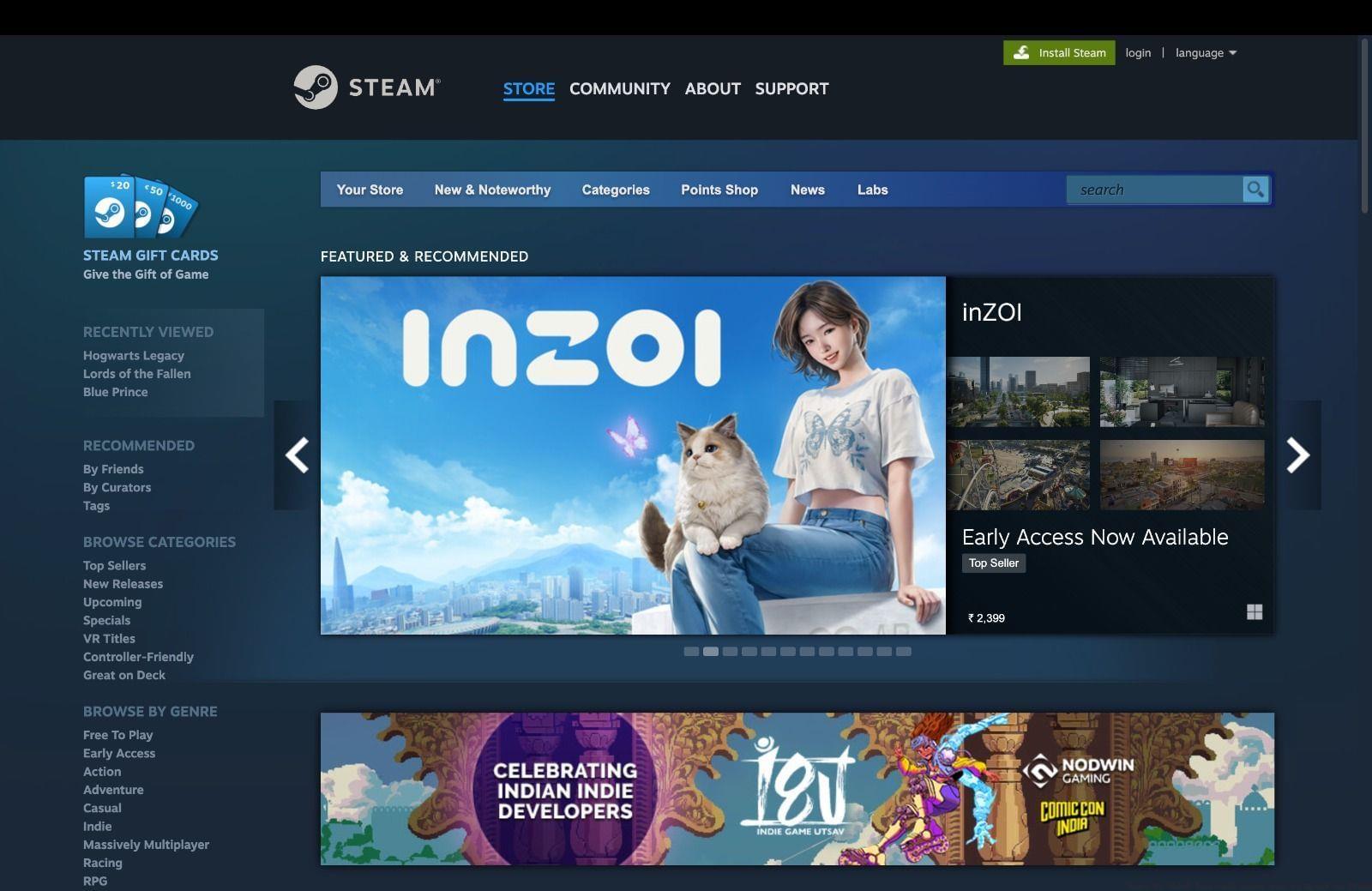
Over time, Steam enthusiasts have invested substantial resources into building their digital game libraries. The platform meticulously records every transaction, creating a comprehensive financial history that many users remain unaware exists. Understanding your expenditure patterns can transform how you approach future purchases and budget management.
Tracking your Steam spending serves multiple purposes beyond simple curiosity. It provides valuable insights into your gaming habits, helps identify spending patterns during sales events, and enables better financial planning for upcoming game releases. Many dedicated gamers discover they’ve spent significantly more than anticipated, making this tool essential for responsible gaming investments.
Step-by-Step Access Guide
To retrieve your precise expenditure figures, execute this straightforward procedure:
After completing these navigation steps, you’ll need to re-authenticate your account credentials. The system will then present a detailed categorization of your historical expenditures across all transaction types.
Pro Tip: Ensure you’re logged into the correct Steam account, as many users maintain multiple accounts for different regions or gaming purposes. The spending data is account-specific and doesn’t aggregate across multiple profiles.
Spending Categories Explained
The expenditure report organizes your financial data into several distinct classifications:
Important Insight: These categories help identify spending patterns across different time periods and regional platforms. Many users discover they’ve spent more during seasonal sales or on specific game genres, providing valuable data for future purchasing strategies.
Advanced Tips and Strategies
Beyond simply checking your spending history, savvy gamers use this data to optimize their purchasing habits. Here are professional strategies for maximizing your Steam investment:
Budget Management Techniques: Set monthly spending limits based on your historical data. If your TotalSpend reveals consistent overspending during summer sales, create a dedicated budget for these events. Track your cost-per-hour by comparing game prices to your actual playtime for better value assessment.
Common Navigation Mistakes: Many users mistakenly look for spending data in the store or library sections. Remember the critical path: Help → My Account → Data Related to Your Steam Account → External Funds Used. Another frequent error involves confusing wallet balance with total historical spending – these represent different financial metrics.
Optimization Strategies: Use your OldSpend data to identify games purchased before Steam’s refund policy implementation. Cross-reference your spending with gameplay hours to determine which purchases provided the best entertainment value. Consider setting up spending alerts or using third-party tools like SteamDB for more detailed analytics.
Also Read: When is Wuthering Waves coming to Steam?
Mastering Steam spending analysis transforms casual gaming into strategic entertainment investment, ensuring every purchase delivers maximum enjoyment and value.
Check out our other gaming articles here:
No reproduction without permission:SeeYouSoon Game Club » Ways to check how much money you’ve spent on Steam Master Steam spending tracking with detailed breakdowns, pro tips, and common pitfalls to avoid