
Complete guide to The Last of Us Part 2 PC patch 1.4 with optimization tips and performance strategies
PC Performance Evolution and Patch Overview
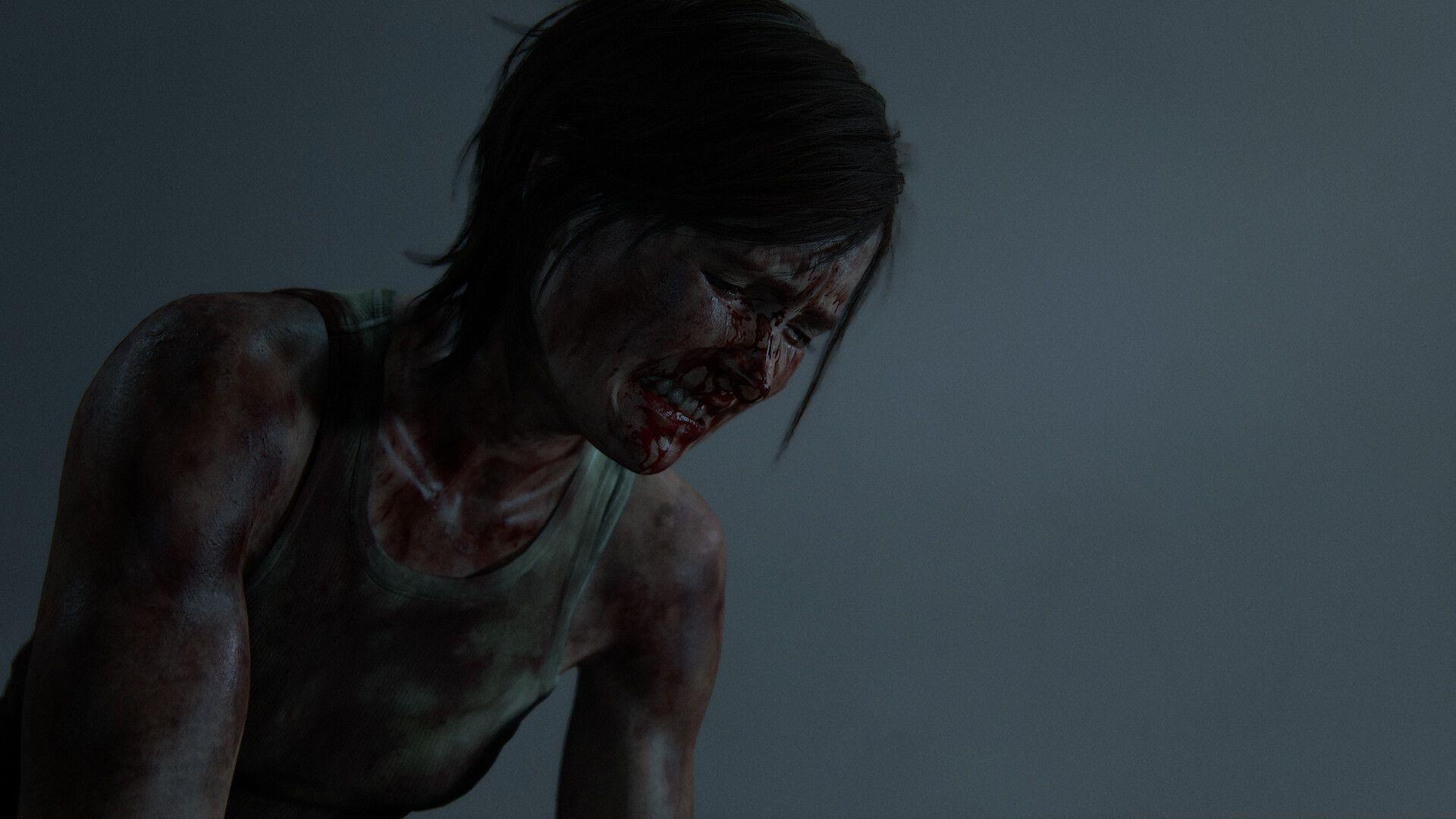
The PC version of The Last of Us Part 2 arrived several weeks ago, bringing the acclaimed PlayStation experience to computer gamers. However, similar to previous Sony console-to-PC transitions, the initial release encountered significant performance optimization challenges. Naughty Dog has responded with consistent patch deployments, with the most recent being the substantial 1.4 update that addresses multiple critical areas.
This comprehensive update represents a major step forward in optimizing the game’s performance across diverse PC hardware configurations. Players have reported varying experiences depending on their system specifications, making these ongoing improvements particularly valuable for achieving stable frame rates and visual fidelity.
NVIDIA DLSS 4 Deep Dive
The integration of NVIDIA DLSS 4 introduces the advanced Transformer model for upscaling, compatible with all NVIDIA RTX graphics cards. This sophisticated upscaling algorithm delivers superior image stability, significantly reduces ghosting artifacts, and provides enhanced anti-aliasing performance compared to the previous Legacy model.
Depending on your specific GPU capabilities, the Legacy model might still offer better raw performance in certain scenarios. Players can now toggle between these two upscaling approaches using the newly added Upscale Preset option located in the Display Menu. For optimal results, we recommend testing both models with your specific hardware configuration to determine which provides the ideal balance of visual quality and performance.
Performance Tip: The Transformer model typically works best on RTX 30-series and newer GPUs, while older RTX 20-series cards may benefit from the Legacy model’s lower computational demands. Monitor your frame rates and visual quality when switching between presets to find your optimal configuration.
Advanced Frame Generation Features
Owners of NVIDIA’s latest RTX 50-series graphics cards can now leverage Multi Frame Generation technology. This cutting-edge feature becomes accessible by enabling DLSS Frame Generation and fine-tuning the new Max Generated Frames parameter within the Display Menu settings.
The update also brings substantial improvements to AMD FSR Frame Generation functionality, resolving a critical bug that previously caused severe ghosting effects. Additionally, the patch addresses situations where AMD FSR Frame Generation failed to produce new frames entirely, ensuring consistent performance across different hardware platforms.
Intel XeSS upscaling receives an important update to version 2.0.1, incorporating the latest optimizations and compatibility improvements from Intel’s ongoing development efforts. This ensures that players using Intel Arc graphics cards experience enhanced performance and visual quality.
Common Mistake to Avoid: Don’t enable both DLSS Frame Generation and AMD FSR Frame Generation simultaneously, as this can cause conflicts and performance degradation. Choose the technology that matches your GPU manufacturer for optimal results.
Critical Bug Fixes and Quality Improvements
The comprehensive bug fix portion of update 1.4 addresses numerous player-reported issues that affected gameplay experience and visual consistency. A significant resolution involves the DualSense controller’s rumble functionality, which now properly operates when connected wirelessly via Bluetooth, restoring the full haptic feedback experience.
Visual artifacts have received substantial attention, with fixes for flickering in hair, trees, and snow effects when Depth of Field was enabled. The patch also resolves mirror quality inconsistencies in The Farm location and addresses texture loading problems following specific environmental interactions.
Gameplay improvements include fixing tutorial prompts that failed to display ‘hold middle mouse button’ instructions for weapon cross interactions. The update also corrects a material issue that made a window in Seattle Downtown appear traversable when it shouldn’t be, and resolves camera clipping through buildings in The Seraphites area that allowed unintended out-of-bounds visibility.
Interface enhancements include relocating the Default versus Reduced Gore toggle option from Combat Accessibility to the Graphics Menu, providing more intuitive settings organization. The patch also fixes visual inconsistencies where Ellie appeared to have a knife on her back during The Chalet sequence with certain character skins equipped.
Optimization Strategies and Performance Tips
To maximize your experience with The Last of Us Part 2 on PC after installing update 1.4, consider these optimization strategies. Begin by testing the different upscaling technologies available for your specific GPU architecture, as each offers unique performance characteristics.
For NVIDIA RTX users, experiment with both the Transformer and Legacy DLSS models to determine which provides the ideal balance of image quality and frame rate stability on your system. RTX 50-series owners should carefully adjust the Max Generated Frames setting based on their performance targets and display refresh rates.
The development teams at Nixxes and Naughty Dog continue actively monitoring community feedback and crash reports, with additional updates already in development featuring further bug resolutions and performance enhancements. Players experiencing specific issues should ensure they submit detailed reports through official channels to assist these ongoing optimization efforts.
Advanced Optimization: Consider adjusting shadow quality and volumetric effects settings if you’re targeting higher frame rates, as these tend to have significant performance impact. Also, monitor VRAM usage to ensure you’re not exceeding your GPU’s memory capacity, which can cause stuttering.
Also read: Can you play The Last of Us Part 2 on ROG Ally? Best settings provided
Stay tuned to Sportskeeda for more The Last of Us Part 2 updates and guides.
No reproduction without permission:SeeYouSoon Game Club » The Last of Us Part 2 update 1.4: Everything improved with the latest patch Complete guide to The Last of Us Part 2 PC patch 1.4 with optimization tips and performance strategies