
Essential Delta Force Season 5 Break launch guide with download optimization and troubleshooting strategies
Season 5 Break Launch Essentials
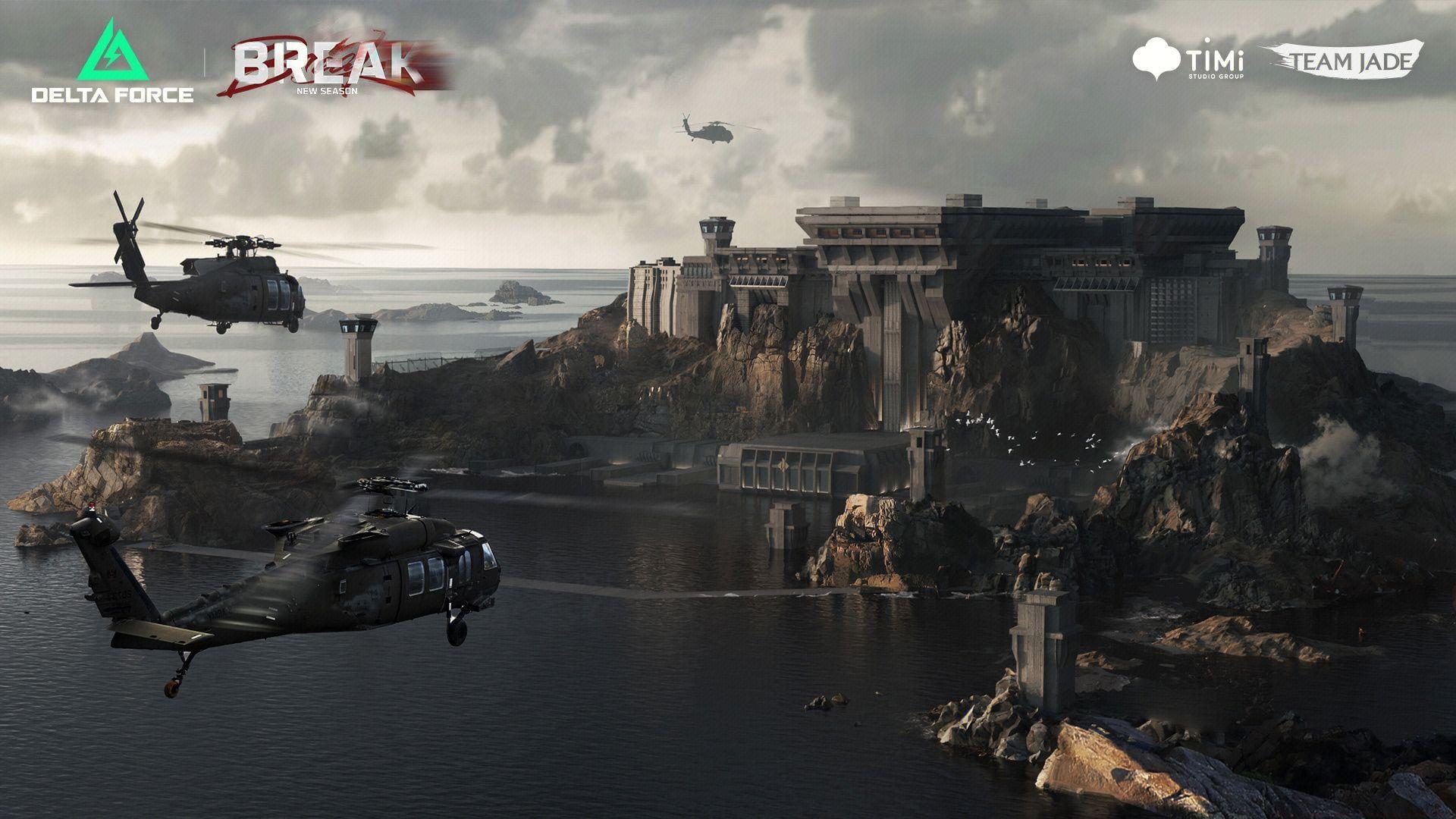
Delta Force Season 5 Break deployment is confirmed for July 9, 2025, precisely at 02:00 (UTC+0) across all PC platforms with zero server downtime anticipated. Developers have transparently communicated both timing specifications and substantial download requirements. Unlike many major game updates, this release does not offer pre-load functionality, meaning installation commences exclusively when the update becomes available.
The global simultaneous release strategy ensures competitive fairness across regions, though mobile platforms will follow a separate deployment schedule. For PC gamers, understanding the timing implications for your specific timezone is crucial for planning your gameplay session launch.
Platform Download Size Breakdown
For gamers using the Delta Force dedicated client, the Season 5 Break update demands 32.7 GB of download bandwidth. To guarantee seamless installation, maintain at minimum 40 GB of available storage space on your primary drive. This buffer prevents installation failures and allows for temporary file processing during the update procedure.
Steam platform users face a more substantial download requirement of 52.7 GB, approximately 60% larger than the native client version. Reserve at least 65 GB of free space on your Steam library drive to accommodate both the download package and uncompressed installation files. The size discrepancy between platforms stems from different compression techniques and file structure optimizations.
Pro tip: Consider temporarily moving non-essential games to secondary storage or external drives if your primary SSD space is limited. This prevents the frustrating experience of canceling downloads midway through due to insufficient storage capacity.
Advanced Download Strategies
With no pre-load option available, strategic download planning becomes essential. Begin by assessing your internet connection speed – divide the download size by your connection’s maximum theoretical speed to estimate total download time. For example, a 100 Mbps connection downloading 52.7 GB would require approximately 1 hour 15 minutes under ideal conditions.
Schedule your download during off-peak hours if possible, as internet service providers often provide better throughput during low-traffic periods. Close bandwidth-intensive applications like streaming services, video conferencing tools, and other game clients to maximize your available bandwidth allocation.
For Steam users, consider verifying the integrity of game files before the update by right-clicking Delta Force in your library, selecting Properties > Local Files > Verify Integrity of Game Files. This prevents corrupted file conflicts during the major update process.
Troubleshooting Common Issues
Should you experience technical difficulties following the Season 5 Break installation, immediately close the game application completely and perform a fresh restart. This straightforward resolution addresses numerous post-update complications resulting from memory leaks, cached data conflicts, or incomplete asset loading.
Verify that your game client version matches the latest official release, as operating outdated software frequently causes stability problems, matchmaking failures, or unexpected game crashes. Developers typically release minor hotfixes shortly after major updates to address emergent technical issues.
Also read: DF Season 5 Break release countdown: Start time for all regions
Remember that Season 5 Break deployment timing differs between PC and mobile platforms, though both maintain simultaneous global release schedules. This separation prevents cross-platform synchronization issues while ensuring each platform receives optimized performance.
Also read: Escape from Tarkov downtime today (July 8, 2025): When will servers come online?
Check out our other articles here:
Advanced troubleshooting: If persistent issues continue after restarting, consider temporarily disabling background applications, updating graphics drivers, or performing a clean boot to eliminate software conflicts affecting game performance.
No reproduction without permission:SeeYouSoon Game Club » Delta Force Season 5 Break file size on PC Essential Delta Force Season 5 Break launch guide with download optimization and troubleshooting strategies