
Master The Last of Us Part 2 controls on PC: controller vs keyboard optimization strategies and performance tips
PC Control Revolution: Expanding Your Options
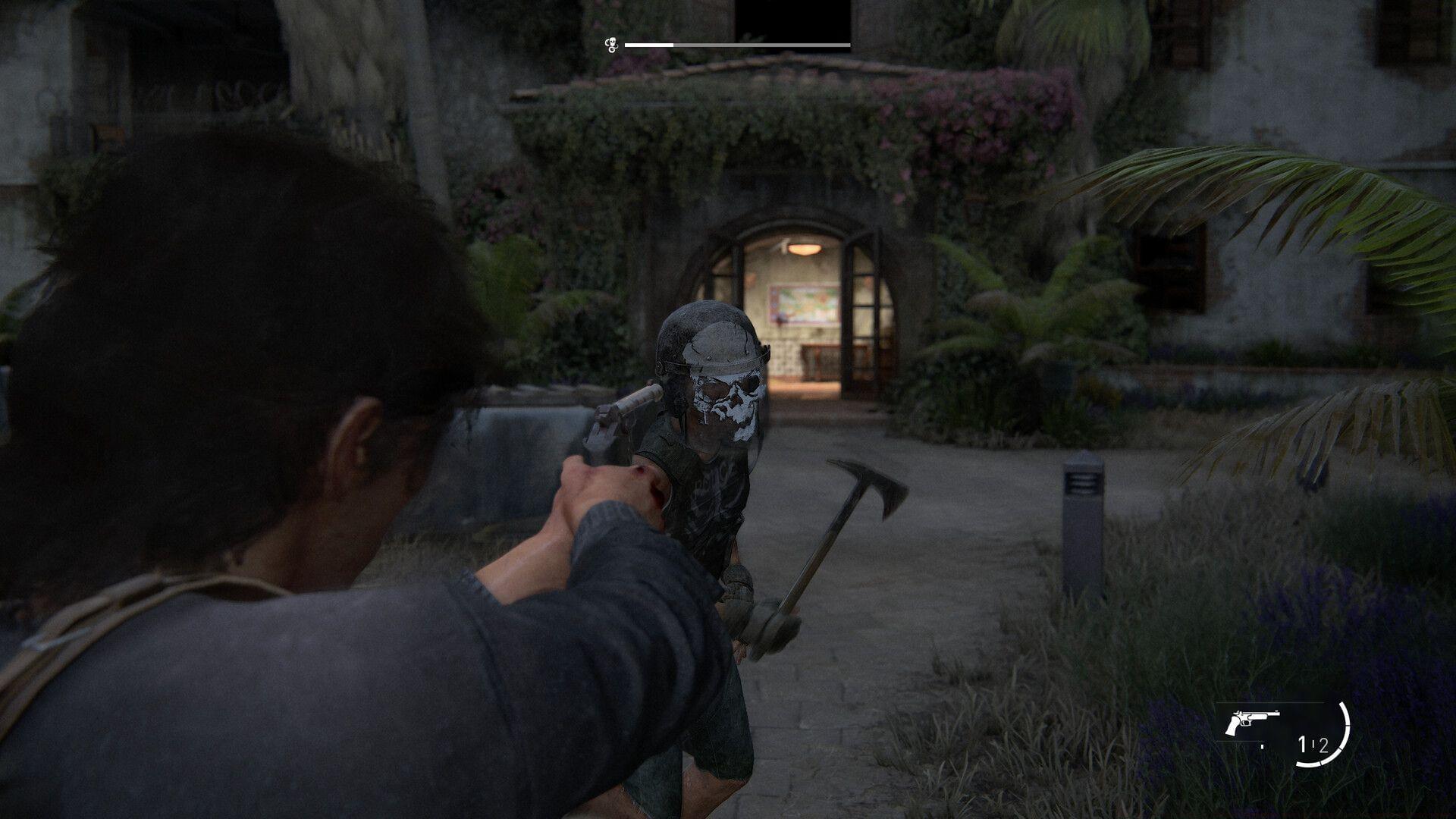
The Last of Us Part 2 has captivated audiences with its emotionally charged narrative, yet the refined combat system represents an equally impressive achievement. Naughty Dog’s meticulous enhancements from the PlayStation 3 original to this sequel create a remarkably polished gameplay foundation. The recent PC release through Nixxes Software introduces unprecedented control flexibility, allowing players to tailor their experience within this brutal post-apocalyptic world.
Also read: Should you play The Last of Us game or watch the show instead for max immersion?
PC gamers now enjoy expanded controller support beyond traditional PlayStation peripherals. Xbox controllers function seamlessly with nearly identical button layouts, though the absence of touchpad functionality remains the primary distinction. This cross-platform compatibility ensures players can utilize their preferred input device without significant adjustment periods.
Controller Immersion vs Keyboard Precision
The control configurations remain largely consistent across input methods, though DualSense users benefit from exclusive haptic feedback and adaptive trigger resistance that significantly enhance immersion. For competitive-minded players accustomed to shooter mechanics, keyboard and mouse setups provide distinct tactical advantages worth considering.
The greatest strength of PC gaming lies in complete input customization freedom. Players can remap every control function to match individual preferences, creating personalized configurations that traditional console gaming cannot offer. This flexibility often leads to breakthrough moments where custom keybinds unlock new levels of gameplay fluidity.
Controller aiming presents notable challenges, particularly when target assistance features are disabled. While Ellie and Abby’s aiming proficiency develops through skill trees, mouse control delivers immediate precision improvements for engaging infected and hostile survivors at range. The difference becomes especially apparent during tense stealth sequences where single-shot accuracy determines survival.
Also read: Why did Abby kill Joel in The Last of Us Part 2?
Despite clear advantages in ranged combat, certain mechanics prove less intuitive with keyboard configurations. The standard melee assignment to the F key creates ergonomic challenges during movement-intensive close-quarters engagements. Fortunately, the comprehensive rebinding system enables players to redistribute functions to more comfortable positions, eliminating finger contortions during frantic melee exchanges.
Advanced Control Optimization Strategies
The original control architecture was engineered specifically for gamepad use, where melee combat simply requires repeated Square button presses on DualShock or DualSense controllers. This design heritage explains why certain actions feel more natural with controllers, though strategic keybinding can overcome these limitations.
Seasoned players recommend assigning melee to mouse side buttons or easily accessible keys like V or C to maintain movement flexibility. For optimal performance, consider separating interact, reload, and dodge functions to prevent misinputs during critical moments. Advanced players often create multiple binding profiles for different combat scenarios—stealth, all-out assault, and exploration each benefit from tailored control schemes.
Common mistakes include overloading the WASD cluster with too many functions, creating finger fatigue during extended sessions. Instead, utilize surrounding keys like Q, E, R, F, C, X, and Z for secondary actions. Mouse wheel clicks and thumb buttons provide additional real estate for combat commands without compromising movement precision.
There are no incorrect approaches to experiencing this masterpiece, as the development team intentionally designed multiple control pathways. PlayStation veterans can seamlessly connect DualShock 4 or DualSense controllers via wired or Bluetooth connections for familiar console-style interaction.
Platform Performance and Setup Guide
Also read: 5 major differences between The Last of Us game and TV adaptation
The PC port introduces keyboard and mouse as compelling alternatives for refreshing the gameplay experience. Your decision ultimately hinges on personal preference, as Naughty Dog successfully adapted the title for both control schemes without compromising core gameplay integrity.
For optimal controller performance, ensure you’re using the latest firmware and consider using wired connections for minimal input latency. Keyboard users should experiment with different sensitivity settings for both hip-fire and aimed precision modes. The game’s accessibility options provide additional customization for players with different physical needs and preferences.
The Last of Us Part 2 is currently accessible on PlayStation 4, PlayStation 5, and PC platforms. For additional related content, explore these resources:
No reproduction without permission:SeeYouSoon Game Club » The Last of Us Part 2: Should you play with a controller or keyboard and mouse? Master The Last of Us Part 2 controls on PC: controller vs keyboard optimization strategies and performance tips