
Complete guide to earning The Finals Twitch Drops with practical strategies and common pitfalls to avoid
Understanding The Finals Twitch Drops Campaign
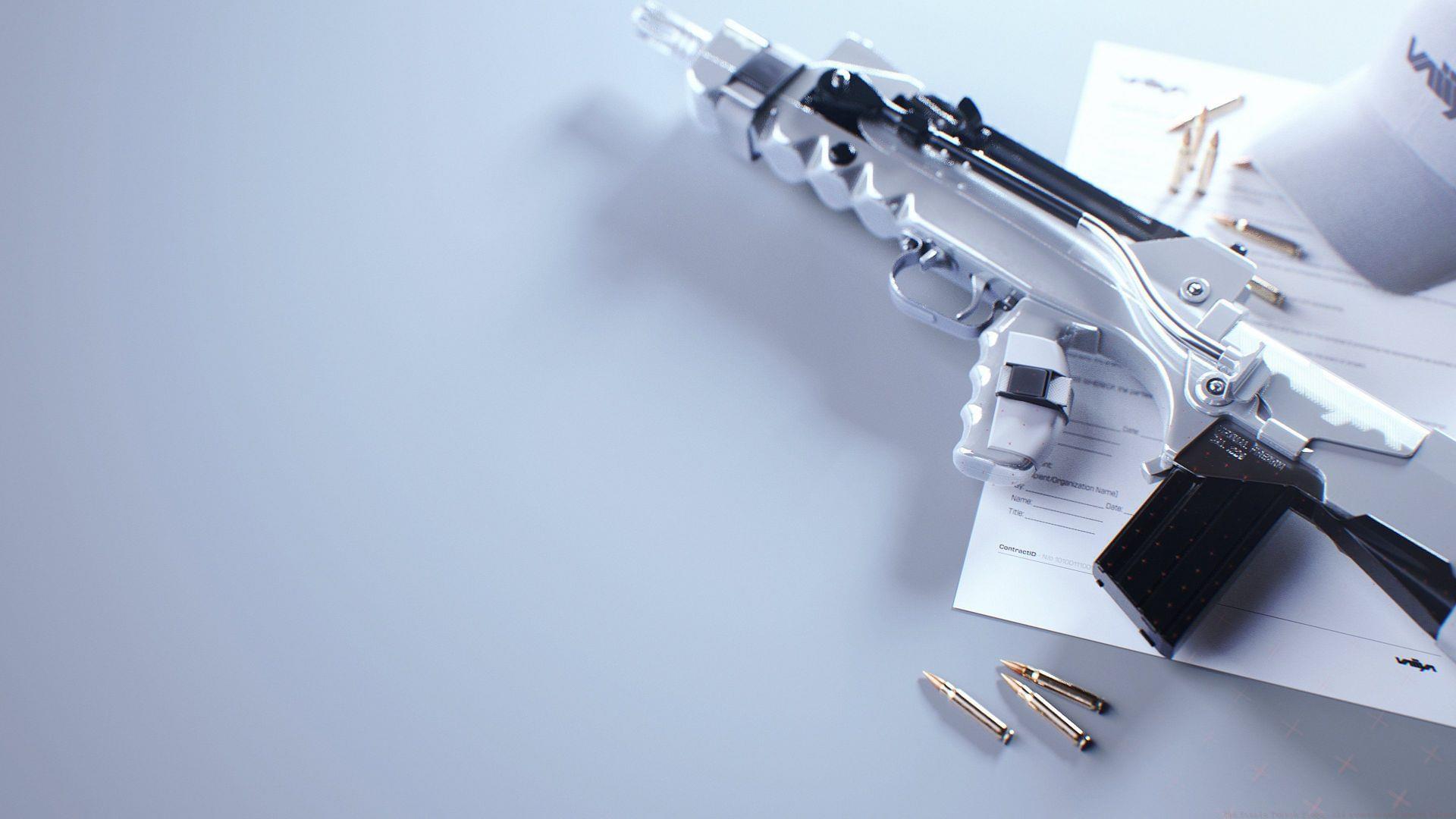
Embark Studios has launched another exciting The Finals Twitch Drops event, bringing fresh opportunities for players to collect exclusive in-game cosmetics. This collaboration between the developer and the popular streaming platform introduces six distinctive rewards that dedicated viewers can obtain through specific engagement activities. Unlike limited-time events in other games, these drops maintain permanent availability once successfully earned.
Many players worry about missing their hard-earned rewards, but there’s good news: Twitch Drops remain claimable indefinitely after completing the required tasks. This means you can focus on enjoying the content without stressing about immediate claim deadlines. The system preserves your progress even if you forget to collect items right away.
Read more: The Finals patch notes (Update 7.1.0): Content update, bug fixes, and more
Two Reward Tiers Explained
The current The Finals and Twitch partnership structures rewards across two distinct categories with different acquisition methods. This dual-tier approach accommodates both casual viewers and dedicated supporters of content creators.
The first category focuses on viewership engagement, requiring participants to watch designated ‘Drops-Enabled’ broadcasts. The second tier involves financial support through subscription purchases, either for yourself or as gifts to other community members. This creates a balanced system that rewards both time investment and direct creator support.
Here’s the complete breakdown of available rewards and their acquisition methods:
- Broadcast Blaze Cerberus: Accumulate sixty minutes of viewing time on channels broadcasting The Finals with drops enabled
- Broadcast Blaze M26: Watch one hour of qualified The Finals content on participating Twitch channels
- Broadcast Blaze ShAK: Dedicate sixty minutes to viewing eligible The Finals streams on the platform
- Ctrl+C, Ctrl+Oscar: Complete a single hour of watch time on drops-enabled The Finals broadcasts
- Buffer Overflow Bundle: Acquire through purchasing a recurring subscription or gifting one within The Finals creator channels
- Encrypted Vision: Unlock by either maintaining a recurring subscription or gifting one to another viewer in supported channels
Step-by-Step Claiming Process
Before diving into the viewing process, ensure your gaming and streaming accounts are properly connected. You’ll need to link your Embark Studios account with your Twitch profile through the official The Finals website. This crucial first step ensures your viewing progress properly syncs and rewards transfer to your game inventory.
Once your accounts are connected, locate streams specifically marked as ‘Drops-Enabled’ in their titles or descriptions. The viewing timer only progresses when you’re watching qualified broadcasts, so avoid random The Finals content that hasn’t opted into the program. Your progress accumulates across multiple sessions, so you don’t need to complete the hour requirement in one sitting.
After fulfilling the watch time or subscription requirements, you must manually claim each reward through the Twitch drops inventory page. The system doesn’t automatically deposit items into your game account. This manual claim process serves as a final verification step before the cosmetics appear in your The Finals inventory.
Advanced Strategies and Common Mistakes
Seasoned drop hunters recommend several efficiency strategies for maximizing your reward acquisition. Consider running qualified streams in background tabs or on secondary devices while you play The Finals or other games. The viewing timer continues regardless of whether the stream has audio active, making this an ideal passive activity.
A common pitfall involves watching streams that aren’t properly enrolled in the drops program. Always verify that channels display the ‘Drops Enabled’ tag before committing viewing time. Another frequent issue involves account linking problems—double-check your connection status before starting to ensure proper progress tracking.
For subscription-based rewards, remember that one-time subscriptions don’t qualify—the requirement specifically calls for recurring subscriptions. Gifted subscriptions count toward both the giver and receiver’s progress, making them an efficient way to help friends while advancing your own collection.
If rewards don’t appear in your game inventory after claiming, allow up to 24 hours for system synchronization before contacting support. Most delays resolve automatically as the systems process the transaction data between Twitch and Embark Studios’ servers.
No reproduction without permission:SeeYouSoon Game Club » The Finals Twitch Drops: All rewards and how to unlock Complete guide to earning The Finals Twitch Drops with practical strategies and common pitfalls to avoid