
Essential guide to Spider-Man 2 PC patch improvements with performance optimization tips
Introduction to Spider-Man 2 PC Version Challenges
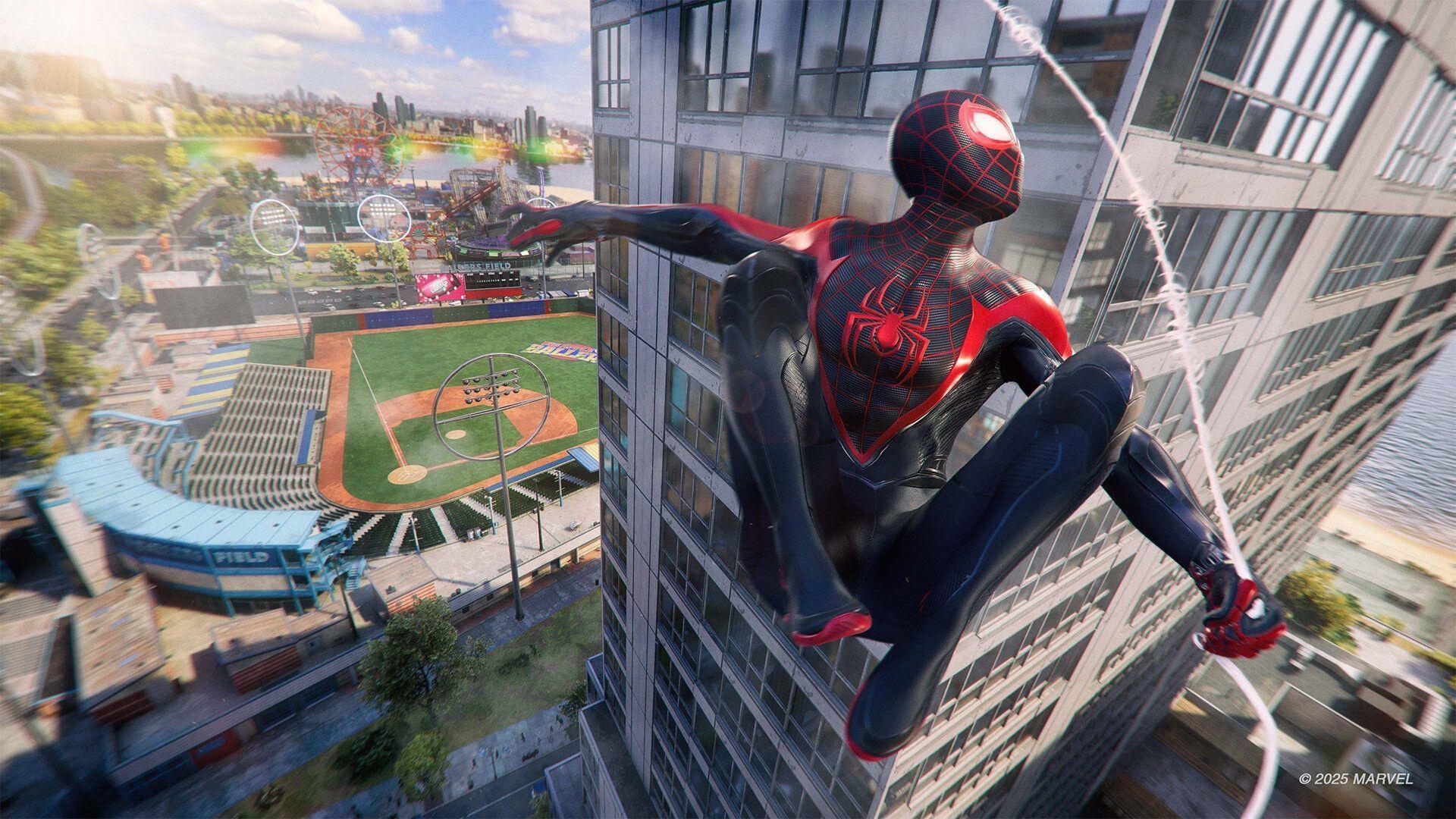
Spider-Man 2 launched on PlayStation 5 in October 2023 as one of the console’s standout exclusive titles, earning widespread acclaim for its stunning visuals and immersive gameplay. The highly anticipated PC port arrived in 2025, though initial reception highlighted several technical hurdles that needed addressing. Despite a rocky debut on PC platforms, developers Insomniac Games and their technical partners at Nixxes Software responded promptly with comprehensive updates.
AMD graphics card owners encountered particularly challenging performance obstacles, including suboptimal ray tracing implementation that caused visual artifacts and inconsistent frame rates. These technical limitations significantly impacted the gaming experience, especially during intensive combat sequences and traversal across New York City’s detailed environments.
The collaboration between Insomniac and Nixxes demonstrates the ongoing commitment to PC gaming optimization, building on their successful track record with previous Spider-Man PC ports. This latest update represents a significant step forward in addressing community-reported issues.
Detailed Patch Notes Analysis
The comprehensive update brings substantial improvements across multiple aspects of gameplay performance and visual fidelity. Below are the key enhancements implemented in this patch:
- Performance Optimization: Significant frame rate improvements in densely vegetated areas where tree rendering previously caused performance bottlenecks
- Crash Resolution: Eliminated system crashes that occurred when exiting gameplay during high-intensity vehicle chase sequences
- AMD Ray Tracing Fix: Resolved rainbow-colored pixelation artifacts that affected AMD GPU users when ray tracing features were enabled
- Character Rendering: Fixed blurry hair textures that diminished character model quality during cutscenes and gameplay
- Visual Enhancement: Addressed hair flickering issues specifically when using NVIDIA’s Ray Reconstruction technology
- Photo Mode Correction: Fixed Greenwich Mural Photo Op visibility bug that occurred when Level of Detail settings were configured to Very High
- Texture Transition: Improved visual transition between wet and dry suit textures, eliminating previous pixelation during weather effects
- Input Response: Resolved mouse unresponsiveness that occurred after canceling character change pop-up dialogues
- Interface Refinements: Multiple user interface bug fixes enhancing menu navigation and HUD elements
- System Stability: Comprehensive stability improvements reducing random crashes and improving overall reliability
Performance Optimization Strategies
For AMD graphics card users seeking optimal performance, several configuration adjustments can maximize the benefits of this patch. Begin by ensuring your GPU drivers are updated to the latest version, as AMD has released complementary driver updates specifically addressing Spider-Man 2 optimization.
Ray Tracing Configuration: While the patch resolves artifact issues, AMD users should still carefully balance ray tracing settings. Start with medium ray tracing presets and gradually increase based on performance headroom. The rainbow pixelation fix now allows stable ray tracing operation, but performance varies significantly between AMD GPU models.
Advanced Settings Guide: For systems with AMD RX 6000 and 7000 series cards, disable ray reconstruction initially to establish baseline performance. The patch improves hair flickering with this feature, but some users may still prefer traditional denoising for better performance. Adjust Level of Detail settings incrementally – the Very High setting now properly displays all photo ops but demands substantial VRAM.
Memory Management: Monitor VRAM usage closely, as the improved texture transitions and tree rendering consume additional memory. Consider reducing texture quality if experiencing stuttering in dense urban areas. The stability improvements help, but memory management remains crucial for consistent performance.
Common Issues and Solutions
Despite comprehensive fixes, players may encounter residual issues that require additional troubleshooting. Understanding these common scenarios helps maximize your gaming experience post-patch.
Avoiding Performance Pitfalls: Some users report temporary performance degradation after extended gameplay sessions. This often relates to memory leaks rather than the patch itself. Regularly restarting the game every 2-3 hours maintains optimal performance. Additionally, verify game file integrity through your PC gaming platform to ensure all patch components installed correctly.
Optimal Settings Configuration: For balanced performance across different hardware configurations, start with these baseline settings: High texture quality, Medium ray tracing, Ray Reconstruction enabled, and Level of Detail set to High rather than Very High. Adjust based on your specific performance targets and monitor frame rate consistency during web-swinging sequences.
Future Update Expectations: Based on Insomniac’s update pattern, additional performance refinements and content updates are likely throughout 2025. The developer has demonstrated consistent commitment to PC optimization, suggesting further AMD-specific enhancements may arrive in subsequent patches. Stay informed through official channels for announcement of additional features and optimizations.
Also Read: Spider-Man 2 update 1.401.1 full patch notes (April 03, 2025)
For continuous coverage of Spider-Man 2 updates, performance guides, and technical analysis, maintain regular engagement with Sportskeeda’s gaming section.
No reproduction without permission:SeeYouSoon Game Club » Spider-Man 2 full patch notes (1.408.0.0) Essential guide to Spider-Man 2 PC patch improvements with performance optimization tips