
Essential guide to Spider-Man 2 PC Patch 10: DLSS 4 optimization, troubleshooting, and performance improvements
Patch Overview and PC Port Journey
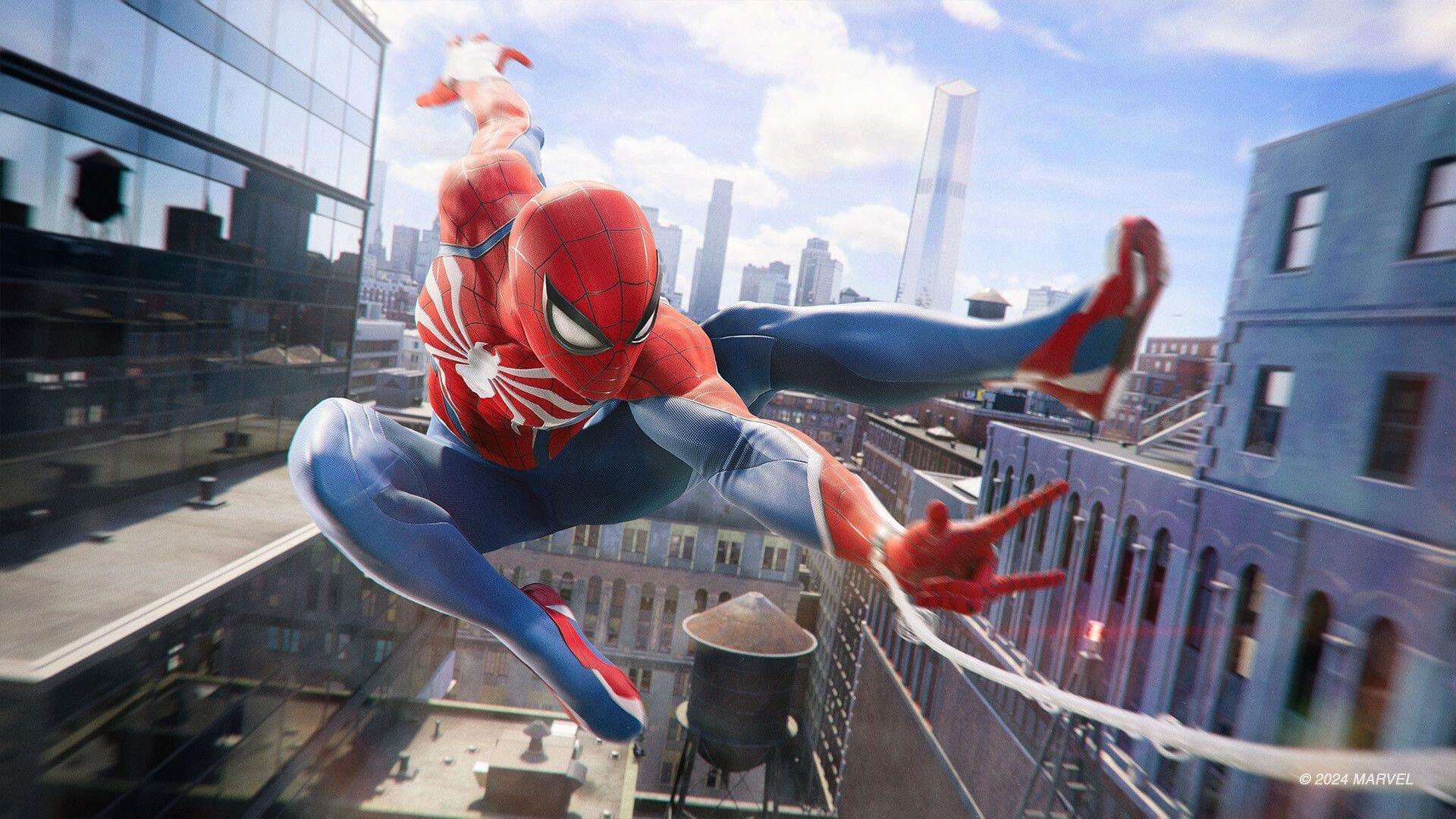
Following extensive anticipation, Marvel’s Spider-Man 2 transitioned from PlayStation exclusivity to PC platforms on January 30, 2025. While the initial PC version exhibited some technical inconsistencies, Insomniac Games demonstrated responsive development by deploying multiple corrective updates. The recently launched tenth patch represents a significant milestone in this optimization process, introducing advanced graphical features and resolving persistent accessibility issues.
Practical Insight: Early PC adopters should note that patch frequency typically decreases after major updates, making Patch 10 particularly important for long-term stability. Players experiencing performance issues in earlier versions will find this update especially beneficial.
NVIDIA DLSS 4 Deep Dive: Transformer Model vs Legacy
NVIDIA’s DLSS 4 implementation incorporates a Transformer-based neural network architecture for image reconstruction, compatible across the entire RTX GPU lineup. This advanced upscaling methodology delivers superior temporal stability, minimizes motion ghosting artifacts, and enhances edge smoothing compared to the conventional Legacy algorithm. Performance outcomes between the two models vary depending on GPU capabilities—older RTX cards might achieve better frame rates with Legacy, while newer hardware typically benefits from Transformer’s quality improvements.
Configuration Strategy: Access the Upscale Preset selector within the Display Menu to switch between models. For RTX 20 and 30-series users, testing both modes is recommended, as Legacy may provide 5-15% better performance in CPU-limited scenarios. Transformer mode generally produces visibly cleaner image quality during fast-paced web-swinging sequences.
Common Mistake: Many players incorrectly assume Transformer mode always provides better performance. On mid-range RTX GPUs (3060-3070), Legacy mode can actually deliver smoother gameplay during intensive combat encounters while maintaining acceptable visual fidelity.
Multi Frame Generation for RTX 50-Series
Owners of NVIDIA’s latest RTX 50-series graphics cards now have access to Multi Frame Generation technology. This feature extends beyond standard DLSS Frame Generation by allowing granular control over artificially generated frames. Activation requires enabling DLSS Frame Generation first, then adjusting the newly introduced Max Generated Frames parameter within display settings.
Optimization Tip: Start with conservative frame generation limits (2-3 frames) to assess system stability before increasing values. Higher generation counts (4-6 frames) can dramatically improve perceived smoothness but may introduce input latency on some configurations. RTX 5090 users typically achieve best results with 4-5 generated frames during Manhattan traversal.
Hardware Consideration: Multi Frame Generation currently remains exclusive to RTX 50-series hardware due to architectural requirements. RTX 40-series users should continue utilizing standard DLSS 3 Frame Generation, which remains available and effective for those GPUs.
Critical Bug Fixes and Stability Improvements
The development team extends appreciation to the PC community for ongoing feedback that drives quality improvements. A particularly troublesome issue affecting Steam Deck users has been resolved—players who initially launched the game without internet connectivity previously encountered an irrecoverable PSN account linkage error that prevented gameplay entirely. This obstruction has now been eliminated.
Additional Fixes: General stability enhancements address various crash scenarios reported since the PC launch. While patch notes don’t enumerate every correction, players should experience fewer unexpected closures during extended play sessions, especially when rapidly transitioning between Manhattan boroughs.
Remaining Considerations: Some users continue reporting occasional stuttering during specific story missions. These instances appear related to asset streaming rather than the addressed stability issues, suggesting future patches may further optimize loading processes.
If you encounter any DLSS related issues after this update, please make sure to disable any DLSS override options in the NVIDIA App if you have used those previously.
Practical Optimization Guide and Troubleshooting
- Integrated NVIDIA DLSS 4 with Transformer model for upscaling and Multi Frame Generation for supported GPUs. Recommendation: Always verify GPU driver version (551.xx or newer) before expecting optimal DLSS 4 performance.
- Added option to toggle between Legacy and Transformer models for NVIDIA DLSS upscaling. Testing Protocol: Compare both modes in demanding areas like Times Square at different times of day for accurate assessment.
- Added Max Generated Frames option to control generated frames when using Multi Frame Generation on NVIDIA RTX 50-series GPUs. Performance Tip: Monitor GPU temperatures when increasing generated frames, as additional computational load can affect thermal performance.
- Fixed persistent PSN account link error message preventing game start for Steam Deck players performing initial boot offline. Verification Step: Affected users should restart Steam Deck completely after update installation to ensure clean authentication.
- Stability improvements. Observation: Most noticeable during fast travel sequences and when swapping between Peter Parker and Miles Morales characters.
Advanced Optimization: PC players with high-refresh-rate monitors should consider combining DLSS upscaling with NVIDIA Reflex for minimal input latency. Additionally, adjusting texture streaming distance in advanced settings can reduce micro-stutters on systems with limited VRAM (8GB or less).
Common Configuration Error: Many performance issues stem from conflicting settings between in-game DLSS controls and NVIDIA Control Panel overrides. Ensure all NVIDIA App profiles for Spider-Man 2 are reset to application-controlled defaults post-update.
Also Read: Marvel’s Spider-Man 2: Complete list of missions
For comprehensive gaming analysis and technical guides, continue following Sportskeeda’s dedicated PC gaming coverage.
No reproduction without permission:SeeYouSoon Game Club » Marvel’s Spider-Man 2 patch notes: Everything improved with patch 10 (May 22, 2025) Essential guide to Spider-Man 2 PC Patch 10: DLSS 4 optimization, troubleshooting, and performance improvements