
Master RoadCraft co-op sessions with comprehensive hosting and joining strategies for enhanced multiplayer chaos
Why RoadCraft Co-op Transforms Your Gaming Experience
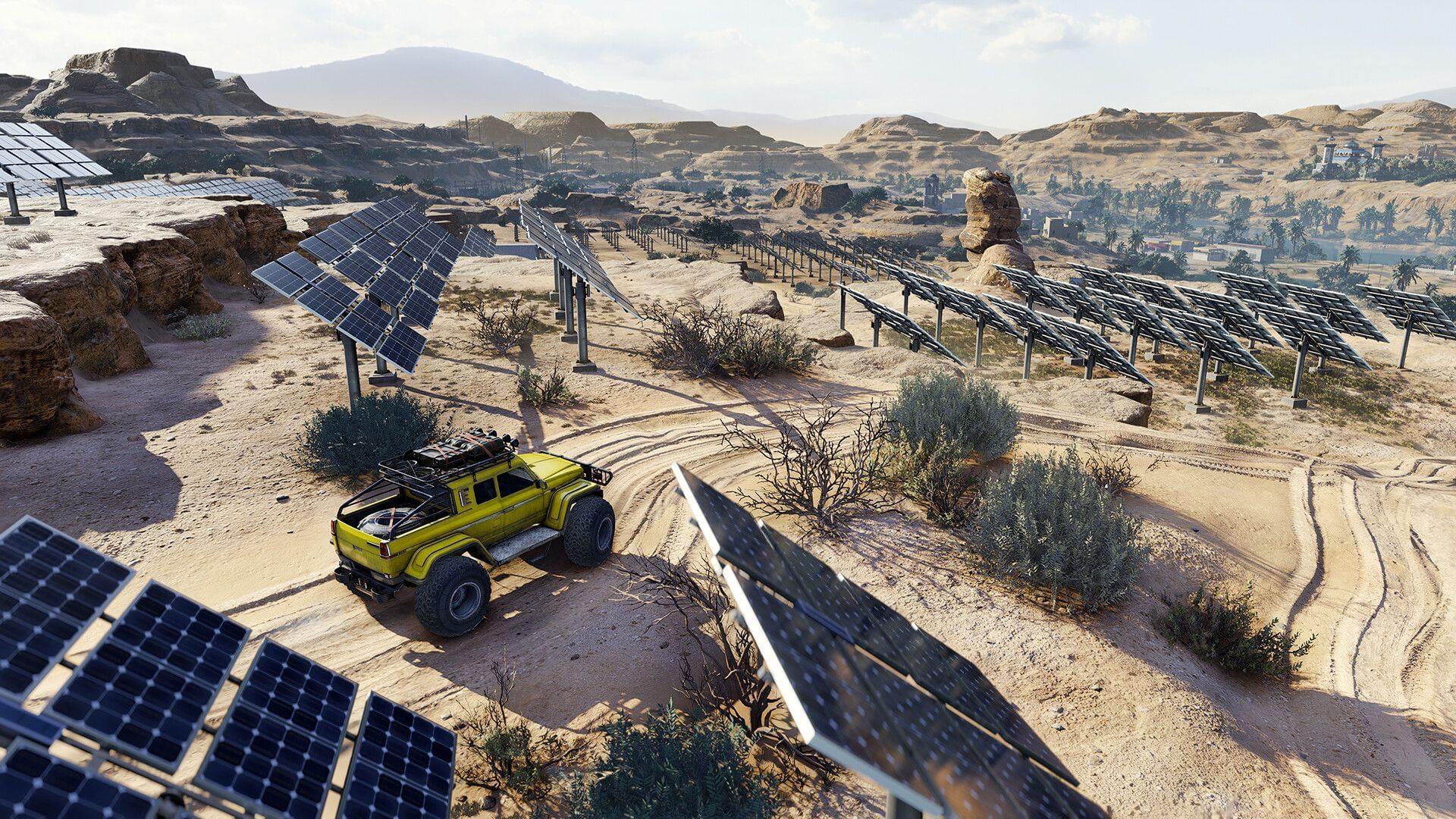
The multiplayer co-op session functionality in RoadCraft represents the pinnacle of social gaming engagement, transforming solitary driving adventures into collaborative chaos-filled expeditions. While individual gameplay delivers satisfying progression, the cooperative dimension amplifies excitement through shared strategic planning and synchronized vehicle maneuvers that create memorable gaming moments.
Extended reading: RoadCraft: Comprehensive release timeline, platform compatibility, and hardware specifications
Beyond the obvious entertainment value, cooperative sessions provide tangible gameplay advantages. Multiple participants can simultaneously tackle different mission objectives, dramatically reducing completion times for complex assignments. The division of labor allows specialized vehicle roles—scout vehicles for reconnaissance paired with heavy transporters for cargo—creating strategic depth unavailable in solo modes.
Hosting Co-op Sessions: Step-by-Step Setup Process
Initiating multiplayer adventures requires understanding two distinct pathways: establishing your own session as host or connecting to an existing game. To create a hosted environment, begin by launching the game and completing initial map and vehicle selections that define your session parameters.
Once preliminary selections are finalized, execute the following configuration sequence:
- Access the system menu by pressing the escape key and navigate to the Multiplayer interface section
- Within Multiplayer settings, specify your desired participant count based on mission requirements and difficulty scaling
- Proceed to permissions configuration and enable comprehensive access rights for all participant types
- Finalize the process by activating the “Start Session” command to initialize your cooperative environment
Additional reference: Cross-platform compatibility analysis for RoadCraft multiplayer functionality
Critical hosting consideration: Vehicle selection directly impacts session success. Choose vehicles that complement potential teammate selections—avoid duplicating specialized roles to maximize mission coverage. The hosting player’s vehicle becomes the session anchor point, so selection should prioritize versatility over specialization.
Joining Existing Sessions: Invite Code System Explained
Following session initialization, the game generates a unique alphanumeric invitation code that facilitates participant integration. Prospective teammates must employ specific navigation protocols: from the main menu interface, select the “Join Game” option rather than initiating new gameplay.
The joining sequence involves multiple preparation stages:
- Designate an appropriate save slot that will preserve individual progression while enabling cooperative participation
- Input your established in-game company identification when prompted during the transition sequence
- Complete vehicle selection and customization, considering team composition and role requirements
- Locate and activate the “Enter invite code” interface within the session joining workflow
- Input the precise code provided by the session host to complete the integration process
Successful code entry triggers immediate spawning within the host’s map environment using your selected vehicle configuration. Connection stability relies on accurate code entry—even single character errors will prevent session integration. Double-check codes before submission and ensure all participants are running compatible game versions.
Advanced Co-op Strategies and Optimization Techniques
Mastering RoadCraft’s cooperative mode extends beyond basic connection procedures. Advanced participants employ strategic coordination that maximizes mission efficiency and minimizes resource waste. Establish communication protocols before session initiation—voice chat dramatically improves real-time coordination during complex missions.
Tactical Vehicle Deployment: Assign specialized roles based on vehicle capabilities. Scout vehicles should handle reconnaissance and navigation, while heavy transports focus on objective completion. Avoid role duplication unless mission parameters specifically require multiple units of the same type.
Common Connection Pitfalls and Solutions:
- Invite Code Failures: Always verify code accuracy and session availability before attempting connection
- Vehicle Selection Conflicts: Coordinate loadouts to prevent overlapping capabilities that reduce team versatility
- Progress Synchronization Issues: Ensure all participants have completed prerequisite missions before cooperative attempts
- Network Latency Problems: Host sessions on stable internet connections with sufficient upload bandwidth
Explore additional gaming guidance through these related resources:
- Generator location identification and practical application guide
- Comprehensive achievement and trophy acquisition roadmap
- RoadCraft: Rebuild Edition content analysis, value assessment, and purchasing recommendations
- Route creation methodologies and optimization techniques for RoadCraft
Session hosts should periodically save progress during extended cooperative playthroughs. Unexpected disconnections can erase significant advancement if manual saves aren’t maintained. Establish save rotation protocols every 30-45 minutes or after major objective completion.
No reproduction without permission:SeeYouSoon Game Club » RoadCraft: How to join a co-op session with friends Master RoadCraft co-op sessions with comprehensive hosting and joining strategies for enhanced multiplayer chaos