
A comprehensive guide to downloading, installing, and mastering the Baldur’s Gate 3 Modding Kit for custom content creation
Understanding the BG3 Modding Kit: What It Is and Why It Matters
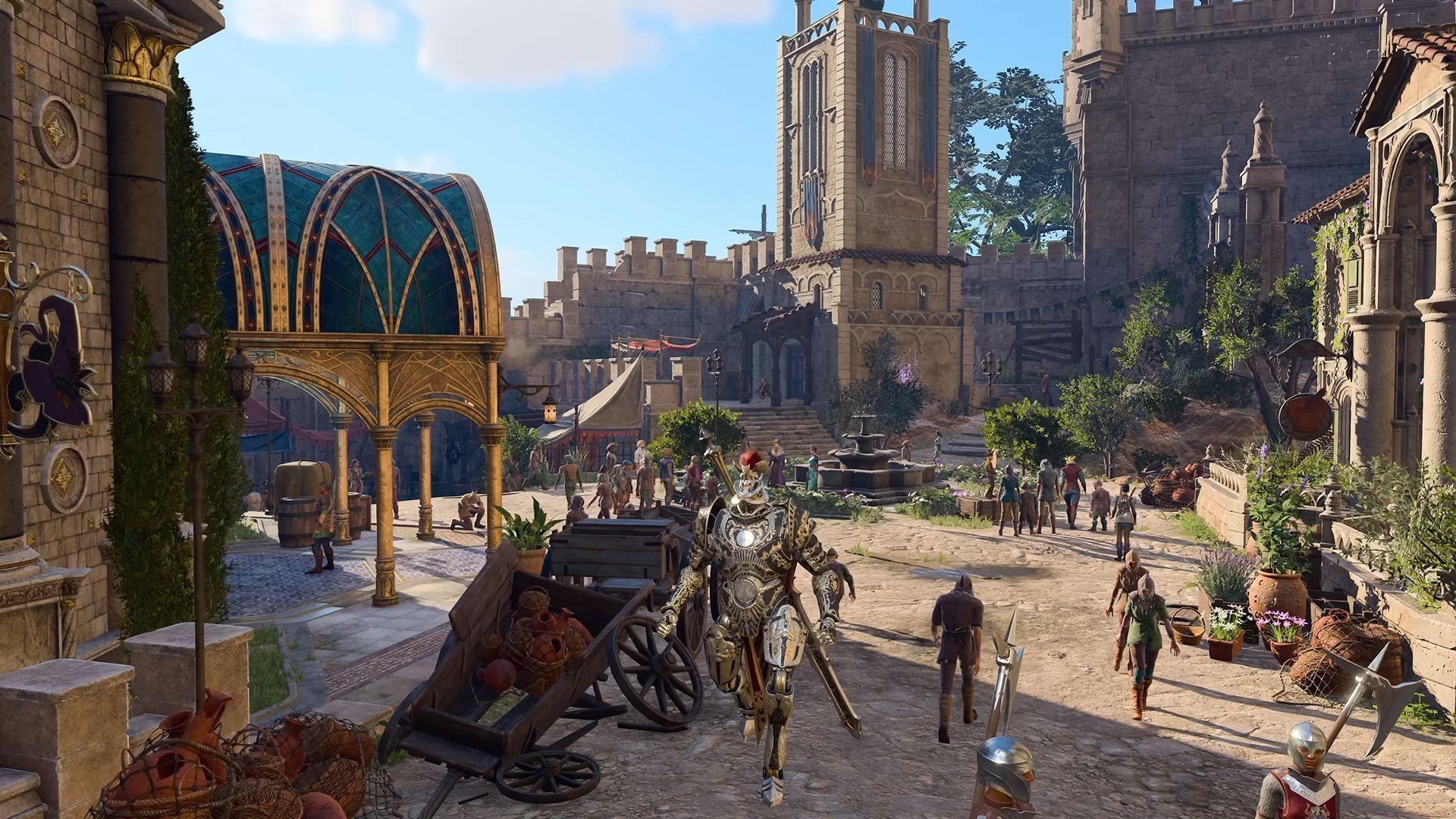
The official Modding Kit for Baldur’s Gate 3 represents Larian Studios’ commitment to empowering player creativity through professional-grade development tools. Unlike community-made modding utilities, this kit provides direct access to the game’s underlying systems, enabling modifications that range from simple cosmetic changes to complete gameplay overhauls.
Through this toolkit, creators can manipulate character attributes, redesign combat mechanics, introduce new magical items, and even restructure narrative elements. The kit’s scripting interface supports both visual scripting for beginners and code-based approaches for advanced users, making it accessible across skill levels while maintaining powerful capabilities for experienced modders.
Step-by-Step Download and Installation Process
Before diving into mod creation, ensure your system meets the technical requirements: Windows 10/11 64-bit, 8GB RAM minimum (16GB recommended), 10GB free storage space, and Baldur’s Gate 3 fully updated to Patch 8. The modding tools demand substantial resources, particularly when testing complex modifications.
Access the Modding Kit through the official Larian Studios website or via the game’s launcher integration. The download package includes the core editor, asset libraries, documentation, and sample mods for learning purposes. Installation follows a straightforward wizard process, but careful attention to installation paths is crucial—selecting the correct game directory ensures proper integration and prevents path resolution errors.
Post-installation, launch the Modding Kit interface and configure your workspace. First-time setup involves project initialization, asset scanning, and establishing connection with your Baldur’s Gate 3 installation. The system automatically validates file integrity and creates necessary directory structures for your modding projects.
Mastering Partial Level Editing in Patch 8
Baldur’s Gate 3 Patch 8 delivered the significant Partial Level Editing capability as Larian’s farewell enhancement for modders. This feature enables selective modification of existing game levels without requiring complete area overhauls. Modders can now adjust environmental elements, reposition interactive objects, modify lighting conditions, and integrate custom assets into established locations.
The technical implementation involves the Level Editor module within the Modding Kit, which provides a segmented approach to level modification. Unlike previous all-or-nothing level editing, Partial Level Editing allows targeting specific sectors, reducing conflicts with other mods and simplifying the troubleshooting process. This segmented approach also improves performance by limiting the scope of changes during testing iterations.
Creative applications include enhancing existing dungeons with new challenges, adding hidden areas to familiar locations, or customizing vendor placements for improved gameplay flow. The system maintains compatibility with the game’s narrative triggers and quest systems, ensuring modified levels integrate seamlessly with the core experience.
Advanced Modding Strategies and Best Practices
Successful modding extends beyond basic installation to mastering development methodologies. Begin with simple modifications—character appearance adjustments or minor stat changes—before progressing to complex scripting projects. The Modding Kit’s debugging tools are essential for identifying issues; regularly test modifications in controlled environments before public release.
Performance optimization requires careful asset management and efficient scripting practices. Large texture files, unoptimized models, and resource-intensive scripts can significantly impact game stability. Implement loading optimizations, use appropriate compression formats, and conduct performance profiling throughout development.
Common pitfalls include dependency conflicts, version incompatibility, and improper file structure organization. Maintain detailed documentation of your mod’s requirements, establish clear version control practices, and create modular designs that facilitate updates. The Baldur’s Gate 3 modding community provides extensive support through forums and Discord channels—leveraging collective knowledge accelerates problem-solving and improves mod quality.
Explore additional Baldur’s Gate 3 customization content:
- Baldur’s Gate 3: Best Death Domain Cleric Build guide
- Baldur’s Gate 3: Best Bard College of Glamour build guide
No reproduction without permission:SeeYouSoon Game Club » Baldur’s Gate 3: Everything you need to know about the Modding Kit A comprehensive guide to downloading, installing, and mastering the Baldur's Gate 3 Modding Kit for custom content creation