
TL;DR
- Transfers from Pokemon Go to Let’s Go are permanent and cannot be reversed
- Connect devices through Settings menus on both games while actively searching
- Stats convert from 3 to 6 with Attack/Defense mirroring but Speed randomization
- Use Go Park in Fuchsia City to receive transferred Pokemon with unlimited storage
- Transferring Pokemon unlocks Mystery Box for catching Meltan in Pokemon Go
Pokemon Let’s Go Pikachu and Let’s Go Eevee integrate innovative connectivity with Pokemon Go, creating a bridge between mobile and console gaming experiences. These Nintendo Switch titles adopt Pokemon Go’s intuitive catching mechanics while establishing direct transfer capabilities for first-generation Pokemon between platforms.
Before initiating any transfers, understand that this process is irreversible. Once a Pokemon moves from Pokemon Go to Let’s Go, it permanently leaves your mobile collection. This critical consideration makes pre-transfer planning essential for preserving valuable Pokemon in your Go account.
The connection system offers flexibility despite the permanent transfers. You can disconnect your Pokemon Go account from your Switch anytime, enabling friends to share Pokemon directly through your console. This approach bypasses Pokemon Go’s expensive Stardust trading costs, making it an economical alternative for Pokemon exchange.
Establishing the connection between Pokemon Go and Let’s Go requires simultaneous action on both devices. Begin by accessing Settings in Pokemon Go and selecting the Nintendo Switch connectivity option. Then navigate to the Options menu within Let’s Go and choose Open Pokemon Go Settings to initiate the pairing sequence.
When prompted about pairing a Pokemon Go account, confirm your selection. Both devices must maintain active “searching” status throughout the process. If connection fails, ensure both devices have stable internet connectivity and restart the pairing process from both applications.


Common connection mistakes include initiating the process from only one device or having Bluetooth disabled. Ensure both games are updated to the latest versions and that you have sufficient storage space in Pokemon Go before attempting connectivity.
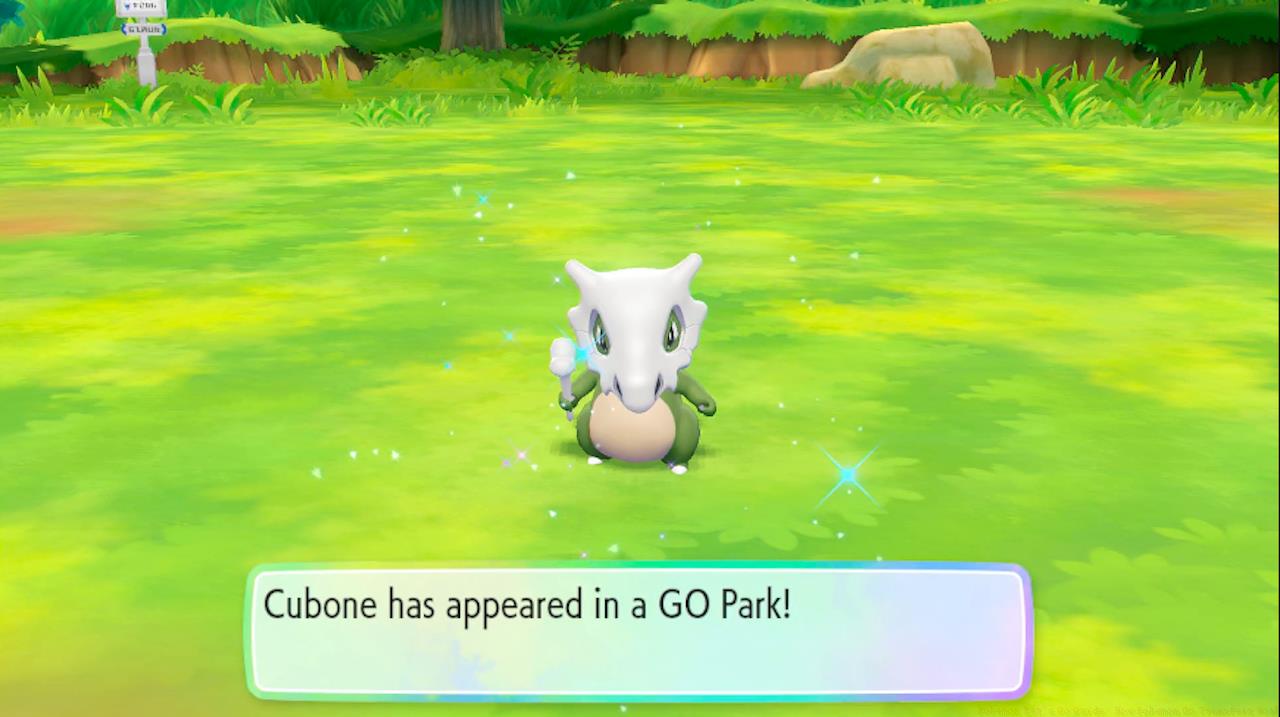
To begin Pokemon transfers, visit the Go Park complex located in Fuchsia City. Speak with the attendant at the reception desk and choose the Bring Pokemon option. Select any of the available Go Parks and initiate communication to prepare for the transfer sequence.
Within Pokemon Go, access your Pokemon collection and tap the Nintendo Switch icon. Carefully select the Pokemon you wish to transfer, remembering this action cannot be reversed. The transferred Pokemon will appear in the designated Go Park where you can encounter and capture them using Let’s Go mechanics.
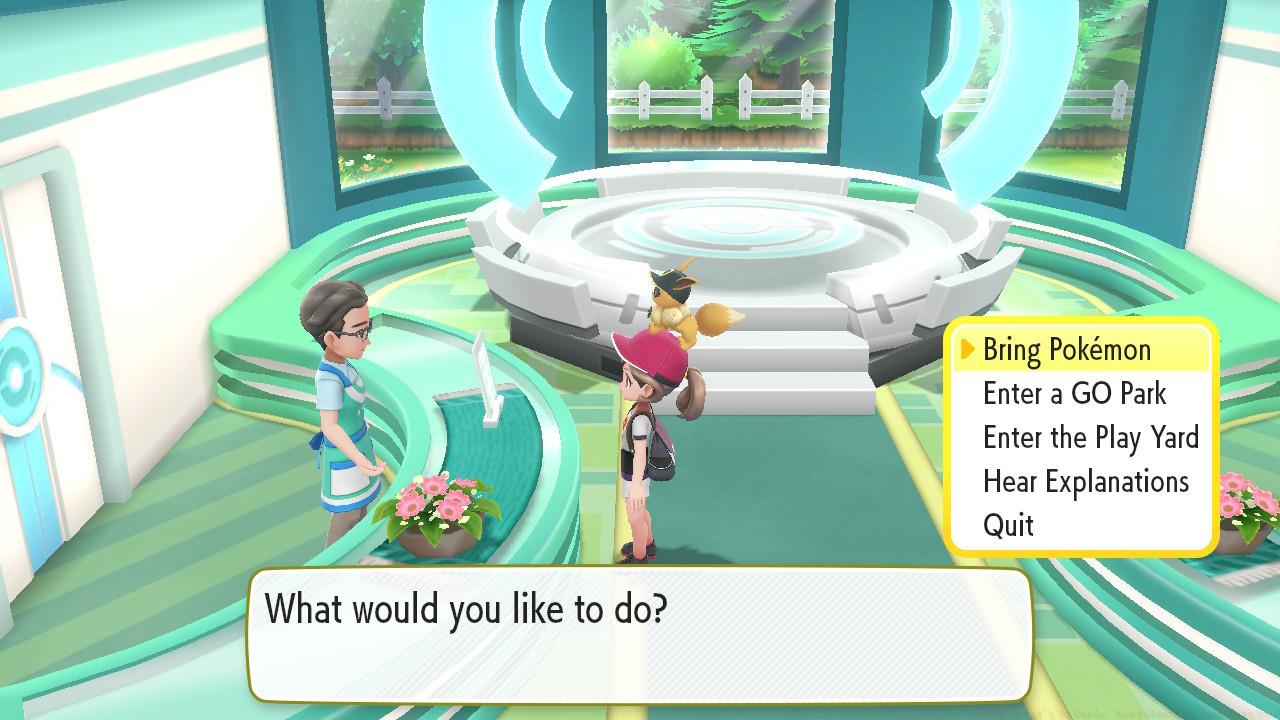
Approach transferred Pokemon within the park and press A to begin the capture sequence. If a Pokemon flees during capture, you can attempt recapture immediately without penalty. The Go Park system provides 20 separate parks with capacity for 50 Pokemon each, offering substantial long-term storage without time restrictions.
Advanced transfer strategy involves organizing Pokemon by type or rarity across different parks. This systematic approach simplifies later retrieval and management of your transferred collection, especially when dealing with large numbers of Pokemon.
Before transferring any Pokemon, conduct thorough appraisals in Pokemon Go to understand their stat potential. The stat conversion process transforms Pokemon Go’s three primary stats (HP, Attack, Defense) into Let’s Go’s comprehensive six-stat system through intelligent mirroring.
Pokemon with perfect Attack ratings in Pokemon Go will demonstrate both perfect Attack and Special Attack capabilities in Let’s Go. Similarly, exceptional Defense stats translate to both Defense and Special Defense excellence in the Switch games.


The Speed stat represents the only randomized element during transfer, making it unpredictable regardless of original Pokemon Go stats. This randomization affects battle performance significantly, requiring strategic consideration when selecting Pokemon for transfer.
For competitive players, focus on transferring Pokemon with maximized Attack and Defense stats while accepting variable Speed outcomes. This approach maximizes the statistical advantages preserved through the conversion process.
Despite the one-way transfer nature, Pokemon Go players receive valuable compensation: the Mystery Box. This special item enables encounters with Meltan, the mythical Pokemon exclusively available through this connectivity feature and transferable to Let’s Go games.

The Mystery Box activates for 30 minutes once opened, during which Meltan appears frequently in Pokemon Go. After use, the box deactivates and requires additional Pokemon transfers to Let’s Go to recharge, creating an ongoing incentive for cross-platform connectivity.
Meltan evolves into Melmetal, requiring 400 Meltan Candy—a substantial investment that benefits from repeated Mystery Box activations. Strategic transfer planning can optimize both Meltan acquisition and candy accumulation simultaneously.
For comprehensive Pokemon Let’s Go guidance, explore our essential pre-game checklist and starter Pokemon acquisition strategies. Our detailed game analysis provides deeper insights into the Let’s Go Pikachu and Eevee gaming experience and mechanics.
Got a news tip or want to contact us directly? Email news@gamespot.com
Action Checklist
- Appraise Pokemon in Go and select high IV candidates for transfer
- Connect devices through Settings menus on both games simultaneously
- Visit Fuchsia City Go Park and initiate transfer communication
- Select and transfer Pokemon from Go, then capture them in designated park
- Use Mystery Box to catch Meltan and accumulate candy for evolution
No reproduction without permission:SeeYouSoon Game Club » Pokemon Let’s Go Guide: How Pokemon Go Transfers Work Master Pokemon Go to Let's Go transfers with expert tips for stats, Meltan, and avoiding common mistakes