
TL;DR
- Deconstruct your Palbox via world map to relocate your entire base structure
- Pals automatically transfer to new location without loss of progress or items
- Strategic placement near resources and defensible terrain maximizes efficiency
- Early game limits you to one base; additional bases unlock with progression
- Always scout potential locations thoroughly before committing to relocation
Your Palworld adventure demands flexibility, and fortunately, the game’s base mechanics support strategic relocation when your current position no longer serves your needs. The Palbox serves as the central hub for all your operations, making its placement critical to your success.
As you explore diverse biomes across Palworld, you’ll discover that mobility becomes essential. The ability to establish new operational centers ensures you’re never permanently anchored to suboptimal locations. This comprehensive relocation guide covers the complete process for PlayStation 5, Xbox, and PC platforms.
The Palbox represents a specialized structure accessible through your construction interface (typically activated with the “B” key). Crafting requires specific materials: 1x Paldium Fragment, 8x Wood, and 3x Stone—resources easily gathered during early exploration.
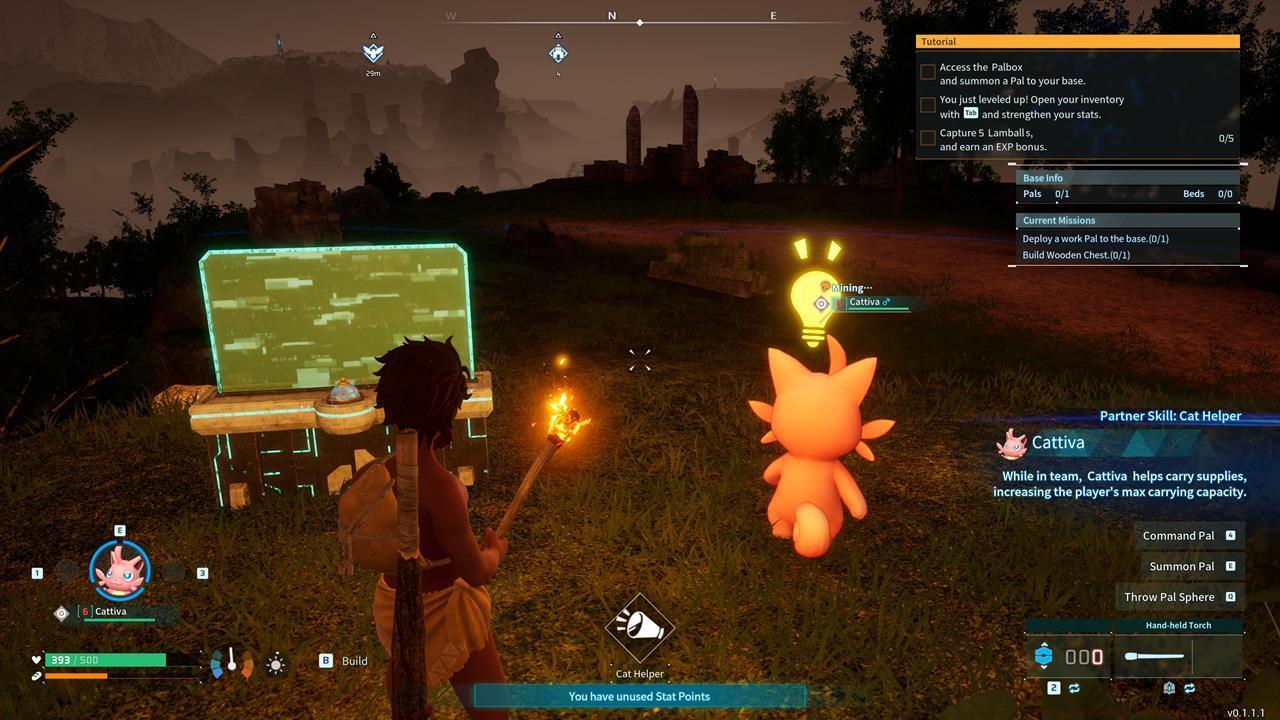
The Palbox serves as command center for your Pals’ automated tasks and resource management.
This device establishes a substantial operational perimeter that defines your base boundaries. Within this area, you can coordinate the management of Pals you’ve captured. Your Pals provide invaluable assistance with construction projects, manufacturing, and harvesting nearby materials automatically.
Additionally, the Palbox functions as a rapid transportation node, allowing instant travel between discovered locations on your map—a feature that becomes increasingly valuable as your exploration expands.
During initial gameplay stages, you’re restricted to a single operational Palbox. This limitation encourages careful consideration of your first base location, though the game provides relocation options for correction.
Many players hastily place their initial Palbox while completing tutorial objectives, only to discover later that the location lacks essential resources or defensive advantages. Fortunately, rectifying this early mistake requires minimal effort.
To initiate relocation, access your world map and identify the icon marking your current Palbox position. Highlight this location, then press and maintain the “C” key (on PC) to begin deconstruction. This action dismantles the structure while preserving all associated assets and Pals.
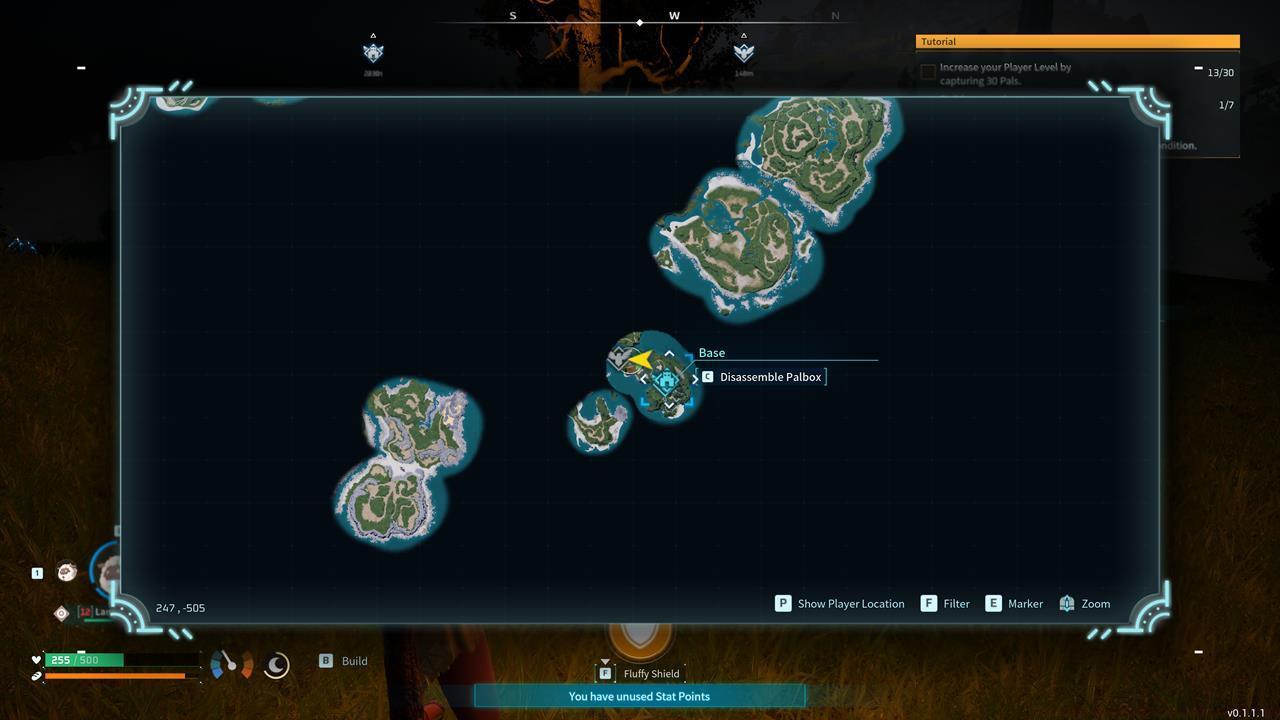
World map interface showing Palbox deconstruction process for base relocation.
Following deconstruction, you regain the ability to erect a new Palbox in any suitable location. Your Pals remain securely stored within the device’s digital inventory, ready for deployment at your new chosen site without any loss of progression or items.
Pro Tip: Before deconstructing, ensure you’ve gathered all loose materials and completed ongoing craftings, as these may not automatically transfer during the relocation process.
Strategic base positioning significantly impacts your Palworld efficiency. Ideal locations combine multiple resource types—stone, wood, and ore deposits—within your base radius to minimize travel time for gathering operations.
Consider terrain defensibility when selecting new sites. Elevated positions with natural chokepoints provide tactical advantages against raids, while flat areas facilitate easier construction planning and expansion.
Avoid These Common Mistakes: Placing bases too close to aggressive Pal spawns, building on uneven terrain that complicates layout, or selecting areas with sparse resources that necessitate constant travel outside your operational zone.
As you progress, you’ll unlock the ability to establish additional bases. Planning your network strategically allows for specialized operations—dedicated mining outposts, breeding facilities, or manufacturing centers distributed across the map.
Advanced Technique: Before committing to a location, temporarily place a wooden foundation to test the buildable area and ensure the terrain supports your intended layout. This simple precaution prevents frustrating reconstruction after relocation.
For players looking to master other aspects of their gameplay, our Class Guide offers valuable insights into character specialization that complements base management strategies.
Action Checklist
- Gather all loose resources and complete ongoing crafts before deconstruction
- Open world map and highlight current Palbox location
- Hold ‘C’ key (PC) to deconstruct Palbox
- Scout new location for resources, terrain, and defensibility
- Construct new Palbox in chosen location with required materials
No reproduction without permission:SeeYouSoon Game Club » Palworld – How To Move Your Base And Palbox Master base relocation in Palworld with strategic tips for optimal placement and resource management