
Complete guide to Overwatch 2 Season 16 Twitch Drops: Rewards, watch time requirements, and expert claiming strategies
Season 16 Twitch Drops Overview and Rewards
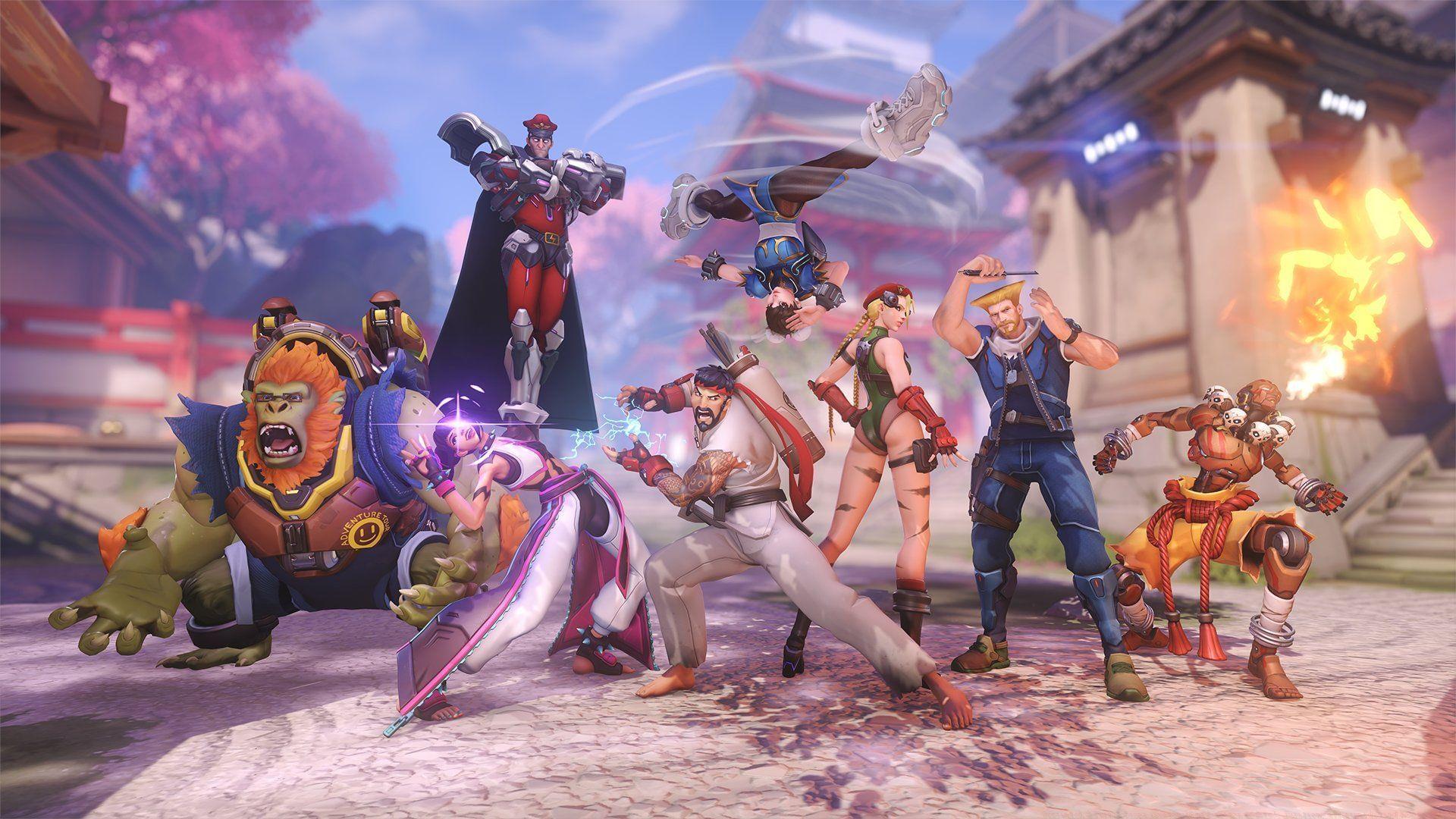
The latest Overwatch 2 Twitch Drops initiative coincides with the Season 16 mid-season update, presenting players with exclusive cosmetic opportunities through Blizzard Entertainment’s partnership with Twitch. This limited-time promotion delivers complimentary in-game assets while encouraging community engagement through content viewing. Strategic timing is crucial—these drops typically remain active for 7-14 days following the mid-season patch deployment.
This promotional cycle introduces two distinct reward tiers with varying investment requirements. Players can acquire standard Lootboxes containing assorted cosmetic items, while Epic Lootboxes guarantee higher rarity rewards including potential Legendary skins. The system functions as both a player acquisition tool and retention mechanism, benefiting streamers through increased viewership while rewarding dedicated community members.
Read more: Overwatch 2 Stadium: Best Genji build
Blizzard Entertainment’s current Twitch collaboration features these specific reward structures:
Upon acquisition, these Lootboxes reveal randomized in-game cosmetics ranging from common player icons and sprays to rare voice lines, emotes, and Legendary-tier character skins. The Epic variant guarantees at minimum one Epic-rarity item alongside additional standard rewards, making it particularly valuable for collectors seeking specific cosmetic upgrades.
Check out: Overwatch 2 Stadium patch notes (May 20, 2025): Freja added to roster, Reinhardt changes, general updates, and more
Watch Time Requirements and Strategy
Earning these Twitch-exclusive rewards necessitates viewing specifically designated ‘drops-enabled’ Overwatch 2 broadcasts exclusively on Twitch’s platform. Each reward tier carries distinct cumulative watch time prerequisites that must be fulfilled sequentially or concurrently, with progress tracked through Twitch’s integrated reward system.
Here are the precise watch time commitments for both drop categories:
Pro Efficiency Strategy: Advanced participants often maximize efficiency by running streams on secondary devices at minimum volume while actively playing Overwatch 2, effectively ‘double-dipping’ their gaming time. However, Twitch’s system may require occasional interaction to prevent being flagged as inactive viewership—setting periodic reminders to check stream status every 30-45 minutes resolves this concern.
Common Pitfall Avoidance: Many players mistakenly watch non-participating streams, wasting valuable time. Always verify the ‘Drops Enabled’ tag appears beneath the stream title before committing viewing hours. Additionally, ensure your Twitch and Battle.net accounts were properly linked before the watch period began—retroactive linking rarely credits previously accumulated watch time.
Step-by-Step Claiming Process
Below, you will find a comprehensive guide to successfully redeeming these seasonal rewards:
Also read: Overwatch 2 Season 16 mid-season update: OW Classic returns, free Epic lootboxes, Mercy Mythic weapon skin, and more
Advanced Optimization and Pro Tips
Upon implementing these procedures, you’ll successfully obtain the newly released Overwatch 2 Twitch Drops. However, experienced participants employ additional optimization techniques:
Multi-Stream Strategy: While Twitch officially prohibits viewing multiple streams simultaneously for drop progress, you can strategically schedule viewing sessions during peak streaming hours when multiple drops-enabled broadcasts are active. This provides flexibility if your chosen streamer ends their session unexpectedly.
Notification Systems: Enable Twitch notifications for preferred Overwatch 2 content creators to receive immediate alerts when they begin drops-enabled streams. Many streamers announce drop campaigns via social media 15-30 minutes before commencing, allowing strategic planning.
Troubleshooting Common Issues: If rewards don’t appear despite claimed status, first verify your Battle.net account linkage in Twitch settings, then check the ‘Connections’ section within Overwatch 2 itself. If issues persist, contact Blizzard Support with specific details including Twitch username, watch time screenshots, and claim timestamps.
Reward Management: Unlike previous seasons, Season 16 Lootboxes don’t expire immediately upon acquisition. You can strategically save them for future hero releases or seasonal events when new cosmetic items are added to the loot pool, potentially obtaining newer content from ‘older’ boxes.
For more related news and guides, stay tuned to Sportskeeda’s esports section.
No reproduction without permission:SeeYouSoon Game Club » Overwatch 2 Twitch Drops (Season 16 mid-season update): Duration, all rewards, and how to unlock Complete guide to Overwatch 2 Season 16 Twitch Drops: Rewards, watch time requirements, and expert claiming strategies