
Master Oblivion Remastered cheats: essential console commands, advanced strategies, and optimization tips for enhanced gameplay
Why Use Cheats in Oblivion Remastered?
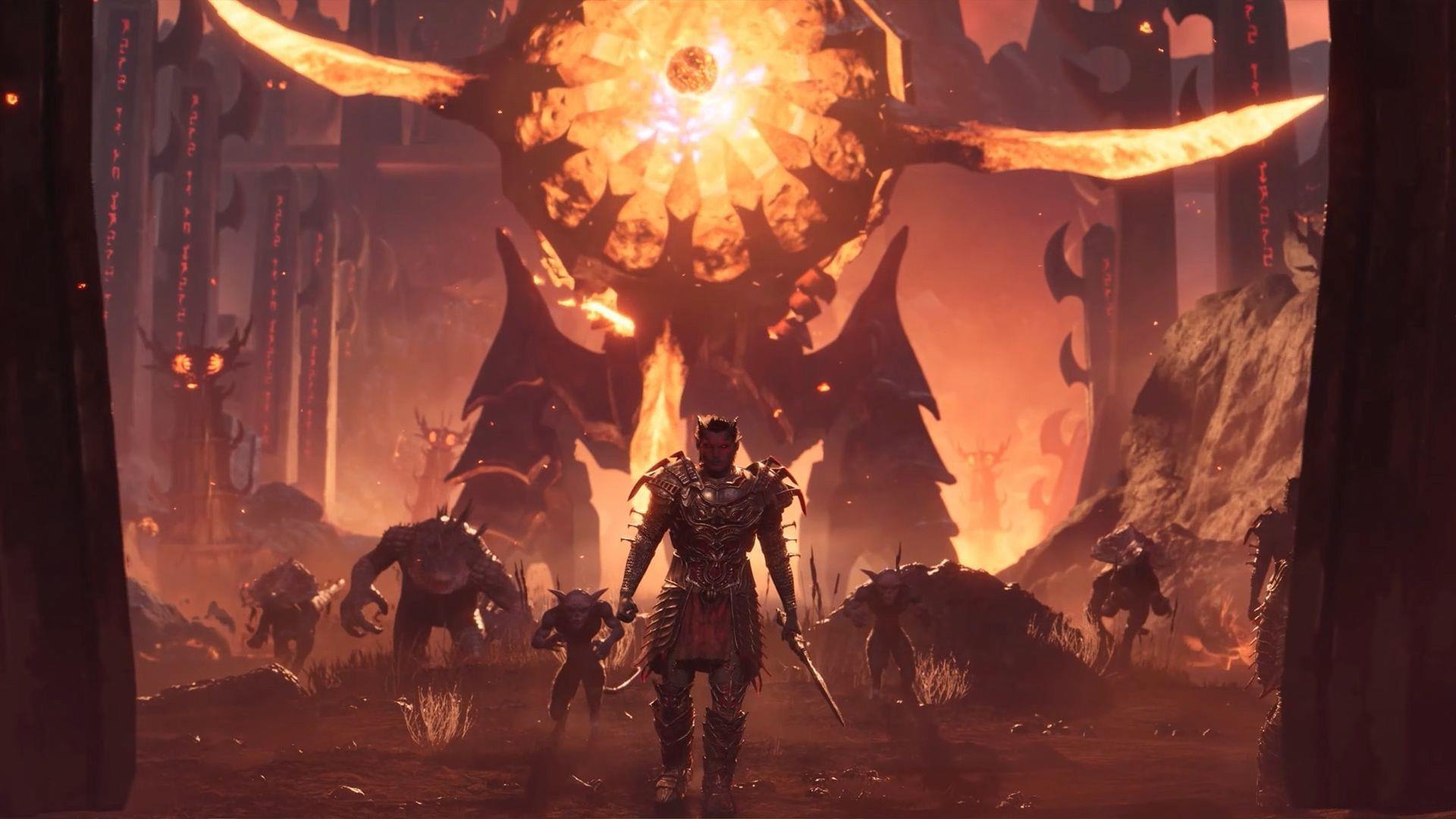
Returning to Oblivion Remastered after experiencing the original release creates a powerful sense of nostalgia, yet modern gaming schedules demand efficiency. While the 2006 launch allowed for extensive exploration, current players often need to optimize their limited gaming sessions. Console commands become invaluable tools for tailoring the experience to contemporary time constraints.
For those seeking crossword solutions, alternative entertainment options include NYT Mini Crossword Answers, LA Times Crossword puzzles, and Atlantic Crossword challenges.
Console commands offer unprecedented control over Oblivion Remastered’s mechanics. Beyond simple stat adjustments, you can reconfigure character attributes, modify birthsign selections post-creation, and implement god mode for stress-free vampire roleplaying. These tools transform the game from a rigid experience into a customizable sandbox where you dictate the rules and pacing.
Enabling invincibility modes provides not just infinite health and stamina but opens creative gameplay avenues. Imagine experimenting with high-level enemy encounters without consequence or testing build concepts without grinding. The console essentially functions as a development toolkit, granting players the ability to bypass tedious elements and focus on the remastered content that truly interests them.
Essential Console Commands Master List
The comprehensive cheat repository enables virtually unlimited in-game manipulation. While some commands provide immediate quality-of-life improvements, others facilitate deep mechanical experimentation. Understanding command categories helps prioritize based on your specific gameplay objectives.
Character Development Commands:
player.setlevel [X]– Instant level adjustmentsetactorvalue [skill] [value]– Direct skill modificationplayer.setav [attribute] [value]– Attribute manipulationshowracemenu– Race and appearance redesign
Game World Manipulation:
tgm– Toggle God Mode (infinite health/stamina/magicka)tcl– Toggle collision (noclip through objects)unlock– Open any locked container or doorplayer.additem [itemID] [quantity]– Item generation
Utility and Debug Functions:
fov [value]– Field of view adjustmentsetscale [value]– Character size modificationkill– Immediate target eliminationresurrect– Revive deceased characters
Command utility varies significantly based on playstyle. Speedrunners prioritize movement and access commands, while roleplayers focus on character customization. Build testers benefit most from instant stat allocation, and completionists use item commands to bypass frustrating RNG elements.
Advanced Cheating Strategies and Techniques
Beyond individual commands, sophisticated players combine cheats to create enhanced effects. The console interface requires specific activation methods: press the tilde (~) or backtick (`) key to access the command line. Input desired codes manually or paste them directly, then use mouse targeting for character or object-specific functions before executing with Enter.
Advanced Command Combinations:
- Instant Build Testing: Combine
player.setlevelwithsetactorvaluecommands to simulate end-game builds immediately - Photography Mode: Use
tclwithfovadjustments for perfect screenshot positioning - Speedrun Optimization: Sequence
tgmwithunlockto bypass combat and access barriers - Roleplay Enhancement: Pair
showracemenuwith attribute commands for mid-game character revisions
Target Selection Mastery:
Many commands require precise targeting. Click characters or objects while the console is active to display their reference ID. This ID becomes essential for commands affecting specific entities rather than the player character. Incorrect targeting represents the most common beginner mistake.
Performance Optimization:
Heavy command usage can impact game stability. Limit active cheats to necessary functions and disable them when not required. God mode and noclip are convenient but consume background processing resources. For extended cheating sessions, consider periodic game restarts to clear memory accumulation.
Common Mistakes and Safety Precautions
Note: Certain console commands may introduce instability or cause unexpected game termination. Always generate manual save files before implementing new cheats, especially when experimenting with character or world alteration commands.
Single-player gaming eliminates ethical concerns about cheating, making these tools perfectly legitimate for personal enjoyment. This approach becomes particularly valuable for players focusing on the visual and technical enhancements of the remastered edition rather than traditional progression systems.
Critical Safety Practices:
- Pre-Command Saving: Create named manual saves before cheat sessions for easy restoration
- Incremental Testing: Implement commands individually to identify problematic codes
- Syntax Verification: Double-check command spelling and parameter formatting
- Target Validation: Confirm correct reference IDs before applying character-specific commands
- Mod Compatibility: Test command interactions with installed mods before reliance
Crash Recovery Strategies:
If instability occurs after command usage, revert to pre-cheat saves rather than attempting corrective commands. Some console effects persist through quick saves and autosaves, making manual saves the only reliable restoration points. For persistent issues, console command documentation often provides reversal codes for common alterations.
Mastering console commands transforms your Oblivion Remastered experience, enabling streamlined progression and creative freedom. While divergent from intended gameplay, these tools empower personal customization that enhances enjoyment. Ultimately, your satisfaction defines the correct way to experience Cyrodiil’s wonders.
Expand your Oblivion Remastered knowledge with these related guides:
- Optimal Oblivion Remastered configurations for Intel Arc B580 systems
- Performance tuning for Oblivion Remastered on Intel Arc B570 hardware
- Five significant improvements differentiating Oblivion Remastered from the original
- Morrowind relevance assessment for Oblivion Remastered newcomers
- Efficient horse acquisition methods in Oblivion Remastered
No reproduction without permission:SeeYouSoon Game Club » Oblivion Remastered: Best Cheats and Console Commands Master Oblivion Remastered cheats: essential console commands, advanced strategies, and optimization tips for enhanced gameplay