
Complete troubleshooting guide with practical solutions for Mecha BREAK launch failures and performance optimization
Understanding Mecha BREAK Launch Failures
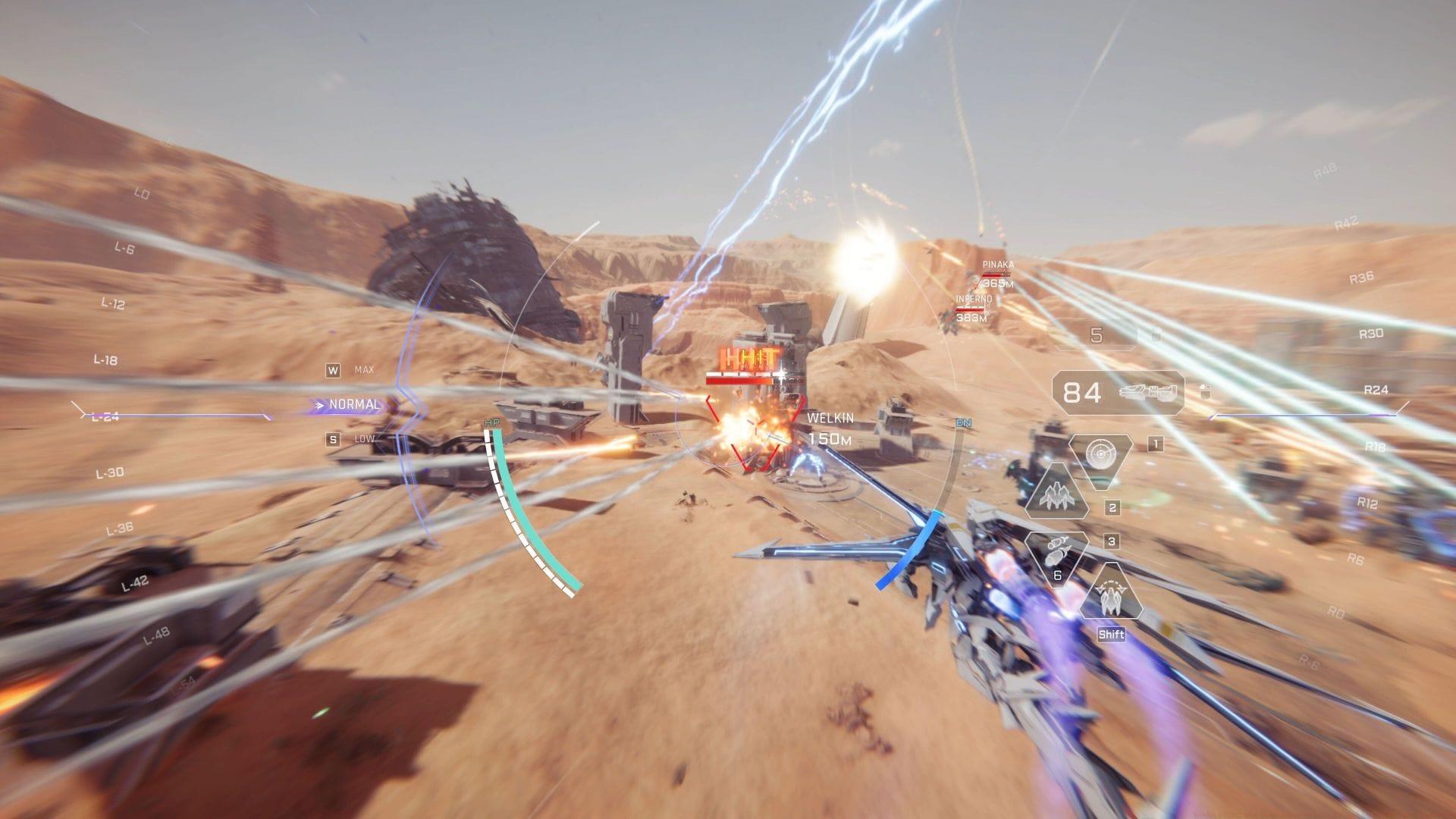
Mecha BREAK not launching error has emerged as a significant technical challenge following the game’s debut on July 2, 2025. Multiple players across different platforms have encountered this frustrating issue, with community forums reporting widespread launch failures that prevent access to the mecha combat experience. The timing suggests potential infrastructure strain or installation complications affecting initial user adoption.
Understanding the technical foundation reveals that launch failures typically stem from three primary categories: permission restrictions, file integrity problems, and system compatibility conflicts. Each category requires distinct troubleshooting approaches, with administrative permissions being the most immediately addressable concern for affected users.
Many players overlook the importance of system preparation before launching new game releases. Ensuring your Windows updates are current, graphics drivers are updated, and background applications are minimized can significantly reduce launch failure incidents. These preventative measures form the foundation of stable gaming performance.
Administrative Permissions Solution
When Mecha BREAK refuses to initialize on your system, employing Administrator Mode frequently resolves permission-related obstacles. This elevated access mode grants the application necessary system privileges that standard user accounts typically restrict, particularly for games requiring extensive system resource allocation or registry modifications.
The administrator override approach proves especially valuable for titles experiencing recurrent crash patterns during initialization phases. By bypassing standard user permission limitations, the game executable gains required access to critical system directories and configuration files that facilitate proper operation.
To execute Mecha BREAK with administrative privileges, implement this systematic procedure:
Additional consideration: For persistent permission issues, consider modifying the executable properties to always run with administrator privileges by accessing the Compatibility tab in Properties settings.
Explore further: All Strikers in Mecha BREAK
File Integrity Verification Process
Given the widespread practice of pre-downloading Mecha BREAK, installation files frequently suffer corruption due to unstable internet connections, unexpected power interruptions, or storage media anomalies. These corruptions manifest as launch failures, infinite loading screens, or unexpected application termination during initialization sequences.
Implementing file verification through your preferred game launcher represents the most effective countermeasure against corruption-induced launch failures. This automated scanning process identifies compromised game assets and systematically replaces them with authenticated versions from the distribution servers, restoring installation integrity.
This validation procedure typically resolves the Mecha BREAK launch obstruction on your computing device by ensuring all game components meet checksum verification standards. Regular file integrity checks should become standard practice following major game updates or system modifications.
Platform-specific guidance: Steam users should utilize the “Verify Integrity of Game Files” feature, while Epic Games Launcher employs the “Verify” option within game management settings. Each platform maintains distinct verification methodologies with comparable effectiveness.
Related content: Mecha BREAK crossplay: Everything we know
Advanced Troubleshooting Techniques
While official developer confirmation remains pending, technical analysis indicates the Mecha BREAK launch malfunction predominantly originates from compromised pre-installation assets. These deficiencies may stem from initially corrupted distribution files or subsequent degradation caused by local system complications during the installation workflow.
Beyond basic solutions, advanced troubleshooting encompasses graphics driver updates, DirectX verification, Visual C++ redistributable installation, and anti-virus software configuration. Many security applications mistakenly flag game executables as potential threats, necessitating the creation of exclusion rules within your protection software.
Performance optimization represents another critical dimension for persistent launch issues. Adjusting virtual memory allocation, disabling unnecessary startup programs, and ensuring adequate storage space frequently resolve resource-related initialization failures. Solid-state drive users should verify TRIM functionality and controller drivers for optimal performance.
Community-discovered workarounds include running the game in compatibility mode for earlier Windows versions, disabling fullscreen optimizations, and executing the game directly from the installation directory rather than through launcher interfaces. These methods have demonstrated variable success rates across different hardware configurations.
Technical reference: Mecha BREAK system requirements for PC
Community Insights and Future Updates
This comprehensive guide addresses the essential knowledge required to troubleshoot and resolve the Mecha BREAK launch obstruction effectively. The gaming community continues to share innovative solutions through official forums and social media platforms, providing real-time problem-solving collaboration.
Developer responsiveness to these technical challenges will likely manifest through forthcoming patches and hotfixes addressing the root causes of launch instability. Monitoring official communication channels ensures timely awareness of permanent solutions as they become available through the standard update delivery pipeline.
For continuous coverage and updates, maintain connection with Sportskeeda’s esports and gaming coverage division.
Early adopters should document their specific error messages, system configurations, and troubleshooting attempts to assist community support efforts and accelerate resolution discovery. Collective problem-solving significantly enhances the overall player experience during these initial post-launch phases.
No reproduction without permission:SeeYouSoon Game Club » Mecha BREAK not launching error: Possible fixes and reasons Complete troubleshooting guide with practical solutions for Mecha BREAK launch failures and performance optimization