
TL;DR
- Complete Scrooge McDuck’s Economy 101 quest to unlock house customization
- Upgrade your main room progressively from 6×6 to 10×10 dimensions
- Expand horizontally with additional rooms and vertically with multiple floors
- Manage your Star Coin budget strategically across different upgrade types
- Plan your expansion path to maximize both function and aesthetic appeal
Transform your humble abode into a dream residence that reflects your personal style and gaming achievements. While you have numerous customization options throughout your valley, your personal dwelling serves as the central hub where your creativity truly shines.
To initiate the house enhancement process, you must first undertake the “Dreamlight Valley Economy 101” mission from Scrooge McDuck. This savvy businessman typically patrols the Plaza area or remains inside his merchandise emporium. Successfully finishing this assignment requires gathering seven precious gems from mining nodes distributed across various biomes, then vending these minerals to Goofy at his vending station. Once you’ve secured the proceeds, return to Scrooge who will authorize you to invest those earnings into property improvements.
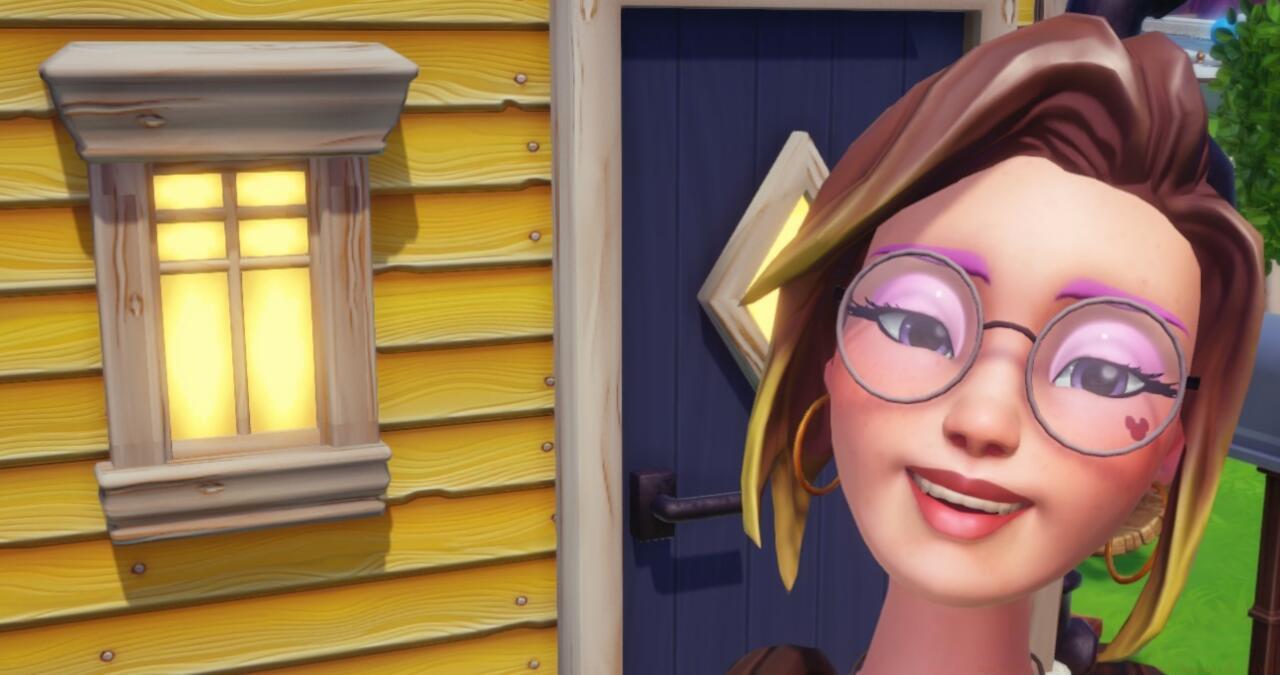
With strategic planning, your starter home will evolve into an impressive estate.
Your residential enhancement options divide into two primary categories: interior modifications and exterior alterations, each requiring distinct approaches and resources.
Internal upgrades commence via the elevator mechanism positioned immediately left of your entrance doorway. This interface enables both room addition and dimensional expansion, with costs escalating proportionally to the square footage increases.
Initial Room Expansion: 1,000 Star Coins
Secondary Enhancement: 2,000 Star Coins
Beyond these foundational improvements, you can customize individual room dimensions with investments ranging from 1,000 to 3,000 Star Coins based on your spatial requirements. As your exterior foundation grows (detailed in exterior upgrades), you gain access to vertical expansion with second and third stories, each supporting customizable chambers.
Strategic financial planning becomes crucial as upgrade expenses accumulate. Beginners should prioritize functional space over aesthetics initially, focusing on room utility before decorative elements. A common mistake involves overspending on cosmetic items before establishing adequate living quarters, potentially hindering progression in other game aspects.
For optimal results, establish a weekly Star Coin allocation system, dedicating specific earnings to house improvements while reserving funds for character friendships and quest completion. Advanced players recommend completing daily Dreamlight Duties and maximizing crop rotation profits to accelerate your renovation timeline.
The most efficient upgrade path involves: main room expansion → additional ground floor rooms → vertical expansion → specialized room customization. This systematic approach ensures you maintain both functionality and creative expression throughout your valley journey. Remember that larger rooms not only provide more decorating canvas but also enable more efficient furniture arrangement and character interaction spaces.
Action Checklist
- Locate Scrooge McDuck in Plaza to accept Economy 101 quest
- Mine 7 gems from various biomes and sell to Goofy
- Return to Scrooge with earnings to unlock house upgrade system
- Invest 1,000 Star Coins in initial 8×8 main room expansion
- Progressively upgrade to 10×10 dimensions and add additional rooms
- Implement multi-floor expansion and specialized room customization
No reproduction without permission:SeeYouSoon Game Club » How To Upgrade Your House In Disney Dreamlight Valley Master house customization with comprehensive interior and exterior upgrade strategies in Disney Dreamlight Valley