
TL;DR
- Photo mode unlocks after building Safari Park attraction via puzzle piece collection
- Complete three other attractions first: Gacha Machine, Dual Speeder Garage, Changing Room
- Use D-pad up to activate, shoulder buttons for framing, R2 for focus and capture
- Controls disappear from final images – perfect for clean screenshots
- Collect puzzle pieces efficiently using dedicated guides to accelerate unlock process
While Astro Bot features stunning visual design comparable to other PlayStation exclusives, its photo mode operates differently – requiring specific progression milestones rather than being immediately accessible. This hidden feature becomes available through dedicated puzzle piece collection, creating a rewarding unlock experience for completion-focused players.
The path to photographic freedom begins with diligent exploration across Astro Bot’s diverse levels. Each stage contains three concealed puzzle pieces, while the central Crash Site hub world hides an additional eleven collectibles. Keen-eyed players may even spot extra pieces drifting through the space map overworld between missions. Reaching the photo mode threshold typically occurs during the mid-game phase, with timing heavily influenced by your thoroughness in hunting these hidden items.
Puzzle pieces serve as currency for constructing various entertainment facilities within Crash Site. Your first major unlock is the gacha machine, which functions as a crane game exchanging coins for cosmetic items, character outfits, and spacecraft paint schemes.
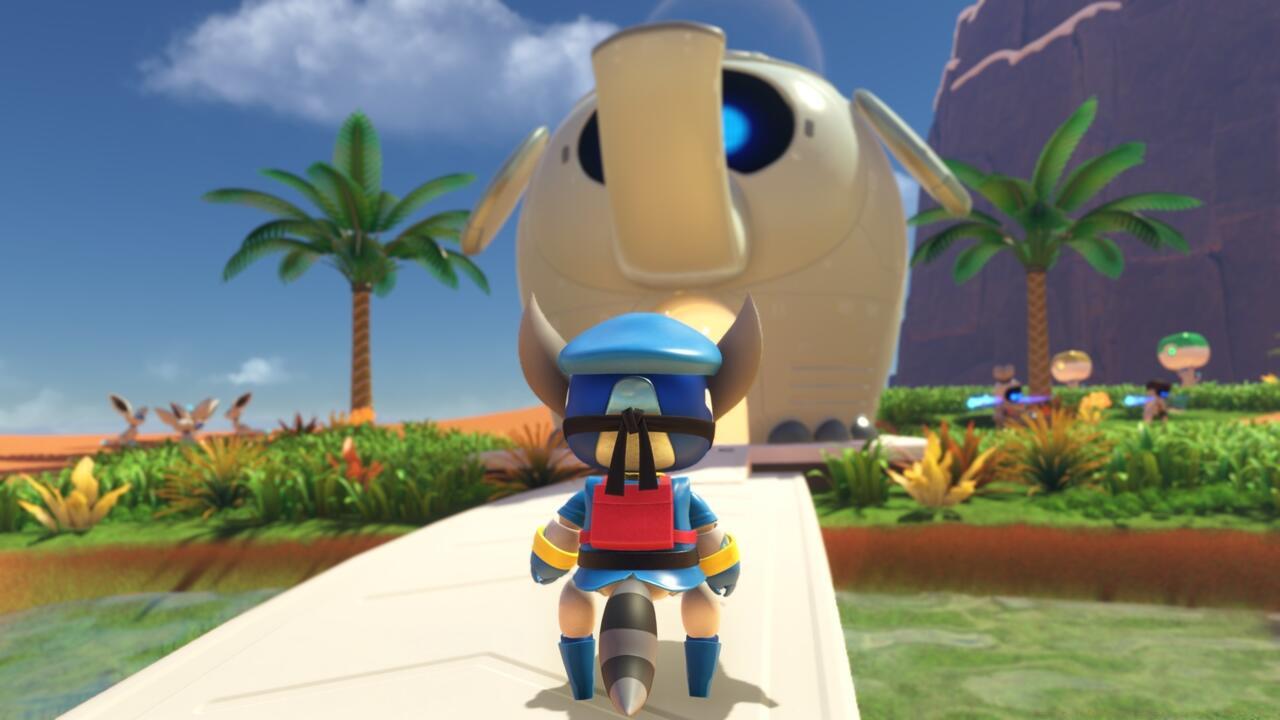
Constructing the Safari Park marks your official access point to Astro Bot’s photography features.
Additional attractions become accessible through continued puzzle piece collection, including the Dual Speeder Garage for customizing your DualSense controller-inspired spacecraft, the Changing Room for dressing Astro in outfits resembling iconic characters like Sly Cooper and Gravity Rush’s Kat, and ultimately the Safari Park. These facilities unlock sequentially, meaning you must complete the first three attractions before beginning Safari Park construction.
This progression system ensures you won’t commence building the photo mode-enabling Safari Park until after finishing the preceding three entertainment venues. To expedite this process, strategic puzzle piece collection becomes essential – consider consulting specialized Astro Bot secrets and collectibles guides to streamline your progress.
Upon entering the Safari Park for the first time, the game provides comprehensive tutorial guidance for the photography system. Activation is straightforward: press up on the D-pad to enter photo mode. Once activated, you gain access to sophisticated camera controls including framing adjustments via shoulder buttons and motion sensor functionality, emotional expression modifications using the emote button, and automatic focus achieved by lightly depressing R2 before fully pressing the same trigger to capture your shot.
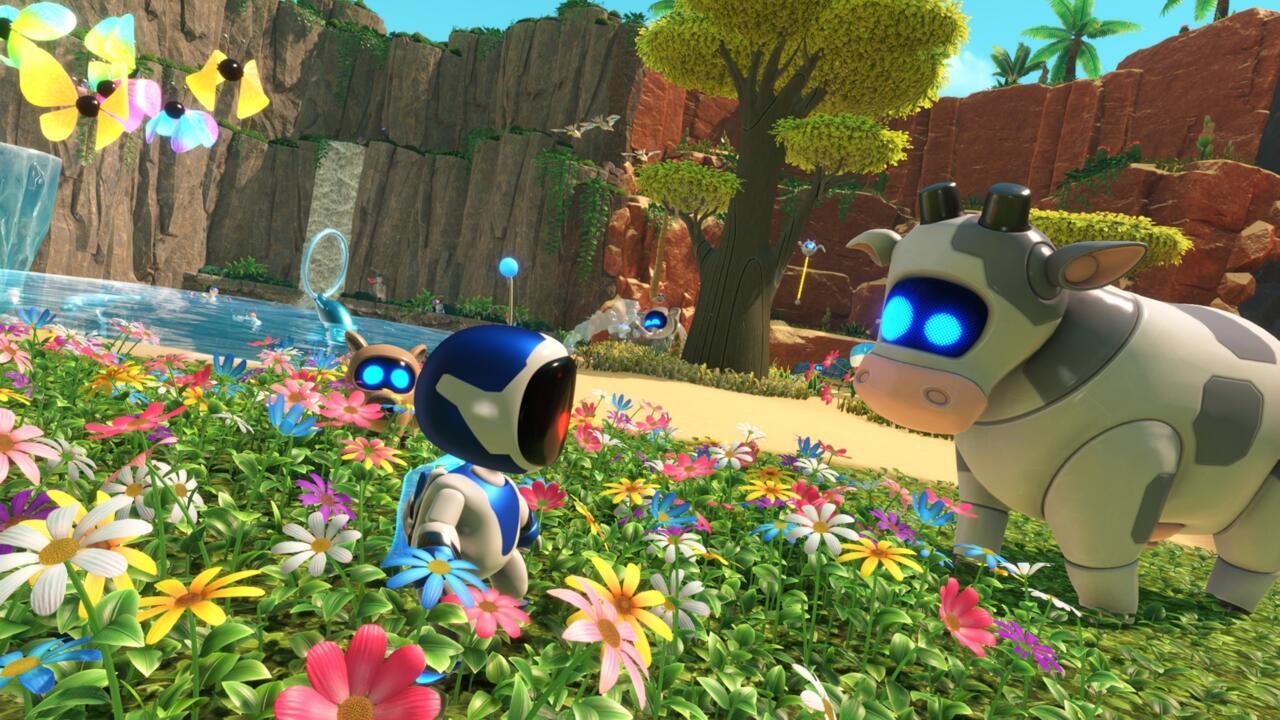
While the Safari Park offers numerous photogenic opportunities, you can deploy these photography tools within any game level once unlocked.
Concerned about on-screen control displays ruining your perfect shot? Rest assured the interface elements automatically vanish from final images. When you review captures in your PS5 gallery, you’ll find pristine, UI-free photographs ready for sharing across social platforms or personal collections.
For optimal photographic results, leverage Astro Bot’s dynamic environments. The Safari Park provides curated scenic backdrops, but don’t overlook action-packed moments during platforming sequences or character interaction scenes. Experiment with different times of day within levels, as lighting conditions dramatically impact mood and composition.
Avoid these common photography pitfalls: rushing shots without proper framing, neglecting to use the focus feature for sharper images, and forgetting to experiment with Astro’s emotional expressions to add personality to your captures. Many players mistakenly believe they must remain in Safari Park for photography – remember the mode works universally across all game locations.
Advanced photographers should master the rule of thirds by imagining a 3×3 grid over their screen. Position key elements at intersection points for more balanced compositions. Utilize motion controls for precise micro-adjustments that shoulder buttons alone cannot achieve. For action shots, time your captures during mid-jump or special move executions to create dynamic, movement-filled images that capture Astro’s energetic personality.
Consider your photography goals: are you documenting gameplay moments, creating artistic compositions, or capturing character expressions? Each objective benefits from different approaches. Documentary shots work best with wider frames showing environmental context, while artistic compositions might focus on silhouettes against colorful backgrounds or reflections in water surfaces.
Action Checklist
- Collect puzzle pieces across all levels and hub world
- Build Gacha Machine, Dual Speeder Garage, and Changing Room attractions
- Construct Safari Park to unlock photo mode
- Practice camera controls in Safari Park tutorial area
- Experiment with framing, focus, and expressions across different levels
No reproduction without permission:SeeYouSoon Game Club » How To Unlock Astro Bot’s Secret Photo Mode Unlock Astro Bot's hidden photo mode and master advanced photography techniques for stunning in-game captures