
Master the From The Ashes expansion launch with expert strategies and essential starting tips
Getting Started with From The Ashes
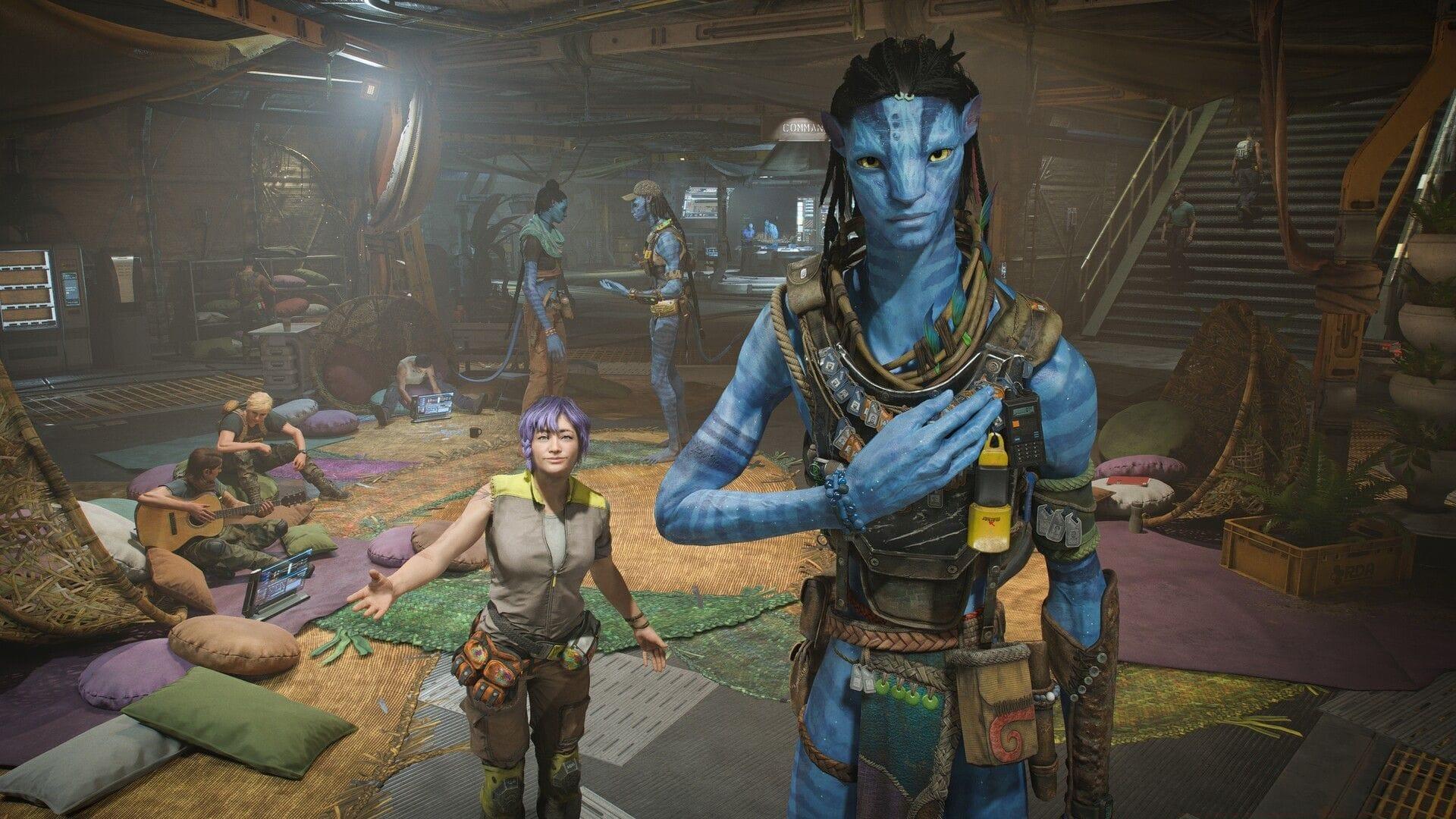
Launching the From The Ashes expansion doesn’t require completing obscure prerequisites or locating hidden missions within your existing save files. Ubisoft has intentionally streamlined the access process to make jumping into new content straightforward, though the specific menu navigation can easily be missed if you’re unaware of the precise interface location required to initiate the DLC.
This timeline choice represents the critical decision point. Opting for Year 2170 immediately launches the downloadable content experience, whereas choosing Year 2169 redirects you back to the core game’s primary storyline progression.
Character Import and Progression
Once you’ve selected Year 2170, the system offers the opportunity to transfer your existing Sarentu character progression from your primary campaign. For players wanting uninterrupted continuity in their adventure, importing your established character with all accumulated skills, equipment, and story progress remains available.
Should you prefer immediate access to the expansion content without this transfer process, simply bypass the import by pressing the F key on your keyboard. This quick-access method proves ideal for players who want to experience the new storyline without previous progression influencing their playthrough.
Pro Tip: Even if you skip character import, certain achievement-based rewards and cosmetic unlocks from your main game will still carry over, ensuring you don’t lose everything by starting fresh in the expansion timeline.
Expansion Content and Rewards
Numerous inventory items become immediately available upon entering the From The Ashes expansion environment:
Should any content appear missing, double-check that the expansion data files have fully downloaded and installed correctly on your gaming platform. Once loading completes, the expansion launches immediately, and your inaugural mission is titled The Last Dog Tag.
This assignment serves as your initial undertaking within Avatar Frontiers of Pandora’s From The Ashes expansion, functioning as the introductory chapter for the fresh narrative storyline that explores post-conflict Pandora.
Advanced Strategies and Troubleshooting
Avoid These Common Mistakes: Many players accidentally select Year 2169 and wonder why the expansion content isn’t activating. Always verify you’ve chosen Year 2170 before proceeding. Additionally, ensure your game is fully updated to the latest patch version, as older builds may not properly recognize DLC installation.
Optimization Strategy: For maximum benefit, complete the main storyline before starting From The Ashes. This unlocks the complete set of transferable cosmetics and provides better context for the expansion’s narrative connections. Players who import characters from completed saves report more satisfying storytelling continuity.
Technical Check: If The Last Dog Tag quest doesn’t appear after loading, restart the game completely and verify DLC installation through your platform’s management system. On PC, check Ubisoft Connect; on consoles, validate through your respective store’s installed content section.
Explore additional gaming insights through these related guides:
No reproduction without permission:SeeYouSoon Game Club » How to start Avatar Frontiers of Pandora From The Ashes expansion Master the From The Ashes expansion launch with expert strategies and essential starting tips