
Master MGS Delta’s unique save system with practical strategies for manual saves and autosave management
Understanding MGS Delta’s Save System
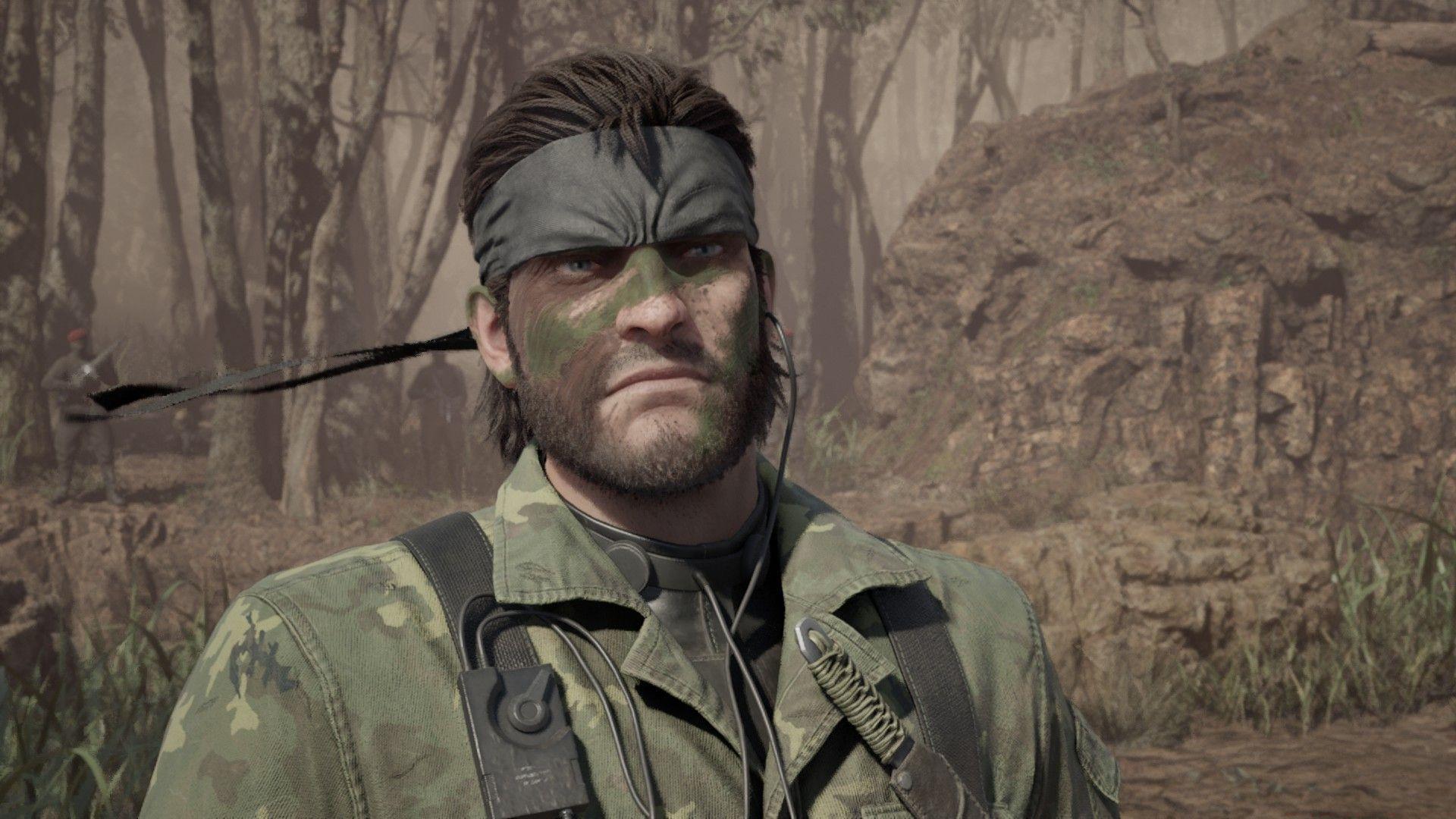
The save mechanics in Metal Gear Solid Delta Snake Eater follow the series’ distinctive design philosophy rather than conventional approaches. Hideo Kojima’s signature unconventional game design extends to the remake’s preservation system, maintaining the original game’s immersive limitations. Unlike most modern titles where you can instantly save from pause menus, MGS Delta requires specific in-world interactions that maintain narrative continuity and tension.
A common misconception among new players is expecting traditional quick-save functionality, but the game intentionally avoids this to preserve the survival experience. The deliberate save system forces strategic planning about when to save, enhancing the tactical espionage atmosphere. This design choice encourages players to consider their progress points carefully rather than relying on reactionary saving.
Step-by-Step Manual Save Process
Your saving capability becomes available after completing the initial briefing with Major Zero and Para-Medic during the Virtuous Mission prologue. Once these essential gameplay tutorials conclude, access your communication interface by pressing the Call button – mapped to 2 on keyboard or down on D-Pad controllers. The frequency menu presents two primary options: contact Para-Medic directly at 145.73 or access the Save function at 140.96.
Choosing the Para-Medic frequency initiates a character interaction where you must navigate to the Mem option within the conversation interface to reach the save functionality. Each successful save triggers Para-Medic’s signature movie references and subtle foreshadowing comments about future narrative developments in Snake’s journey. These interactions provide both practical functionality and valuable character development moments.
Pro Tip: For efficiency during critical moments, use frequency 140.96 for immediate saving without character dialogue. Reserve Para-Medic calls for when you want to experience the additional narrative content and don’t mind the extra interaction time.
Autosave Functionality Explained
Beyond manual saving through radio contacts, MGS Delta implements an automatic backup system that triggers at specific progression milestones. The game automatically creates save points when transitioning between major map areas and upon completing significant cutscenes. These autosave files exist separately from your manual saves and provide crucial backup protection against unexpected game crashes or progression errors.
To access autosave files, pause your game and navigate to the Load menu option. The interface clearly distinguishes between manually created save files and system-generated autosaves, organizing them into separate categories for easy identification. This separation prevents confusion and allows you to choose between your intentional save points and the game’s automatic checkpoints.
Critical Note: Never rely solely on autosave functionality. The system doesn’t capture every minor progression point, so strategic manual saving remains essential for preserving specific gameplay moments or before attempting high-risk maneuvers.
Advanced Save Management Strategies
Metal Gear Solid Delta Snake Eater supports multiple simultaneous save files, enabling sophisticated progression management approaches. This capability allows you to maintain separate playthrough branches, experiment with different tactical approaches without losing progress, or create safety backups before challenging sequences. The system accommodates both manual and automatic saves concurrently without conflicts.
Develop a strategic saving rhythm by creating new files before boss encounters, after acquiring significant equipment, or when entering unfamiliar territory. This practice ensures you have fallback positions if encounters prove unexpectedly difficult. Experienced players recommend maintaining at least three rotating save files to prevent being trapped by a single problematic save point.
Common Mistake to Avoid: Don’t overwrite your most recent save immediately after completing a difficult section. Create a new file instead, preserving your previous save as insurance against unexpected deaths or glitches in the new area.
For speedrunners and completionists, understanding the precise autosave trigger points can optimize route planning. Map transitions offer reliable save opportunities, while cutscene completion saves often occur after unskippable sequences, making them less ideal for time-sensitive playthroughs.
No reproduction without permission:SeeYouSoon Game Club » How to save in Metal Gear Solid Delta Master MGS Delta's unique save system with practical strategies for manual saves and autosave management