
TL;DR
- Nintendo Switch Online + Expansion Pack subscribers get both Zelda game upgrades completely free
- Navigate to the upgrade pack in eShop and look for the small download button above product description
- The process requires selecting the paid version first before free option appears
- Alternative access available through Switch Online app’s Expansion Pack menu
- Upgrades include enhanced visuals and performance optimizations for Switch 2 hardware
Nintendo Switch Online + Expansion Pack membership provides exclusive access to free next-generation upgrades for both The Legend of Zelda: Breath of the Wild and Tears of the Kingdom. This valuable benefit saves subscribers the standard $9.99 upgrade fee per game, though the redemption process contains several non-intuitive steps that often confuse first-time users.
Many players encounter initial confusion when the eShop interface displays purchase prices despite their active subscription status. This visual discrepancy occurs because Nintendo’s storefront doesn’t immediately recognize your subscription benefits until you navigate deeper into the download flow. Understanding this interface quirk is crucial for successfully claiming your free enhancements.
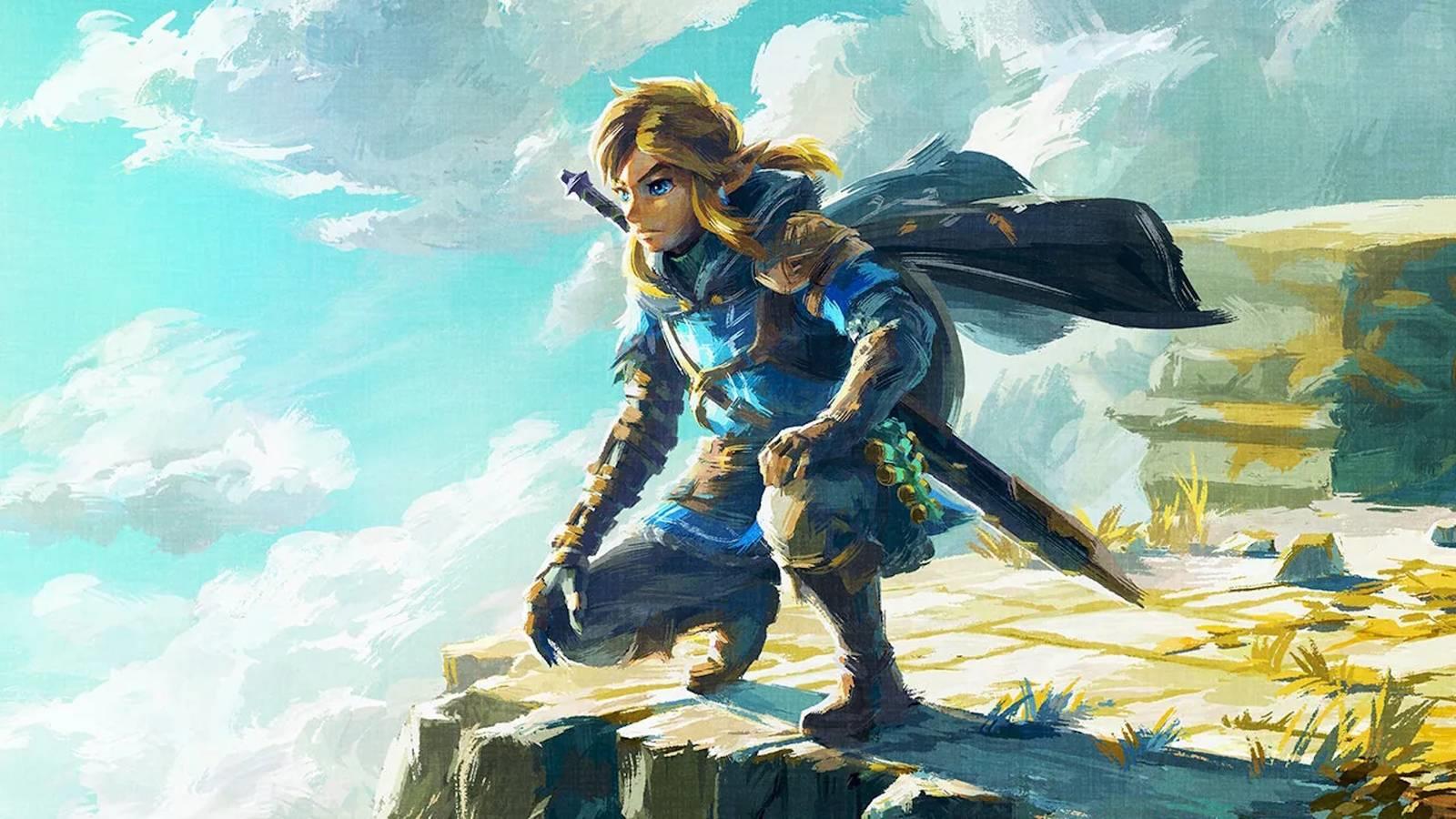
Begin by launching the Nintendo eShop on your Switch 2 console and locating the upgrade packs for either Tears of the Kingdom or Breath of the Wild. If these options don’t appear in featured sections, utilize the search function by entering the complete game titles. The search results will display the upgrade pack alongside the base game listings.
When you access the product page, you’ll notice it prominently displays the $9.99 purchase price, which contradicts the free upgrade benefit. Don’t be deterred—look carefully above the product description on the left side for a discreet download button. Selecting this option triggers a confirmation prompt, after which your free download commences immediately.
For alternative access, open the Nintendo Switch Online application and navigate to the Expansion Pack section. From there, select “Upgrade to Nintendo Switch 2 edition” followed by “Upgrade pack details” to bypass the standard eShop interface entirely. This method often provides a more straightforward path to your free downloads.
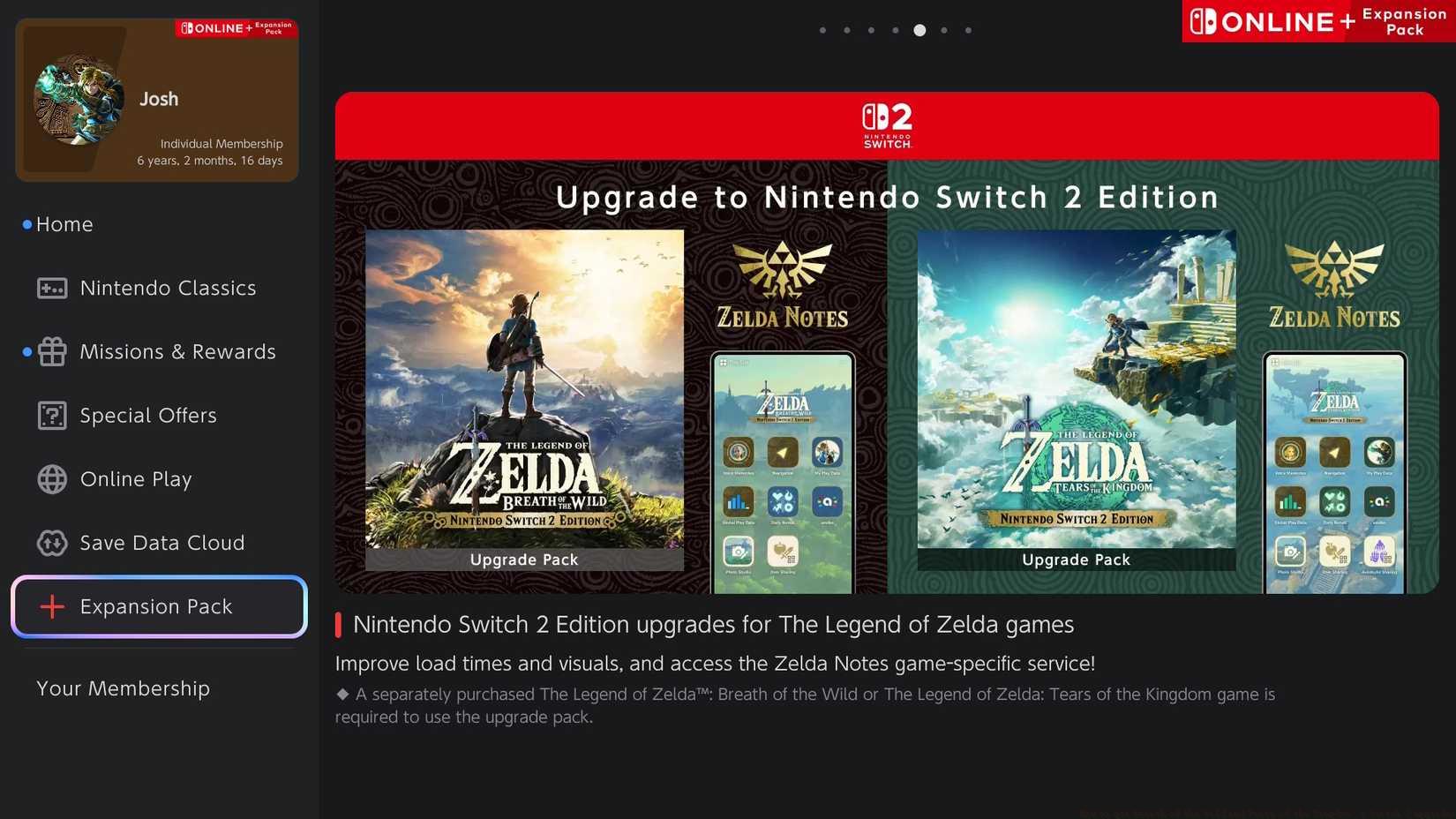
Image: Nintendo via Polygon
Before attempting the upgrade process, verify your Nintendo Switch Online + Expansion Pack subscription remains active through your account settings. Subscription lapses represent the most common reason for upgrade failures, though the interface may not clearly communicate this status. Check your membership duration and renewal date to prevent unexpected access issues.
If the download button fails to appear, completely close the eShop application and restart it. This simple reset often resolves temporary caching issues that prevent proper subscription recognition. For persistent problems, access your account information and manually refresh your subscription data through the settings menu.
Consider downloading each upgrade separately during periods of lower network traffic to ensure stable transfer speeds. The enhanced game files are substantial, so stable internet connectivity is essential for successful installation. Monitor your storage space beforehand, as the upgrades require significant additional capacity beyond the base game installations.
The Switch 2 upgrades deliver substantial visual enhancements including native 4K resolution support, improved texture filtering, and enhanced draw distances that reveal previously obscured environmental details. Both Zelda titles benefit from consistent 60fps performance during intense combat sequences and complex physics interactions, creating noticeably smoother gameplay experiences.
Beyond visual improvements, the upgrades incorporate DualSense controller integration with adaptive trigger support for bow aiming and haptic feedback during environmental interactions. Loading times see significant reductions, with fast travel completing nearly instantly and area transitions occurring seamlessly without interruption to gameplay flow.
For players seeking to maximize their gaming experience, these upgrades represent essential enhancements that revitalize both classic and recent Zelda adventures. The visual fidelity improvements alone justify the upgrade process, while the performance optimizations ensure buttery-smooth gameplay even during the most demanding encounters.
Action Checklist
- Verify active Nintendo Switch Online + Expansion Pack subscription status
- Access eShop and search for Zelda upgrade packs if not featured
- Locate discreet download button above product description on upgrade page
- Confirm download and monitor installation progress
- Test upgraded version and adjust display settings for optimal experience
No reproduction without permission:SeeYouSoon Game Club » How to get Breath of the Wild and Tears of the Kingdom’s Switch 2 upgrades Complete guide to claim free Switch 2 upgrades for Zelda games with Expansion Pack subscription