
Warzone update loop workaround: Raven Software’s temporary fix for console players
Understanding the Update Loop Problem
Console players across PlayStation and Xbox platforms have been experiencing a frustrating update loop issue in Warzone following the game’s most recent patch. This technical glitch causes the game to repeatedly attempt installing the same update, preventing players from accessing the battle royale experience.
The persistent update cycle not only blocks gameplay access but also consumes valuable storage space – a particular concern for players with limited hard drive capacity on their consoles.
The development team at Raven Software has acknowledged the problem through Warzone’s official Trello board, classifying it as a high-priority issue affecting a significant portion of the player base. While the root cause remains under investigation, the team has identified a potential temporary solution that may help players bypass the update loop.
Raven Software’s Temporary Solution
The proposed workaround focuses on managing specific game components through the DLC installation system. While not a permanent fix, this method has shown success in breaking the update cycle for many affected players.
 Activision
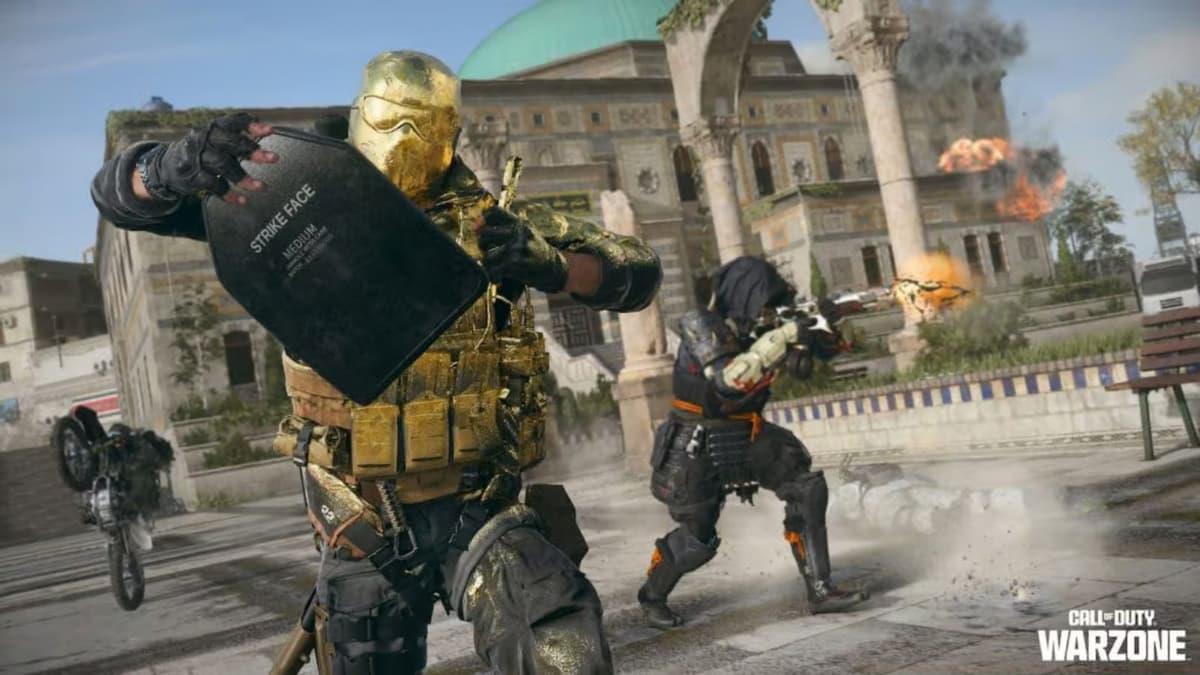
The workaround requires accessing Warzone’s DLC management system to install specific content packs.
Important note: This solution may temporarily increase the game’s storage footprint as it requires installing additional content packs. Players should ensure they have at least 10-15GB of free space before proceeding with the workaround.
Step-by-Step Workaround Guide
Follow these precise steps to implement Raven Software’s temporary solution:
- Navigate to the DLC Management screen by pressing R3 from the Main Menu or accessing it through the Settings menu
- Locate and install both Campaign Packs (Pack 1 and Pack 2)
- Install all available Special Ops Packs
- Restart the game application completely after installation completes
 Activision
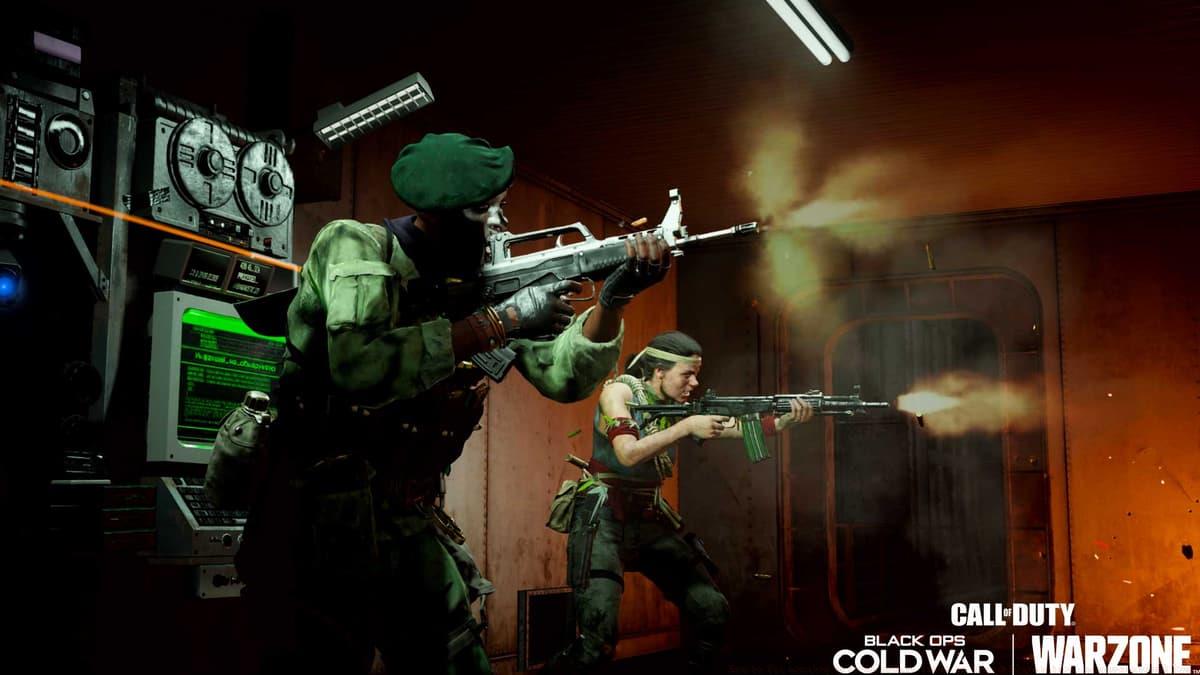
The DLC management interface where players can install required packs.
Pro Tip: If the update loop persists after completing these steps, try clearing your console’s cache before repeating the process. This additional troubleshooting step has helped some players achieve success.
Workaround Limitations and Future Fixes
While this temporary solution has helped many players, Raven Software emphasizes that it’s not a guaranteed fix for all cases. The development team continues to investigate the root cause of the update loop and is actively collecting player feedback on the workaround’s effectiveness.
Players experiencing continued issues should:
- Report their experience on Warzone’s official Trello board
- Include specific details about their console model and software version
- Note whether they’ve tried alternative solutions like reinstalling the game
The development team has committed to providing updates on their progress through official channels, with hopes of delivering a permanent solution in an upcoming patch. In the meantime, players are encouraged to monitor Warzone’s social media accounts for the latest news on this issue.
No reproduction without permission:SeeYouSoon Game Club » How to fix nonstop Warzone update issue on Xbox & Playstation: new workaround found Warzone update loop workaround: Raven Software's temporary fix for console players