
TL;DR
- VAC anti-cheat system causes frequent FPS stutters in CS2 beta
- Use -insecure launch command to disable VAC and eliminate performance issues
- Trade-off: Cannot join official matchmaking but can access community servers
- Some users report permanent fix after single insecure launch session
- Valve working on permanent solution for this performance bug
Games and Esports Articles CS 2
Counter-Strike 2 beta participants frequently encounter disruptive frame rate inconsistencies that severely impact competitive gameplay. These micro-stuttering episodes occur with alarming regularity across various hardware configurations, creating frustrating interruptions during critical moments. Gaming expert Poggu has identified the underlying cause and developed a temporary workaround that addresses these performance problems effectively.
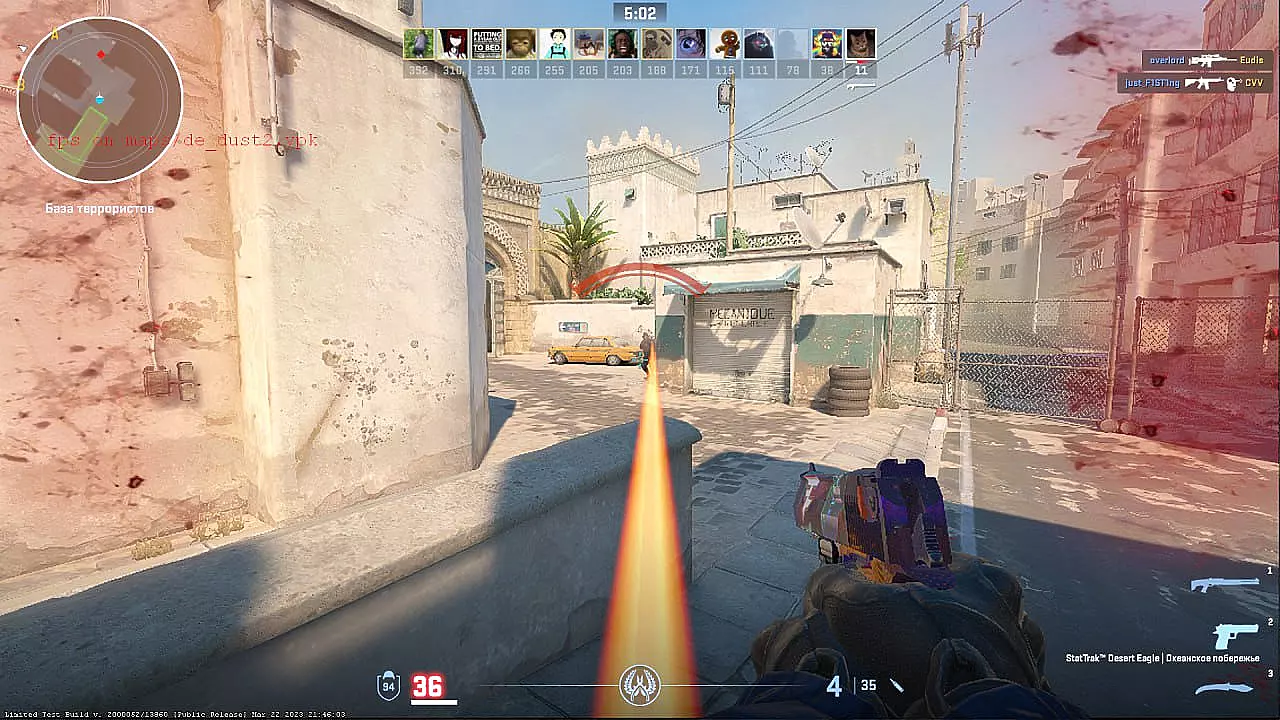
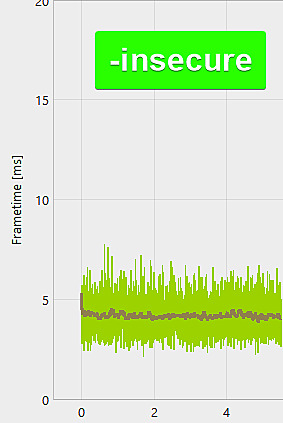
The performance degradation manifests as sudden frame time spikes that disrupt the smooth 1% and 0.1% low FPS metrics essential for competitive shooters. Players should monitor their frame time graphs using tools like MSI Afterburner to identify these specific performance patterns.
Extensive community testing reveals that Valve’s Anti-Cheat (VAC) protection system initiates background scanning processes that conflict with CS2’s rendering pipeline. This security measure performs periodic memory validation checks that temporarily monopolize CPU resources, creating the observed frame rate instability.
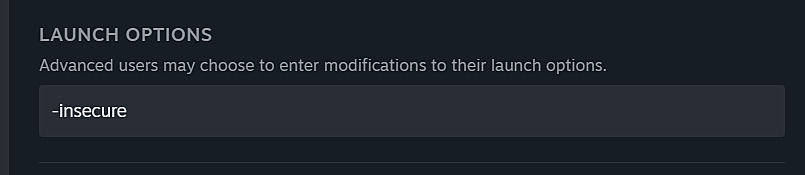
You can bypass these performance bottlenecks by implementing a specific launch parameter: -insecure. This command disables VAC’s active protection mechanisms, eliminating the resource contention causing stuttering. However, this approach carries significant limitations for competitive players seeking ranked matches.

The primary drawback involves complete exclusion from Valve’s official matchmaking services, including Competitive, Wingman, and Premier modes. As an alternative, players gain unrestricted access to community servers for practicing retakes, surfing, KZ movement training, deathmatch, and custom map exploration.
How to play retake, surf/KZ, DM, and other community servers in CS2 beta. How to download and install custom map in CS2
Missed surfing in CS2 beta?
Interestingly, several community members who implemented this temporary solution reported persistent performance improvements even after reverting to standard VAC-protected launches. This suggests the stuttering issue might involve initialization problems rather than continuous interference, though individual results vary significantly.
- Navigate to your Steam library and locate Counter-Strike 2. Right-click the game title and select Properties from the context menu, then access the General tab and find Launch Options.
- Enter the exact command “-insecure” in the provided text field. Launch the game or restart it if already running to activate the changes immediately.
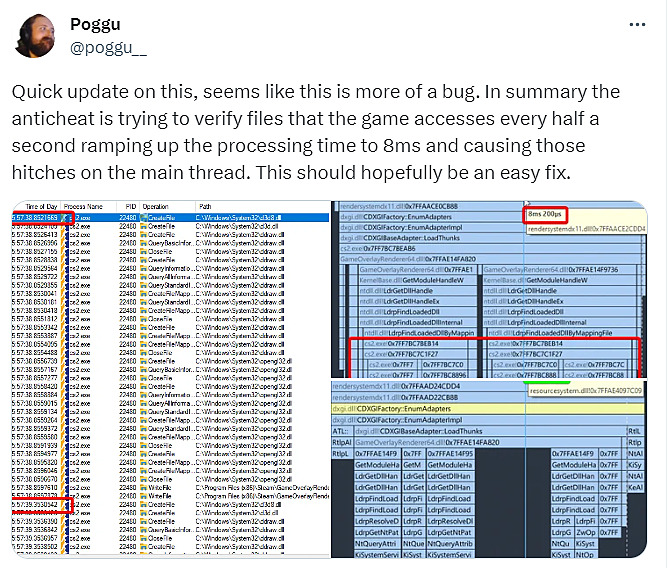
Update, September 11: Poggu’s further investigation indicates these performance spikes likely stem from a software bug in VAC’s implementation rather than intentional design, suggesting Valve can resolve it with relative ease in future updates.
For players experiencing persistent issues, consider additional optimization strategies like updating graphics drivers, adjusting in-game video settings, or verifying game file integrity through Steam. These complementary approaches can further enhance stability when combined with the primary solution.
Action Checklist
- Open Steam, right-click CS2, access Properties → General → Launch Options
- Enter -insecure command, restart game, and test performance improvement
- Monitor FPS stability using performance overlay tools
- Explore community servers for practice while VAC is disabled
No reproduction without permission:SeeYouSoon Game Club » How to fix FPS stutters and lags in CS2. Removing constant FPS drops in Counter-Strike 2 Comprehensive guide to eliminate CS2 FPS stutters and optimize performance with practical solutions