
Master Gran Turismo 7’s camera system with expert strategies, optimization tips, and practical guidance for improved racing performance
Why Your Camera Choice Matters in GT7
Selecting the optimal camera perspective in Gran Turismo 7 isn’t merely about visual preference—it directly influences your racing performance, lap consistency, and overall competitive edge. While newcomers often treat camera selection as an aesthetic choice, seasoned drivers understand it’s a strategic decision with measurable impact.
Your camera angle serves as your primary interface with Gran Turismo 7’s meticulously crafted racing environment. The right view enhances spatial awareness, improves braking precision, and optimizes cornering visibility. Conversely, an unsuitable perspective can obscure critical visual cues and hinder your reaction times.
Racing simulation veterans recognize that camera preference extends beyond simple comfort. Competitive Gran Turismo 7 players frequently adjust their perspective based on specific scenarios: tight circuits favor different views than high-speed ovals, while changing weather conditions demand visual adaptability. Your chosen angle affects how you perceive speed, distance to apexes, and proximity to opponents—all crucial elements for shaving seconds off lap times.
How to Change Camera Views: The Complete Control Guide
Mastering camera control in Gran Turismo 7 begins with understanding the fundamental mechanics. While the basic function is straightforward, advanced techniques can significantly enhance your racing experience and efficiency.
To cycle through the game’s various camera choices, you’ll need to press the R1 button on your PlayStation controller. This instantly toggles between available perspectives, allowing rapid comparison during practice laps or qualifying sessions. The transitions are designed for minimal disruption, enabling seamless switches even during intense racing moments.
Pro Tip: For optimal control, practice switching cameras during straightaways rather than corners. This prevents disorientation and maintains your racing line. Advanced players often develop muscle memory for specific sequences—for example, switching from cockpit to hood view before challenging braking zones for better depth perception.
They’re all worth considering, especially if weather conditions are making race visibility an issue for example.
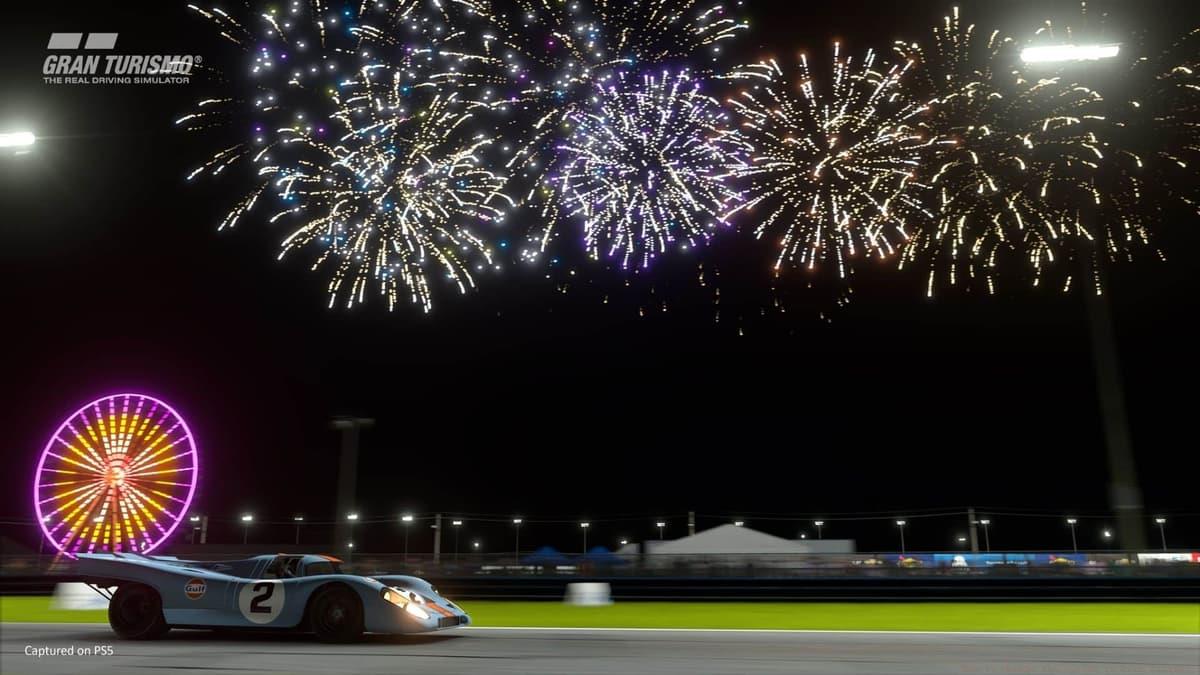 Polyphony Digital
The game’s dynamic weather and time-of-day systems dramatically affect visibility—adjust your camera accordingly during rain, fog, or night racing for optimal performance.
Gran Turismo 7’s Four Camera Options: Detailed Analysis
Gran Turismo 7 provides players with four distinct camera perspectives, each offering unique advantages and challenges. Understanding these differences is crucial for selecting the optimal view for your racing style and current objectives.
Here are the various camera angles available during races, along with strategic recommendations for each:
Each perspective presents distinct trade-offs between immersion and competitive advantage. The cockpit view delivers unparalleled realism and authentic instrumentation visibility but sacrifices some spatial awareness. Conversely, external views provide superior situational awareness at the cost of immersion. Competitive Insight: Many top-tier players utilize hood or front cameras during time trials for optimal braking precision, then switch to cockpit views for immersive race experiences.
Furthermore, cockpit camera customization allows adjustment of field-of-view and seat position—experiment with these settings during license tests to find your optimal configuration. Each camera also showcases Polyphony Digital’s exceptional attention to detail: hood views highlight dynamic weather effects like rain accumulation, while cockpit perspectives reveal intricate interior lighting that changes with time of day.
Advanced Camera Strategies for Competitive Racing
Beyond basic selection, competitive Gran Turismo 7 players develop sophisticated camera strategies that adapt to changing race conditions, track characteristics, and performance objectives.
Weather Adaptation Protocol: During rain or fog conditions, switch to hood or front cameras for improved visibility. Cockpit views can become challenging when windshield wipers struggle with heavy precipitation. Conversely, clear conditions may favor cockpit perspectives for their immersive instrumentation during long endurance races.
Track-Specific Recommendations: Technical circuits with frequent hairpins (like the Nürburgring Nordschleife) benefit from external or hood cameras for better corner apex visibility. High-speed ovals (Daytona International Speedway) often work well with cockpit views since spatial awareness is less critical than immersion. Street circuits with barriers (Tokyo Expressway) typically favor hood cameras for optimal wall proximity judgment.
Common Mistakes to Avoid:
GTA Online weekly Podium Vehicle for December 18
Best Rocket League settings guide: Camera, controller, & graphics
Ex-Rockstar dev claims GTA 6 devs need “magic” to add feature everyone wants
Optimization Tips for Advanced Players
For players seeking every possible competitive advantage, these optimization strategies can transform camera usage from a basic function to a performance-enhancing tool.
Visual Perception Enhancement: Adjust your display settings alongside camera selection. Higher brightness and contrast can improve visibility in cockpit views during night races. Consider your screen size and viewing distance—larger displays often work better with cockpit perspectives, while smaller screens may favor hood cameras.
Response Time Improvement: Practice specific camera sequences during different racing scenarios. Develop consistent patterns: for example, always use hood camera during qualifying for optimal braking precision, then switch to cockpit for race immersion. This reduces mental processing time during actual competition.
Custom Setup Recommendations:
For more Gran Turismo 7 guides, check these out below: Gran Turismo 7 Speed Archdemon Trophy guide: How to reach 600km/h | How to wash your car in Gran Turismo 7: Squeaky Clean Trophy guide | Ultimate Gran Turismo 7 settings guide: Best options for the smoothest drive | Gran Turismo 7: Frame Rate mode vs Ray Tracing mode guide | How to change the camera in Gran Turismo 7 | Gran Turismo 7: Most expensive cars
Final Pro Tip: Your optimal camera isn’t static—it evolves with your skill level. Beginners typically benefit from external views for spatial awareness, intermediate players often prefer hood cameras for competitive precision, while advanced racers may master cockpit perspectives for immersive endurance racing. Re-evaluate your preferences every 20-30 hours of gameplay.
No reproduction without permission:SeeYouSoon Game Club » How to change the camera in Gran Turismo 7 Master Gran Turismo 7's camera system with expert strategies, optimization tips, and practical guidance for improved racing performance