
TL;DR
- PS5’s 667GB usable SSD fills quickly with modern 100GB+ game sizes
- Strategic game prioritization and selective updates prevent storage crises
- External drives provide essential backup for PS4 game libraries and data
- Disabling auto-features and trophy videos reclaims significant space
- Future expandable storage options will eventually solve capacity limitations
The PlayStation 5’s solid-state drive delivers remarkable loading speeds, yet its practical storage capacity presents significant challenges for avid gamers. Understanding these limitations is the first step toward effective storage management.
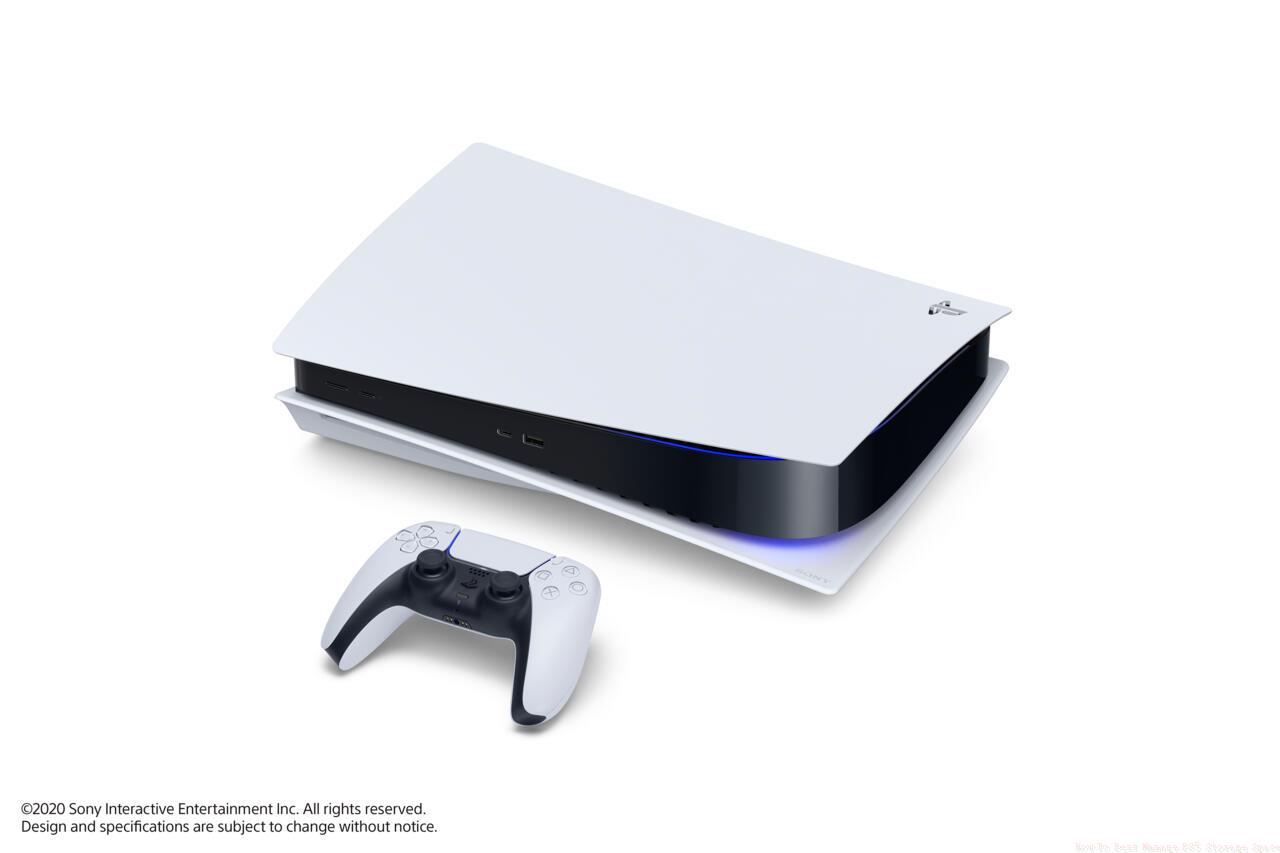
The PlayStation 5 features a 825 GB SSD at launch. Sony has stated that there will be plans for adding options to expand storage in the future.
Modern gaming demands substantial storage real estate, with next-generation titles frequently exceeding 100GB per installation. The console’s 825GB SSD provides approximately 667GB of usable space after system requirements, which can be consumed by just 5-6 major game releases. Unlike previous generations, PS5 games mandate internal drive installation and cannot run from external storage devices, creating a critical bottleneck for players with extensive libraries.
Backwards-compatible PlayStation 4 titles offer more flexibility, allowing external storage operation, but this doesn’t alleviate the core PS5 storage constraint. Industry trends indicate game sizes will continue growing as developers leverage the hardware’s capabilities, making proactive storage management increasingly essential.
Effective PS5 storage management requires a systematic approach to game selection, update control, and strategic use of external storage solutions.
Game Prioritization Framework: Adopt a disciplined approach to your installed game library. Focus on maintaining active titles you regularly play rather than keeping every game downloaded simultaneously. Consider creating a rotation system where you complete games before removing them to make space for new installations. This method ensures optimal performance for your current gaming focus while preserving access to your entire digital library through cloud saves and re-download capabilities.
Update Control Methods: Navigate to Settings > Saved Data and Game/App Settings > Automatic Updates to disable background downloads. This prevents unnecessary updates for games you’ve completed or aren’t actively playing, potentially saving dozens of gigabytes monthly. For titles like Battlefield 6 that receive frequent substantial updates, manual update management becomes crucial for storage conservation.
External Storage Solutions: While PS5 games require internal installation, investing in a compatible external HDD or SSD provides essential flexibility for PS4 titles. This allows you to maintain an extensive backwards-compatible library without consuming precious internal space. When you’re ready to play a PS4 game, transfer it back to internal storage or run directly from the external drive.
Beyond basic management, several advanced techniques can significantly enhance your PS5 storage efficiency and gaming experience.
Trophy Video Management: The PS5 automatically captures video clips when you earn trophies, consuming significant storage over time. Disable this feature in Settings > Captures and Broadcasts > Trophies to prevent automatic video creation. For important gaming moments, use manual capture controls to preserve specific highlights without the storage overhead.
Download Planning: Before initiating any download, check the game’s file size and your available space. Many modern titles, including anticipated releases like BF6, feature massive installations that require careful planning. Consider completing and removing games before adding new ones to your active rotation.
Future Expansion Options: Sony has confirmed future internal storage expansion capabilities through additional NVMe SSD slots. While not currently available, this future-proofing ensures your storage strategy can evolve with your gaming needs. Planning for this expansion now helps inform your current management decisions and future hardware investments.
For comprehensive gaming strategies that apply these optimization principles, explore our Complete Guide to maximize your overall gaming experience across all titles.
Action Checklist
- Audit current installed games and remove completed or inactive titles
- Disable automatic updates in system settings for selective update management
- Configure trophy settings to disable automatic video captures
- Set up external storage for PS4 game library management
- Implement a game rotation system with 3-5 active titles maximum
No reproduction without permission:SeeYouSoon Game Club » How To Best Manage PS5 Storage Space Essential PS5 storage optimization strategies to maximize your SSD space and improve gaming performance