
TL;DR
- Online Free Roam allows limited multiplayer exploration with golden tiles and Peach coins collection
- Local multiplayer lacks true Free Roam but supports split-screen racing and battle modes
- Proximity limits restrict how far local co-op players can separate in pseudo-Free Roam
- Nintendo Switch Online subscription required for all online multiplayer features
- Screenshot functionality disabled when playing with local second player in online lobbies
Exploring Mario Kart World with friends presents unique multiplayer opportunities, though with specific limitations that every player should understand before diving in.
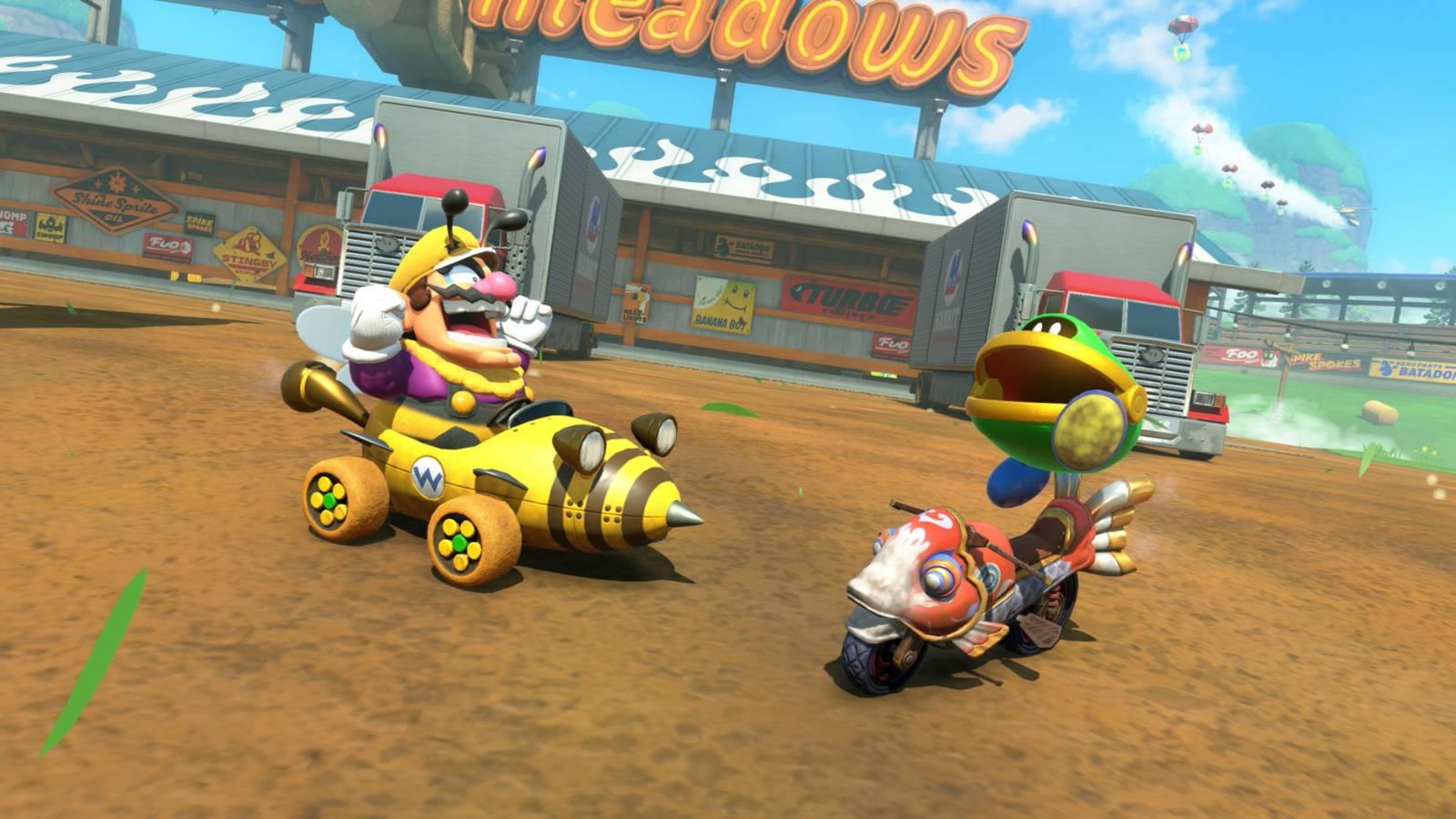
The Free Roam multiplayer experience operates through online lobbies rather than a dedicated menu option. When you connect with friends online, the game places your group in a simplified Free Roam environment where you can explore together while collecting golden tiles and Peach coins. However, critical gameplay elements like P-Switch challenges remain inaccessible in this mode, creating a partially restricted exploration experience.
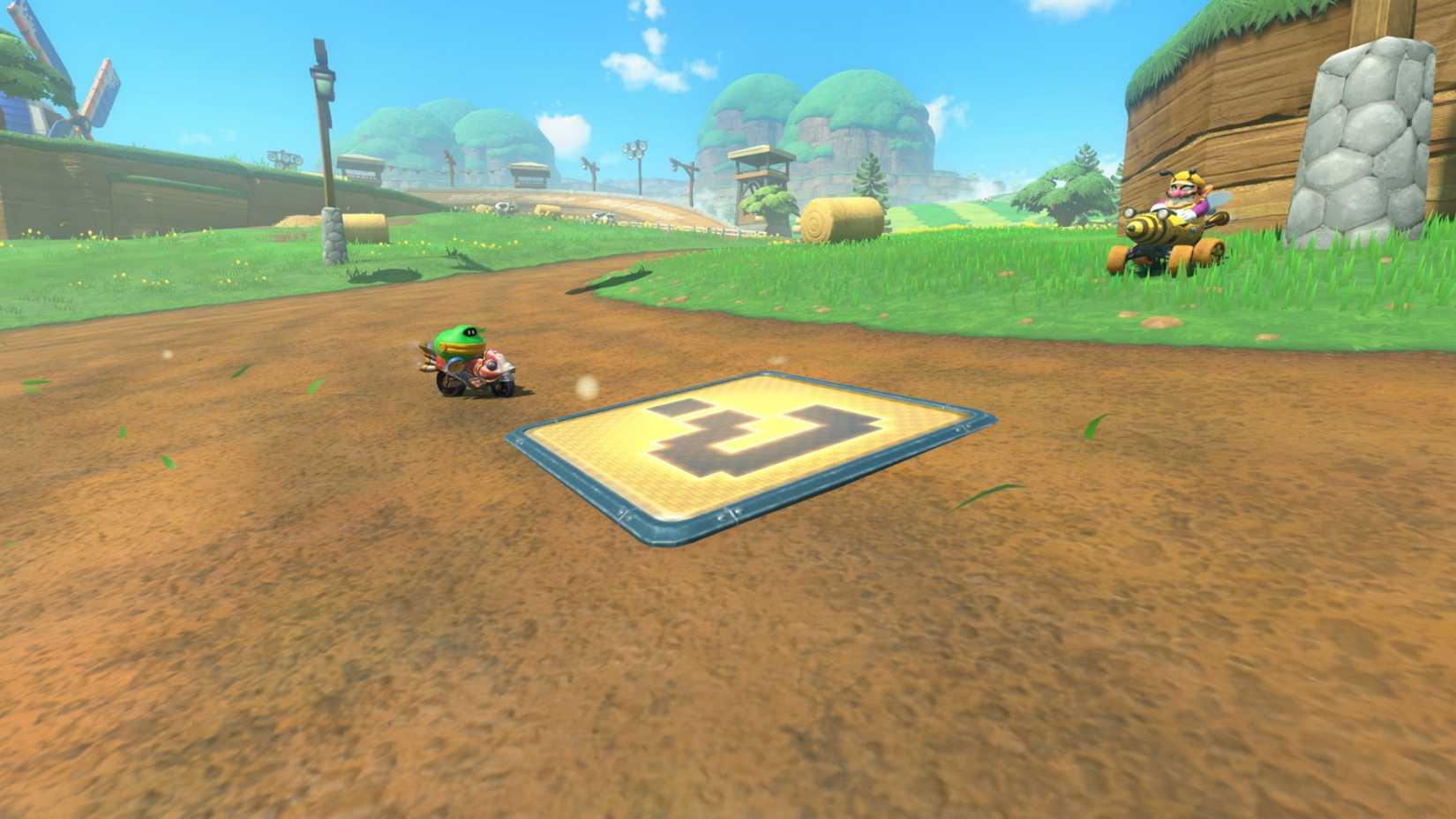
Image: Nintendo EPD/Nintendo via Polygon
Local multiplayer Free Roam doesn’t exist as a standalone feature, but you can access a modified version by creating an online lobby with a second local player. This workaround enables cooperative exploration, though it comes with significant movement restrictions that impact gameplay freedom.
The term “pseudo-Free Roam” accurately describes this mode because local co-op players face strict proximity limitations. The game automatically relocates players when they separate beyond a certain distance, forcing you to remain relatively close to your local partner throughout the session. This design choice ensures technical stability but reduces exploration independence.
An additional limitation affects documentation capabilities—you cannot capture screenshots when playing with a local second player in online Free Roam lobbies. This restriction prevents players from sharing certain cooperative moments visually.
Pro Tip: To maximize your pseudo-Free Roam experience, coordinate exploration routes with your partner and designate specific collection areas to efficiently gather resources while staying within proximity limits.
Local split-screen multiplayer delivers comprehensive racing and battle experiences, though it excludes the Free Roam exploration found in single-player mode.
Through local co-op, you and your friends can participate in Grand Prix cups, engage in Knockout Tour competitions, race in standard VS Races, and compete in various Battle modes. Each option replicates the single-player experience faithfully, providing familiar gameplay without additional cooperative mechanics.
This traditional split-screen approach mirrors classic Mario Kart multiplayer from previous installations, offering reliable performance and straightforward setup. The absence of specialized cooperative features means you’re essentially playing parallel single-player sessions on shared screen space.
Common Mistake: Many players attempt to access Free Roam through local multiplayer menus, unaware that this feature remains exclusively single-player. Save time by heading directly to online lobbies for any cooperative exploration desires.
Controller management becomes crucial in local multiplayer sessions, particularly when dealing with limited hardware. Establishing clear controller rotation protocols before starting prevents disputes and ensures smooth gameplay transitions between participants.
For optimal local multiplayer performance, position players at appropriate distances from the screen based on its size and resolution. Larger displays accommodate more players comfortably, while smaller screens may require closer seating arrangements for visibility.
Accessing Mario Kart World’s online multiplayer features mandates an active Nintendo Switch Online subscription, which provides the necessary infrastructure for connecting with players worldwide.
The subscription requirement applies universally across all online functionalities, including competitive racing, battle modes, and the limited Free Roam lobbies. Without this service, your multiplayer options remain strictly local, significantly reducing the game’s social and exploratory dimensions.
Creating online lobbies follows straightforward procedures, though understanding the distinction between racing-focused sessions and exploration-oriented gatherings helps set appropriate expectations. Free Roam lobbies prioritize collection and exploration over competitive racing, making them ideal for relaxed social gameplay.
Performance Optimization: Ensure stable internet connectivity before initiating online sessions, as connection quality directly impacts gameplay smoothness and reduces disruptive lag spikes during critical moments.
When exploring our Complete Guide to other gaming experiences, you’ll notice similar subscription models for online functionality across modern gaming platforms.
Session preparation should include verifying Nintendo Switch Online status, testing internet connection speeds, and coordinating timing with intended participants. Advanced planning prevents frustrating connectivity issues and ensures maximum enjoyment during limited gaming sessions.
For players seeking to enhance their Mario Kart skills beyond multiplayer, our Weapons Unlock guide for other games demonstrates similar progression systems that reward dedicated playtime with additional content and capabilities.
Understanding character strengths and weaknesses becomes increasingly important in competitive online environments. While Mario Kart World focuses on vehicle selection, our Class Guide for other titles shows how strategic role selection can determine match outcomes.
Action Checklist
- Verify Nintendo Switch Online subscription status
- Test internet connection speed for online play
- Coordinate session timing with intended players
- Establish controller rotation protocol for local play
- Plan exploration routes for pseudo-Free Roam sessions
No reproduction without permission:SeeYouSoon Game Club » How multiplayer works in Mario Kart World Complete guide to Mario Kart World multiplayer modes with practical tips and limitations explained